Install Figma Plugin
To use LiveDemo in Figma, you need to install the LiveDemo App plugin.
Important: LiveDemo integrates seamlessly with Figma through the plugin. Simply install it and start creating amazing product demos directly from your Figma designs.
Install the Figma Plugin with the link below :
LiveDemo App - Figma Community- Open your Figma desktop app or go to Figma in your browser.
- Go to the LiveDemo App plugin page.
- Click on "Open in Figma".
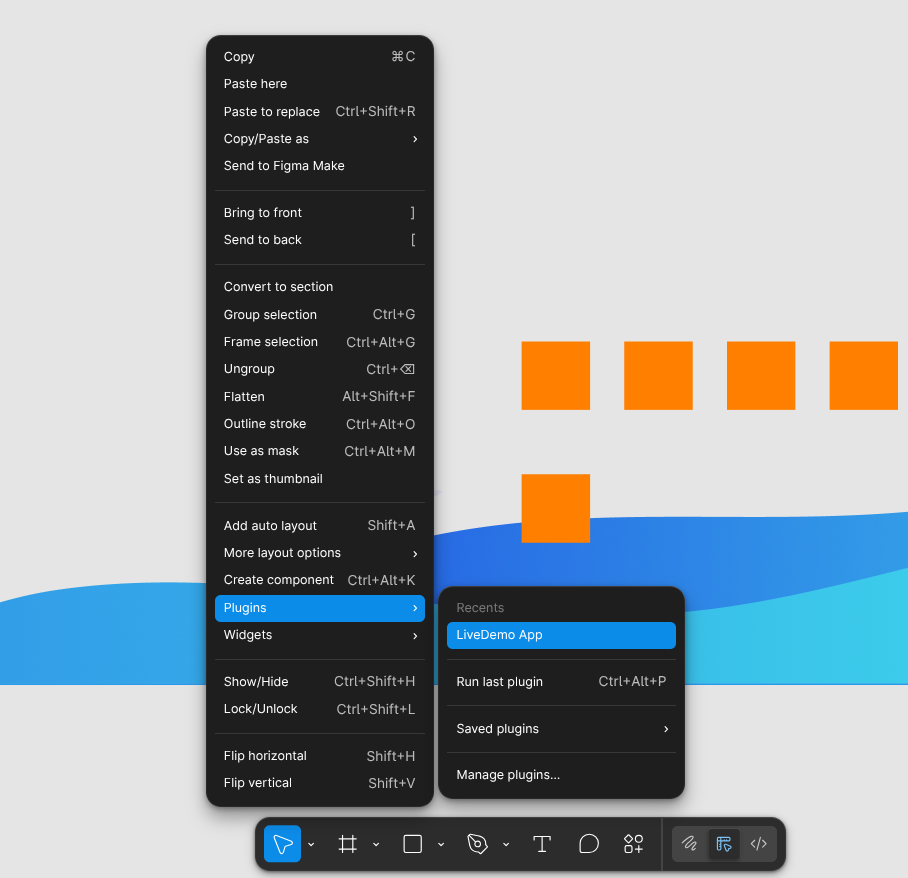
- The plugin will be added to your Figma account and will be available in your plugins menu on a right click.