How Can I Recover Deleted Files from Dropbox
- George Apostolov
- 05 Sep 2025
Guide
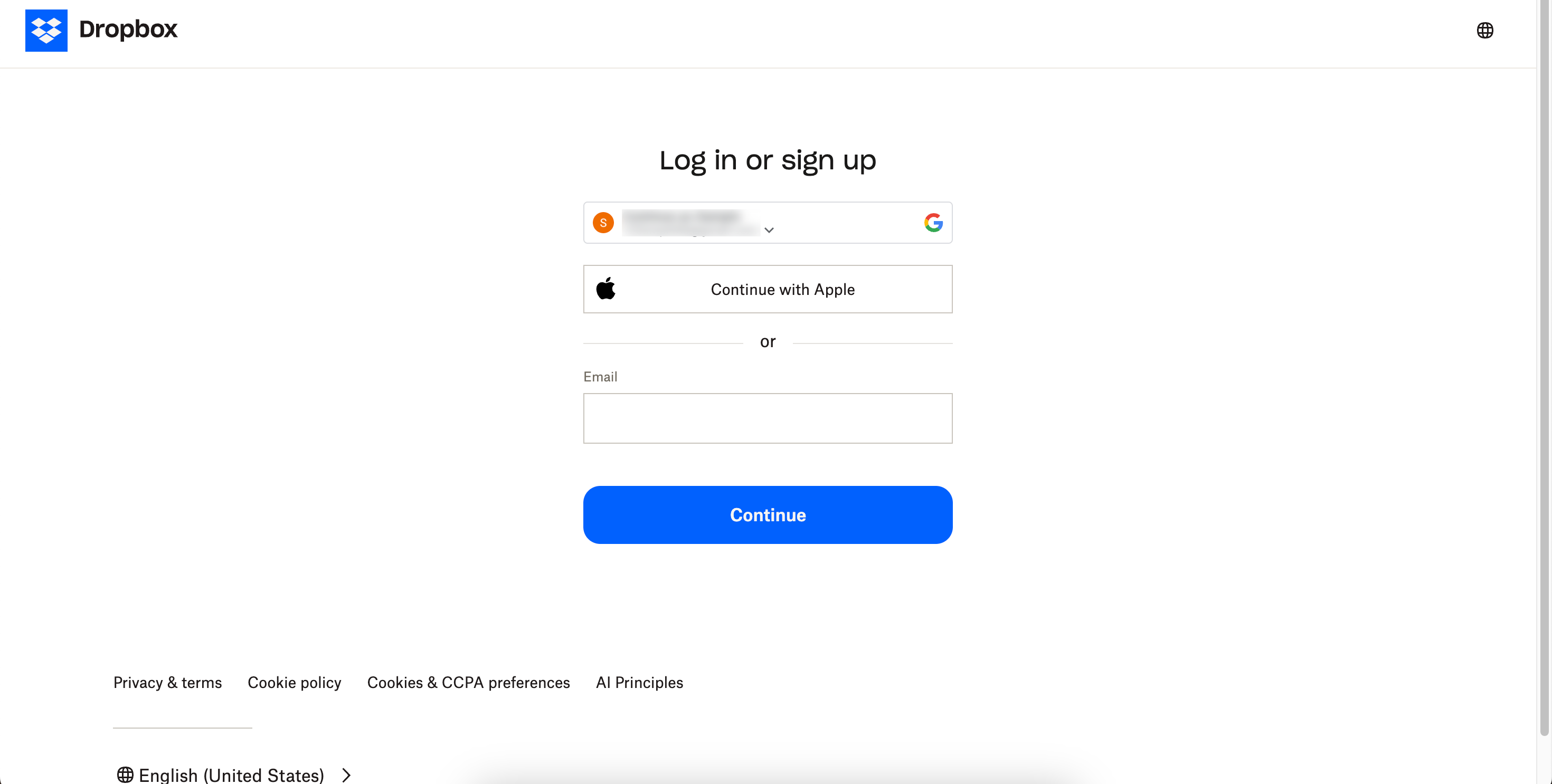
Go to the Dropbox website and sign in to your account.
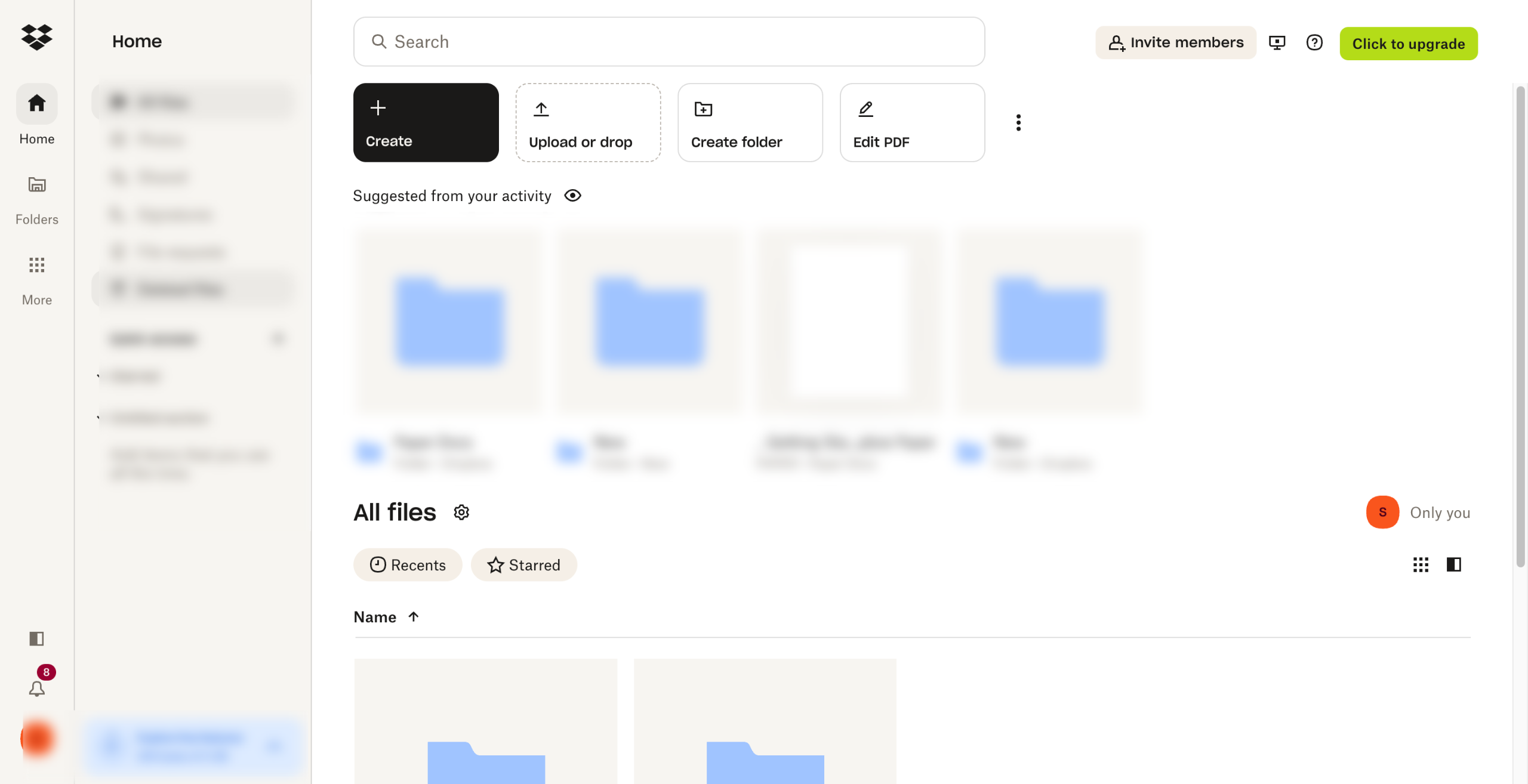
Click on "Home" in the sidebar, then select "Deleted files" from the options.
Browse through the list of deleted files to find the one you want to recover.
Click on the file, then click the "Restore" button to recover it.
Select "Restore" to confirm restoration.
Deleted files are typically recoverable for 30 days (or longer for Dropbox Business users), so be sure to act within that timeframe.
Create your first interactive demo in minutes
No credit card required • Start building today