How to Cancel Descript
- George Apostolov
- 05 Sep 2025
Guide
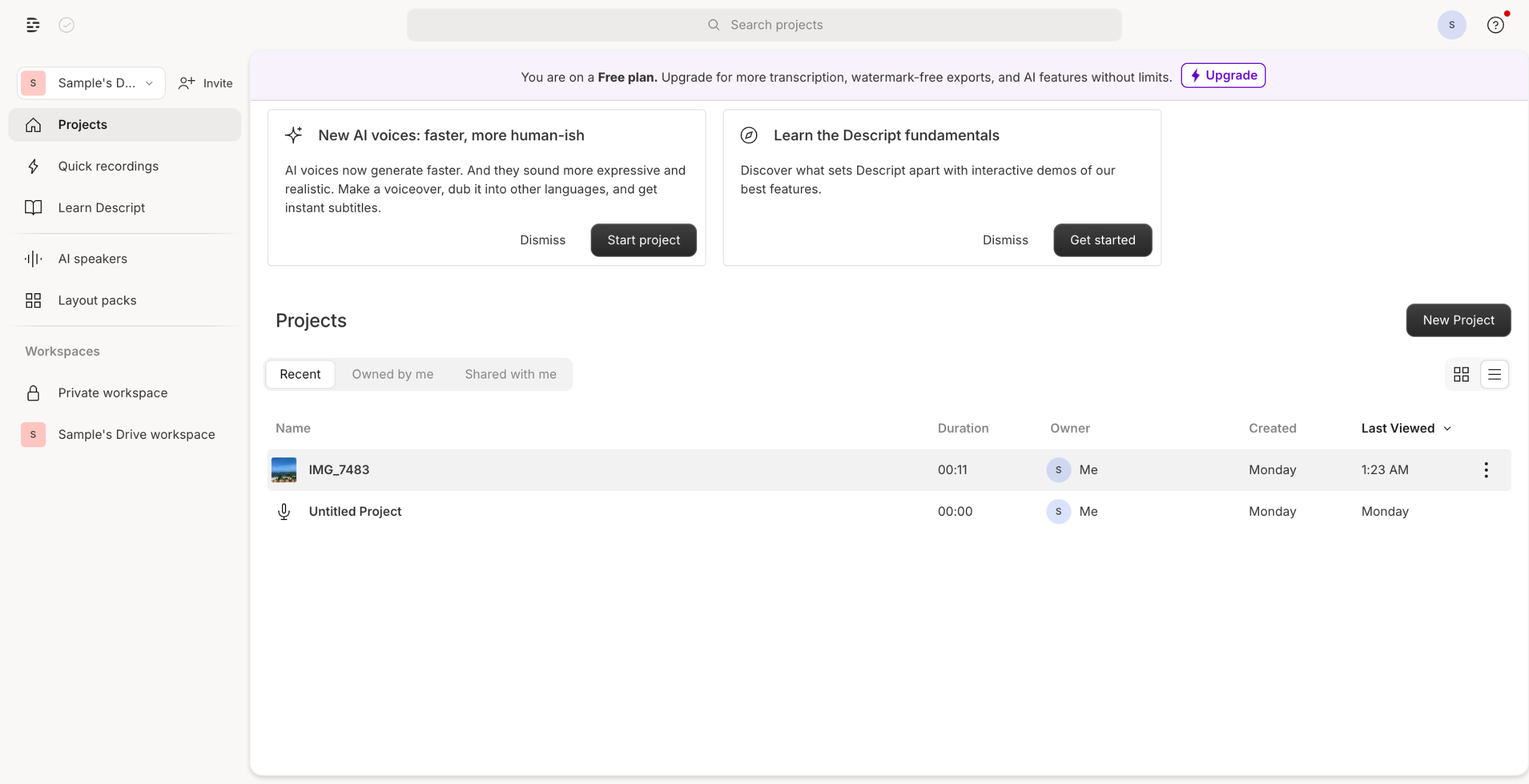
Click on your profile icon in the top-right corner of the screen, and select Settings.
In the Account Settings page, go to the Subscription tab.
Click Change plan.
Under the Free plan, select Downgrade to Free.
You will see a short, optional, one-question survey asking why you are downgrading. Click Complete cancelation to finish canceling your plan.

Create your first interactive demo in minutes
No credit card required • Start building today