How to Preview Posts in Buffer
- George Apostolov
- 05 Sep 2025
Guide
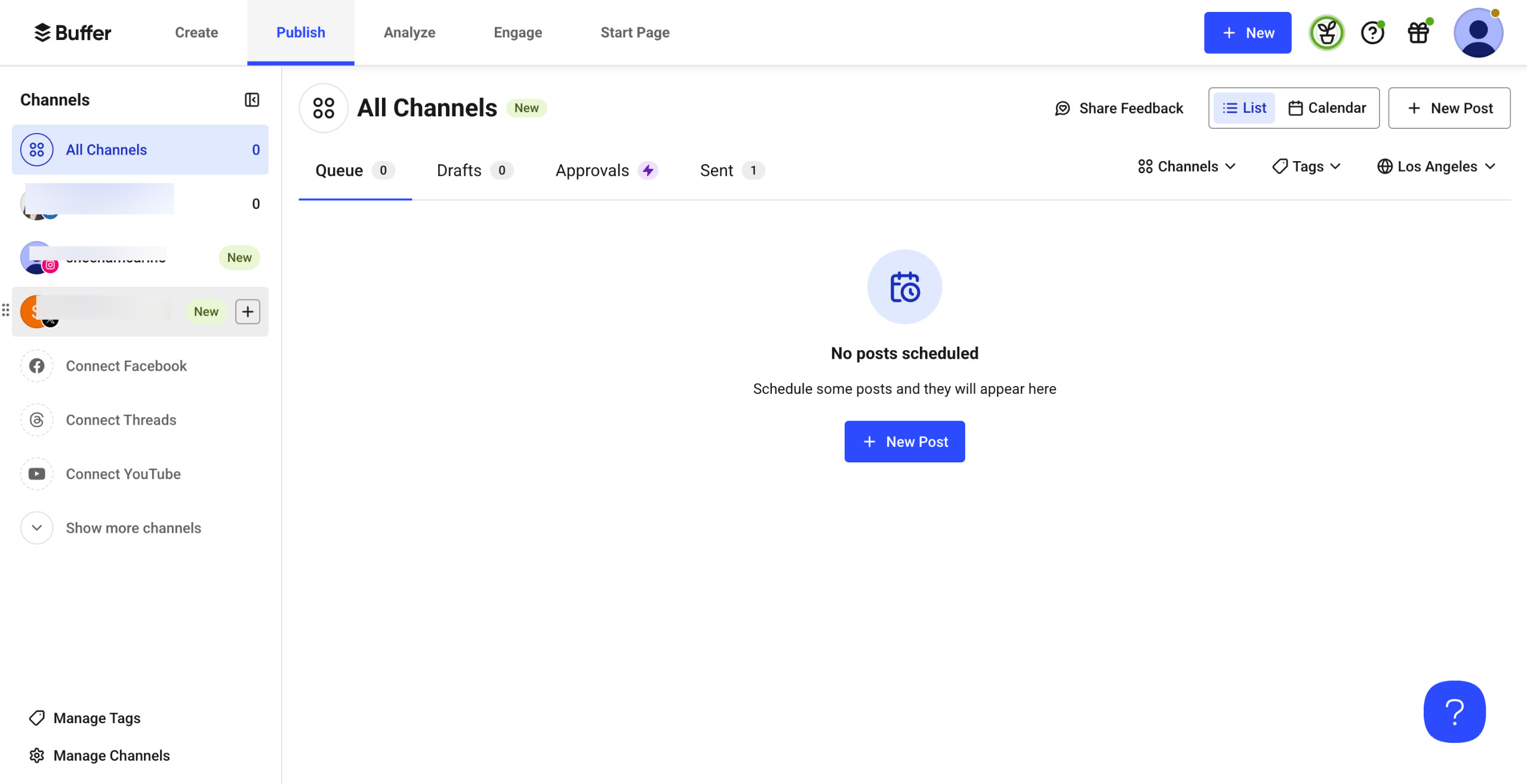
Log in to Buffer and go to "Publish."
Find the post in the Queue or Calendar view.
Go to the post and click the "Edit" icon to open the editor.
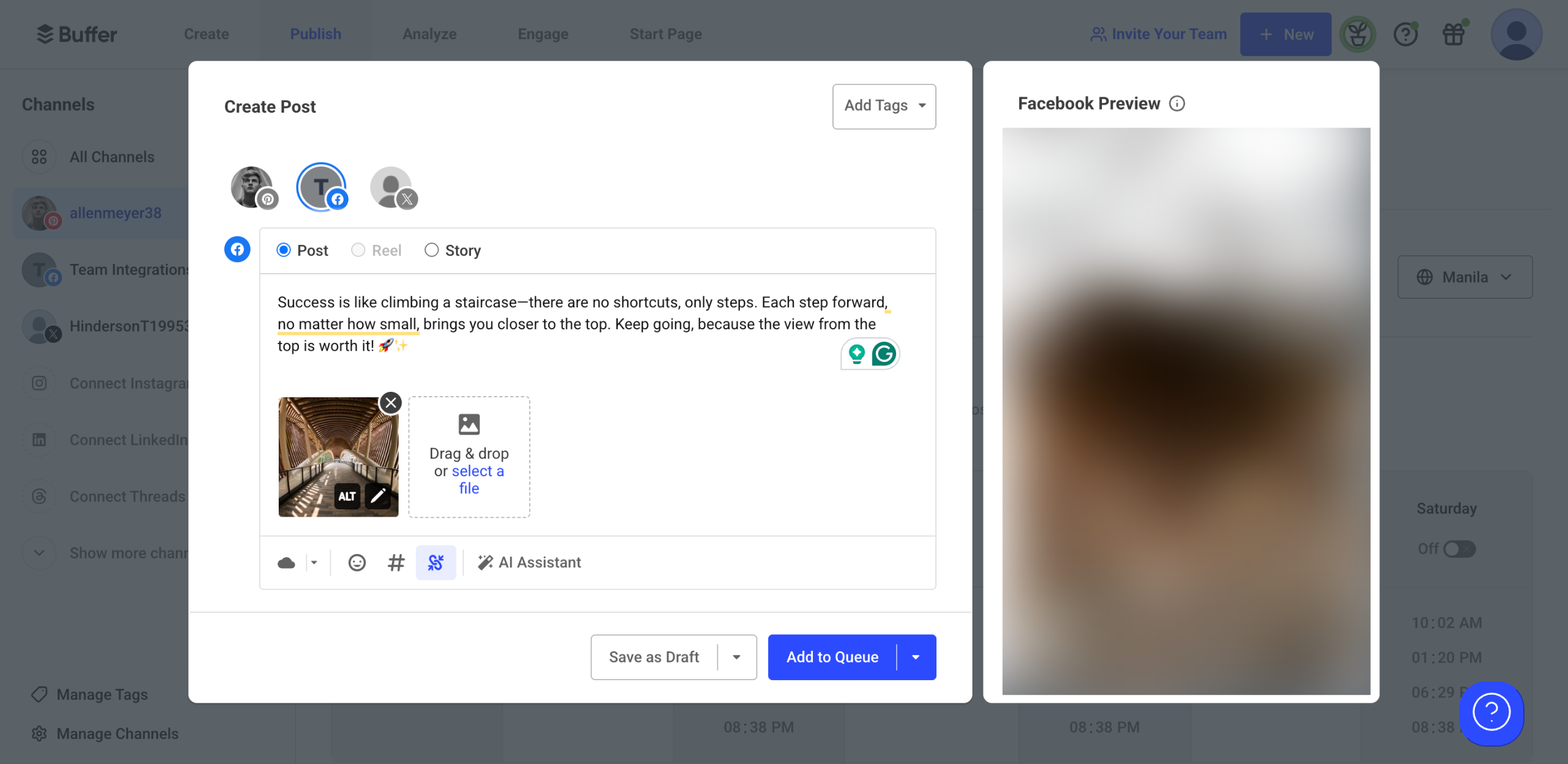
Look for the post preview section to see how it will appear on the selected platform.
Make any necessary edits before publishing.
Create your first interactive demo in minutes
No credit card required • Start building today