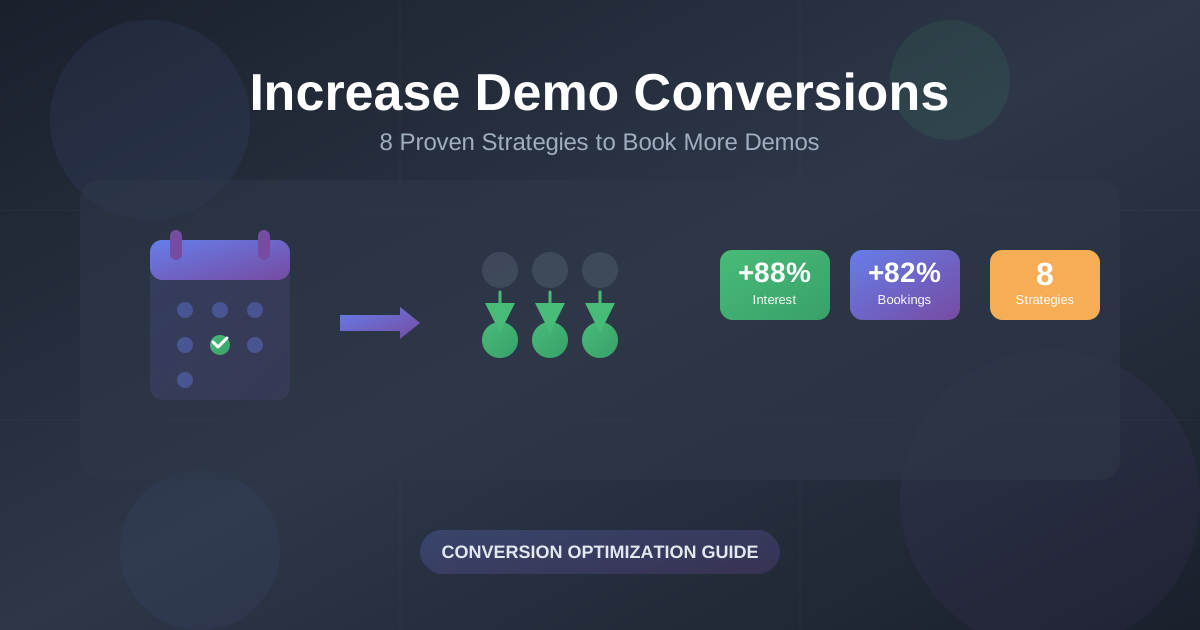
8 Proven Ways to Increase Conversion on Your Book a Demo Page
 George Apostolov
- 03 Dec 2025
Your "Book a Demo" page is one of the most important conversion points in your entire sales funnel. Yet many B2B SaaS companies treat it like an afterthought—a simple form that prospects either fill out or abandon.
The reality? Small changes to your demo booking experience can dramatically impact conversion rates. Whether your product requires a demo because there's no free trial, or you're using it as a secondary call-to-action alongside a trial, these strategies will help you turn more visitors into booked demos.
In this guide, you'll discover eight proven tactics that successful SaaS companies use to increase demo bookings, reduce friction, and build trust with prospects before they even schedule a call.
Why Trust This Guide
I'm part of the LiveDemo.ai team—we help sales and marketing teams create interactive product demonstrations that convert visitors into customers.
We've seen firsthand how the right demo booking experience can transform a struggling pipeline. These strategies aren't theoretical—they're based on what actually works for B2B SaaS companies across industries.
We update this guide regularly as we discover new tactics and see how the demo booking landscape evolves.
1. Make Booking a Demo Feel Personal
When someone decides they want to talk to you, remember: it's a person looking to connect with another person. The more human you can make that process feel, the more likely they are to convert.
Why it works: Personal touches reduce the perceived risk of booking a call. Prospects feel more confident when they know who they'll be talking to and can see that real people are behind your product.
How to implement it:
- Add profile pictures to your CTA buttons. Instead of a generic "Book a Demo" button, show photos of the actual team members who will conduct the demo. This simple change makes the process feel more personal and trustworthy.
- Include short bios on your booking page. Tell prospects who they'll be talking to—is it a co-founder? A sales rep? A customer success manager? Explain how this person is best positioned to help them.
- Use personalized messaging. Instead of "Schedule a call with our team," try "Book a 30-minute demo with Sarah, our product specialist."
"Adding profile pictures of the team members you'll actually be talking to makes the process feel much more personal and gives visitors the additional confidence needed to convert."
Companies like Testimonial.to have seen great results by adding team member photos directly to their call-to-action buttons. It's a small detail that goes a long way.
2. Use an Interactive Demo to Spark Interest
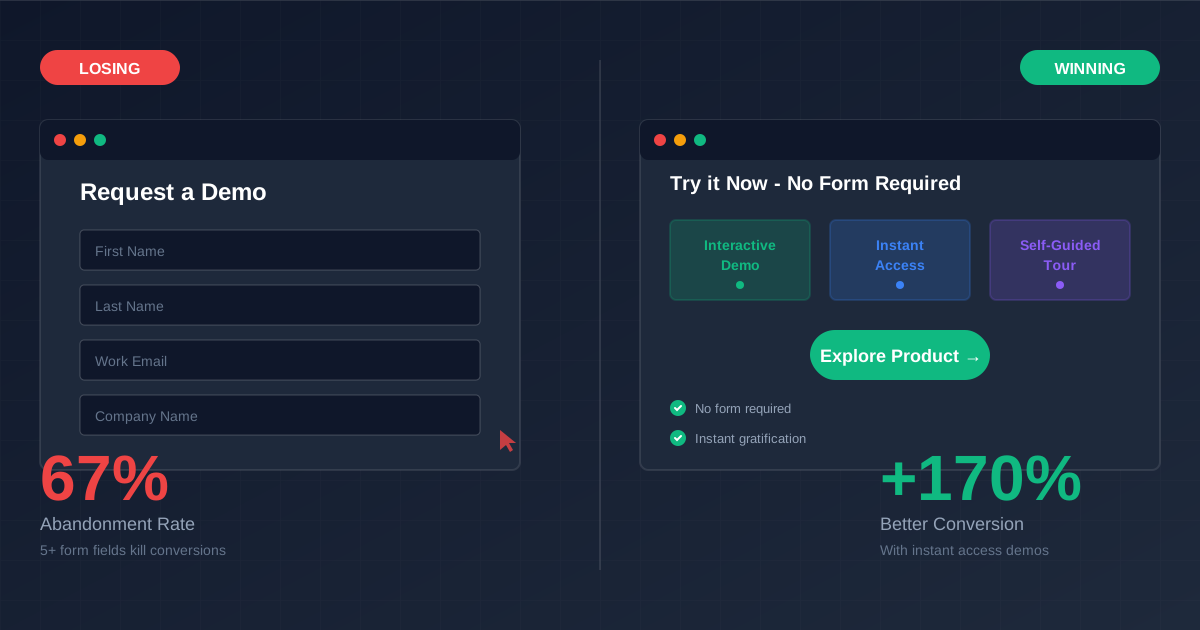
Would you book a demo without having seen a product? Research shows that 88% of people say no—and surprisingly, 30% of SaaS companies don't show their product at all on their landing pages (not even a screenshot!).
Why it works: This isn't just about buyer preference—it's about building trust. You need to give visitors confidence that if they invest time to talk to you, you're likely to solve the problem they're looking for a solution to.
You don't need to show them every single feature (in fact, that would be counterproductive—you shouldn't even do that in a live demo). Rather, you should aim to spark interest by showing them what success looks like if they choose to adopt your platform.
How to implement it:
- Embed an interactive demo on your booking page. Let prospects explore key features before they commit to a live call.
- Focus on outcomes, not features. Show them how your product solves their specific problem, not just what buttons they can click.
- Make it self-guided. Give them the freedom to explore at their own pace, which builds confidence and reduces pressure.
Companies like Ansarada do this effectively by offering both a "Book a Demo" option and a "Try the Interactive Demo" option on their product pages. Prospects can explore the product first, then book a demo when they're ready to dive deeper.
With LiveDemo.ai, you can create interactive product demonstrations that capture your actual product experience. Prospects can interact with your platform before booking, which significantly increases their confidence and conversion likelihood.
3. Use a Scheduling Tool
Automated scheduling tools like Calendly have been around for years. Surprisingly, however, we found that only 18% of B2B SaaS companies opt for a scheduling tool over a lengthy form.
Why it works: Scheduling tools cut down on back-and-forth communication. This makes getting to the next stage quicker for the prospect, letting them commit time for the demo call when they're most interested.
When prospects have to email back and forth to find a time, they often lose momentum. By the time you've coordinated schedules, they may have moved on to a competitor or lost interest entirely.
How to implement it:
- Embed a scheduling tool directly on your booking page. Tools like Calendly, Cal.com, or HubSpot Meetings can be integrated seamlessly.
- Show real-time availability. Let prospects see when you're actually free, which reduces friction and makes booking feel immediate.
- Set buffer times between meetings. This prevents overbooking and ensures you're prepared for each demo.
- Send automatic confirmations and reminders. Reduce no-shows by confirming the appointment immediately and sending reminders 24 hours and 1 hour before the call.
Companies like Reclaim have seen significant improvements in conversion rates by replacing lengthy forms with simple scheduling tools. The less friction, the better.
4. Make It Clear What Prospects Will Get Out of Booking a Demo
When someone is deciding whether to contact you or not, you should clearly outline the value they'll get from talking to you. Too many companies assume prospects understand what a demo entails—but clarity drives conversion.
Why it works: Uncertainty creates hesitation. When prospects know exactly what to expect—how long it will take, what topics you'll cover, and what value they'll receive—they're much more likely to book.
How to implement it:
- State the time commitment upfront. Make it clear: "It's 30 minutes, not 4 x 60-minute discovery calls." This removes a major objection.
- Outline a clear agenda. Show prospects exactly what you'll cover during the demo, so they know what to expect.
- Highlight the value they'll receive. Will they get a personalized solution to their challenges? Answers to specific questions? A custom walkthrough of features relevant to their use case?
- Set expectations about the format. Will it be a screen share? A live product walkthrough? An interactive demo they can control?
Companies like Sleeknote excel at this. Their booking page clearly states the time commitment (30 minutes), outlines a detailed agenda, and explains exactly what value prospects will receive from the conversation.
5. Handle Objections Upfront
Make sure your landing page includes an FAQ section where you tackle common objections head-on. If you think there are any questions on your prospect's mind that might prevent them from booking a call, address them directly.
Why it works: Prospects often have concerns they won't voice until they're on the call—or worse, they'll abandon the page entirely. By addressing objections proactively, you remove barriers to conversion.
Common objections to address:
- "Is this going to be a sales pitch?" → Reassure them it's a value-focused conversation, not a hard sell.
- "Do I need to be technical to understand this?" → Explain who the demo is designed for and what level of technical knowledge is required.
- "What if I'm not ready to buy?" → Make it clear that there's no pressure and the demo is educational.
- "How long will this take?" → State the exact time commitment upfront.
- "Will I need to install anything?" → Explain the format and any technical requirements.
- "What if I need to reschedule?" → Make it easy to reschedule and reassure them it's no problem.
By easing their early concerns, you convert hesitant prospects into booked demos.
6. Add Social Proof
Social proof builds trust—it's that simple. Just because you've added testimonials to your main landing page doesn't necessarily mean a prospect has seen them or remembers them. Remind them that they're in good company when they're about to convert, and your conversion rates will climb.
Why it works: People are more likely to take action when they see that others—especially people like them—have had positive experiences. Social proof reduces perceived risk and builds confidence.
How to implement it:
- Display customer logos. Show recognizable brands that use your product, especially if they're in the same industry as your prospect.
- Include testimonials on your booking page. Feature quotes from customers who were in similar situations before booking a demo.
- Showcase case studies. Link to detailed success stories that demonstrate the value prospects can expect.
- Display trust badges. If you have security certifications, industry awards, or notable partnerships, show them.
- Add social proof near the CTA. Place testimonials or logos right next to your "Book a Demo" button for maximum impact.
Companies like Nextiva do this effectively by including customer testimonials and logos directly on their booking page. As prospects are about to convert, they're reminded that great customers use the product and why that matters.
7. Request the Minimum Amount of Information You Need
Short forms convert better. The less information you ask for, the more likely it is for someone to submit a form. It's a simple principle, but many companies still ask for too much upfront.
Why it works: Every additional field increases friction and reduces conversion. Prospects are evaluating multiple solutions, and if your form feels like a burden, they'll abandon it.
Often, you still need to request a few bits of upfront info to properly qualify a prospect. In these cases, think outside the box.
How to implement it:
- Only ask for essential information. Name, email, and company name are usually enough to get started. You can gather more details during the demo itself.
- Use progressive profiling. If you need more information, ask for it after they've booked, not before.
- Offer LinkedIn autofill. Companies like Hootsuite let prospects autofill their information with a single click using LinkedIn integration. This dramatically reduces friction.
- Make optional fields truly optional. If you're going to mark something as optional, make sure it's actually not required for the booking to go through.
- Use smart defaults. Pre-fill information when possible (like timezone based on IP address).
The goal is to make booking feel effortless. Every second you save them increases the likelihood they'll complete the form.
8. Provide Immediate Value in Return
Some companies think outside the box, and this can be extremely effective. Instead of the delayed value and time commitment required by the traditional "Book a Demo" CTA, consider providing immediate value that still collects prospect information.
Why it works: When prospects get something valuable right away, they're more engaged and more likely to follow through with the demo. It also positions your company as helpful rather than purely transactional.
How to implement it:
- Offer instant access to demo content. Companies like Salesforce encourage prospects to provide their details in order to get instant access to their demo playlist. As soon as they fill out the form, they get access to a library of demos they can explore at their own pace.
- Provide downloadable resources. Offer a relevant guide, template, or checklist in exchange for booking information.
- Unlock interactive demos. Give prospects access to self-guided interactive demos that they can explore immediately after submitting the form.
- Share case studies or ROI calculators. Provide tools that help prospects understand the value they could receive.
While they're exploring this content, you still collect their details and can reach out if they want to learn more. It's a win-win: they get immediate value, and you get a qualified lead.
With LiveDemo.ai, you can create interactive demo playlists that prospects can access immediately after booking. They get to explore your product at their own pace, and you get valuable engagement data before the live demo even happens.
💡 Putting It All Together
These eight strategies work best when combined. A booking page that's personal, clear, and low-friction—with social proof and immediate value—will dramatically outperform a basic form.
Here's a quick checklist for your book a demo page:
- ✅ Personal touches (photos, bios, personalized messaging)
- ✅ Interactive demo option to spark interest
- ✅ Scheduling tool instead of lengthy forms
- ✅ Clear value proposition and agenda
- ✅ FAQ section addressing common objections
- ✅ Social proof (testimonials, logos, case studies)
- ✅ Minimal form fields with smart defaults
- ✅ Immediate value in return for booking
🚀 Start Improving Your Demo Booking Page Today
The "right" approach isn't the one with the most features—it's the one that best fits your prospects' needs and removes friction from the booking process.
Start by implementing one or two of these strategies, measure the impact, and iterate. Small changes can lead to significant improvements in conversion rates.
If you're looking to add interactive demos to your booking page, LiveDemo.ai makes it easy to create engaging product demonstrations that help prospects explore your platform before committing to a live call.
Try LiveDemo.ai Free →
No credit card required. Create your first interactive demo in under 10 minutes.