Chatbot AppSheet Integration
- George Apostolov
- 05 Sep 2025
Guide
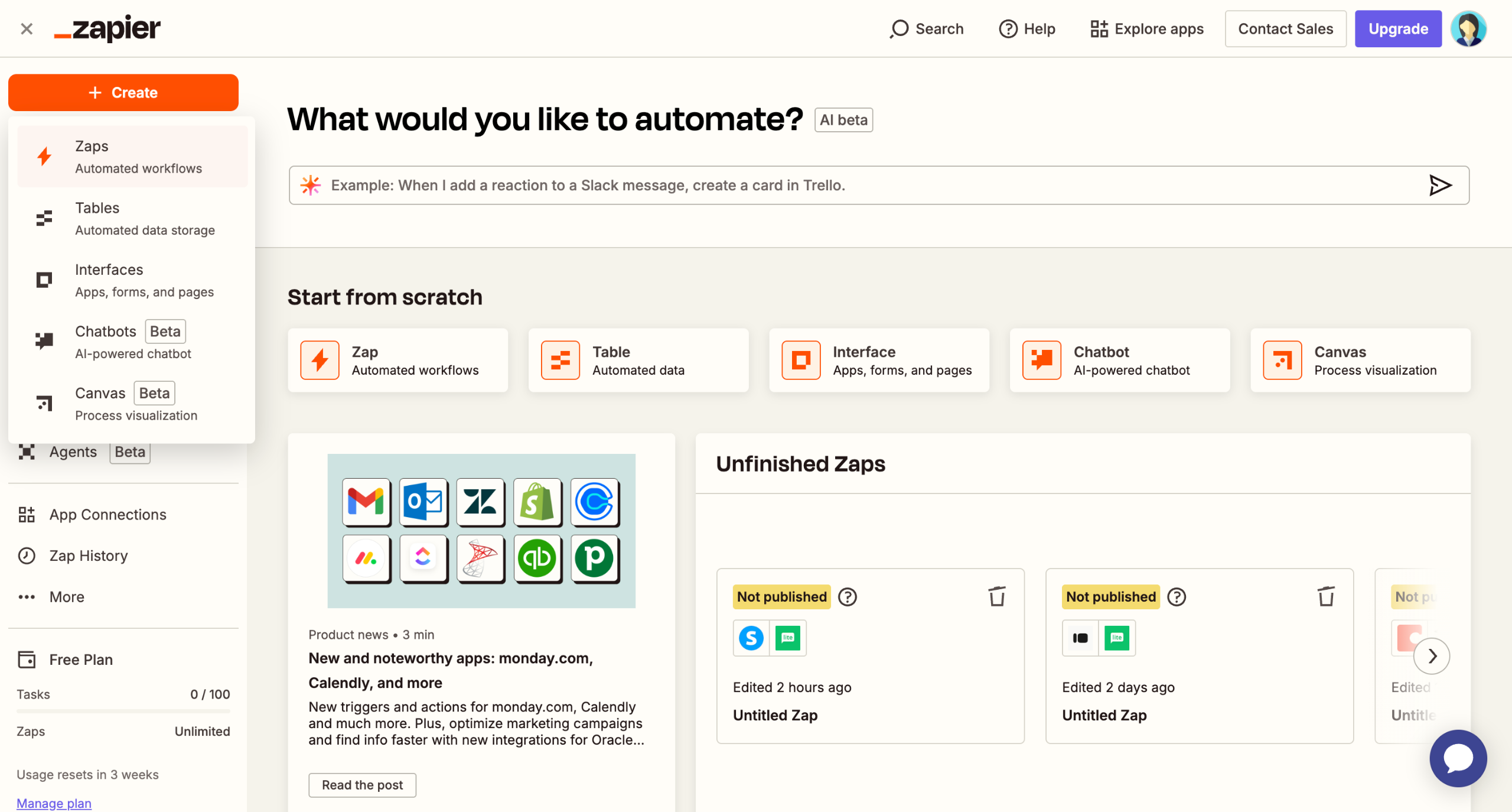
Click on the 'Trigger' field.
Select 'ChatBot' to automate responses to user interactions.
Define the specific event that will trigger your workflow.
Connect your account credentials to authorize the integration.
Select the specific data points your automation will process.
Click 'Test trigger' to advance to configure how your automation will process user interactions.
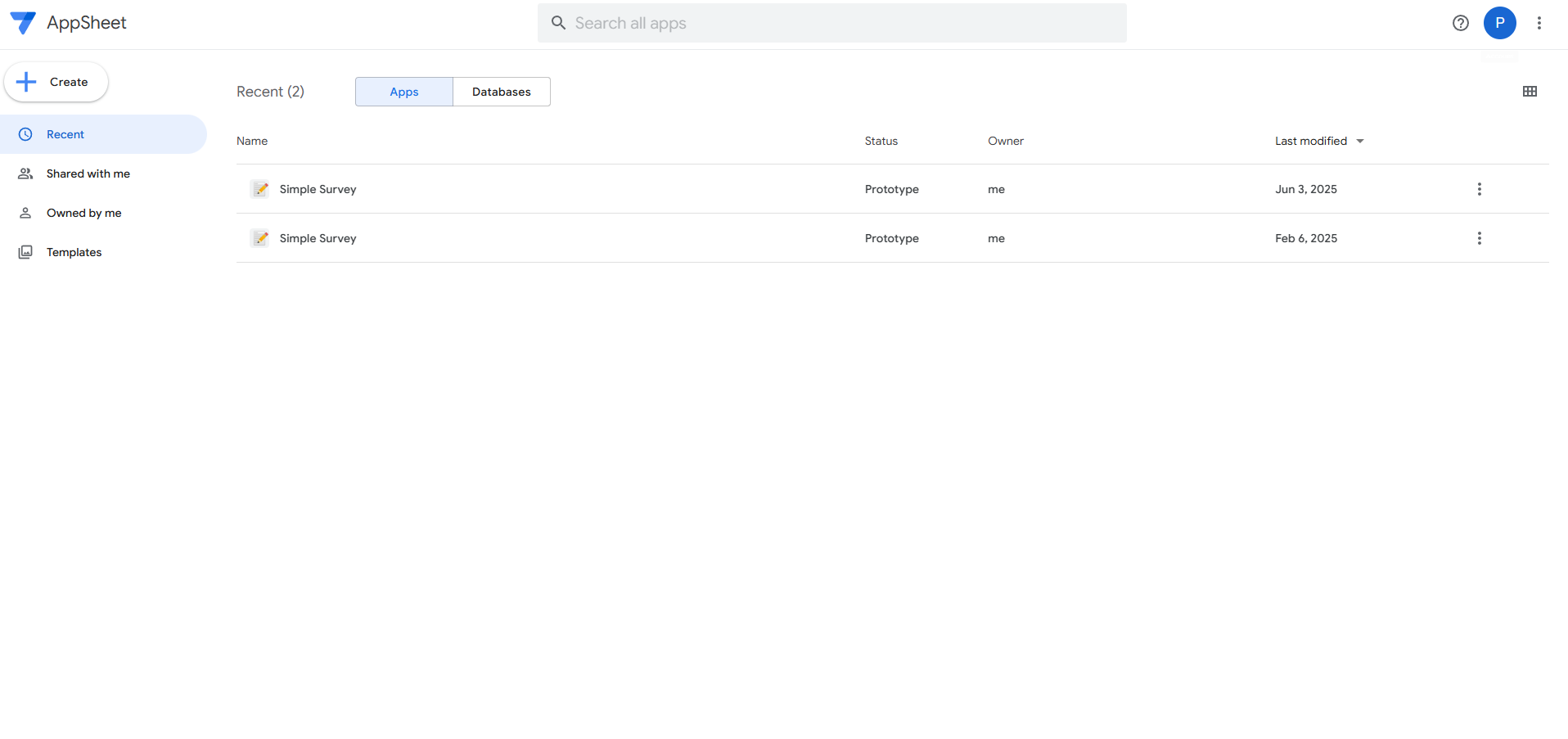
Choose 'AppSheet' to store and manage data from your automation.
Start your automation by selecting an action event that will initiate your workflow.
Connect your AppSheet account to access your automation resources.
Define which data values will be used in your automation workflow.
Click 'Test step'.
Click 'Publish' to activate your integration process.

Create your first interactive demo in minutes
No credit card required • Start building today