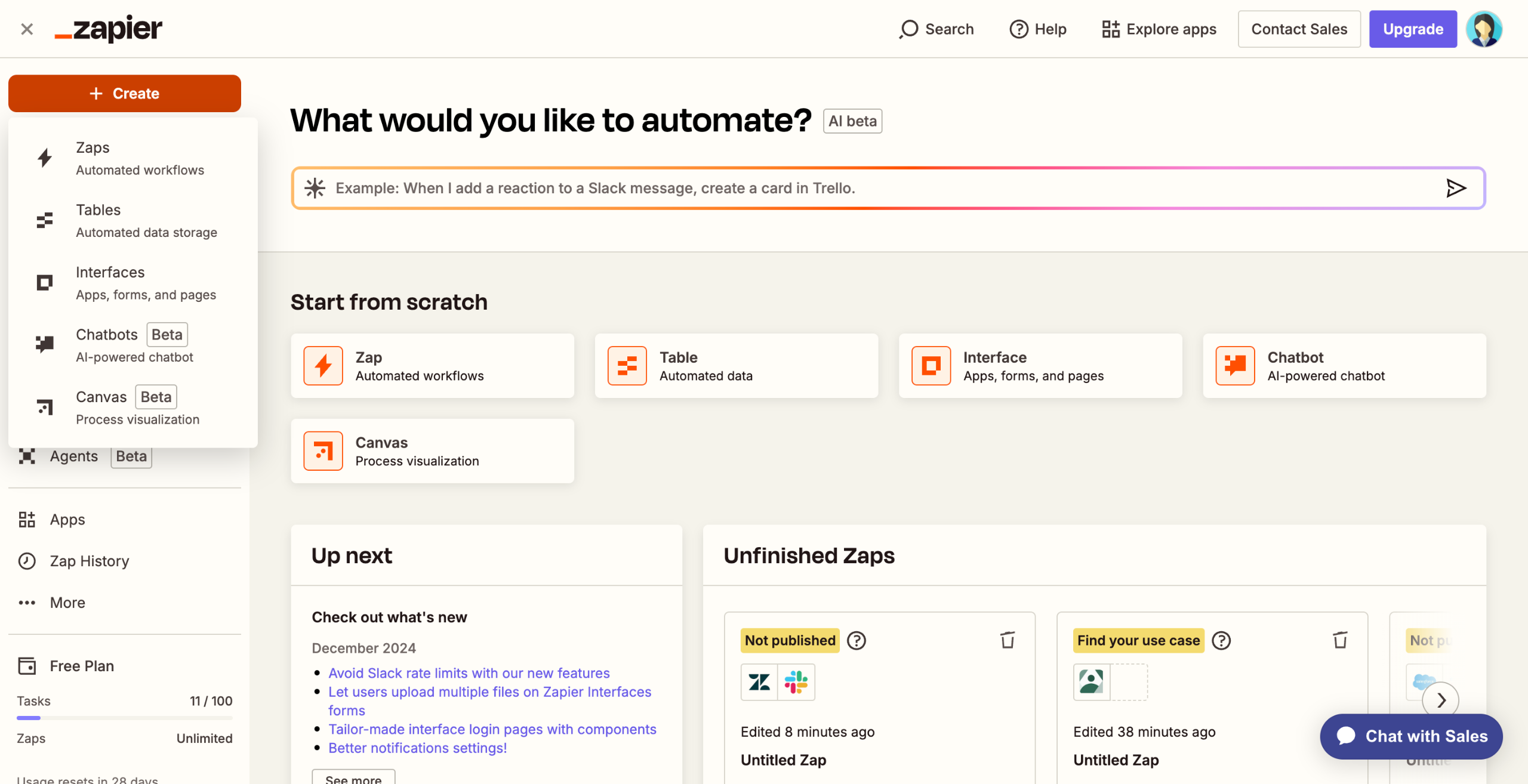
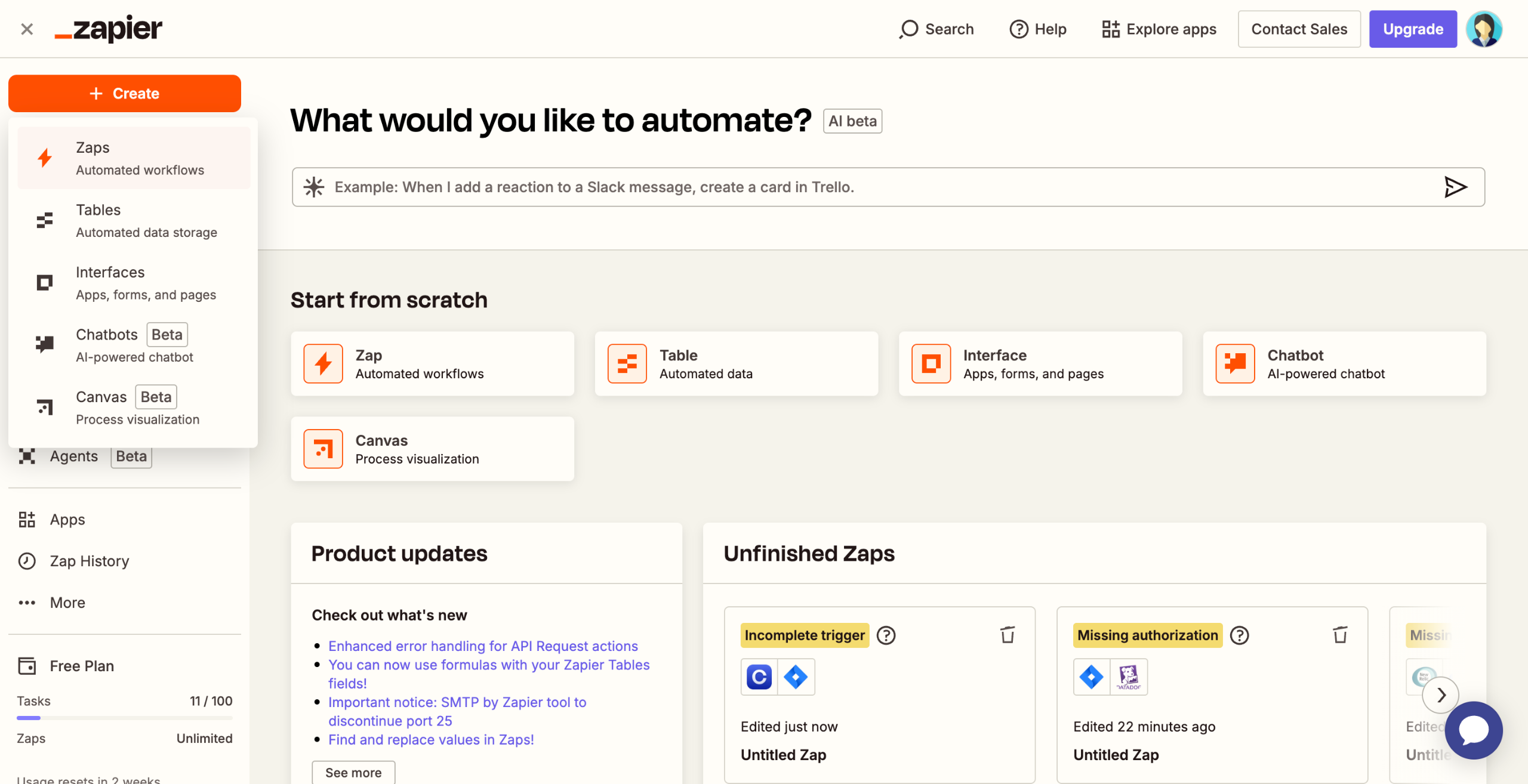
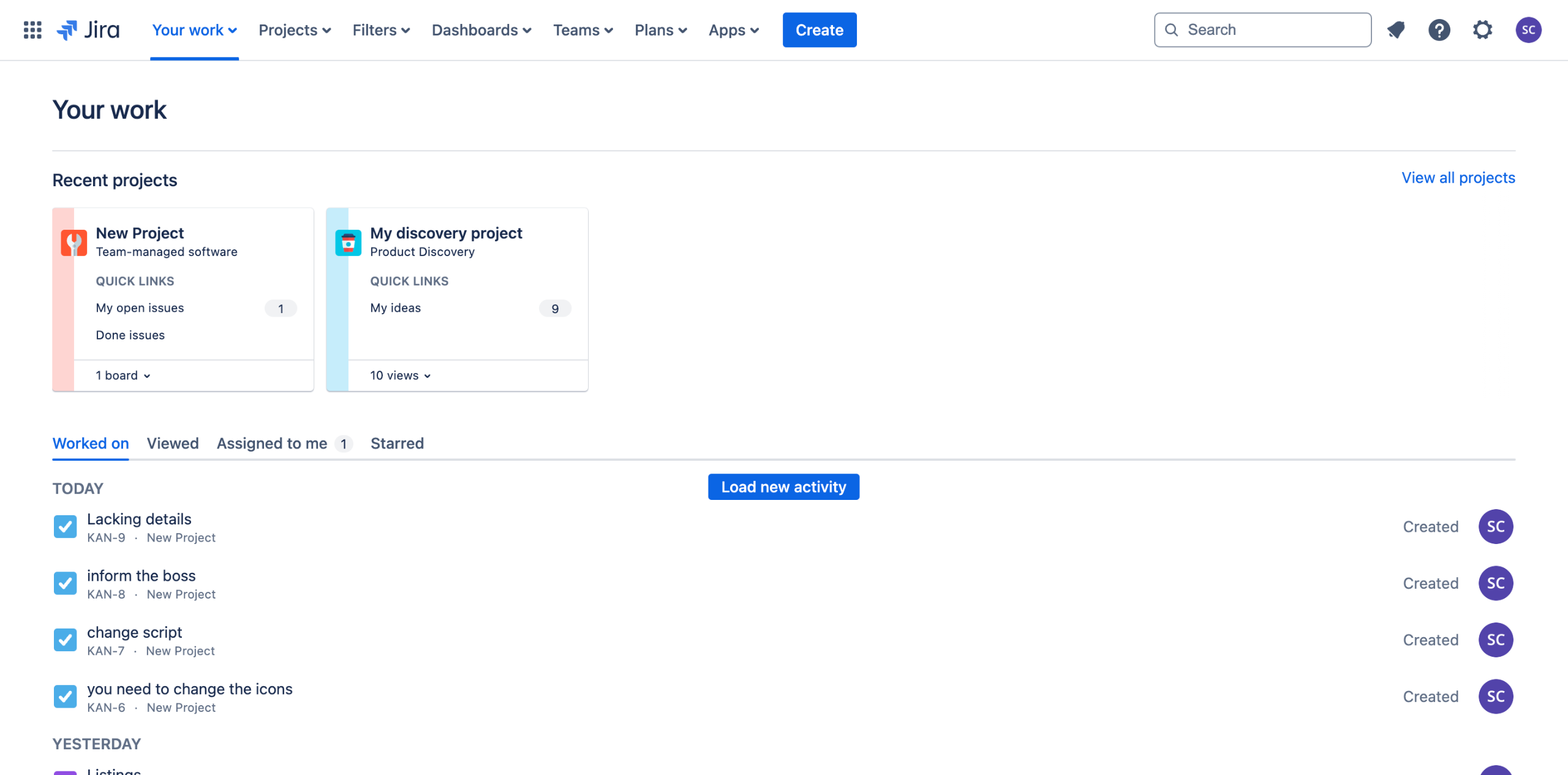
Adding JIRA Filters to Confluence Pages
- George Apostolov
This guide is an interactive LiveDemo. Create interactive demos of your own product: Interactive demo software · Interactive help center guides · Start free
Adding JIRA Filters to Confluence Pages: step-by-step guide
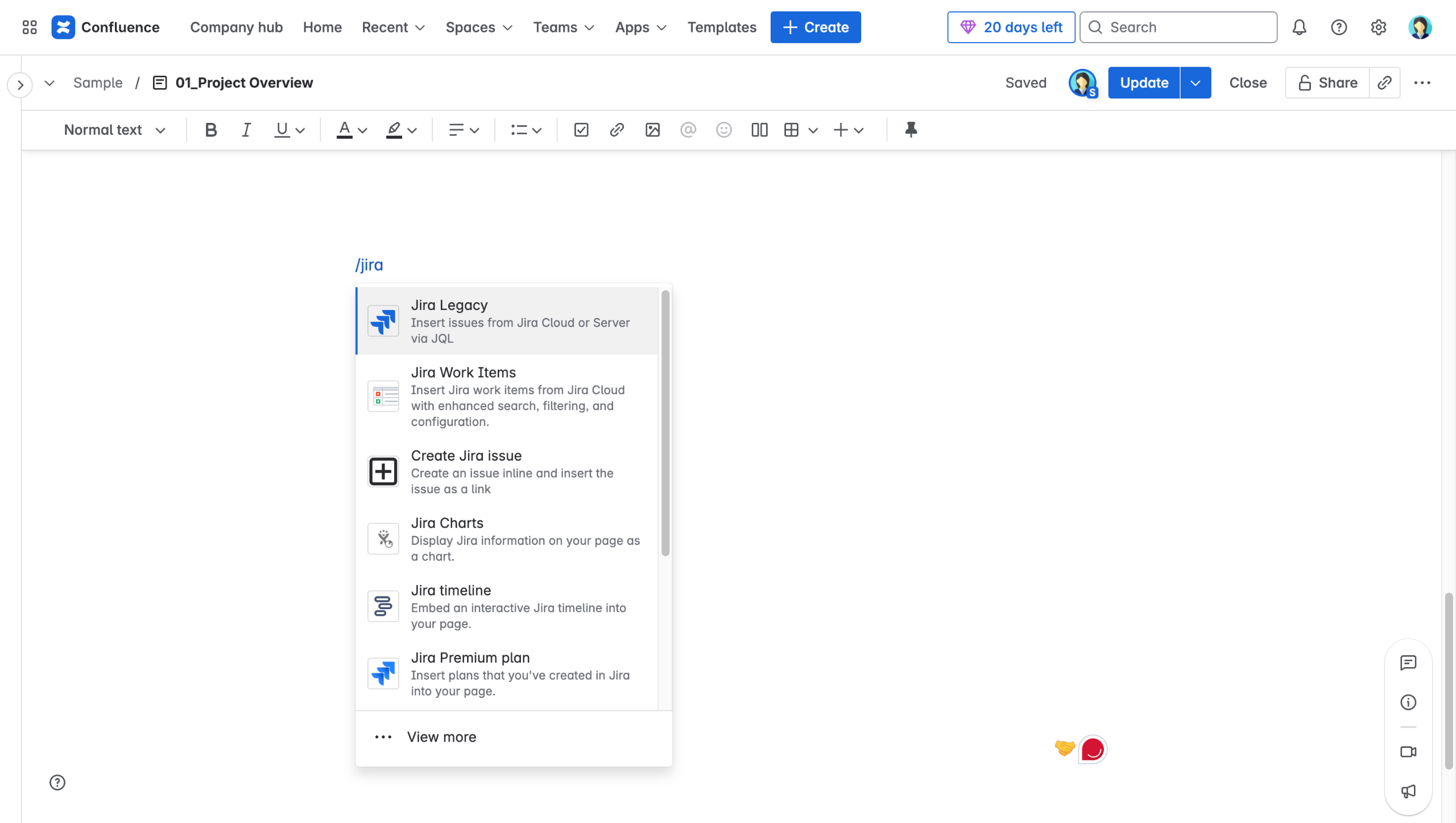
While editing a page, type /jira.
Select "Jira Legacy."
Search for your JIRA issues using a key, filter, or JQL, select the ones you want to display, and choose how they should appear on the page.
Use "Display Options" to customize the layout and limit the number of issues shown. then click "Insert."
Click "Create Jira Issue" to quickly add a new issue directly from the page.
Select the Jira server, project and issue type containing your issues.
Click "Insert" to connect to your System Jira instance for seamless integration.
Quick answer: To embed Jira filters in Confluence, type /jira while editing a page, select Jira Legacy, and search for issues using a key, filter, or JQL. Customize the layout with Display Options and click Insert. Alternatively, click Create Jira Issue, select the server, project, and issue type, then click Insert.
About this Jira tutorial
Embed Jira issues and filters directly into Confluence pages using Jira Legacy, customize layouts, and create new issues seamlessly. This guide covers adding JIRA Filters to Confluence Pages in 7 steps, starting with "While editing a page, type /jira" and finishing with "Click 'Insert' to connect to your System Jira instance for seamless integration". The interactive demo above is a click-through copy of the real Jira interface, so you can rehearse each step before doing it in your own account.
Frequently asked questions
How many steps does adding JIRA Filters to Confluence Pages take?
7 steps. Each one is listed in order above, and the demo highlights exactly where to click.
Can I try it without changing my own account?
Yes. Clicking through the demo doesn't touch your Jira data or settings. Once you know the flow, repeat it in your own workspace.
This tutorial is filed under Jira and Confluence. Related guides: Automate Jira releases from GitLab with Zapier, Connect Jira to CircleCI builds using Zapier and How to create a Jira scrum project. Last reviewed 05 Oct 2026.

Create your first interactive demo in minutes
No credit card required • Start building today