Docusign AppSheet Integration
- George Apostolov
- 05 Sep 2025
Guide
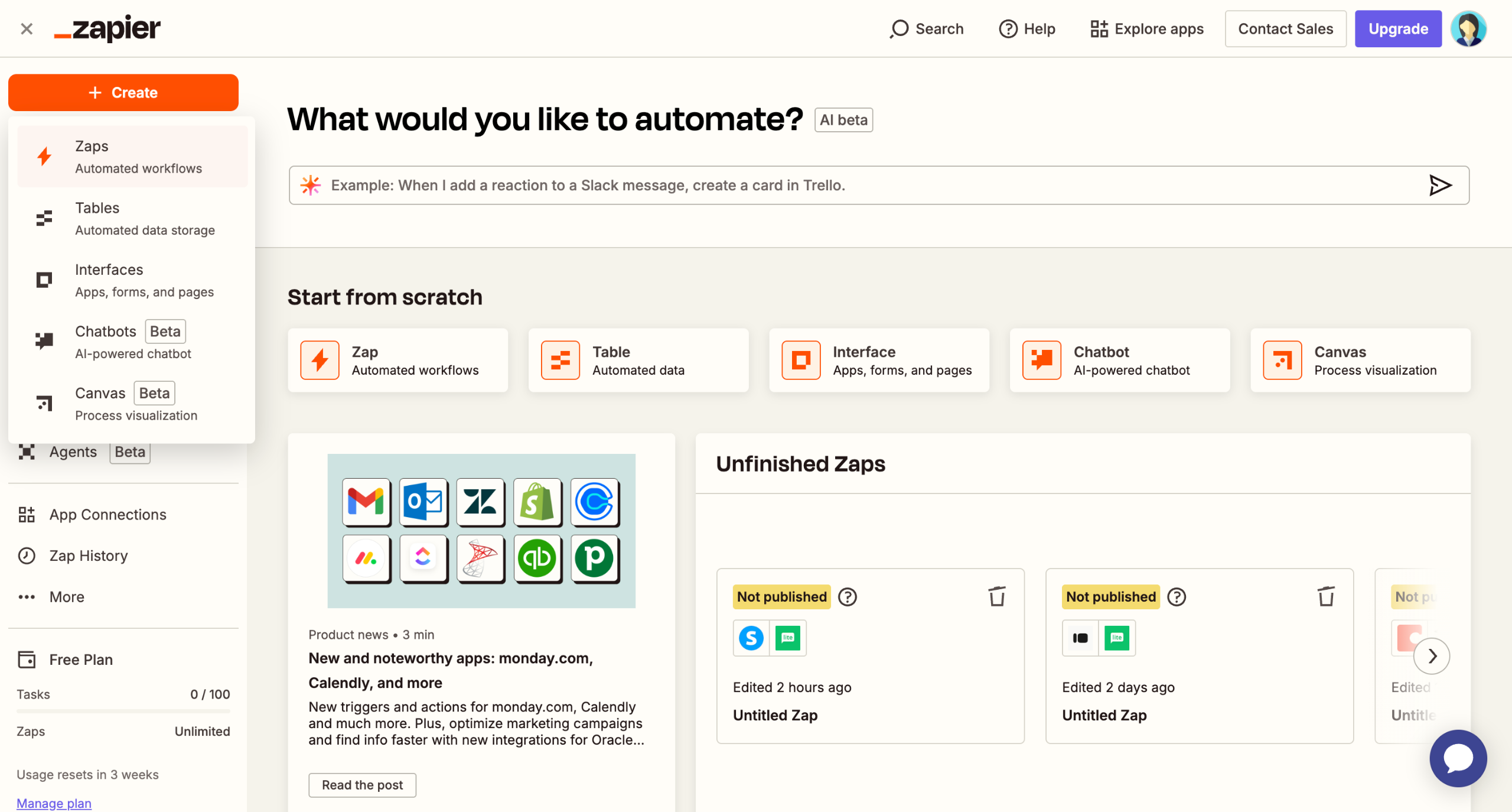
Add 'DocuSign' as your trigger app to automate document workflows.
Select the specific DocuSign event to trigger your workflow.
Connect your DocuSign account to enable document automation.
Click 'Test trigger' to continue building your automation workflow.
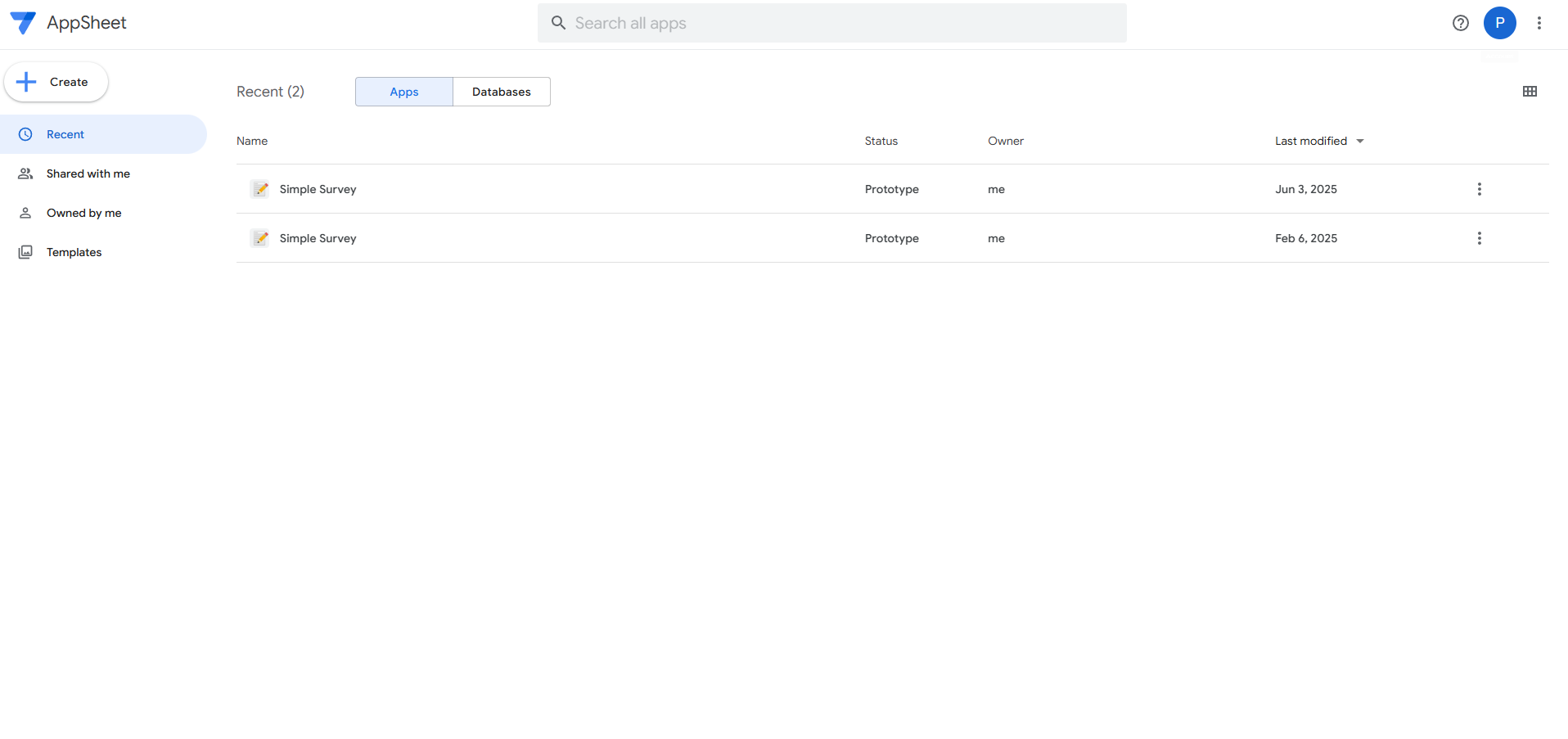
Explore AppSheet integration to automate your no-code apps.
Set up the action to create a new record in your database.
Connect your AppSheet account.
Map the document name from the agreement response data.
Click 'Test step' to continue the agreement document handling in your workflow.
Click 'Publish' to activate you Zap.

Create your first interactive demo in minutes
No credit card required • Start building today