How to capture landing pages to Figma using Web to Figma
- George Apostolov
- 05 Sep 2025
Guide
Welcome to Web to Figma
Capture pages and components and import them into Figma as editable designs. No more screenshots.
Right-click on your Figma board and select Plugins>Web to Figma.
Enter the website URL of the page you want to capture and hit Import.
W2F will take about a minute to capture the page and convert them into editable elements.
You will get a prompt once the import is finished.
Your captured webpage design has successfully been copied to your Figma board!
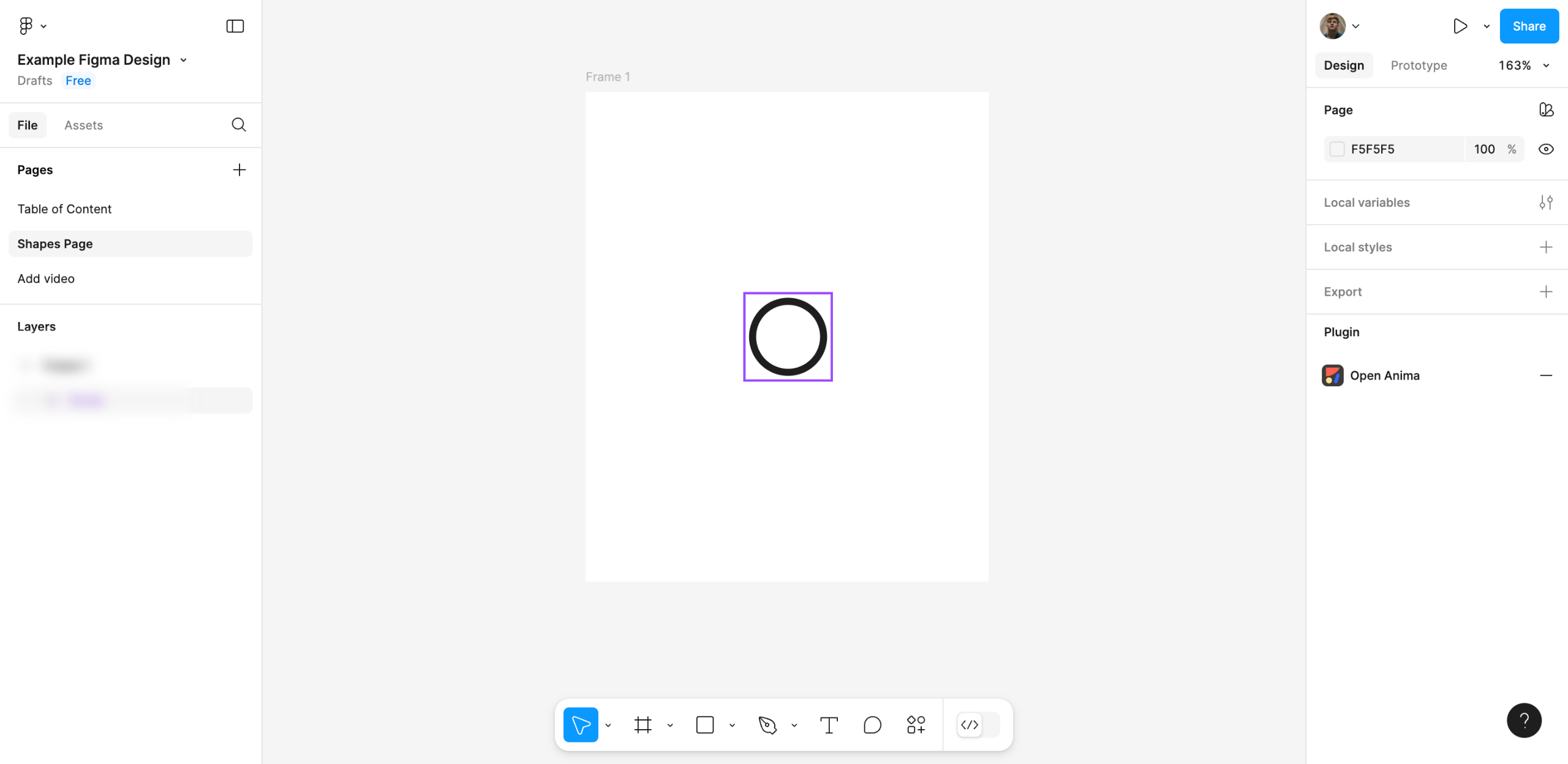
You can see all the website's design components in the left sidebar.
You can Select and Edit components just like a regular Figma element.
Everything is neatly grouped under layers to make the editing process easy.
You can select and perform Text Edits with ease.
Just like this!
Images and backdrops can easily be selected and resized.
Just like that!
Wanna Get Started with Web to Figma?
Create your first interactive demo in minutes
No credit card required • Start building today