How to Change the Theme in Postman
- George Apostolov
- 05 Sep 2025
Guide
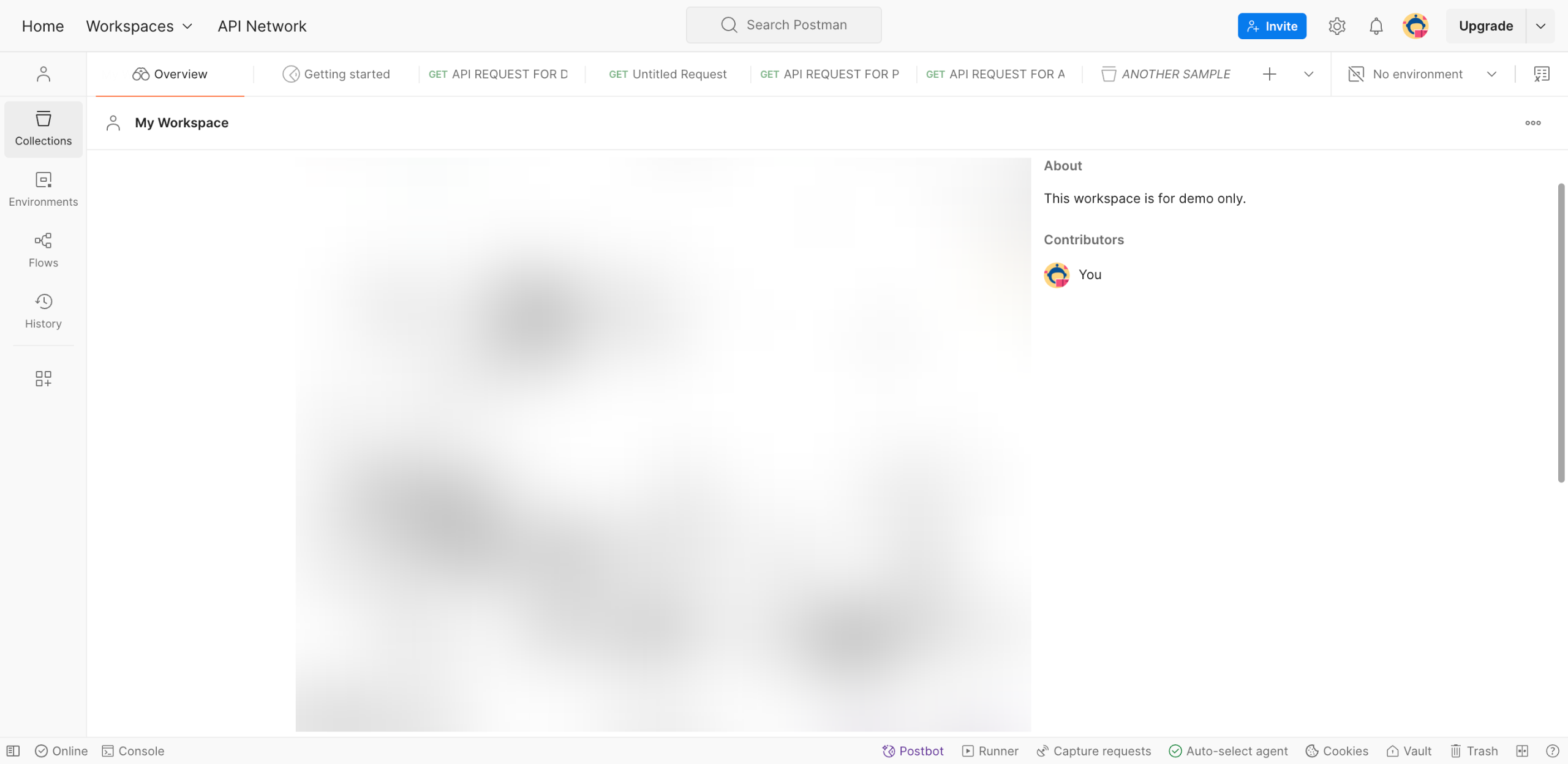
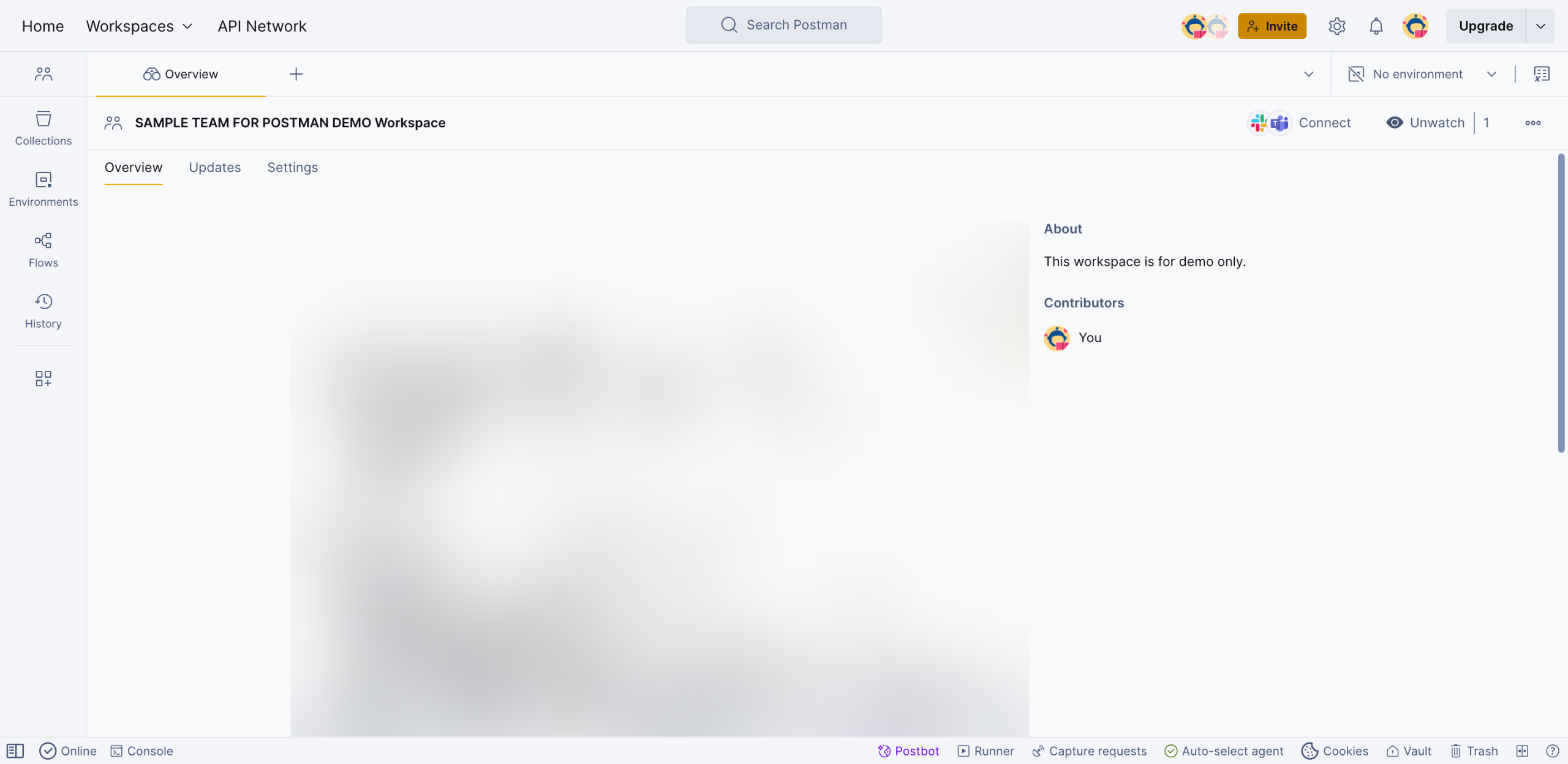
On Postman's main workspace, go to the top-right corner and click the 'Settings' icon.
Choose 'Settings' from the list of options.
After that, tap 'Themes' to proceed.
Select the 'Manual' theme selection. Alternatively, you may choose 'Sync With System' if you wish to automate the theme settings.
Following that, browse the given selections and choose one based on your preference.
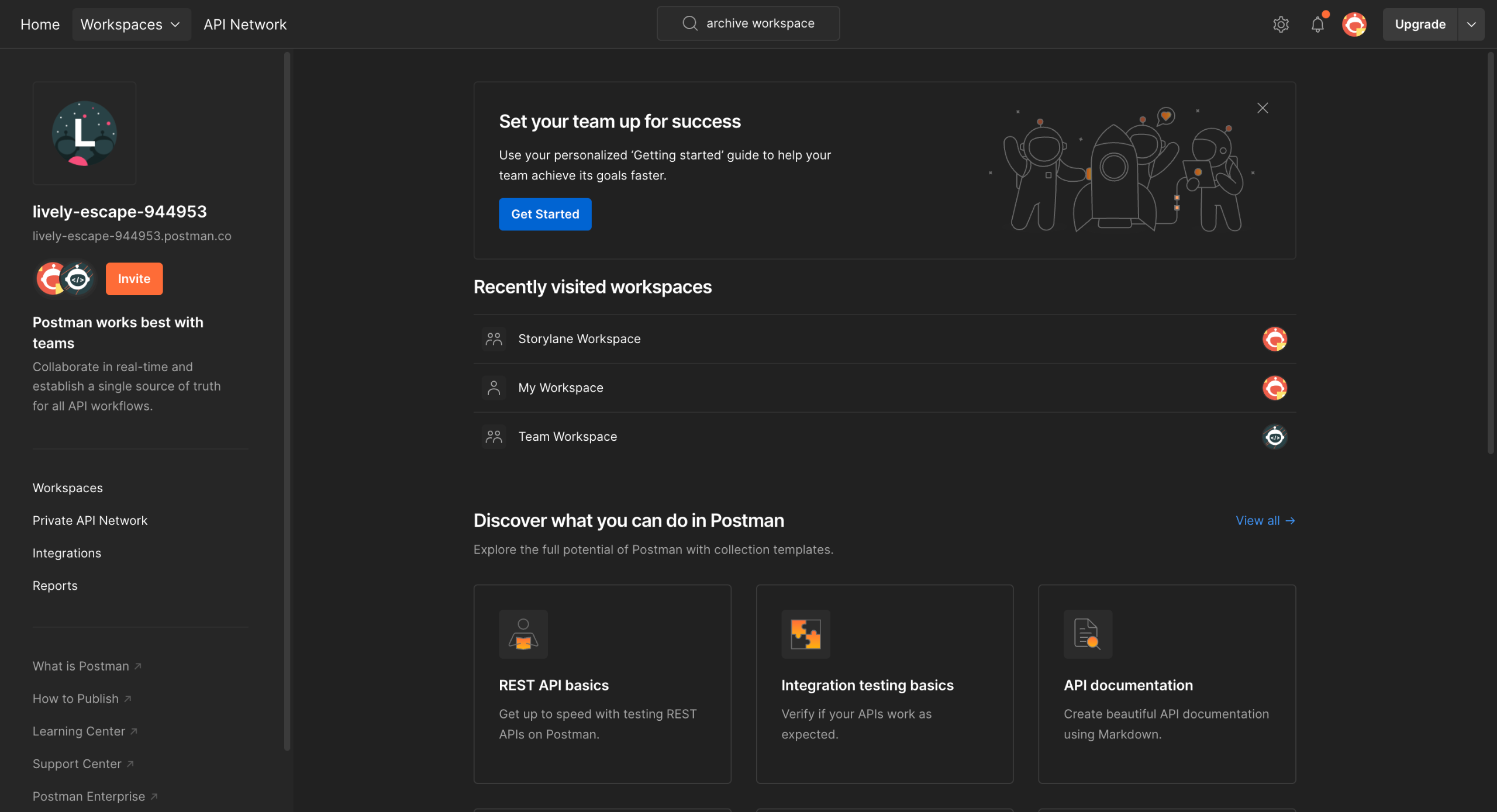
Finally, the theme of your Postman workspace will be changed based on your input.
Create your first interactive demo in minutes
No credit card required • Start building today