How to clone gitlab repository
- George Apostolov
- 05 Sep 2025
Guide
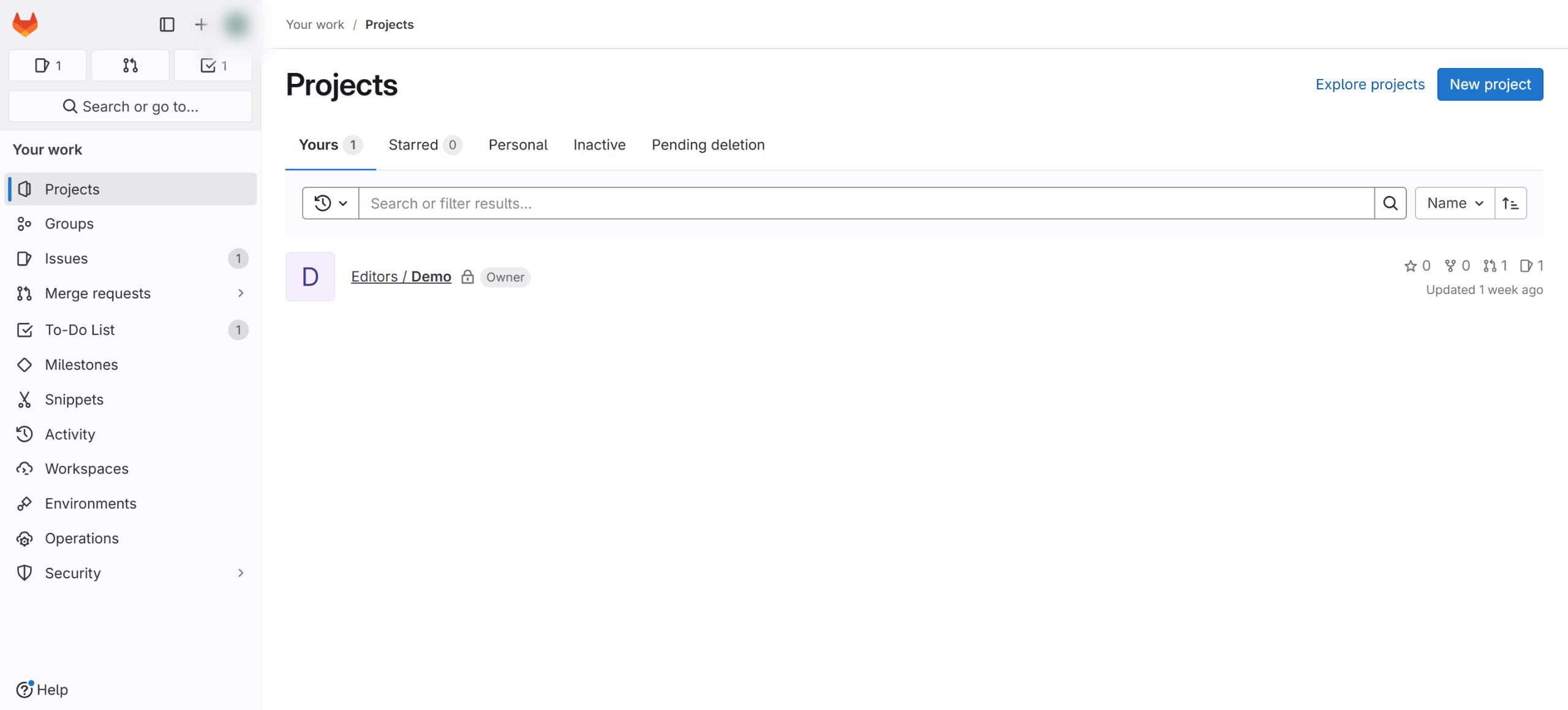
Log in to your GitLab account and select the repository you want to clone.
Click on the "Code" button.
Select the folder icon below 'Clone with HTTPS.
Open the terminal, ensure Git is installed on your computer, type
git clone, paste the URL you copied, and press Enter.Wait a few seconds for the verification process to finish, and once it's complete, you're done.

Create your first interactive demo in minutes
No credit card required • Start building today