How To Collapse A Section in Confluence
- George Apostolov
- 05 Sep 2025
Guide
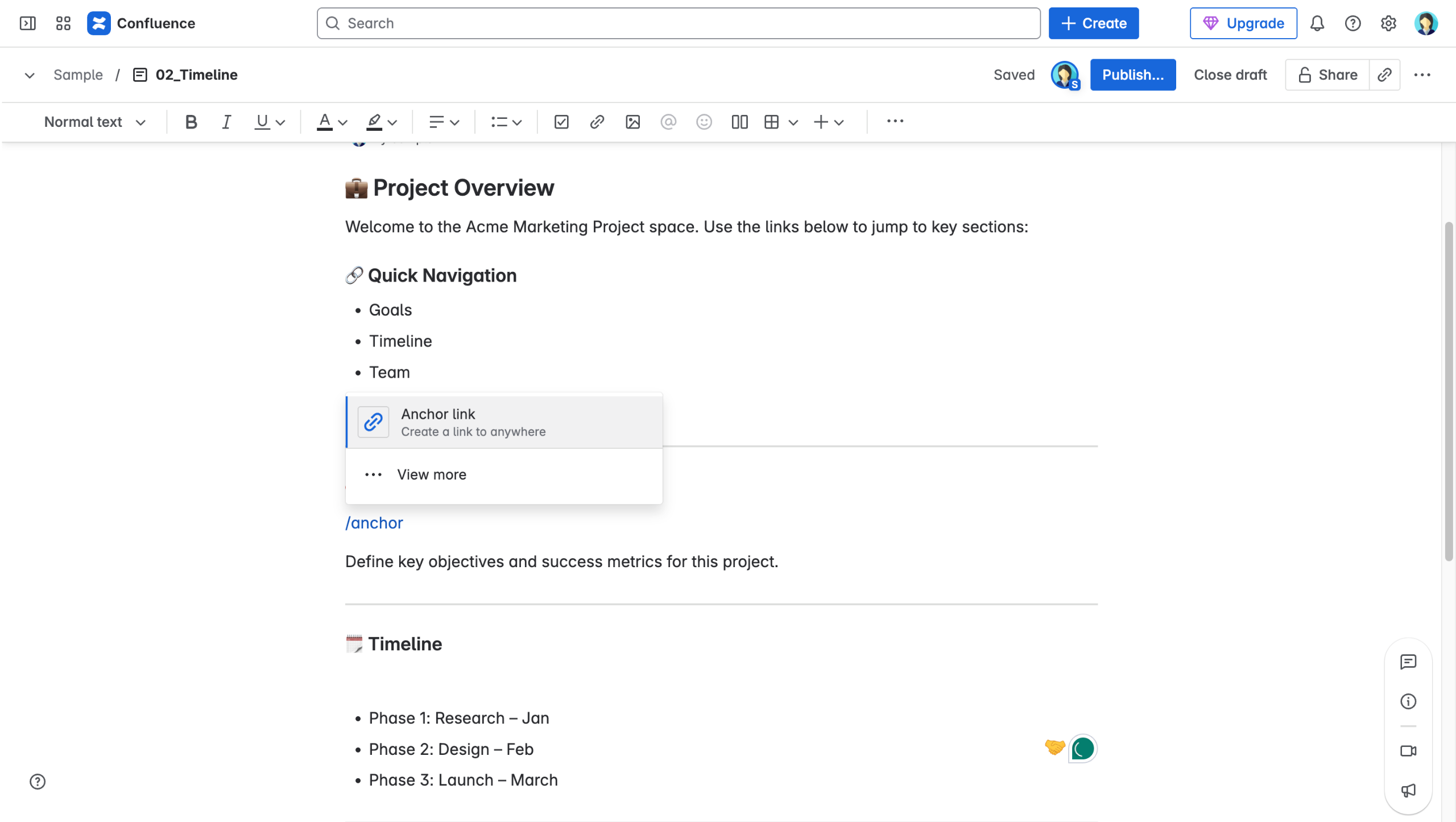
While editing a page, type
/expandand select "Expand" from the macro list.Enter a title for the collapsible section.
Add your content inside the expand block.
Click the down arrow to collapse the section and hide its content.
Click "Publish or "Update" — the section will now be collapsed by default and can be expanded by the viewer.
Create your first interactive demo in minutes
No credit card required • Start building today