How to Manage Subscriber Preferences ConvertKit
- George Apostolov
- 05 Sep 2025
Guide
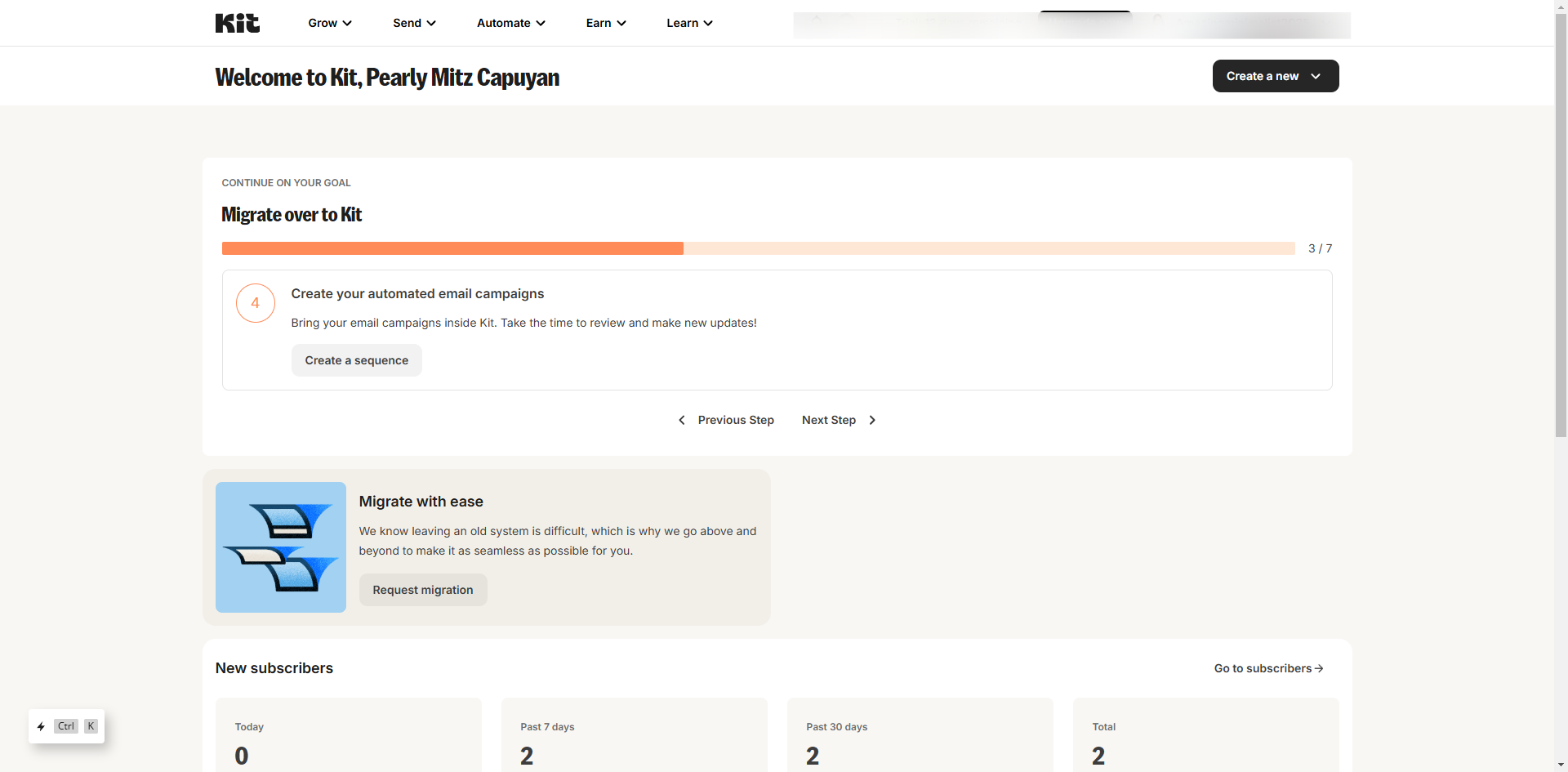
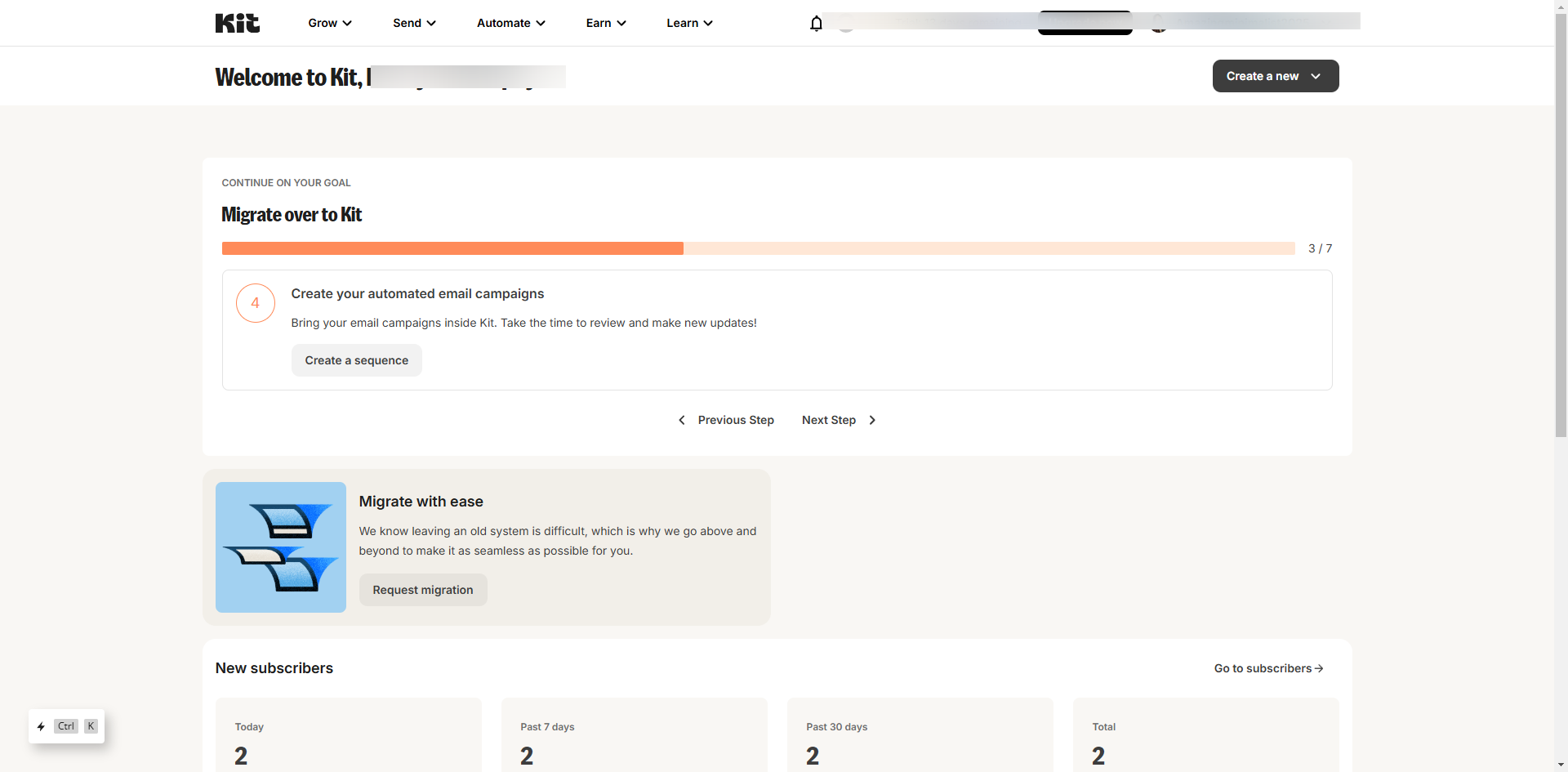
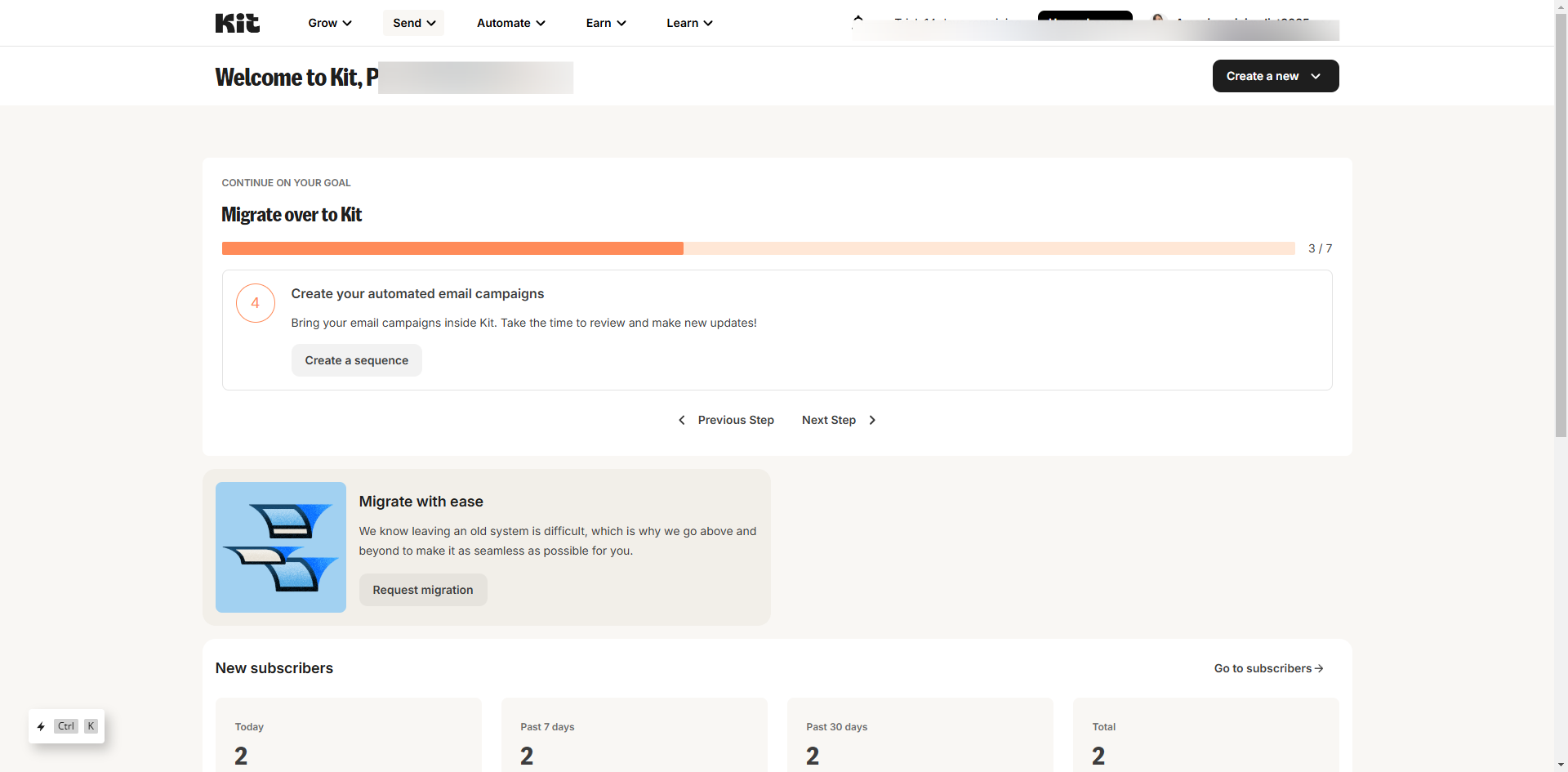
Go to the 'Grow' tab.
Select 'Subscribers'.
Click on the 'Manage Subscriber Preferences'.
Click on the add icon to add your first topic of interest.
Enter the topic title in the empty field.
Enter the tag or create a new tag.
Click on the 'Save' button.
That's it! By creating the topics you can manage your subscriber's preferences by simply updating their interests.
Create your first interactive demo in minutes
No credit card required • Start building today