How to Update Job Title on LinkedIn
- George Apostolov
- 05 Sep 2025
Guide
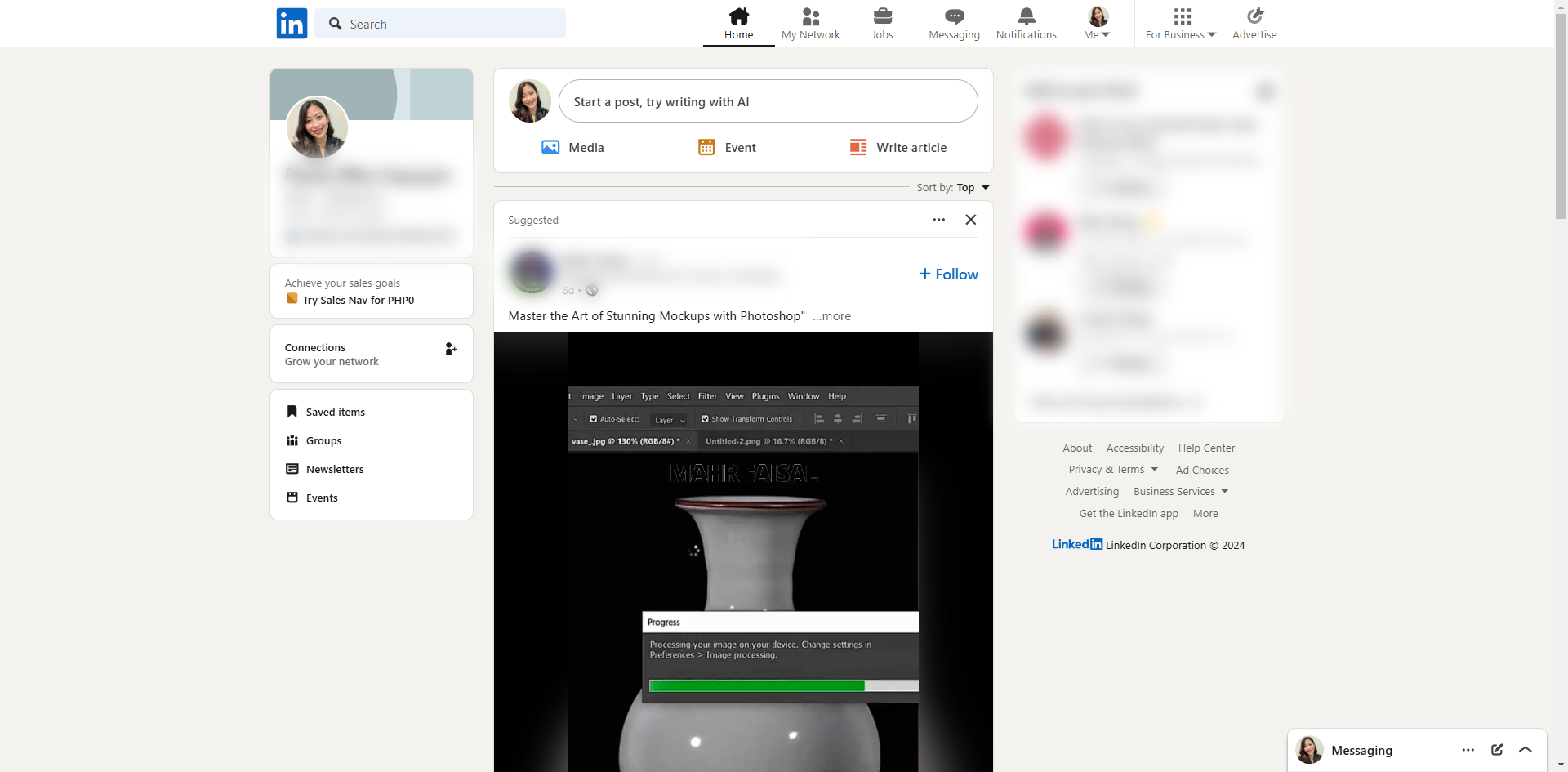
Click the profile icon at the top of the page.
Select 'View Profile'.
Scroll to the 'Experience' section.
Click the pencil icon button on the top right.
In the pop-up window, enter your new job title in the Title box.
If you're editing an old job, uncheck the 'Notify network' toggle.
Check the checkbox 'I am currently working in this role'.
Click 'Save' at the bottom right of the page.
Create your first interactive demo in minutes
No credit card required • Start building today