30+ Best User Engagement Tools for Activation & Retention
 George Apostolov
- 15 Jan 2025
Your product has all the features users need. Your team ships updates consistently. Yet users still aren't engaging the way you expected?
Recent research reveals that 71% of users want experiences tailored to their specific needs, and 76% become frustrated when they don't receive them. When users don't get relevant experiences, they disengage and abandon products that could actually solve their problems.
User engagement tools address these challenges by guiding users to value faster, communicating at the right moments, and showing you exactly where people get stuck.
In this comprehensive guide, we'll break down 30+ of the best user engagement tools across 12 key categories so you can explore and select the right solutions for your tech stack. Let's dive in.
TL;DR: Quick Summary
Short on time? Jump straight to explore 30+ tools across 12 categories. Here's a quick overview of our top recommendations:
Best tools for understanding user behavior
🏆 Best for event tracking and funnel analysis: Amplitude
🏆 Best for session replays and visual behavior: Hotjar
Best tools for product education & onboarding
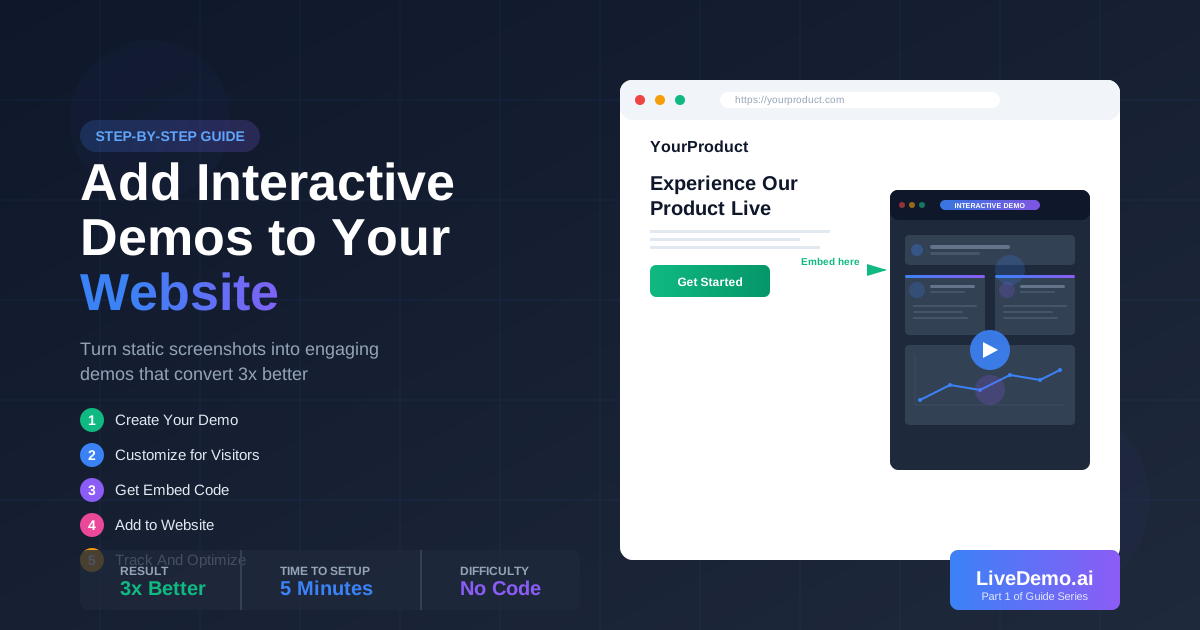
🏆 Best for interactive demos on demand: LiveDemo.ai
🏆 Best for AI-driven guides: Pendo
Best tools for messaging & communication
🏆 Best for behavioral email automation: Customer.io
🏆 Best for in-app announcements: Appcues
Best tools for feedback & insights
🏆 Best for user-friendly surveys: Typeform
🏆 Best for targeted in-app surveys: Qualaroo
Best tools for support & engagement
🏆 Best for ticketing and knowledge base: Zendesk
🏆 Best for building user communities: Discourse
What are user engagement tools?
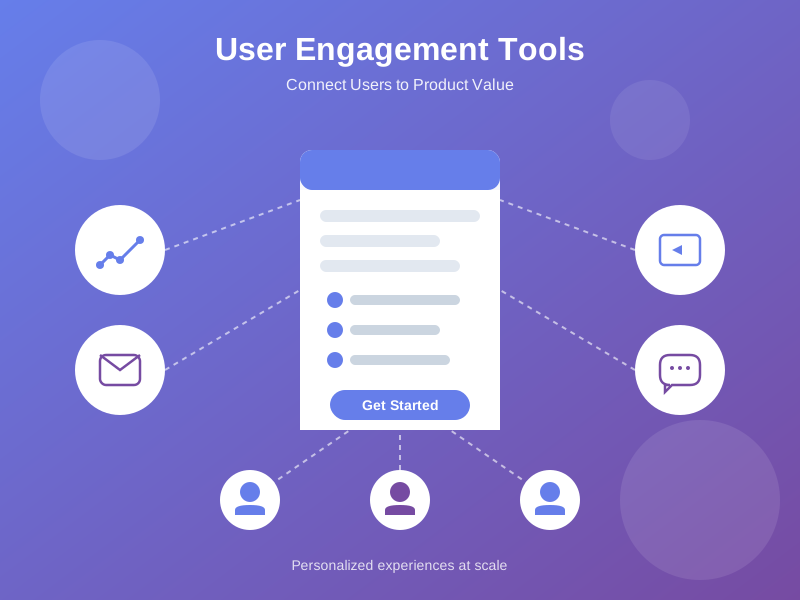
User engagement tools are software platforms that help you communicate with users, understand their behavior patterns, and guide them to successful outcomes. These tools work across the entire user journey from initial signup through ongoing feature adoption and retention.
For example, when someone signs up for your product, engagement tools can automatically send a welcome message and track whether they complete key setup steps. When users encounter friction, the tools surface helpful content. When you launch new features, they help you announce updates and see who actually adopts them.
Why your business needs user engagement tools
Manual engagement doesn't scale beyond your first few hundred users. You can personally onboard 50 people, but not 5,000. User engagement tools let you deliver personalized experiences to everyone without multiplying your headcount.
Here's what engagement tools deliver:
- Higher activation rates: Users find value more quickly when guided to key features rather than exploring randomly through your product.
- Better retention: Users who discover more features and build habits stick around longer than those who never get past basic functionality.
- Lower support costs: Self-service content answers common questions automatically, reducing repetitive tickets your team handles manually.
- Data-driven decisions: You can see what users actually do instead of guessing which features matter or assuming everyone needs identical onboarding.
- Scalable personalization: Tools let you customize experiences for different user segments without creating separate content manually for each group.
- Measurable revenue impact: Engaged users expand to paid plans, adopt premium features, and refer others more often than disengaged users who churn.
Types of user engagement tools
We can classify user engagement tools into various categories, each solving specific problems along the user journey. Here's a quick breakdown of the most common categories:
1. Product adoption and onboarding tools
Product adoption and onboarding platforms help new users discover value quickly by guiding them through key features and workflows. They show users where to start, track progress toward key milestones, and provide context at the right moments.
Here are the top tools in this category:
1. LiveDemo.ai
Best for: Creating on-demand interactive demos that users can access when they're ready to learn, rather than forcing everyone through sequences at signup.
LiveDemo.ai creates interactive product demonstrations that users can access when they need help rather than interrupting their workflow. The platform stands out for letting users control their learning pace, leading to higher completion rates than traditional product tours.
Key features of LiveDemo.ai:
- Easy demo creation: Record any workflow with the Chrome extension or desktop app. LiveDemo captures each step automatically, then lets you add annotations, voiceovers, and custom text.
- Interactive demo hubs: Embed libraries of interactive demos inside your product, on your website, and in your documentation. Users search for what they need and access specific tutorials instantly.
- Personalization at scale: Customize demos with viewer-specific information to create personalized experiences for different user segments.
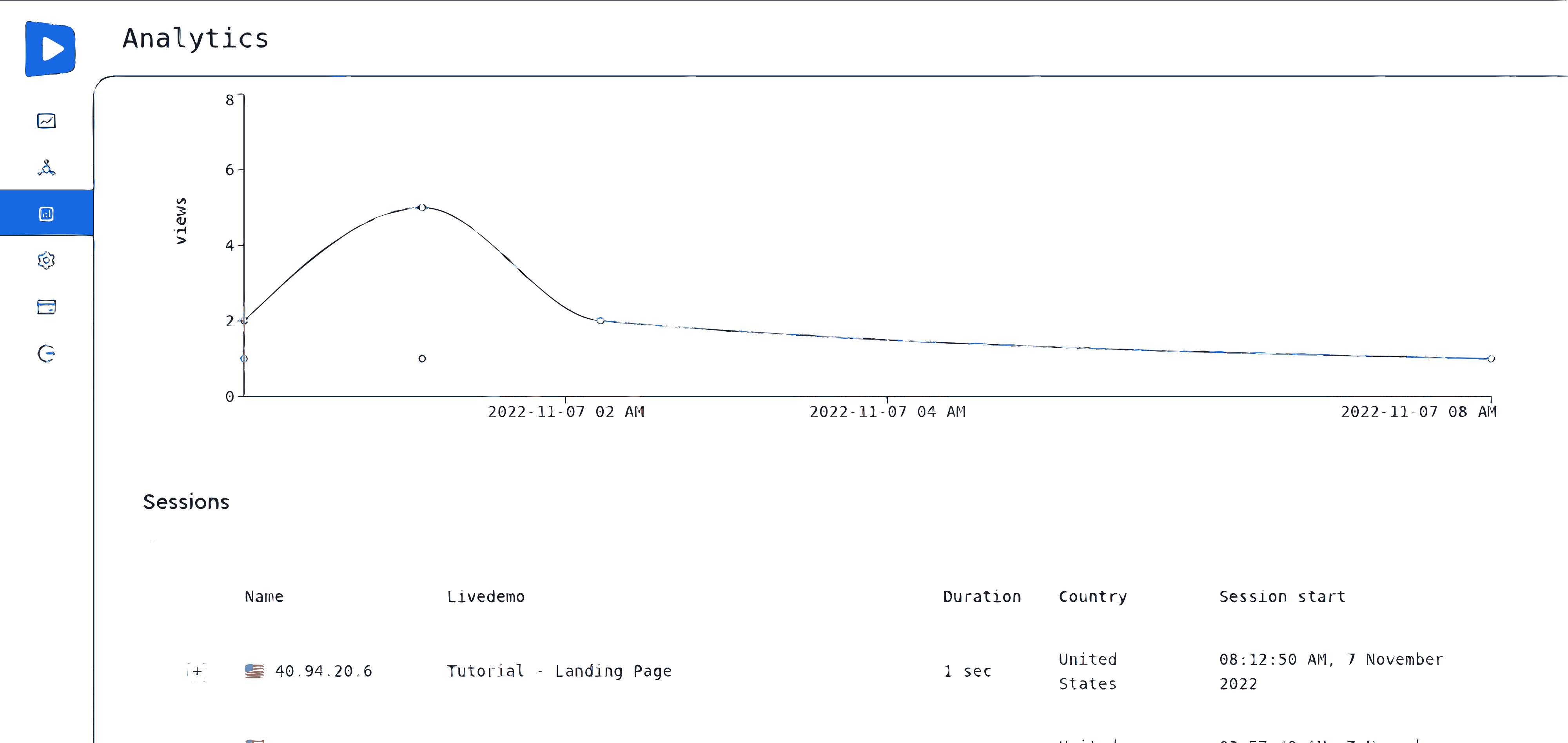
- Analytics and sharing: Track completion rates, engagement time, and drop-off points, then share demos as links, embeds, or in-app tours.
- Unlimited demos: Simple, transparent pricing with unlimited demos on all plans, starting free.
Companies use LiveDemo.ai to improve both user engagement and website conversions by personalizing onboarding. They can route new signups to demos tailored to their business type or use case, creating clear starter kits for each user segment.
2. UserGuiding
Best for: Teams that need no-code onboarding without developer support.
UserGuiding lets you create interactive product tours, checklists, and in-app messages with a drag-and-drop builder. You can launch tours quickly without coding, though the analytics are more basic compared to enterprise platforms. The tool works well for small to mid-size teams who want straightforward onboarding without complex setup.
Key features of UserGuiding: No-code tour builder, user segmentation, onboarding checklists, NPS surveys
3. Pendo
Best for: Enterprise teams needing onboarding combined with product analytics.
Pendo offers AI-driven in-app guides alongside analytics and feedback tools. You get the combination of onboarding and analytics in one platform, though the learning curve is steeper and the pricing is higher. The platform suits larger organizations willing to invest time in setup for deeper insights into user behavior.
Key features of Pendo: AI-powered guides, product analytics, in-app polls, roadmap planning
2. In-app messaging and communication tools
In-app messaging platforms let you send targeted messages inside your product based on user behavior, characteristics, or lifecycle stage. Messages appear at relevant moments to announce features, share tips, or prompt specific actions.
Here are the best tools in this category:
1. Intercom
Best for: Teams wanting messaging, chat, and bots in one platform.
Intercom provides conversational messaging across channels with targeting and automation capabilities. You get an all-in-one approach combining chat, messaging, and support, though pricing can escalate quickly with growing user bases. The platform works well for companies prioritizing customer conversations over pure product engagement.
Key features: In-app messaging, chatbots, customer support, email automation
2. Appcues
Best for: Product teams needing feature announcements combined with onboarding flows.
Appcues focuses on in-app messages and product tours that appear contextually based on user actions. The tool excels at announcing new features and guiding users to try them, though it's primarily focused on product communication rather than support or marketing.
Key features: In-app announcements, product tours, user segmentation, analytics
3. Customer.io
Best for: Teams that want powerful behavioral email automation.
Customer.io lets you send targeted emails based on user behavior within your product. The platform is particularly strong for re-engagement campaigns and lifecycle marketing, though it requires more technical setup than simpler messaging tools.
Key features: Behavioral triggers, email automation, segmentation, A/B testing
3. Analytics and behavioral tracking tools
These tools help you understand what users actually do in your product, where they get stuck, and which features drive the most value. They're essential for making data-driven decisions about engagement strategies.
1. Amplitude
Best for: Product teams needing comprehensive event tracking and funnel analysis.
Amplitude provides powerful analytics for tracking user events, building funnels, and understanding user paths through your product. The platform excels at helping you identify drop-off points and optimize user flows based on actual behavior data.
Key features: Event tracking, funnel analysis, user cohorts, retention analysis
2. Hotjar
Best for: Teams that want visual insights into user behavior through heatmaps and session recordings.
Hotjar combines heatmaps, session replays, and feedback polls to give you a visual understanding of how users interact with your product. The tool is particularly useful for UX optimization and identifying friction points that analytics alone might miss.
Key features: Heatmaps, session recordings, feedback polls, user surveys
3. Mixpanel
Best for: Product teams focused on event-based analytics and user segmentation.
Mixpanel provides detailed event tracking and powerful segmentation capabilities. The platform helps you understand not just what users do, but which user segments behave differently, enabling more targeted engagement strategies.
Key features: Event tracking, user segmentation, cohort analysis, A/B testing
4. Customer feedback and survey tools
Understanding what users think and feel about your product is crucial for engagement. These tools help you collect feedback, measure satisfaction, and identify areas for improvement.
1. Typeform
Best for: Creating user-friendly, conversational surveys that get higher response rates.
Typeform makes surveys feel more like conversations than forms, leading to better completion rates. The platform works well for collecting feedback both inside and outside your product, though it's primarily focused on standalone surveys rather than in-app integration.
Key features: Conversational surveys, multiple question types, integrations, analytics
2. Qualaroo
Best for: Collecting targeted in-app feedback at specific moments in the user journey.
Qualaroo lets you deploy micro-surveys inside your product based on user behavior or specific triggers. The tool excels at capturing feedback at the right moment, such as when users complete a key action or seem to be struggling with a feature.
Key features: In-app surveys, targeting, NPS tracking, sentiment analysis
3. Delighted
Best for: Teams focused on measuring and improving customer satisfaction through NPS, CSAT, and CES surveys.
Delighted makes it easy to deploy satisfaction surveys across multiple channels and track scores over time. The platform helps you understand not just satisfaction levels, but also the trends and drivers behind them.
Key features: NPS surveys, CSAT tracking, multi-channel distribution, trend analysis
5. Email and marketing automation tools
While in-app engagement is crucial, email remains a powerful channel for nurturing users, re-engaging inactive users, and communicating updates outside your product.
1. Mailchimp
Best for: Small to mid-size teams getting started with email marketing automation.
Mailchimp provides an easy-to-use platform for sending transactional and marketing emails. The tool offers good automation capabilities and integrations, though advanced features can get expensive as your list grows.
Key features: Email campaigns, automation, segmentation, analytics
2. SendGrid
Best for: Developer-focused teams needing reliable transactional email delivery.
SendGrid excels at delivering transactional emails at scale with strong deliverability. The platform is particularly strong for technical teams who want programmatic control over email sending, though it requires more development work than marketing-focused tools.
Key features: Transactional email API, email analytics, deliverability tools, webhooks
6. Live chat and support tools
When users need immediate help, live chat tools provide real-time assistance that can dramatically improve engagement and reduce frustration.
1. Zendesk
Best for: Teams needing comprehensive support infrastructure including ticketing, knowledge base, and chat.
Zendesk provides a full support platform with chat, ticketing, and knowledge base capabilities. The tool works well for larger teams who need structured support workflows, though it can feel heavy for simpler use cases.
Key features: Live chat, ticket management, knowledge base, multi-channel support
2. Drift
Best for: Sales and marketing teams focused on conversational engagement and lead qualification.
Drift combines live chat with conversational marketing and sales tools. The platform excels at qualifying leads and routing conversations to the right team members, though it's more expensive than basic chat solutions.
Key features: Live chat, chatbots, conversation routing, sales integration
3. Crisp
Best for: Small teams needing an affordable, all-in-one customer communication platform.
Crisp provides chat, email, and messaging in a single platform at a lower price point than many competitors. The tool works well for teams who want multiple communication channels without managing separate tools, though some features may be less sophisticated than specialized platforms.
Key features: Live chat, email, messaging, chatbots
7. Community and forum platforms
Building communities around your product creates engagement beyond individual user interactions. Forums enable peer-to-peer learning and help users connect with each other.
1. Discourse
Best for: Teams wanting open-source, customizable community forums.
Discourse provides powerful forum software that's both modern and highly customizable. The platform works well for technical communities and teams who want full control over their community infrastructure, though it requires more technical setup than hosted solutions.
Key features: Forum software, moderation tools, integrations, mobile apps
2. Circle
Best for: Teams wanting modern community platforms with strong course and content features.
Circle provides a modern community platform that combines forums, courses, and content in one place. The tool excels at creating structured learning experiences alongside community engagement, though it's more expensive than basic forum solutions.
Key features: Forums, courses, events, member profiles
Common mistakes when implementing engagement tools
Most companies make predictable mistakes when adding engagement tools to their stack. Avoiding these pitfalls saves time, money, and user frustration.
Watch out for these common errors:
- Adding too many tools at once: Implementing five new platforms simultaneously overwhelms your team and confuses users who suddenly get messages from multiple sources.
- No strategic alignment: Buying tools because competitors use them rather than because you have specific problems to solve means platforms sit unused.
- Feature obsession: Choosing based on impressive capability lists instead of outcomes you need. A tool with 50 features doesn't matter if it doesn't solve your problem.
- Poor user experience: Forcing every user through 20-step product tours, sending daily emails, and showing constant pop-ups trains people to ignore you.
- Overusing interruptions: Too many forced tours, frequent notifications, and modal pop-ups make users find workarounds or abandon your product entirely.
- Ignoring integration: Disconnected tools create data silos where your team can't see the complete picture and users receive irrelevant, poorly-timed messages.
- Not measuring impact: Implementing tools without tracking whether they improve activation, adoption, or retention means you can't tell what's working.
- Skipping user testing: Rolling out engagement features to everyone without testing on small segments first can damage the experience for your entire user base.
Tip: The best approach is to implement tools gradually, proving each one works before adding the next, and always measuring impact on metrics that matter to your business.
Measuring success with your engagement tools
Here are the key metrics that matter and are worth tracking to measure the success of these user engagement tools:
The future of user engagement tools
User engagement tools are evolving rapidly as AI capabilities mature and companies demand better integration. The next generation of platforms will predict user needs, personalize automatically, and work together seamlessly.
Here's what's coming:
- AI-powered personalization: Tools will customize everything for each person, including the features they see, messages they receive, and content that surfaces, based on behavior patterns and predicted needs rather than broad segments.
- Predictive engagement: Machine learning will identify users likely to churn, predict which features different people need next, and automatically adjust experiences based on thousands of signals.
- No-code/low-code solutions: Product managers, customer success leaders, and marketers will build complex automation and create interactive content without waiting for engineering support.
- Integrated platforms: Combined tools handling analytics, messaging, demos, and feedback in one place will reduce integration issues and create more consistent user experiences.
Guide users to product value faster with LiveDemo.ai
Most engagement tools interrupt users at the wrong time. Product tours pop up when people are trying to work. Tooltips force sequences users skip. Messages appear before users need help.
LiveDemo.ai works differently. Instead of interrupting, it creates interactive demos that users access when they're ready to learn. This on-demand approach respects user attention while scaling product education across your entire team.
Here's how LiveDemo.ai helps you enhance user engagement:
- Create guided demos: Record any workflow with the Chrome extension or desktop app. LiveDemo captures each step automatically, then lets you add annotations, voiceovers, and custom text. No video editing skills required.
- Build searchable demo hubs: Embed libraries of interactive demos inside your product, on your website, and in your documentation. Users search for what they need and access specific tutorials instantly instead of waiting for support.
- Personalize at scale: Customize demos with viewer-specific information to create personalized experiences for different user segments and use cases.
- Track real engagement: See exactly which demos users complete, where they drop off, and how engagement affects activation. Use these insights to improve both your demos and your product.
- Share everywhere: Distribute demos as links, embed them in help docs, trigger them as in-app tours, or export as videos. One demo works across every channel your team uses.
- Unlimited demos: Simple, transparent pricing with unlimited demos on all plans, starting free forever. No hidden costs or per-seat charges that explode as your team grows.
Thousands of professionals at leading companies already use LiveDemo.ai to increase user engagement, drive feature adoption, and reduce time-to-value.
FAQs
What is the difference between user engagement tools and customer engagement tools?
The terms overlap significantly, but user engagement tools typically focus on product interactions, like how people use your software, which features they adopt, and how you guide them to success. Customer engagement tools often include broader relationship management, like marketing campaigns, sales communications, and support across all channels. Most SaaS companies need both types working together.
How many user engagement tools do I need in my stack?
Most product teams function well with 4-6 core tools covering analytics, messaging, product education, and feedback. Startups should begin with even fewer, adding tools only when specific needs emerge. More tools create management overhead, so prioritize quality and integration over quantity.
How do I know which engagement tool category to start with?
Start with the category that solves your biggest current problem. If users drop off during onboarding, begin with analytics to see where and demos to help them through it. If users never adopt key features, start with messaging and education tools. Fix one problem before adding tools for everything.
Can I use free engagement tools effectively or do I need paid plans?
Free plans work well for early-stage companies and let you prove value before paying. Many platforms offer generous free tiers with core features. Start free, measure impact on your key metrics, then upgrade when you hit limits or need advanced features like personalization or integrations.
How long does it take to implement and see results from engagement tools?
Implementation time varies by tool type. No-code platforms like demo creators and messaging tools can show results within days. Analytics platforms need a few weeks to collect enough data. Complex integrations might take months. Prioritize tools that deliver quick wins, then add sophisticated platforms as you scale.
Should I build custom engagement features or buy existing tools?
Most companies should buy engagement tools and build product features. Building custom engagement infrastructure distracts your engineering team from core product work. Existing tools offer years of optimization and best practices you'd spend months recreating. Build only if your needs are truly unique.
What should I do if my team isn't using the engagement tools we bought?
First, understand why they're not using it. Is it too complex? Does it require too much manual work? Does it not solve a real problem? Sometimes the issue is training, but often it's choosing tools that don't fit your workflow. Consider replacing unused tools with simpler alternatives that your team will actually use.
Try LiveDemo.ai Free →
No credit card required. Set up your first demo in under 10 minutes.