
LiveDemo is the source-available interactive demo platform with AI Demo Agents. See how to build an interactive demo.
Are you ready to showcase your product or service in a way that will leave prospects begging for more?
Look no further than LiveDemo ▶️️, the Chrome application that makes capturing and editing product demos a breeze. In just a few simple steps, you can create a jaw-dropping demo that will blow your competition out of the water.🌊
✔️ Do it:
📜 Guide:
⛺ Step 1: Install LiveDemo Chrome App
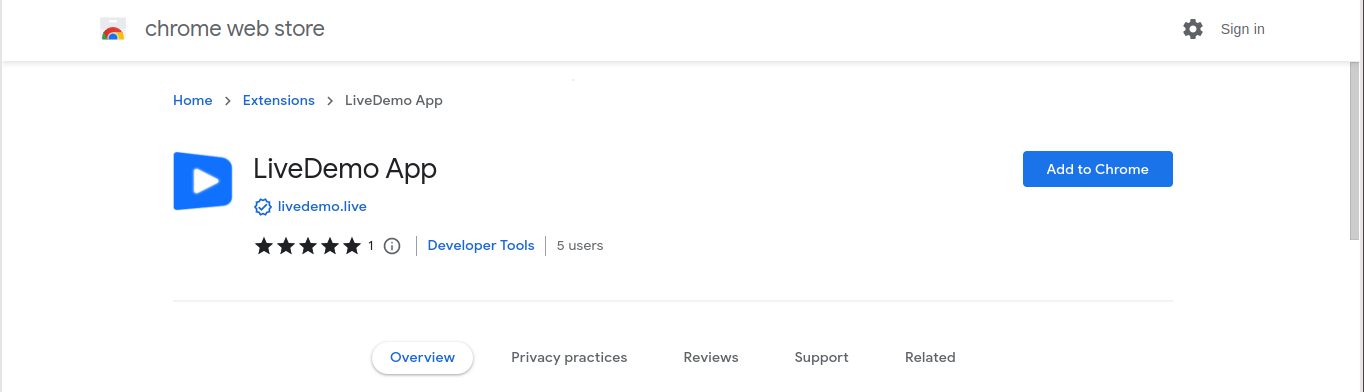
With LiveDemo, installation is a breeze. Head to the Chrome Web Store, add LiveDemo to your browser
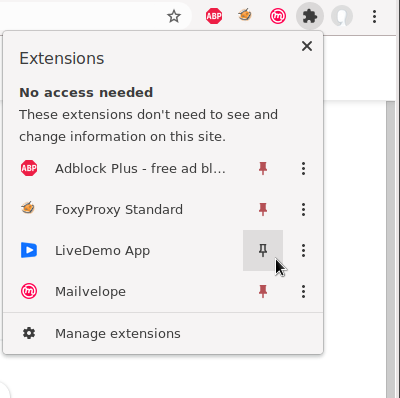
🏠 Step 2: Add the Chrome application to toolbar
🏡 Step 3: Sign Up for an Account
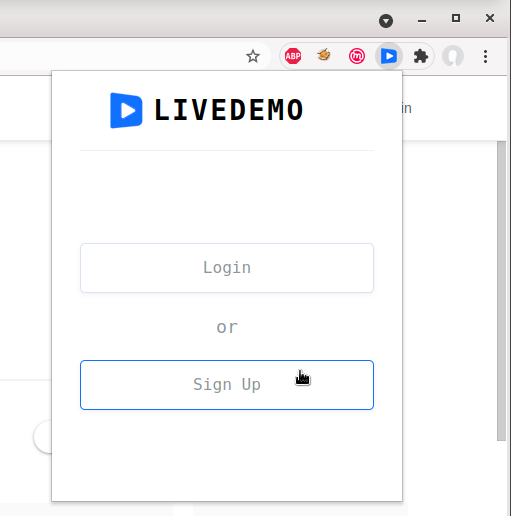
Open the chrome applicaton - click Sign Up
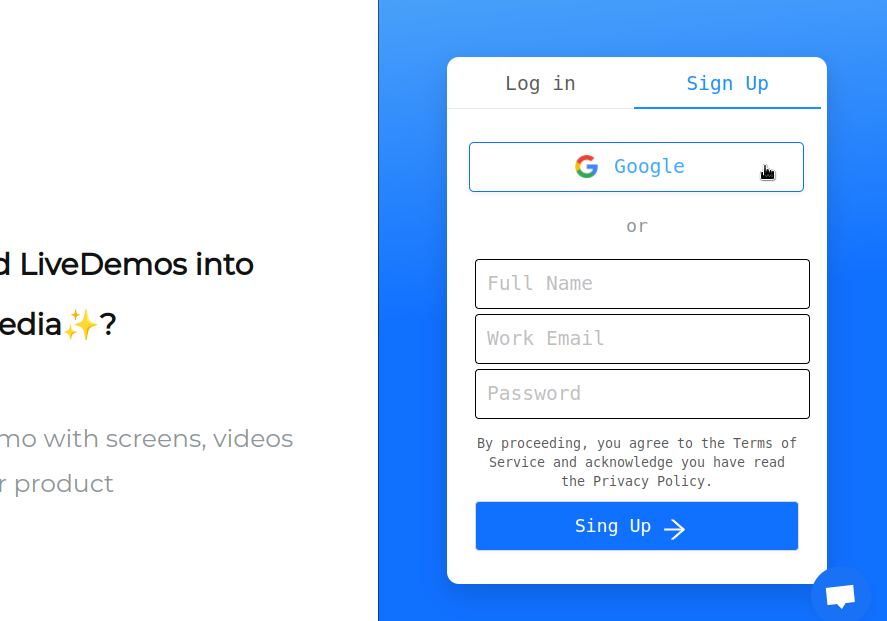
Use your Google Account to sign-up. It's that easy.
🏰 Step 4: Capture Your Demo
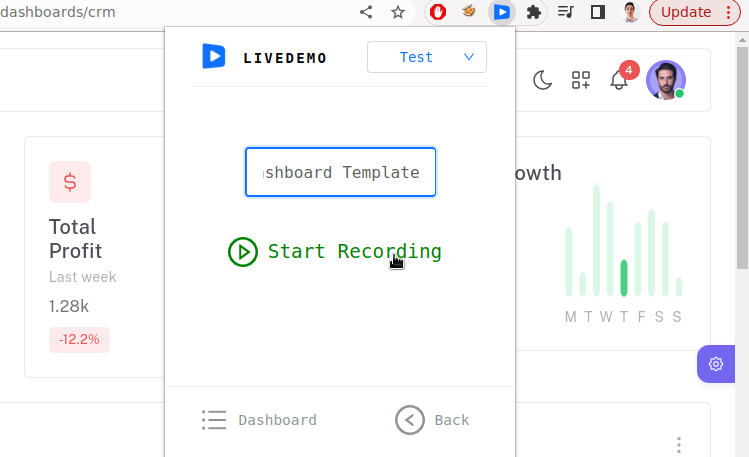
Once you're signed in, it's time to start capturing.
With LiveDemo, you can capture screens, videos and web pages form your browser with just one click.
Showcase your product or service in a way that's sure to grab attention.