Flodesk ManyChat Integration
- George Apostolov
- 05 Sep 2025
Guide
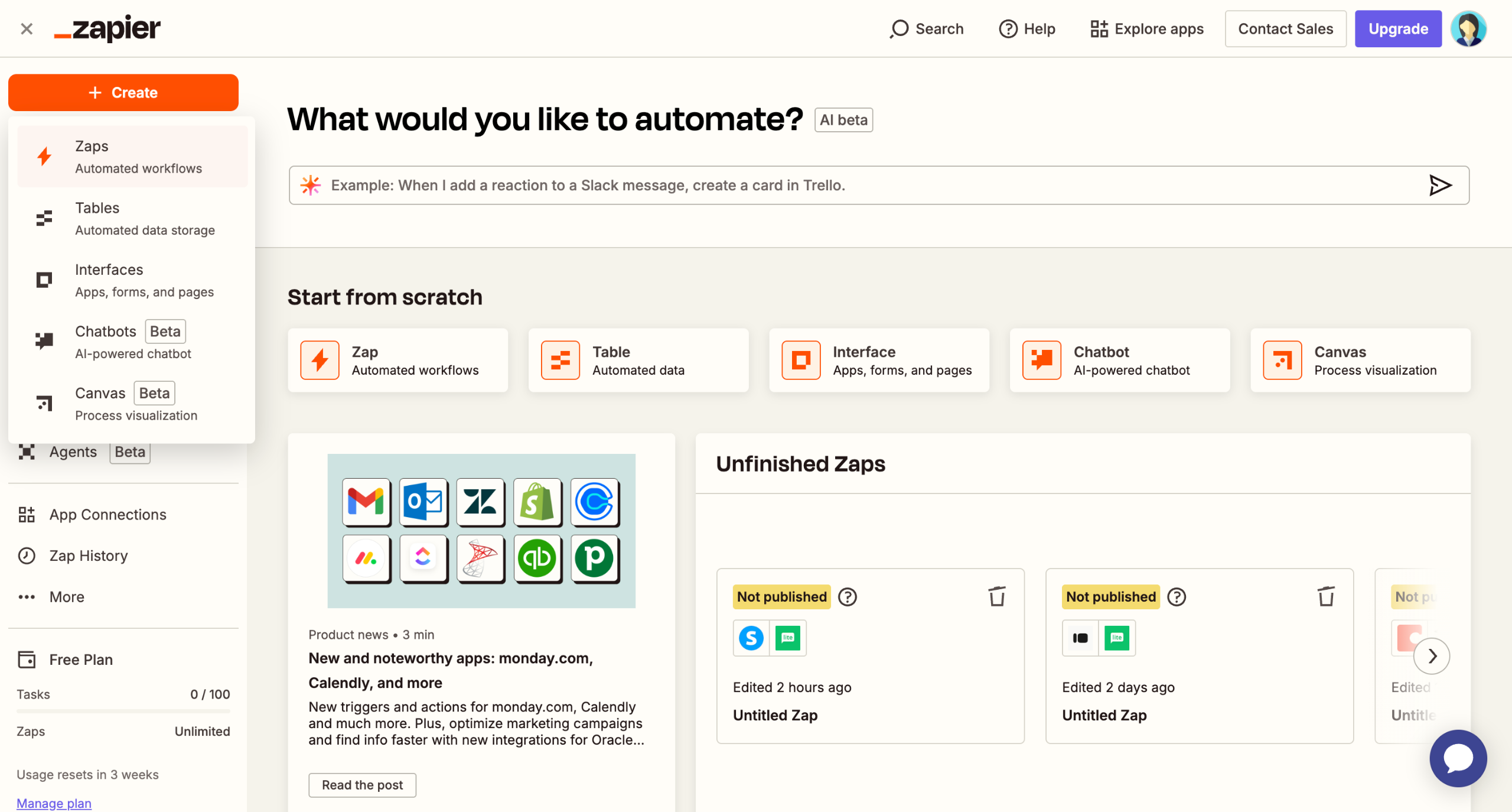
Start building your automation by selecting a trigger event that initiates your workflow.
Choose 'ManyChat' as your trigger app to start your automation.
Select the specific event type that will activate your automation.
Connect your ManyChat account to enable data flow between applications.
Click 'Test trigger'.
Select 'Flodesk' as your action app to grow your email list.
Specify which trigger event will initiate your automated workflow.
Establish the connection to your Flodesk email marketing platform.
Define the data value you want to use in your automation.
Continue configuring your ManyChat to Flodesk integration by clicking 'Test step'.
Hit 'Publish' to activate your Zap.

Create your first interactive demo in minutes
No credit card required • Start building today