How Do I Know Who Responded in SurveyMonkey
- George Apostolov
- 05 Sep 2025
Guide
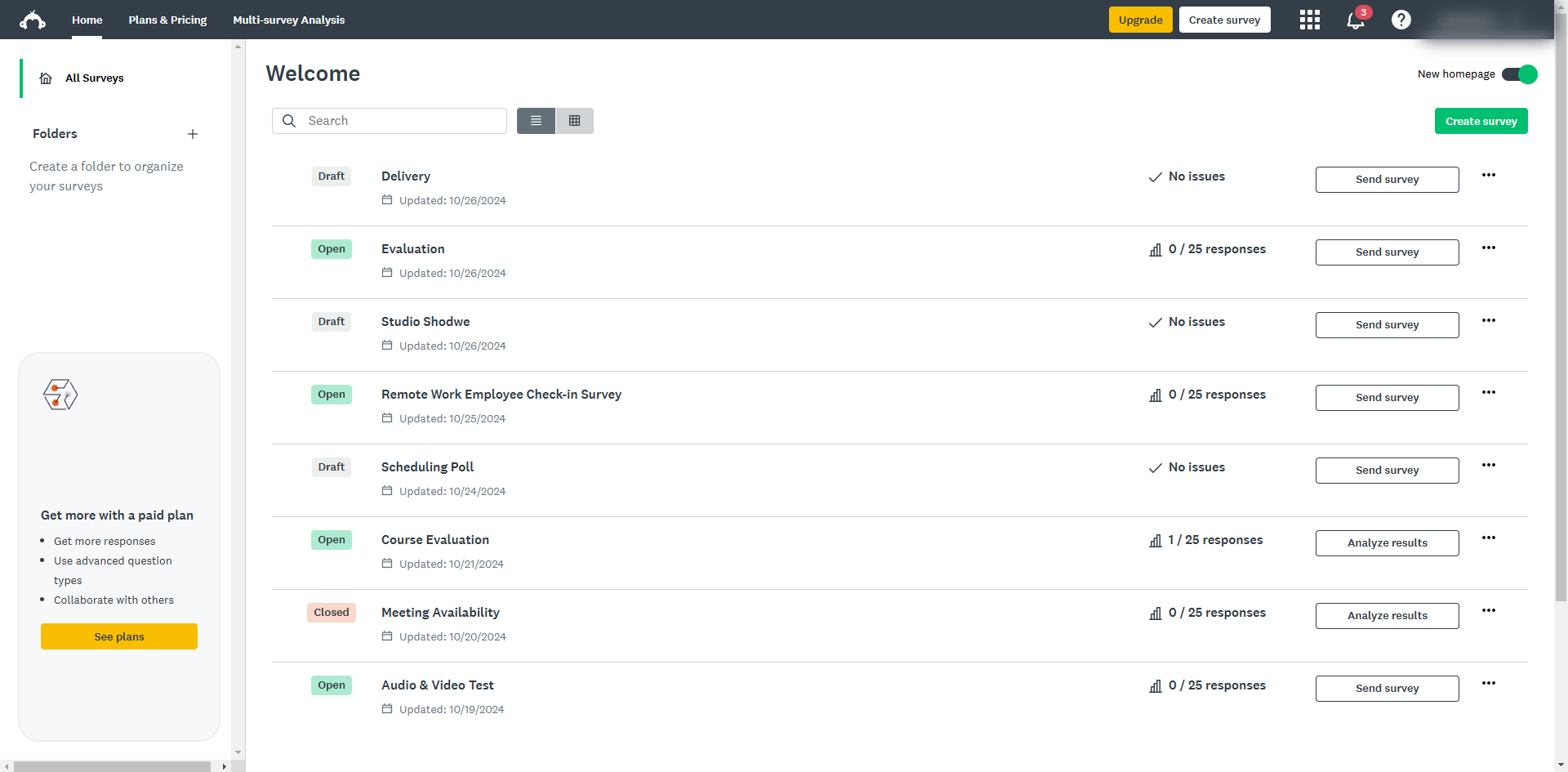
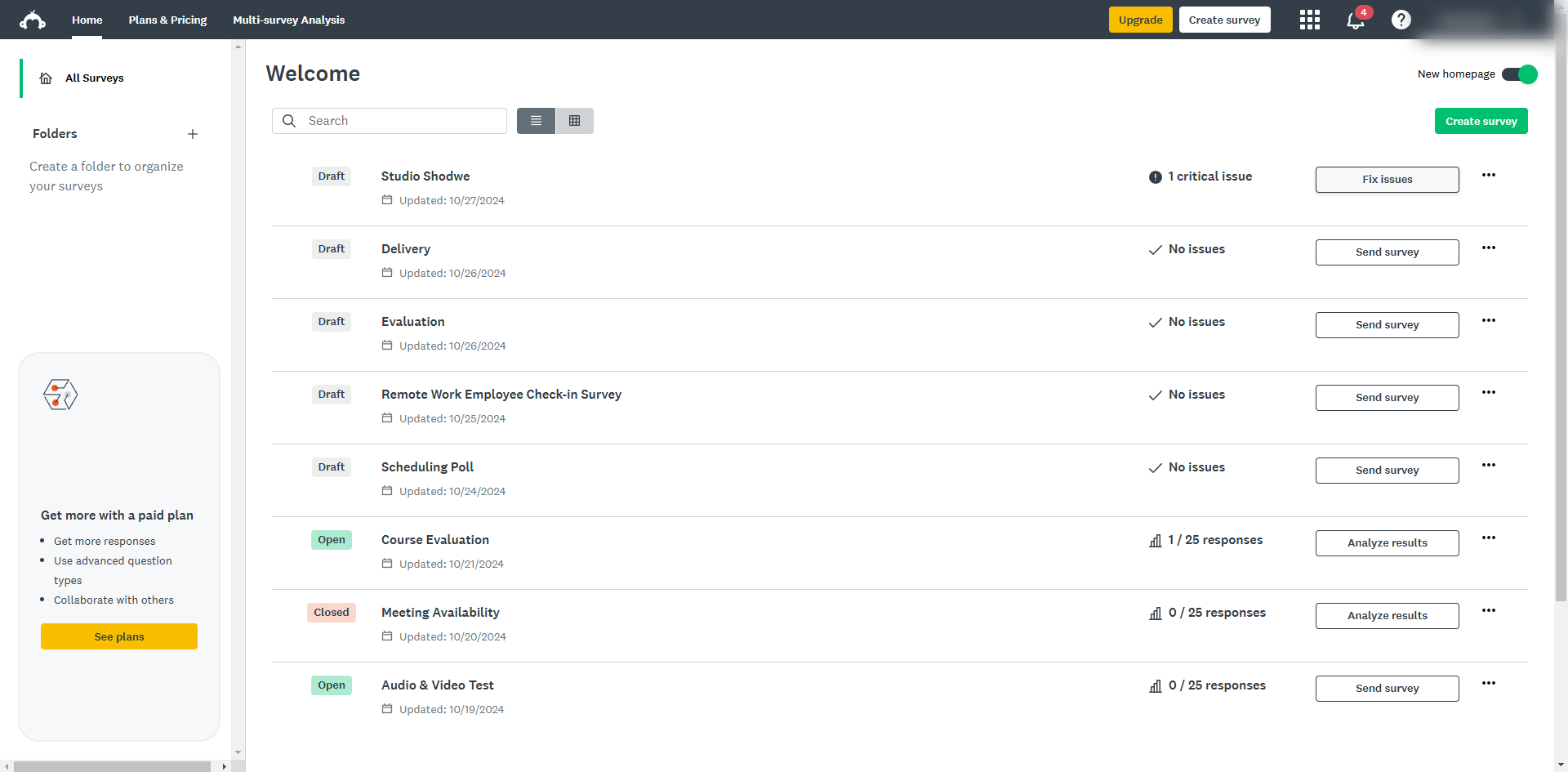
Navigate to your desired survey and click on the ellipsis icon next to the survey title.
From the drop-down menu, select 'Edit survey'.
In your survey, add a question that asks for their name, email, or any other identifier to identify who responded in your survey.
You can also go to the 'Analyze Results' tab to view the collected contact information along with their responses.
Select 'Individual Responses' to see each respondent’s data.
Click the arrow to view.
By using these techniques, you can effectively track and identify who has responded to your SurveyMonkey survey.

Create your first interactive demo in minutes
No credit card required • Start building today