How Do I View Who Received My Email Campaign in ActiveCampaign
- George Apostolov
- 05 Sep 2025
Guide
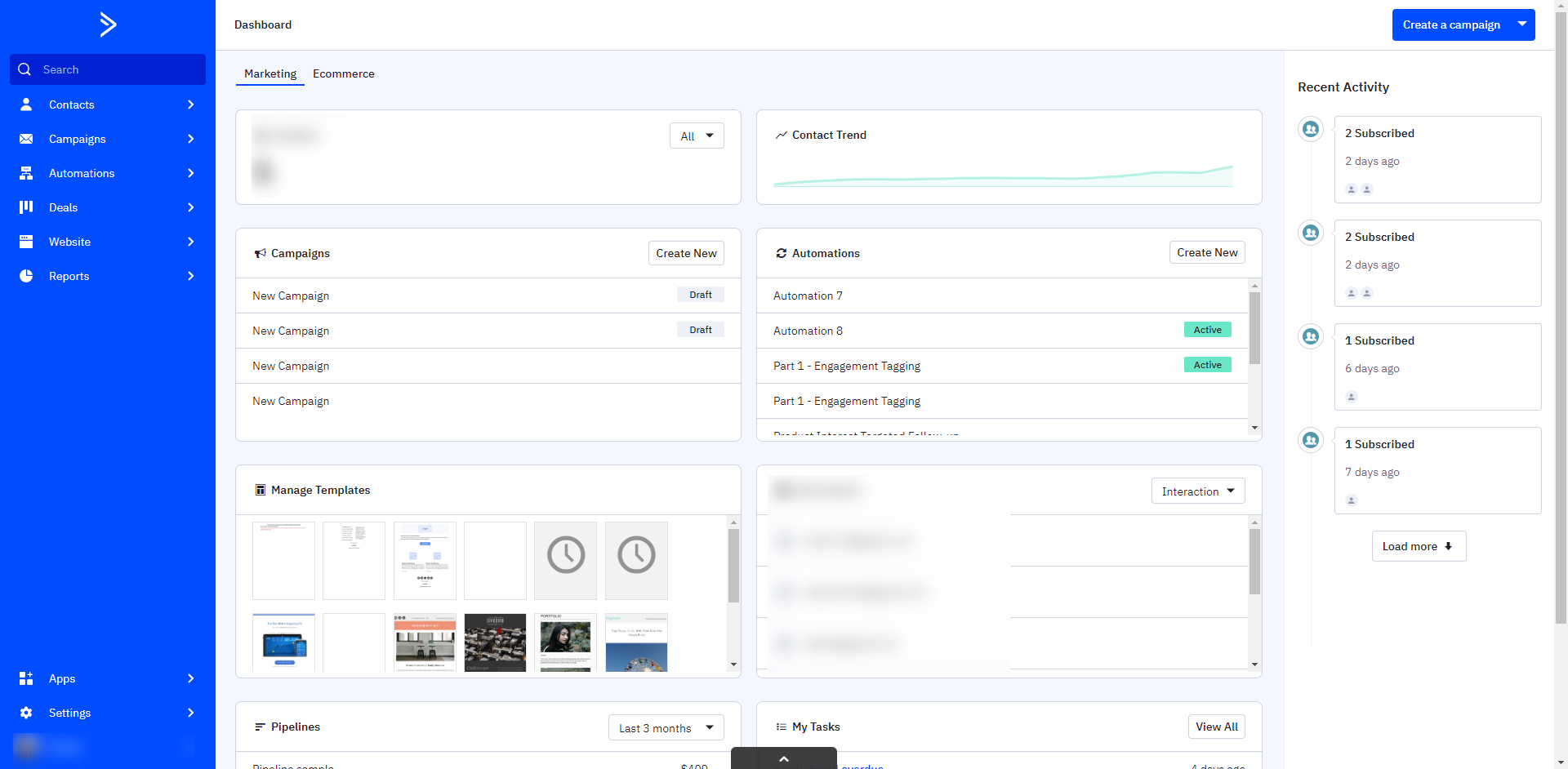
Click the 'Contacts' option.
Click the search field.
Click the 'Advanced Search' below the 'Search Contacts'.
The segment builder will appear. Click the conditions dropdown.
Click 'Actions'.
Choose the option 'Has been sent'.
Next, click the value field to select a specific campaign to search for contacts who were sent that campaign.
You can choose 'Any campaign' to look for all contacts who were sent any campaign.
Click the 'Search' button.
All contacts who were sent that campaign will load.

Create your first interactive demo in minutes
No credit card required • Start building today