How Build a Creative Brief with Slite
- George Apostolov
How Build a Creative Brief with Slite: step-by-step guide
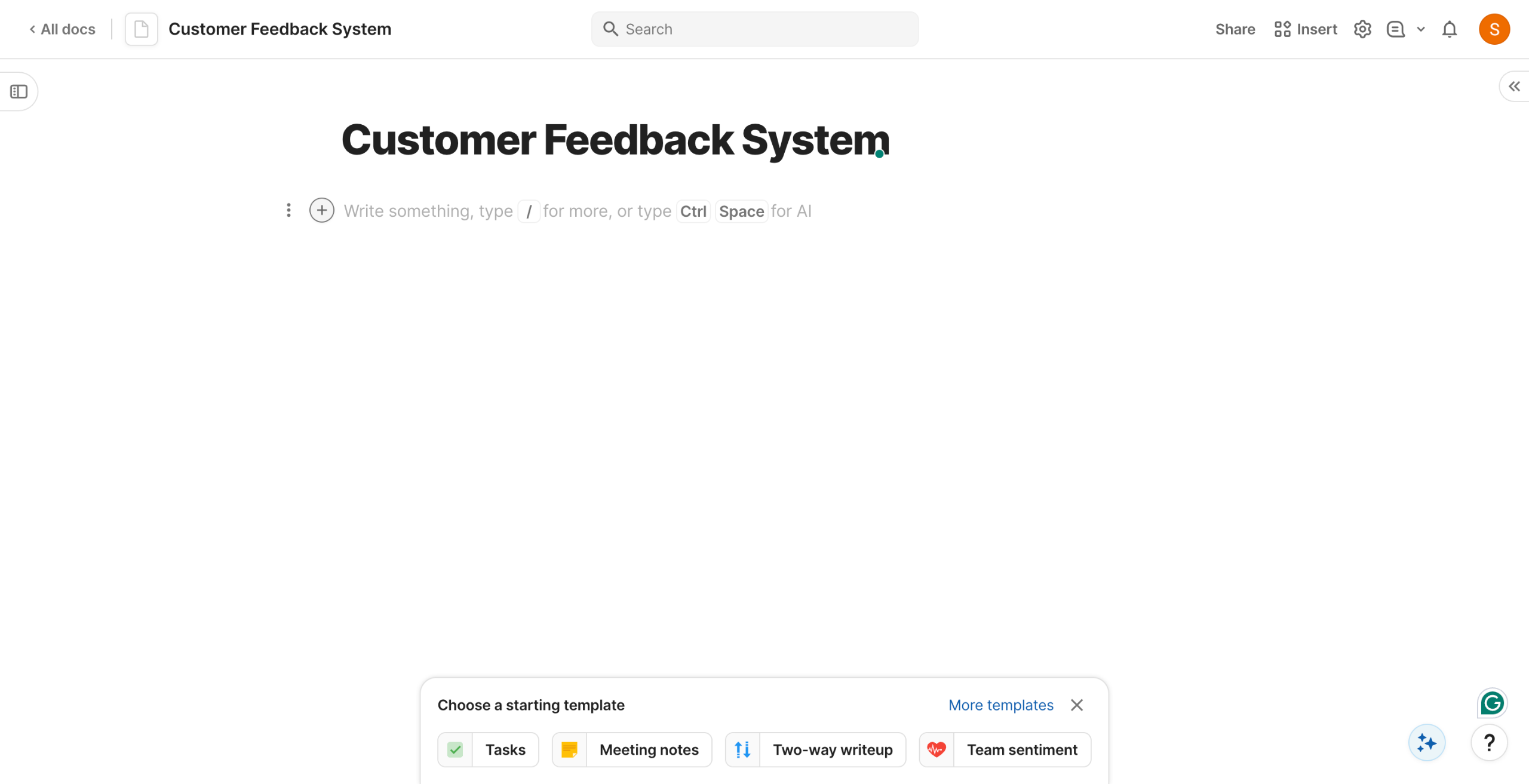
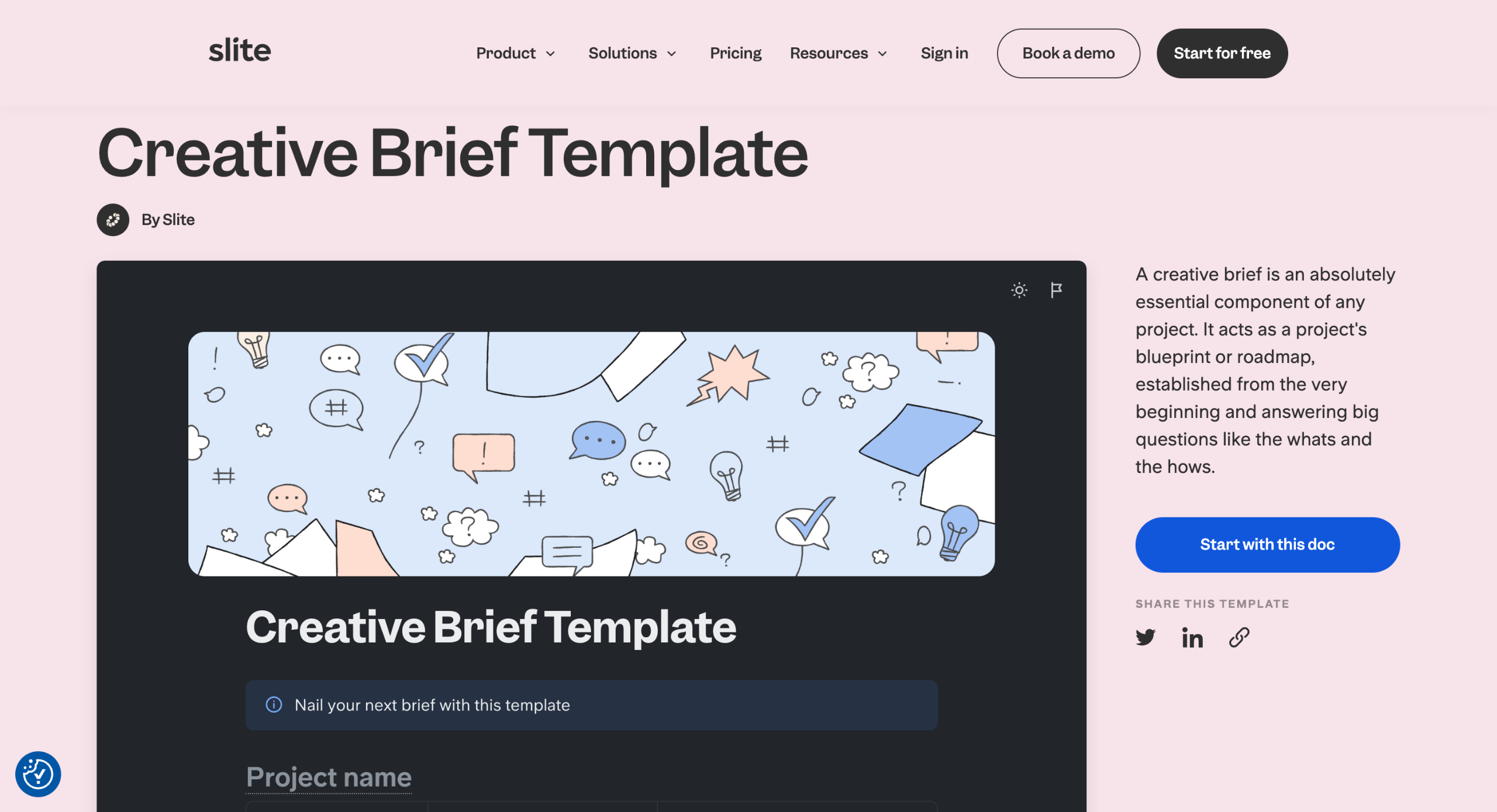
Build Creative Briefs with Slite Templates A creative brief acts as a project's blueprint established from the very beginning and answers big questions like the whats and the hows.
Click on the "Start with this doc" button to get started.
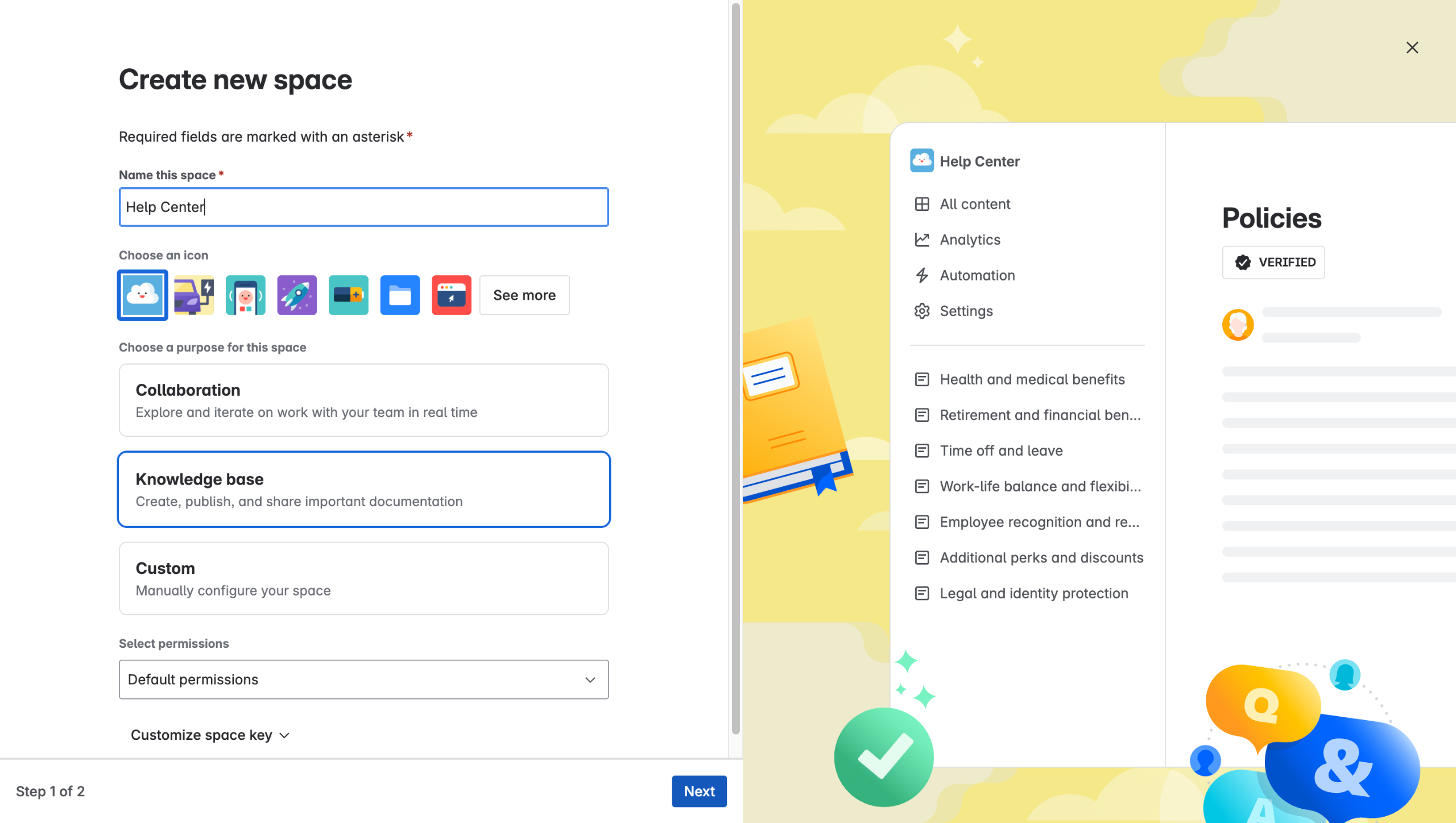
Choose the destination for your brief.
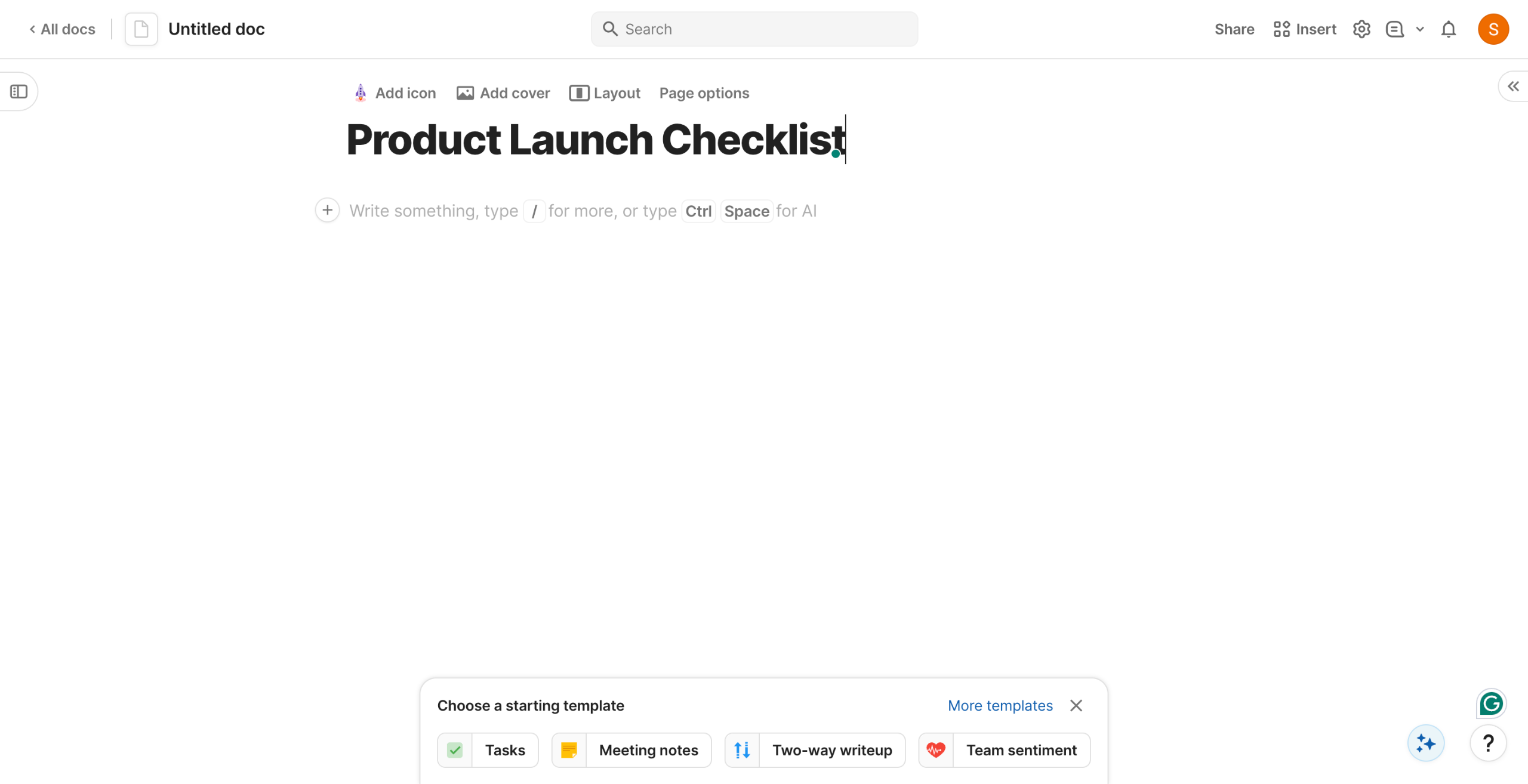
Start by giving a project name.
Give additional information such as budget, contributors, launch date, etc.
Start with the Background: Describe the context and why this assignment is important.
The How could we? section can be used to describe the assignment itself.
Move on to objectives - what do we want to achieve by when. Also, give a reason for the objective.
Make sure to back your objectives with numbers and a set timeframe. (eg. 30% increase in traffic in 3months)
Now let's define the criterion the assignment needs to meet.
The criteria tell us what our end results look like.
Lastly, define your Target Audience and provide Assets and an Appendix for additional context.
A well detailed creative brief helps setting right expectations and ensure the vision of the project is portrayed appropriately.
Quick answer: To build a creative brief with Slite, start by selecting a template and choosing a destination. Next, add a project name and additional details like budget and launch date. Then, complete the background, assignment description, objectives, success criteria, target audience, and appendix sections.
About this tutorial
Create a project blueprint using the app by adding details, objectives, criteria, and audience information to ensure aligned expectations. This guide covers how Build a Creative Brief with Slite in 13 steps, starting with "Build Creative Briefs with Slite Templates A creative brief acts as a project's bluepri..." and finishing with "A well detailed creative brief helps setting right expectations and ensure the vision o...". The interactive demo above is a click-through copy of the real product interface, so you can rehearse each step before doing it in your own account.
Frequently asked questions
How many steps does how Build a Creative Brief with Slite take?
13 steps. Each one is listed in order above, and the demo highlights exactly where to click.
Can I try it without changing my own account?
Yes. Clicking through the demo doesn't touch your data or settings. Once you know the flow, repeat it in your own workspace.

Create your first interactive demo in minutes
No credit card required • Start building today