How to create 10 podcast clips in minutes with AI using Recast Studio
- George Apostolov
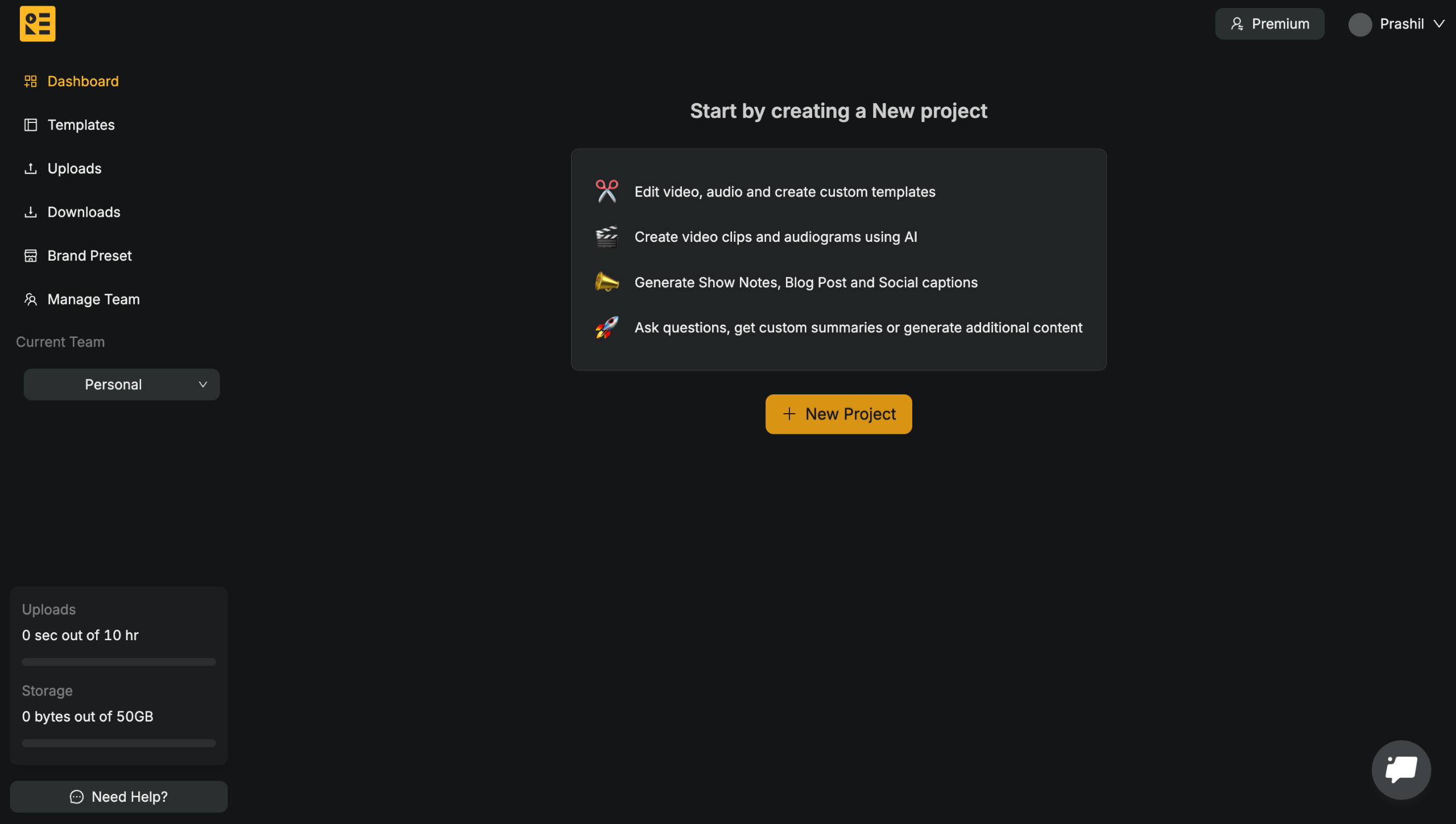
How to create 10 podcast clips in minutes with AI using Recast Studio: step-by-step guide
Recast AI Podcast Clip Maker Transform your podcast into shareable content with Recast's AI podcast clip generator.
Start by uploading your file
Select the language spoken in the podcast to aid a seamless transcription.
Pick your perfect clip style from the template library.
Click on Create Project to get started.
The video upload will take about a minute, depending on the size of your video.
And voila! A transcribed version of your video is ready. You can now edit or generate clips from here.
To find the best clips using AI, head over to Highlights in the left sidebar.
Choose the number of highlights and duration you want and hit the Submit button.
Recast will use AskReti AI to identify the best clips for you. You can find 10 or more clips from the podcast. You can Save the ones you like or Save All.
Click on your desired clip to find it on transcription board.
Hit Clip on the clips you like you'd like to extract.
Click on Create Clip.
You can find all your clips above the transcription interface. Select the one you want to Edit or Download.
Finally, hit the Download button to save the clip to your device.
Wanna turn your podcasts into engaging clips within minutes?
Quick answer: To create 10 podcast clips in minutes with AI using Recast Studio, upload your video file, select the spoken language, and choose a template style. Click create project, use Highlights in the sidebar with AskReti AI to find clips, and select desired clips to edit or download to your device.
About this tutorial
Generate ten engaging podcast clips in minutes using AI. Upload your file, pick a template, let the app find highlights, and download your clips. This guide shows how to create 10 podcast clips in minutes with AI using Recast Studio in 16 steps, starting with "Recast AI Podcast Clip Maker Transform your podcast into shareable content with Recast'..." and finishing with "Wanna turn your podcasts into engaging clips within minutes?". The interactive demo above is a click-through copy of the real product interface, so you can rehearse each step before doing it in your own account.
Frequently asked questions
How many steps does it take to create 10 podcast clips in minutes with AI using Recast Studio?
16 steps. Each one is listed in order above, and the demo highlights exactly where to click.
Can I try it without changing my own account?
Yes. Clicking through the demo doesn't touch your data or settings. Once you know the flow, repeat it in your own workspace.

Create your first interactive demo in minutes
No credit card required • Start building today