How to Configure Joomla
- George Apostolov
How to Configure Joomla: step-by-step guide
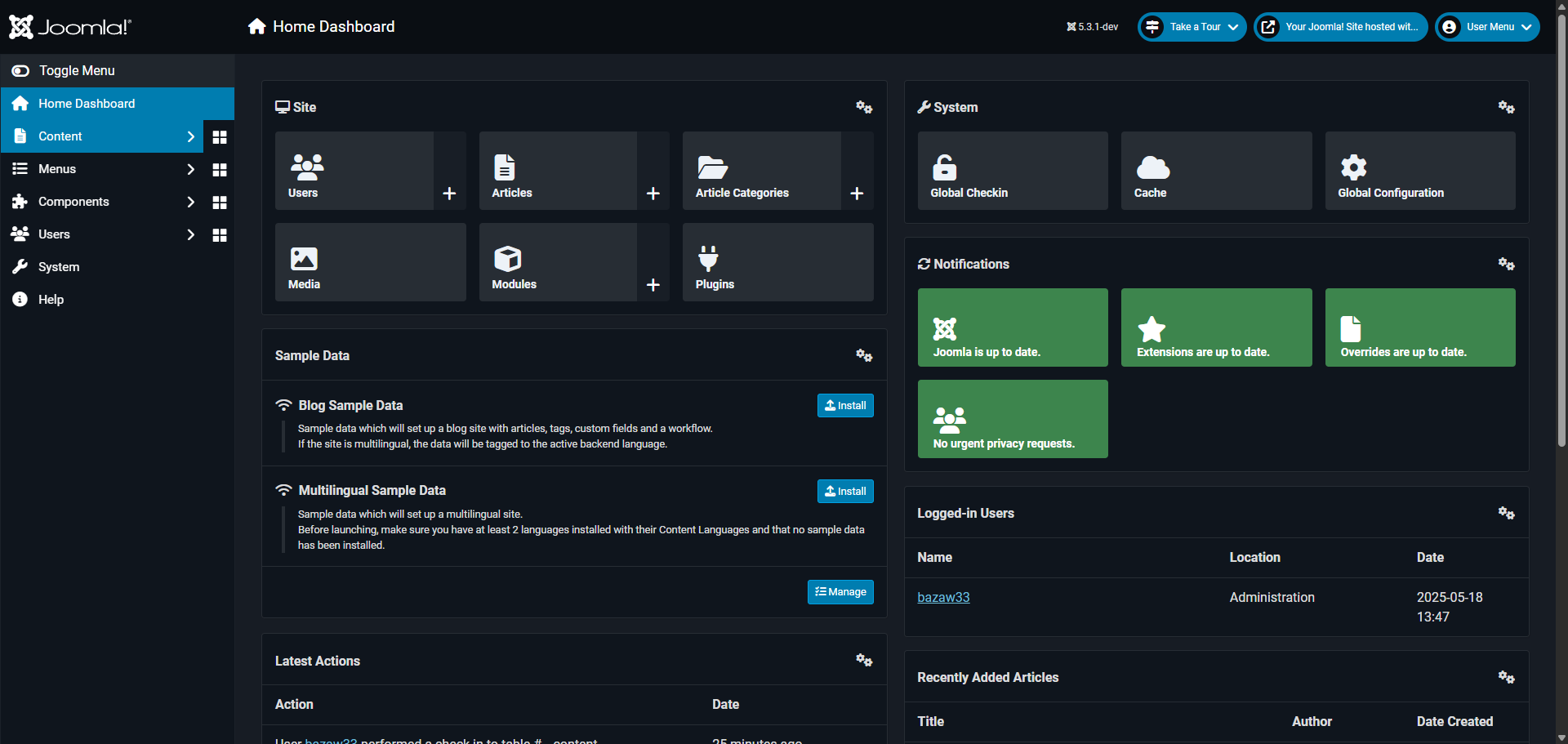
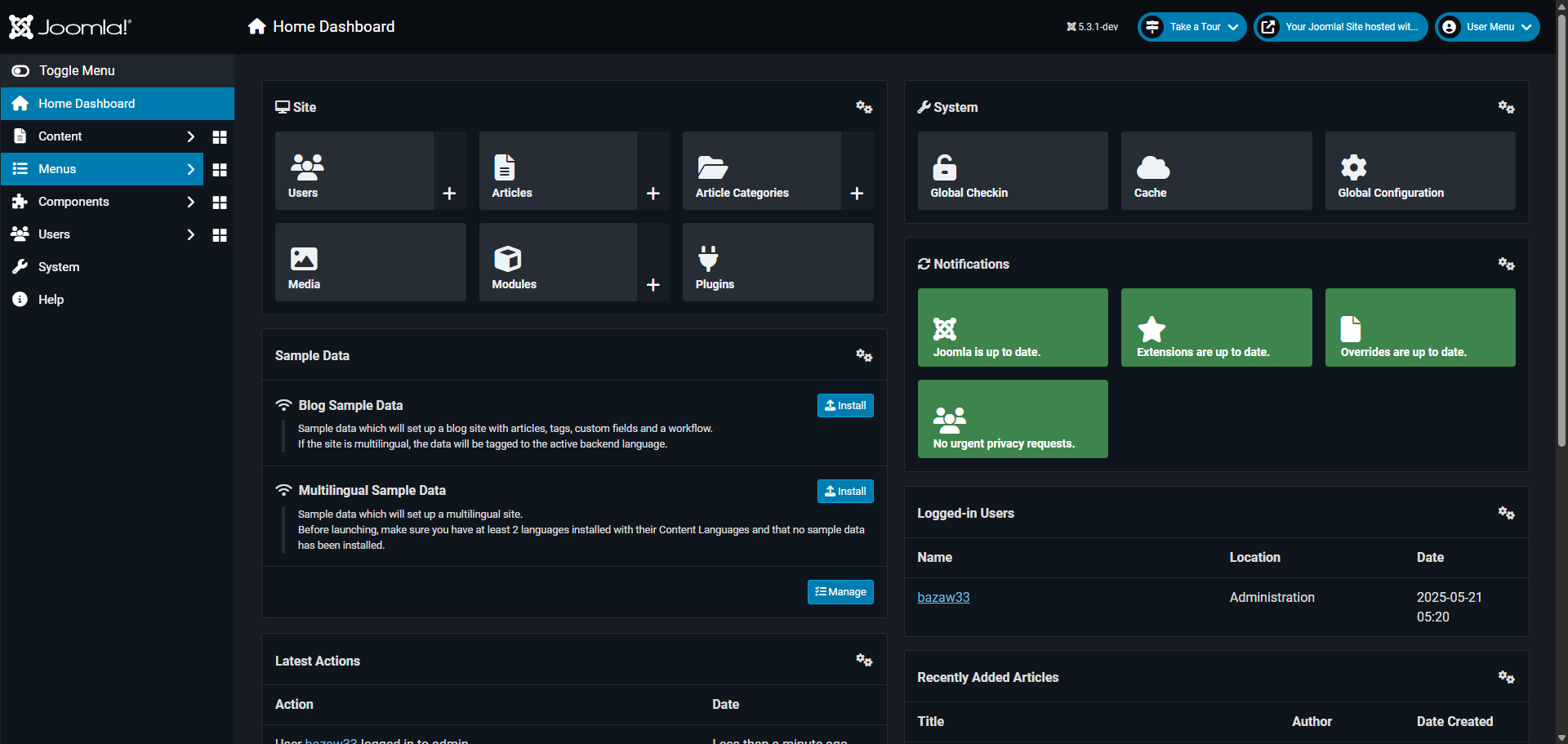
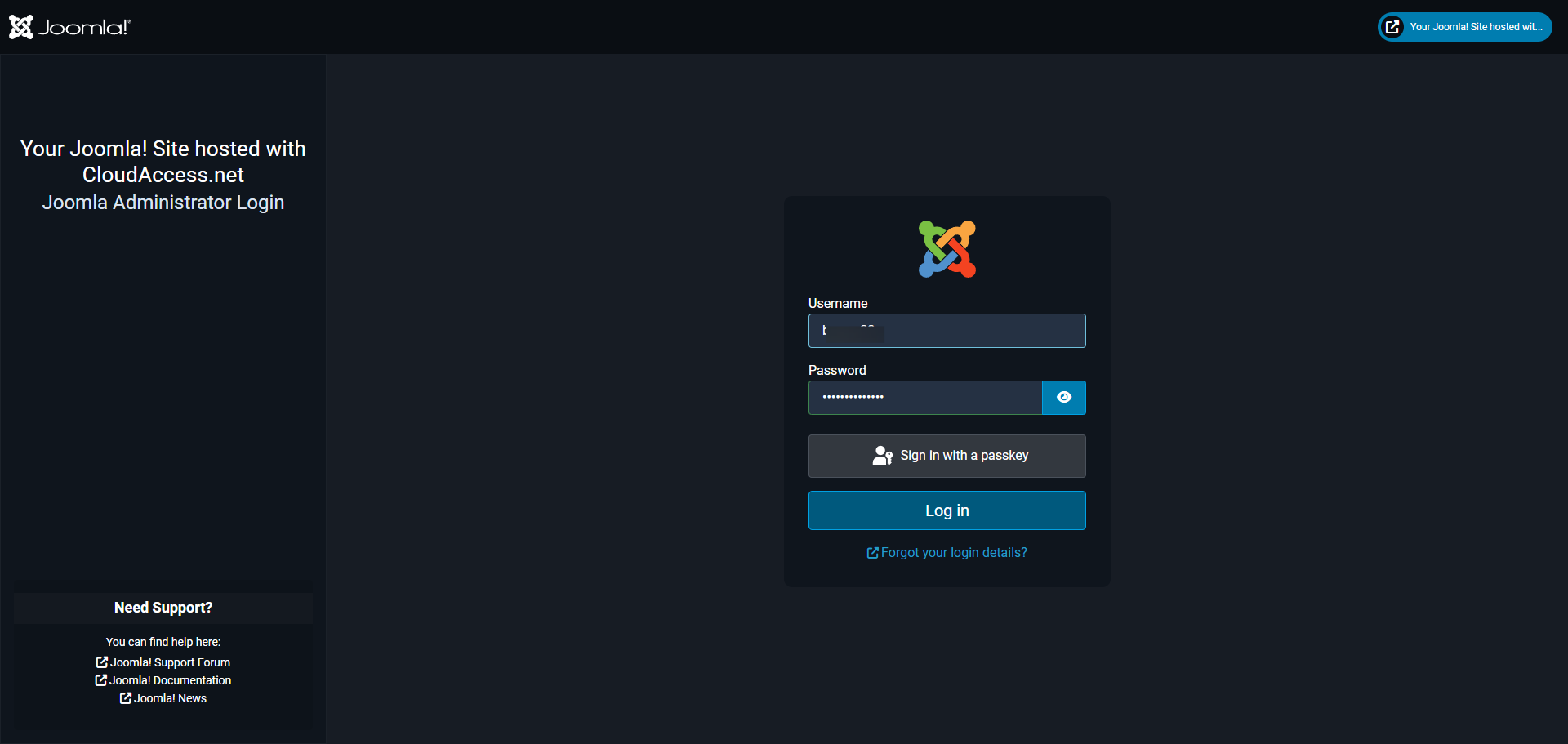
Access your administrator dashboard through the 'Log in' portal.
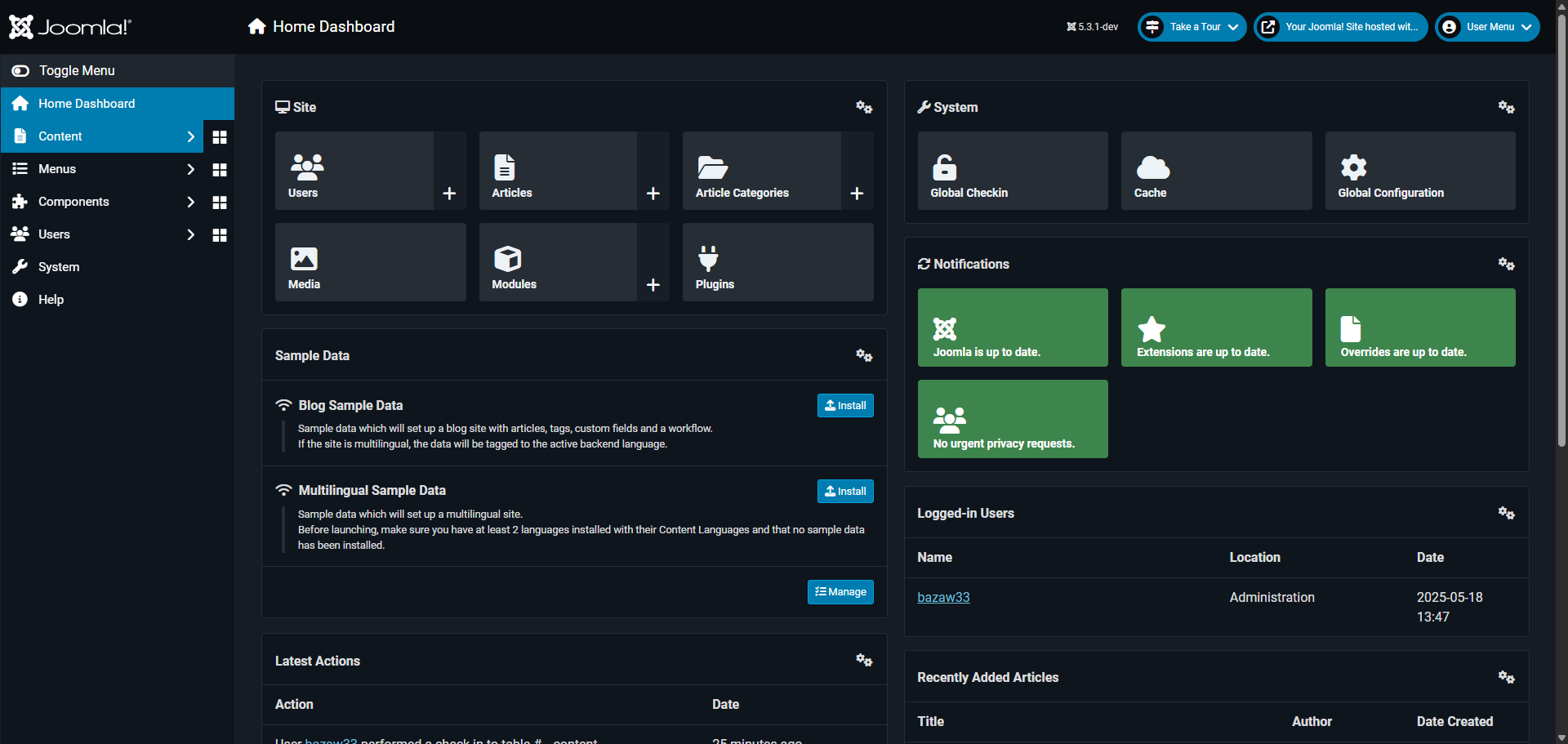
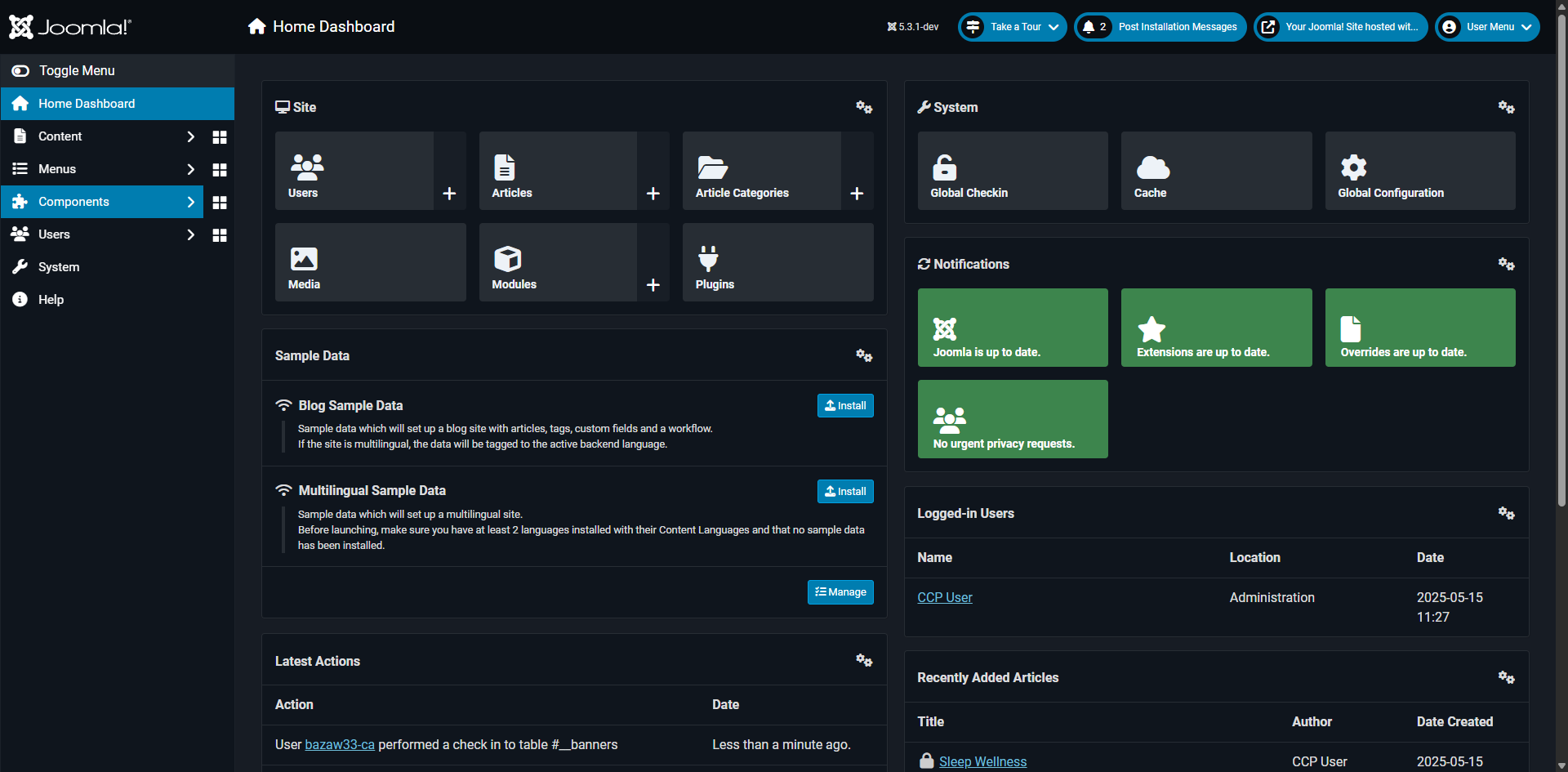
Navigate to the 'System' menu, where all core configuration options are located.
Access the 'Setup' area to manage your site's fundamental settings.
Open 'Global Configuration' to customize site-wide settings and behaviors.
Explore the 'Site' tab for front-end display and metadata settings.
Review content formatting options to maintain consistent site appearance. Set your website title. Toggle the 'Site Offline' if you're still building the site.
Examine 'System' settings that control core functionality and performance.
Set session lifetime, enable the 'Debug System' for development purposes and turn on cache for performance.
Optimize 'Server' configurations for better performance and security.
Manage Logging preferences to track site activities and troubleshoot issues.
Customize 'Text Filters' to control what content types users can submit.
Set up 'Permissions' to control user access levels across your site.
Click 'Save & Close' to save your configuration changes to apply your new optimized settings.
Quick answer: To configure Joomla, log in to the administrator dashboard, navigate to System and Global Configuration, adjust Site, System, Server, Logging, Text Filters, and Permissions settings, and click Save and Close to apply your changes.
About this Joomla tutorial
Optimize your Joomla site by configuring global settings, system performance, server options, permissions, and security features in the admin dashboard. This guide shows how to configure Joomla in 13 steps, starting with "Access your administrator dashboard through the 'Log in' portal" and finishing with "Click 'Save & Close' to save your configuration changes to apply your new optimized set...". The interactive demo above is a click-through copy of the real Joomla interface, so you can rehearse each step before doing it in your own account.
Frequently asked questions
How many steps does it take to configure Joomla?
13 steps. Each one is listed in order above, and the demo highlights exactly where to click.
Can I try it without changing my own account?
Yes. Clicking through the demo doesn't touch your Joomla data or settings. Once you know the flow, repeat it in your own workspace.
This tutorial is filed under Joomla. Related guides: How to Create a Button in Joomla, How to Create a Class for Button in Joomla 4 and How to Create a Contact Form in Joomla. Last reviewed 05 Oct 2026.

Create your first interactive demo in minutes
No credit card required • Start building today