How to Crawl a List of URLs on Screaming Frog
- George Apostolov
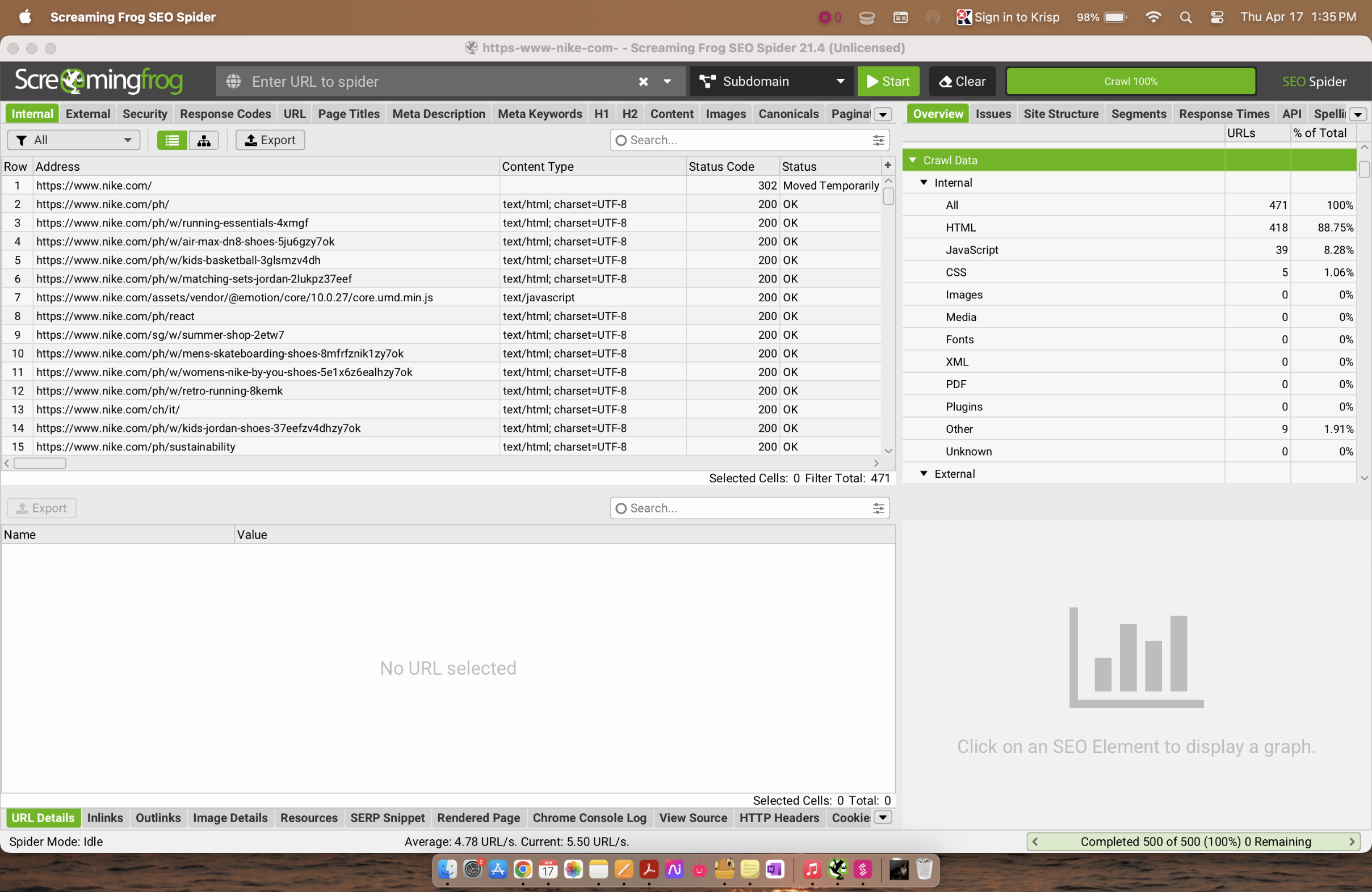
How to Crawl a List of URLs on Screaming Frog: step-by-step guide
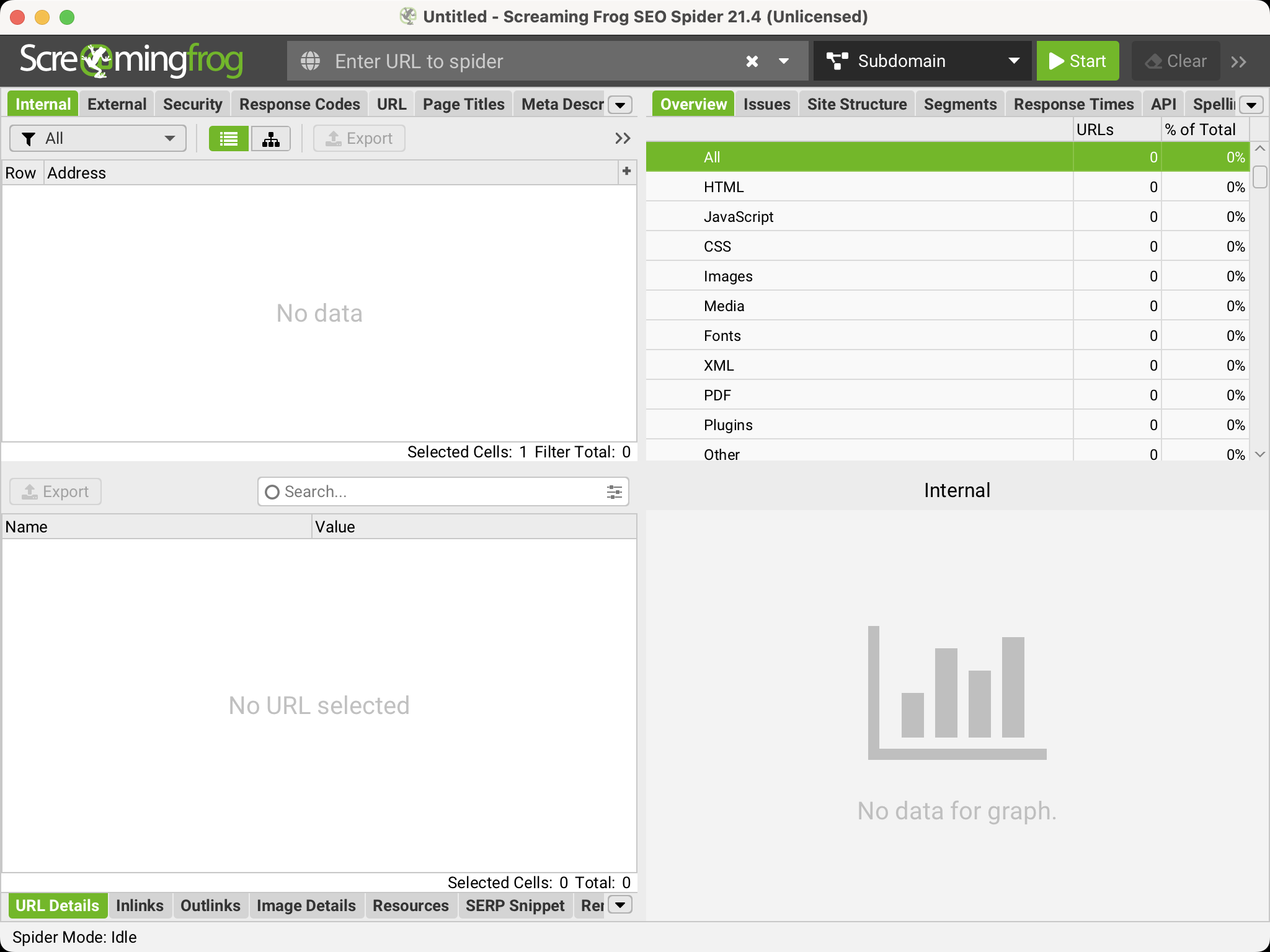
Launch the Screaming Frog SEO Spider tool.
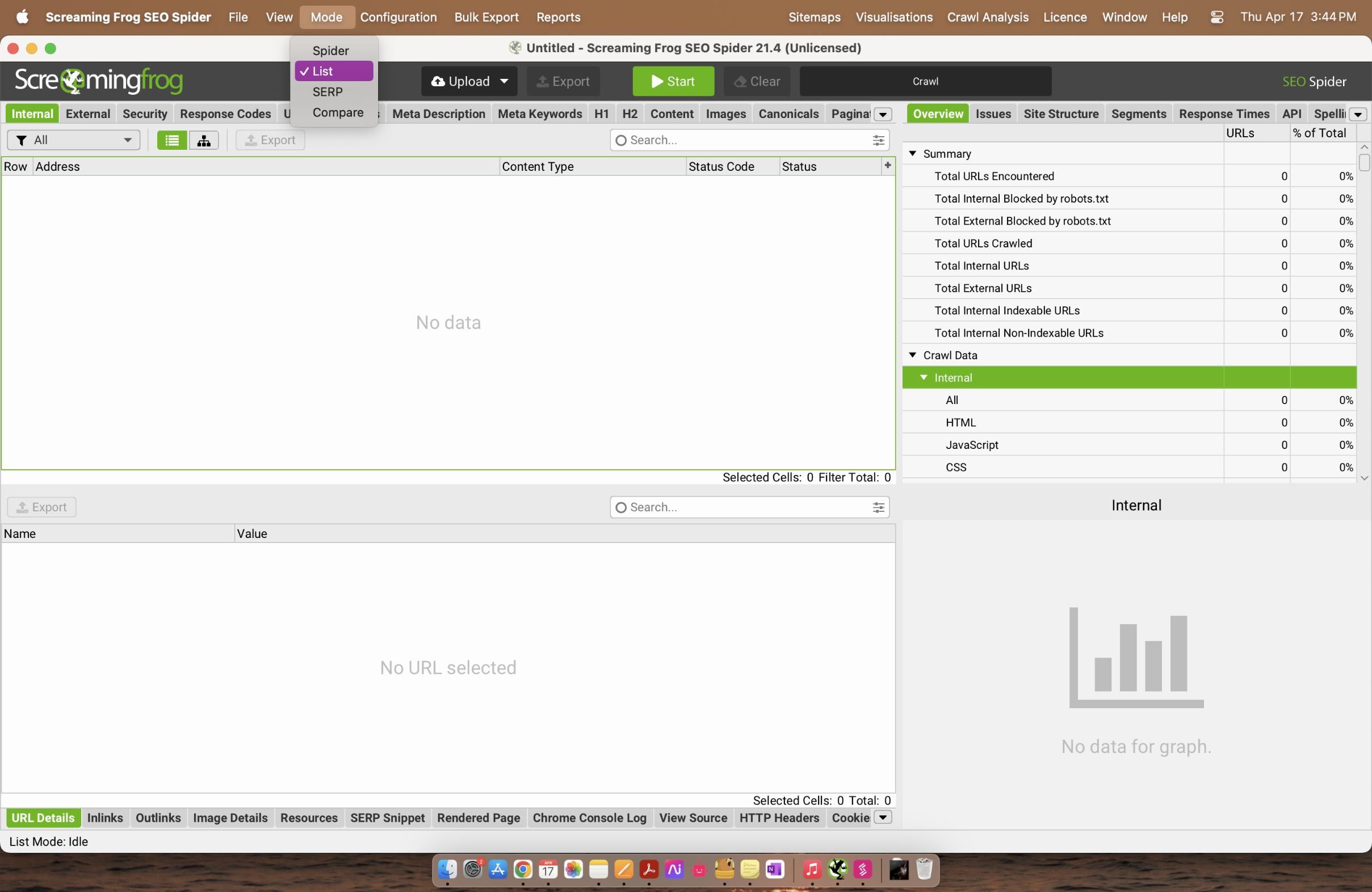
Go to Mode then List (instead of default "Spider" mode).
Click Upload and choose how you want to input URLs.
Paste your URLs then click Next.
Once URLs are loaded, click OK to crawl just those pages.
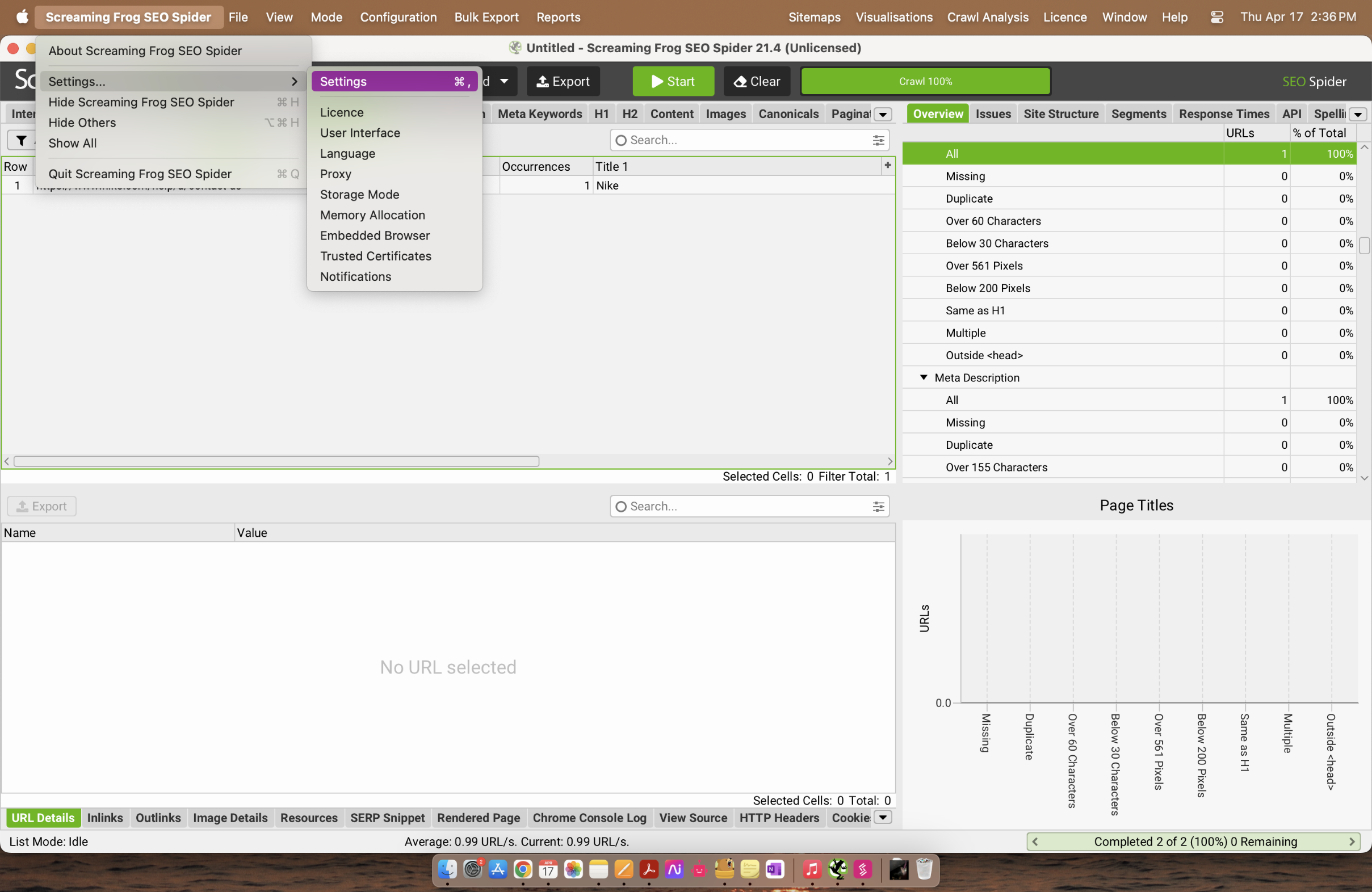
Use the tabs (e.g., Response Codes, Page Titles, Meta Descriptions) to check SEO data, errors, and more for each URL.
Quick answer: To crawl a list of URLs in the Screaming Frog SEO Spider tool, switch the mode to List, upload and paste your URLs, click Next and then OK to start the crawl, and finally use the tabs to review SEO data and errors.
About this tutorial
Crawl specific web pages by uploading URLs into the app, starting the list crawl, and reviewing the generated SEO data and error tabs. This guide shows how to crawl a List of URLs on Screaming Frog in 6 steps, starting with "Launch the Screaming Frog SEO Spider tool" and finishing with "Use the tabs (e.g., Response Codes , Page Titles , Meta Descriptions ) to check SEO dat...". The interactive demo above is a click-through copy of the real product interface, so you can rehearse each step before doing it in your own account.
Frequently asked questions
How many steps does it take to crawl a List of URLs on Screaming Frog?
6 steps. Each one is listed in order above, and the demo highlights exactly where to click.
Can I try it without changing my own account?
Yes. Clicking through the demo doesn't touch your data or settings. Once you know the flow, repeat it in your own workspace.

Create your first interactive demo in minutes
No credit card required • Start building today