How to Create a Defect in Jira
- George Apostolov
How to Create a Defect in Jira: step-by-step guide
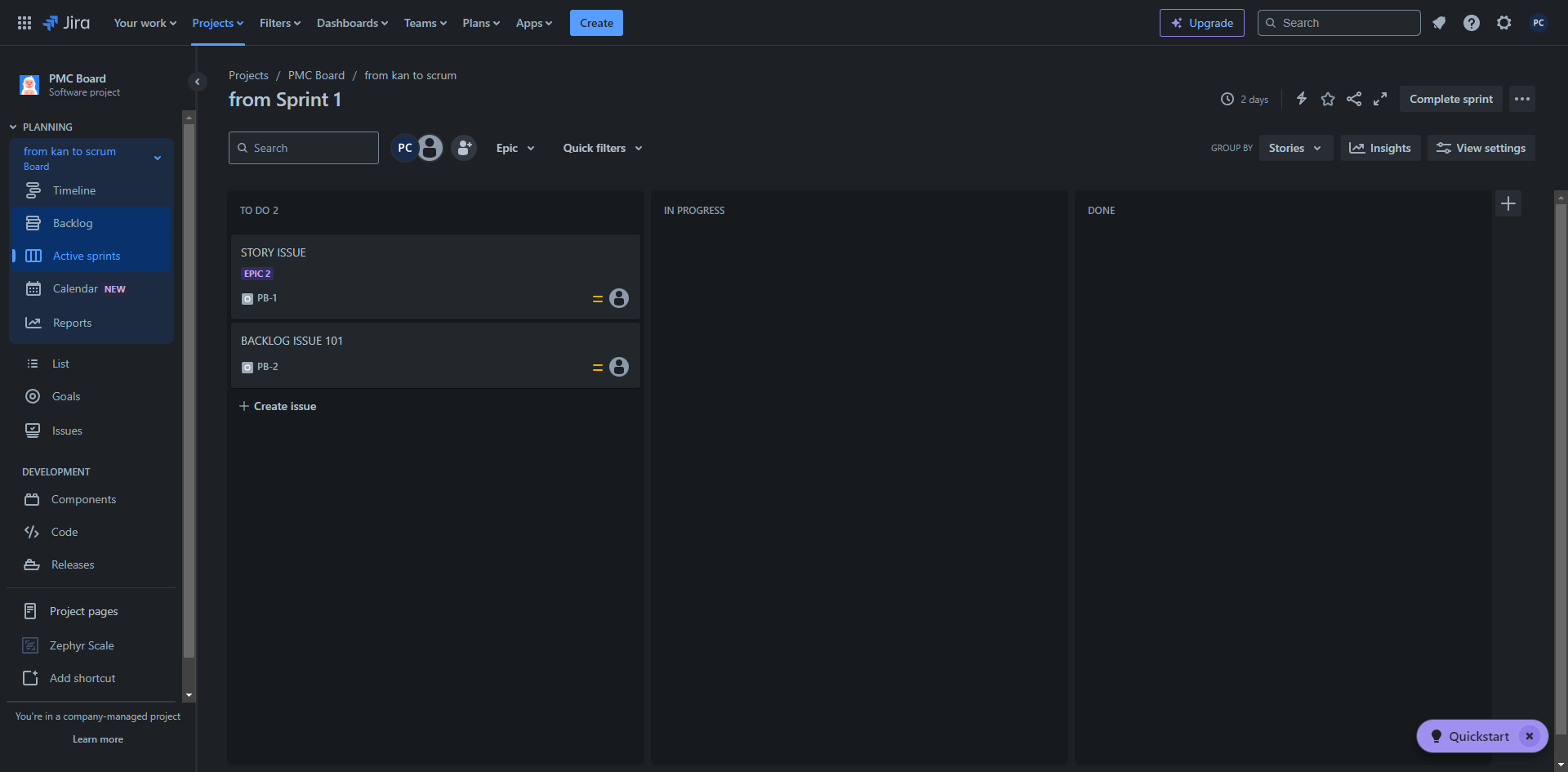
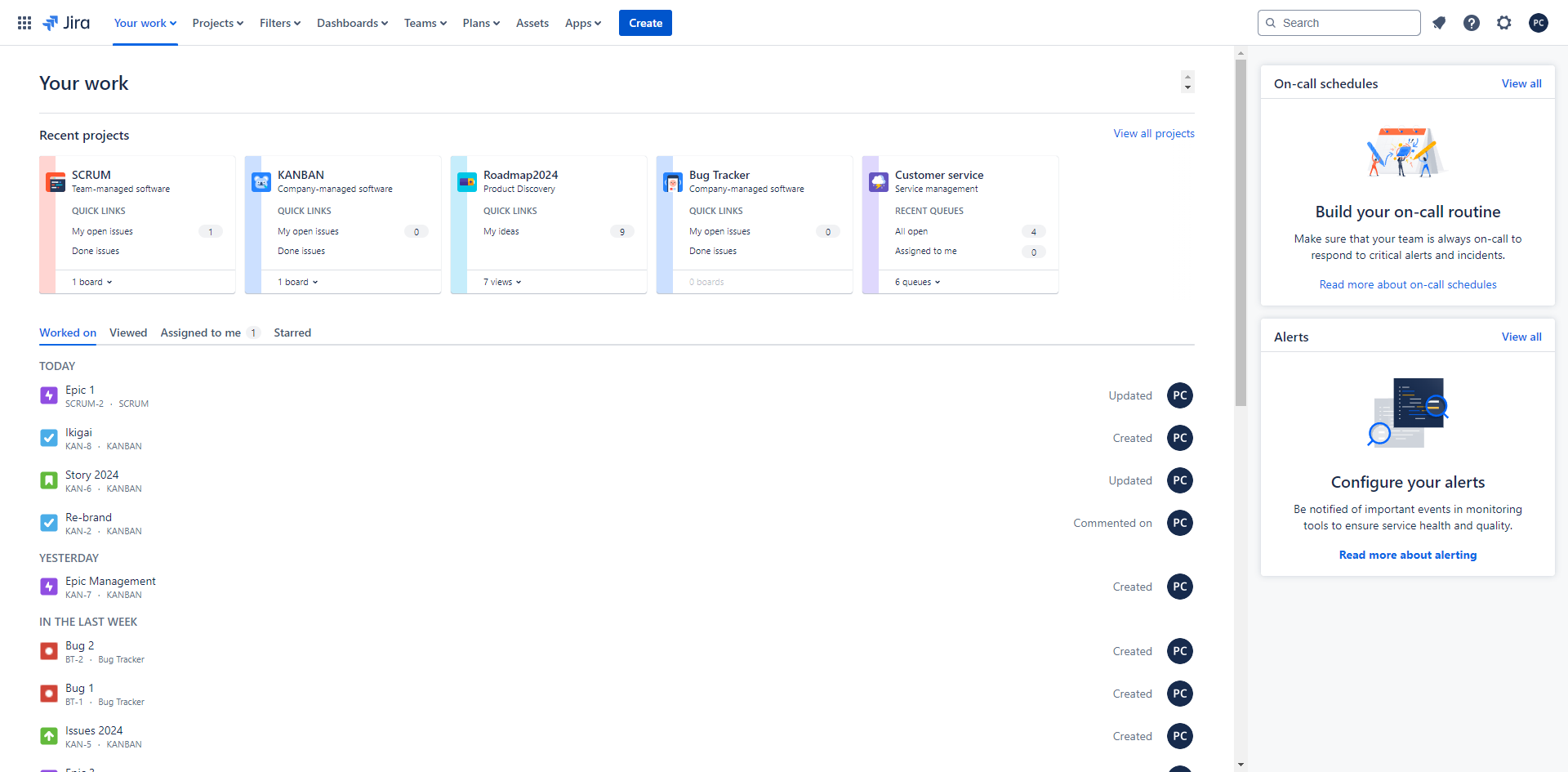
At the top of the screen, click the 'Create' button.
In the 'Create Issue' dialog, choose 'Defect' as the issue type.
Start filling in the necessary fields such as summary and provide a brief, clear title for the defect.
Describe the defect in detail.
Set the priority level.
Assign the defect to a team member.
Optionally, add labels to help with tracking or filtering issues.
Upload any supporting documents, such as screenshots or log files, if needed.
Once you've filled in all the required details, click 'Create'.
After the defect is created, Jira will assign it an issue key. You can now track it, comment on it, transition it through workflows and link it to other issues if needed.
Quick answer: To create a defect in Jira, click the Create button, choose Defect as the issue type, fill in the summary and description, set the priority, assign a team member, add optional labels and attachments, and click Create to generate an issue key for tracking.
About this Jira tutorial
Log and track software bugs efficiently by creating and configuring new defect issues with attachments and priority levels in Jira. This guide shows how to create a Defect in Jira in 10 steps, starting with "At the top of the screen, click the 'Create' button" and finishing with "After the defect is created, Jira will assign it an issue key. You can now track it, co...". The interactive demo above is a click-through copy of the real Jira interface, so you can rehearse each step before doing it in your own account.
Frequently asked questions
How many steps does it take to create a Defect in Jira?
10 steps. Each one is listed in order above, and the demo highlights exactly where to click.
Can I try it without changing my own account?
Yes. Clicking through the demo doesn't touch your Jira data or settings. Once you know the flow, repeat it in your own workspace.
This tutorial is filed under Jira. Related guides: How to create a feature in jira, How to create a filter in jira and How to create fix version in jira. Last reviewed 05 Oct 2026.

Create your first interactive demo in minutes
No credit card required • Start building today