How to Create a Flow in ManyChat
- George Apostolov
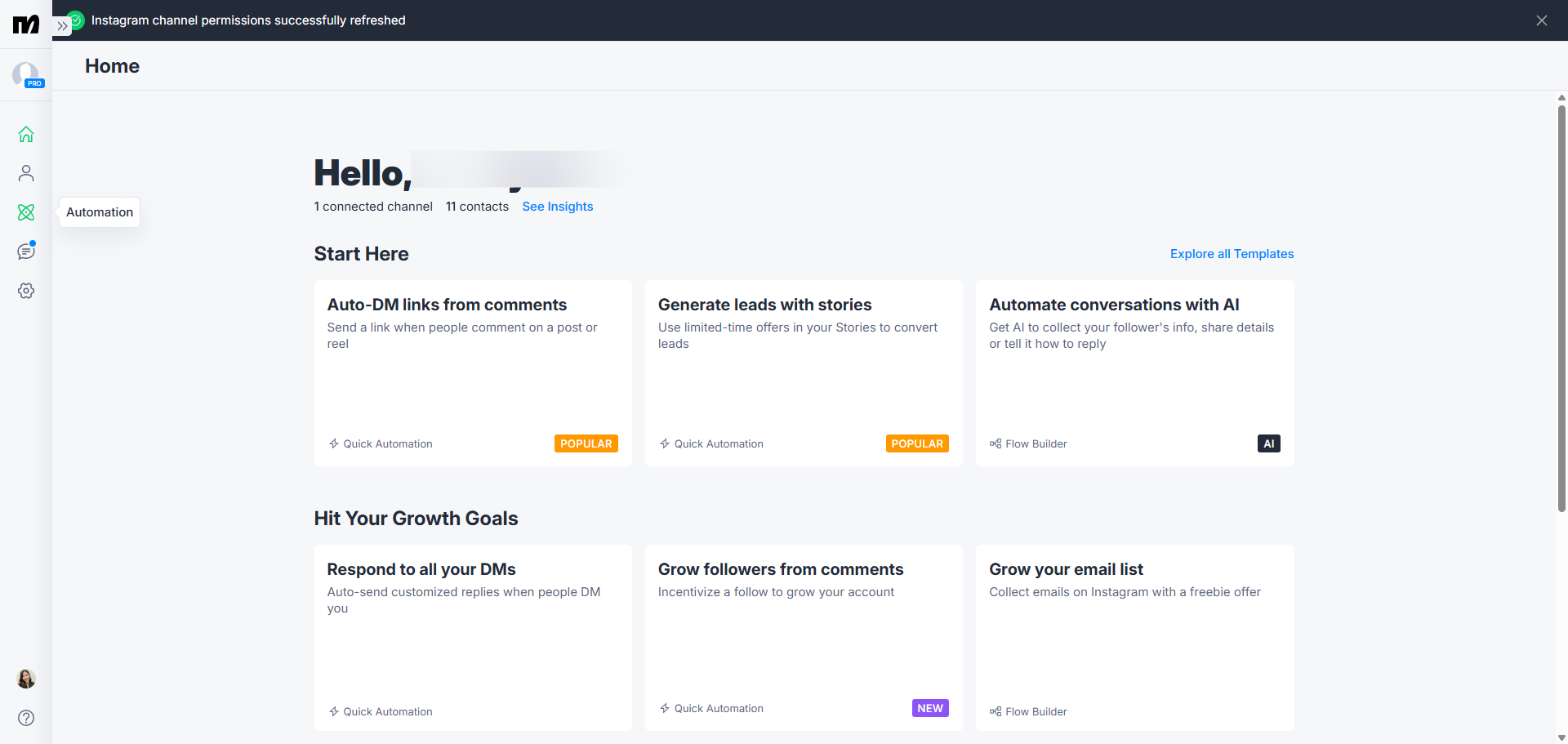
How to Create a Flow in ManyChat: step-by-step guide
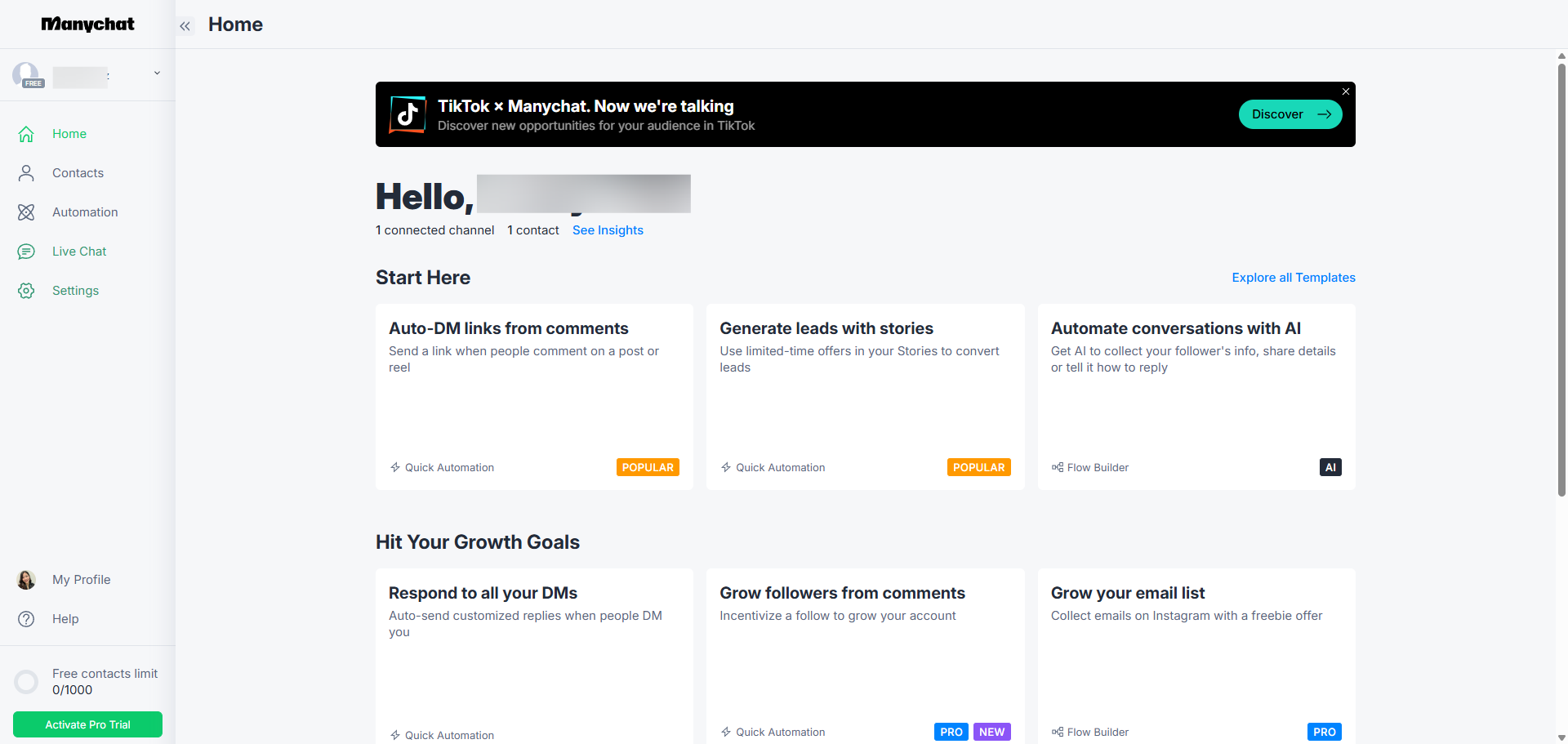
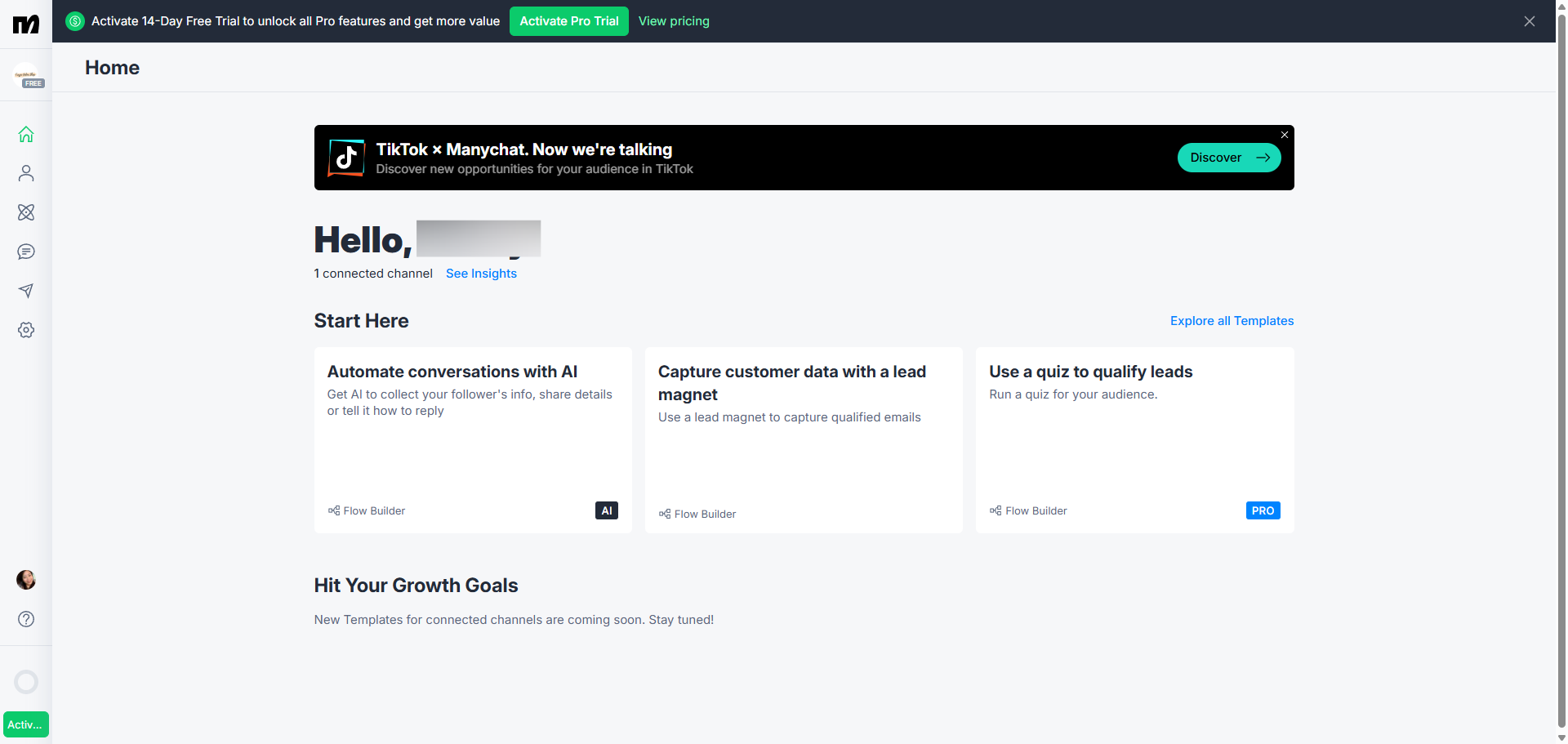
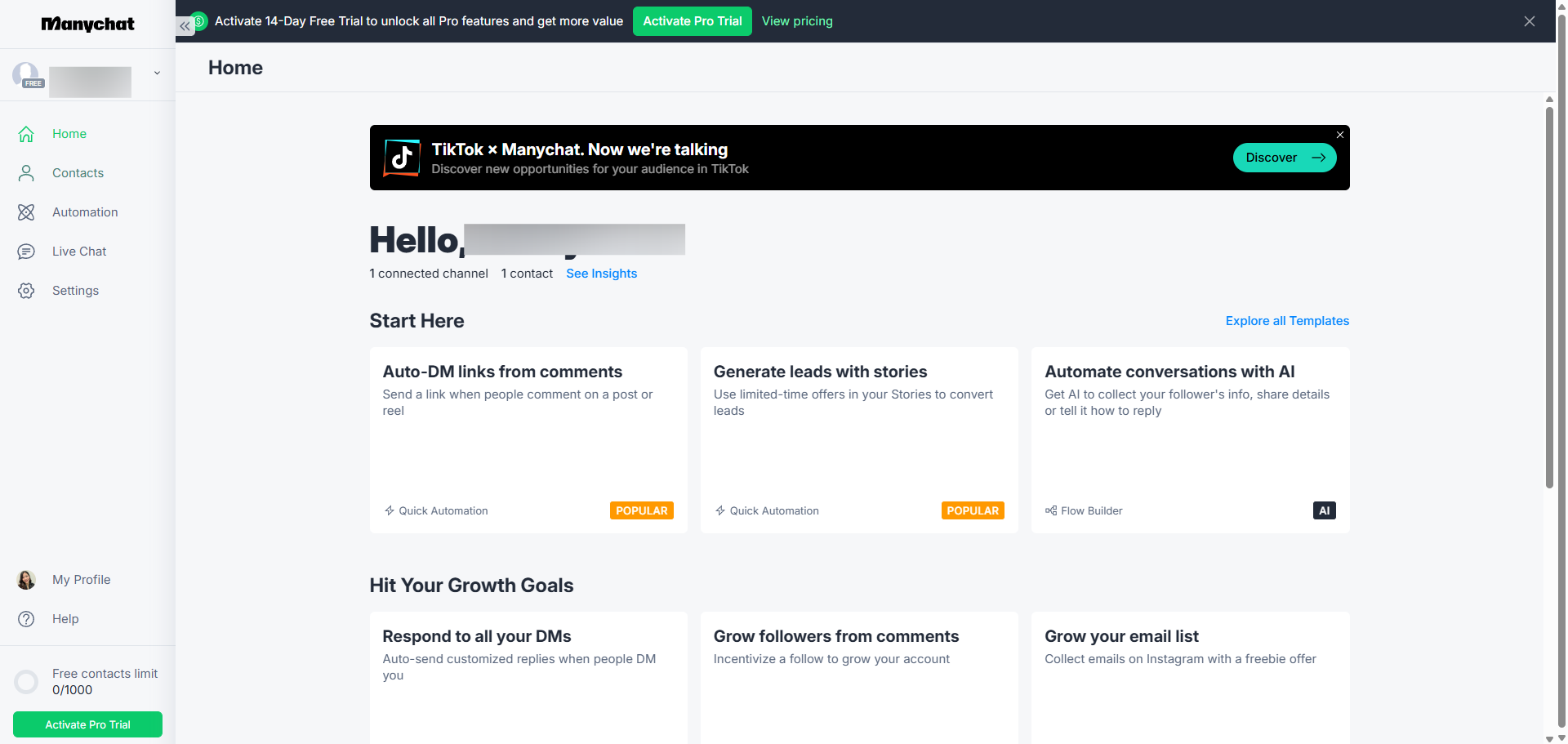
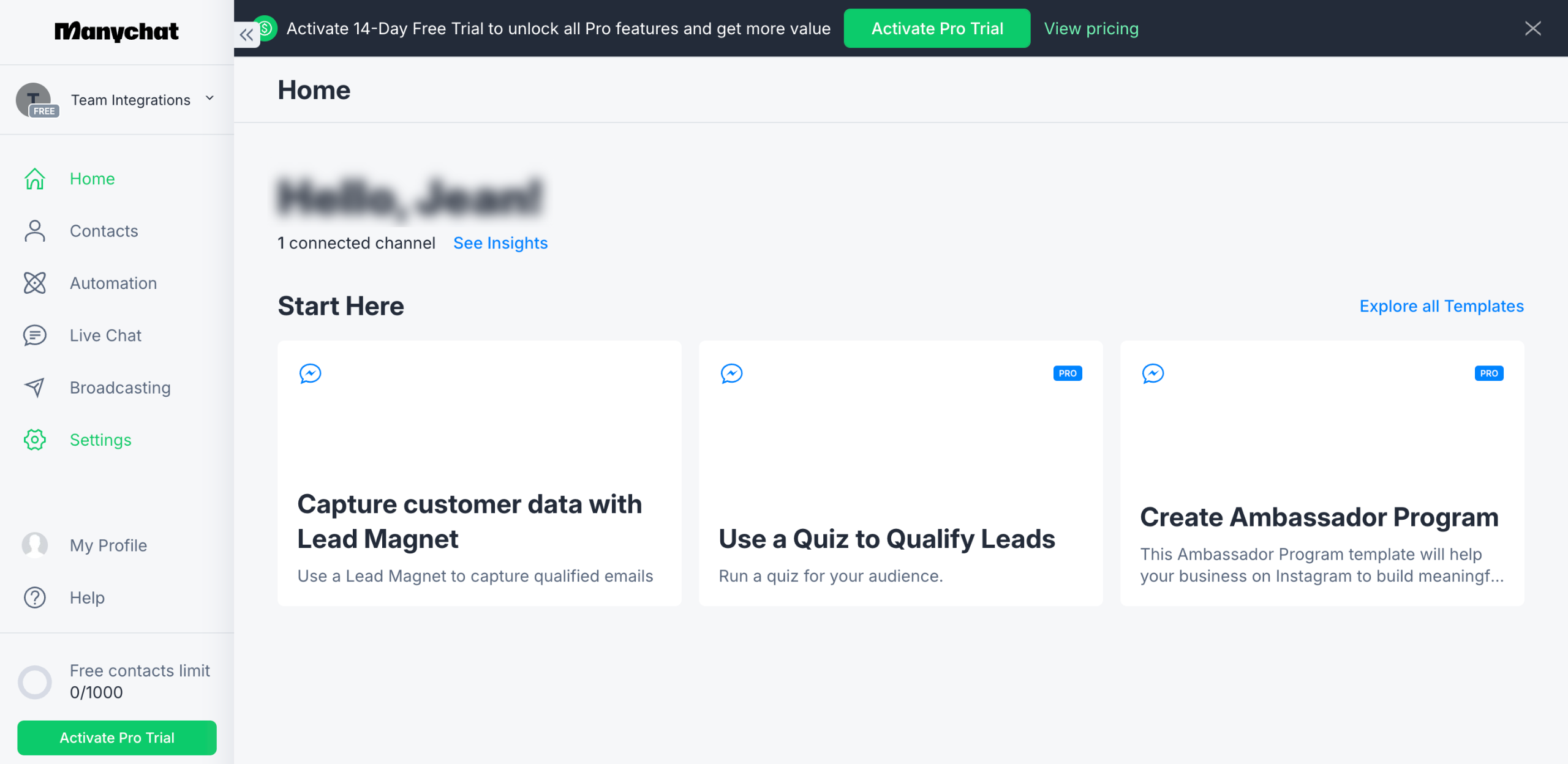
Navigate to the 'Automation' tab to structure your automated responses for natural conversation.
Start building a new automated conversation flow by clicking the '+ New Automation'.
Select 'AI-powered Flow Builder' to create sophisticated conversation paths.
Define how customer data is collected and organized.
Define your automation trigger point
Click 'Generate' to let AI generate personalized responses to boost engagement.
Customize your automation workflow for maximum impact.
Collect phone numbers to enable SMS marketing and follow-ups
Click 'Continue'.
Setup auto-responses when followers comment on your Instagram content.
Customize message content to match your brand voice.
Move forward with creating your personalized chat experience.
Expand your trigger keywords to capture more engagement opportunities.
Proceed to the next step in creating your automated workflow.
Click 'Save' to save your configuration to implement these powerful automations.
Save your progress and preview before launching your automation.
Once satisfied, click 'Set Live'.
Quick answer: To create a flow in ManyChat, navigate to the Automation tab, click New Automation, and select AI-powered Flow Builder. Define data collection, set your trigger point, click Generate, customize the workflow, collect phone numbers, and click Continue. Setup auto-responses, customize messages, expand keywords, click Save, preview, and click Set Live.
About this ManyChat tutorial
Build automated conversation flows and boost engagement by setting up AI-powered responses and triggers in ManyChat. This guide shows how to create a Flow in ManyChat in 17 steps, starting with "Navigate to the 'Automation' tab to structure your automated responses for natural conv..." and finishing with "Once satisfied, click 'Set Live'". The interactive demo above is a click-through copy of the real ManyChat interface, so you can rehearse each step before doing it in your own account.
Frequently asked questions
How many steps does it take to create a Flow in ManyChat?
17 steps. Each one is listed in order above, and the demo highlights exactly where to click.
Can I try it without changing my own account?
Yes. Clicking through the demo doesn't touch your ManyChat data or settings. Once you know the flow, repeat it in your own workspace.
This tutorial is filed under ManyChat. Related guides: How to Delete Contacts in ManyChat, How to Do SMS Marketing at Every Stage of Your Funnel ManyChat and How to Export Contacts from ManyChat. Last reviewed 05 Oct 2026.

Create your first interactive demo in minutes
No credit card required • Start building today