Create Digital Sales Room
- George Apostolov
Create Digital Sales Room: step-by-step guide
Welcome to Buyerstage! Let's see how you can manage a deal and collaborate with the buying committee in a deal room.
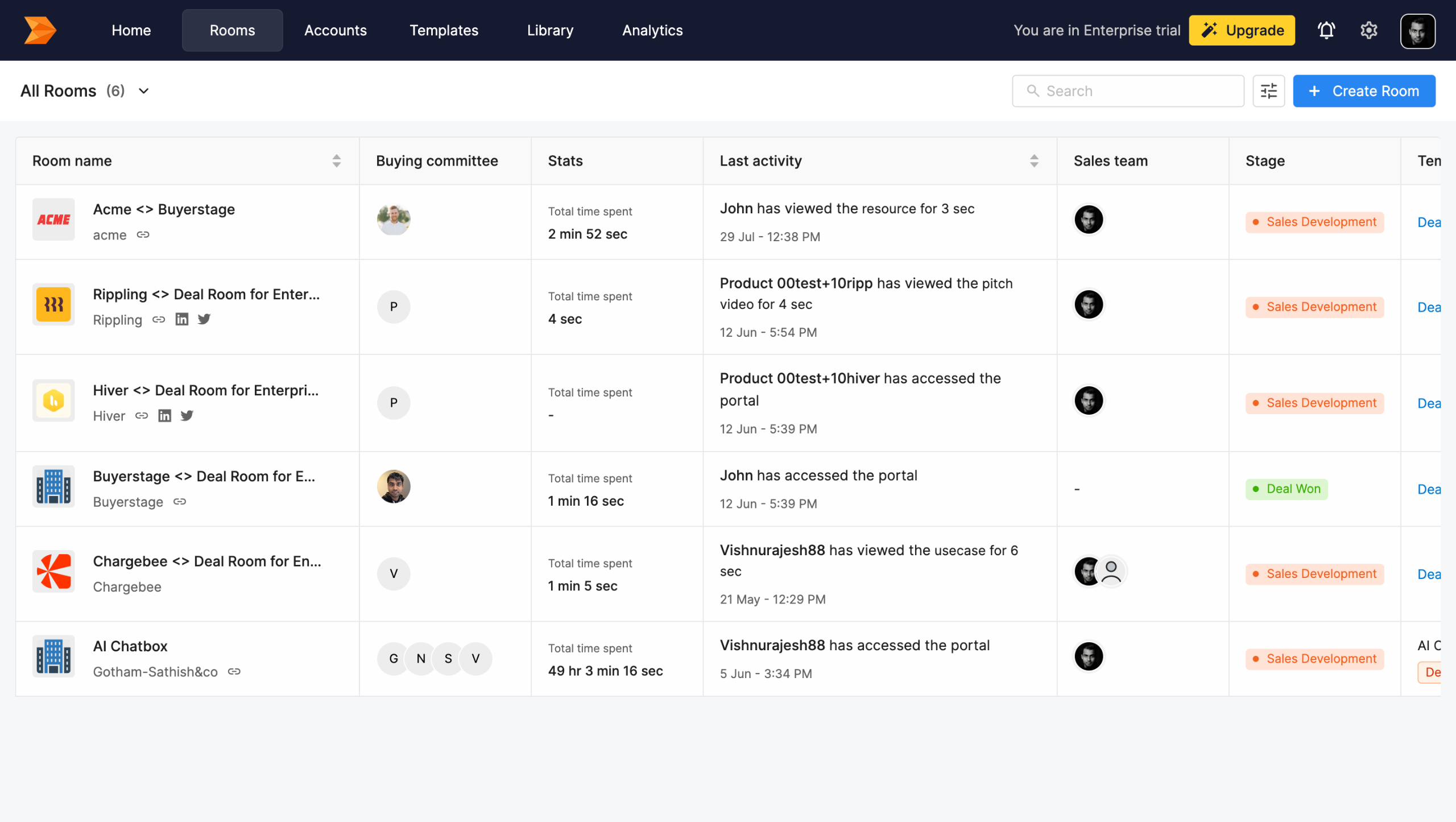
Click here to Create a sales room.
Select from the list of Templates for your room.
Select the Account for your room.
Hit the Create button for room creation.
Click here to Invite Buyers to the sales room.
Enter the Email-Id and select a reason for the invite.
Hit Send Invite button.
You can access the resources shared with the buyers here.
Click here to share new resource with the buyers.
Select the content you want to share.
Hit Add Resource button
Access the Mutual Action Plan with your buyers here.
Select the Action Point.
Click here to select the Due date for the Action Point
Select the date from the picker
To access detailed insights of the room, click here.
Click here to access the content intelligence.
Click here to track all the buyer activities.
Thanks for watching!
Quick answer: To create a digital sales room in Buyerstage, create a room using a template and account, invite buyers via email, share resources, set mutual action plan due dates, and view insights and buyer activities.
About this tutorial
Build and manage buyer deal rooms in the app by inviting stakeholders, sharing resources, and tracking engagement. This guide covers create Digital Sales Room in 20 steps, starting with "Welcome to Buyerstage! Let's see how you can manage a deal and collaborate with the buy..." and finishing with "Thanks for watching!". The interactive demo above is a click-through copy of the real product interface, so you can rehearse each step before doing it in your own account.
Frequently asked questions
How many steps does create Digital Sales Room take?
20 steps. Each one is listed in order above, and the demo highlights exactly where to click.
Can I try it without changing my own account?
Yes. Clicking through the demo doesn't touch your data or settings. Once you know the flow, repeat it in your own workspace.

Create your first interactive demo in minutes
No credit card required • Start building today