How to Download a Wistia Video
- George Apostolov
How to Download a Wistia Video: step-by-step guide
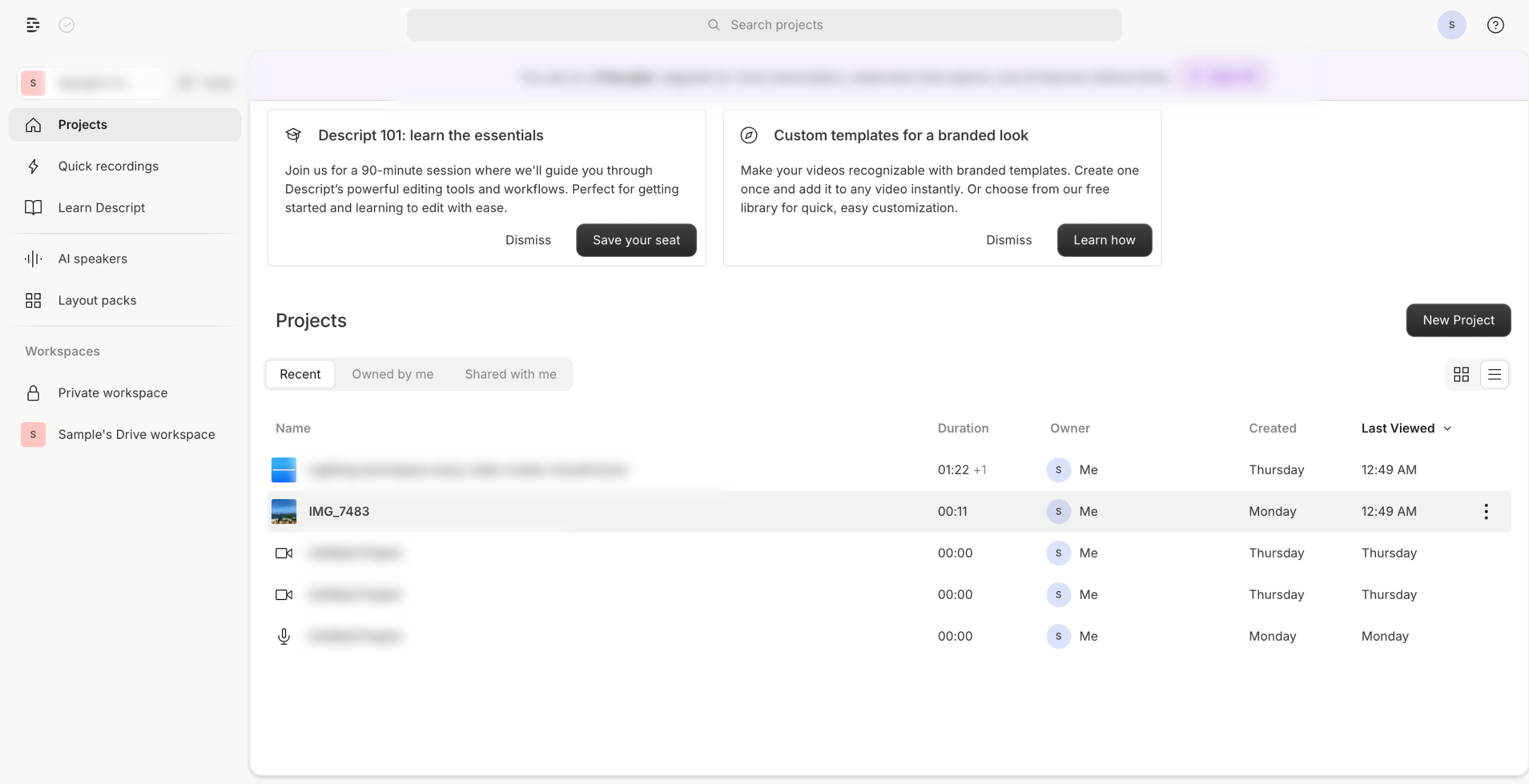
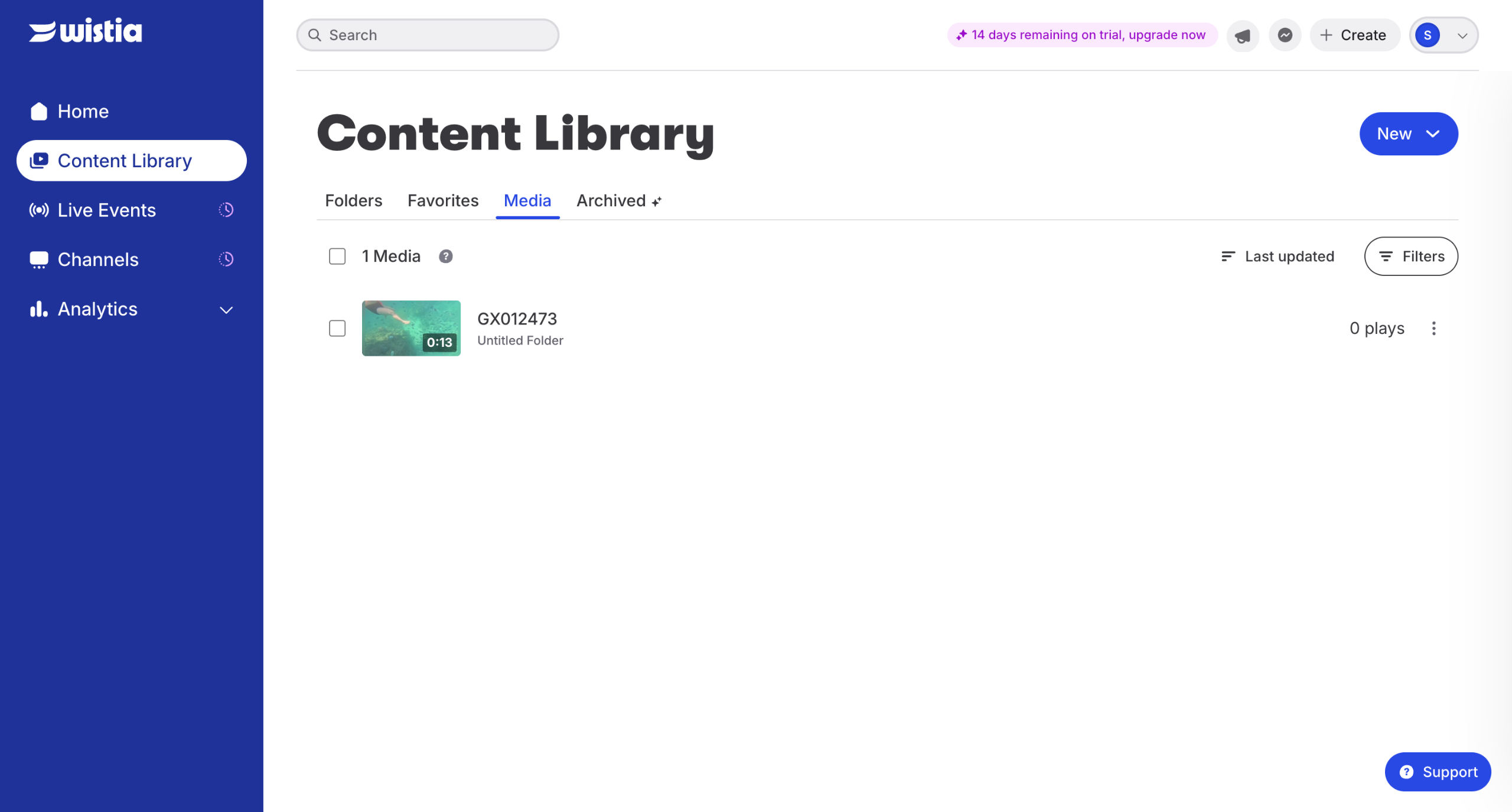
Navigate to your Wistia account and find your video.
Click the three dots next to the video and choose "Download".
Choose your preferred format and resolution then click "Download."
Quick answer: To download a Wistia video, navigate to your Wistia account, find the video, click the three dots, and choose Download. Next, select your preferred format and resolution, then click Download again to save your file.
About this tutorial
Save media from the app by selecting the video menu, choosing your preferred format and resolution, and clicking download. This guide shows how to download a Wistia Video in 3 steps, starting with "Navigate to your Wistia account and find your video" and finishing with "Choose your preferred format and resolution then click 'Download'". The interactive demo above is a click-through copy of the real product interface, so you can rehearse each step before doing it in your own account.
Frequently asked questions
How many steps does it take to download a Wistia Video?
3 steps. Each one is listed in order above, and the demo highlights exactly where to click.
Can I try it without changing my own account?
Yes. Clicking through the demo doesn't touch your data or settings. Once you know the flow, repeat it in your own workspace.

Create your first interactive demo in minutes
No credit card required • Start building today