How to Edit the Contact Form in Joomla
- George Apostolov
How to Edit the Contact Form in Joomla: step-by-step guide
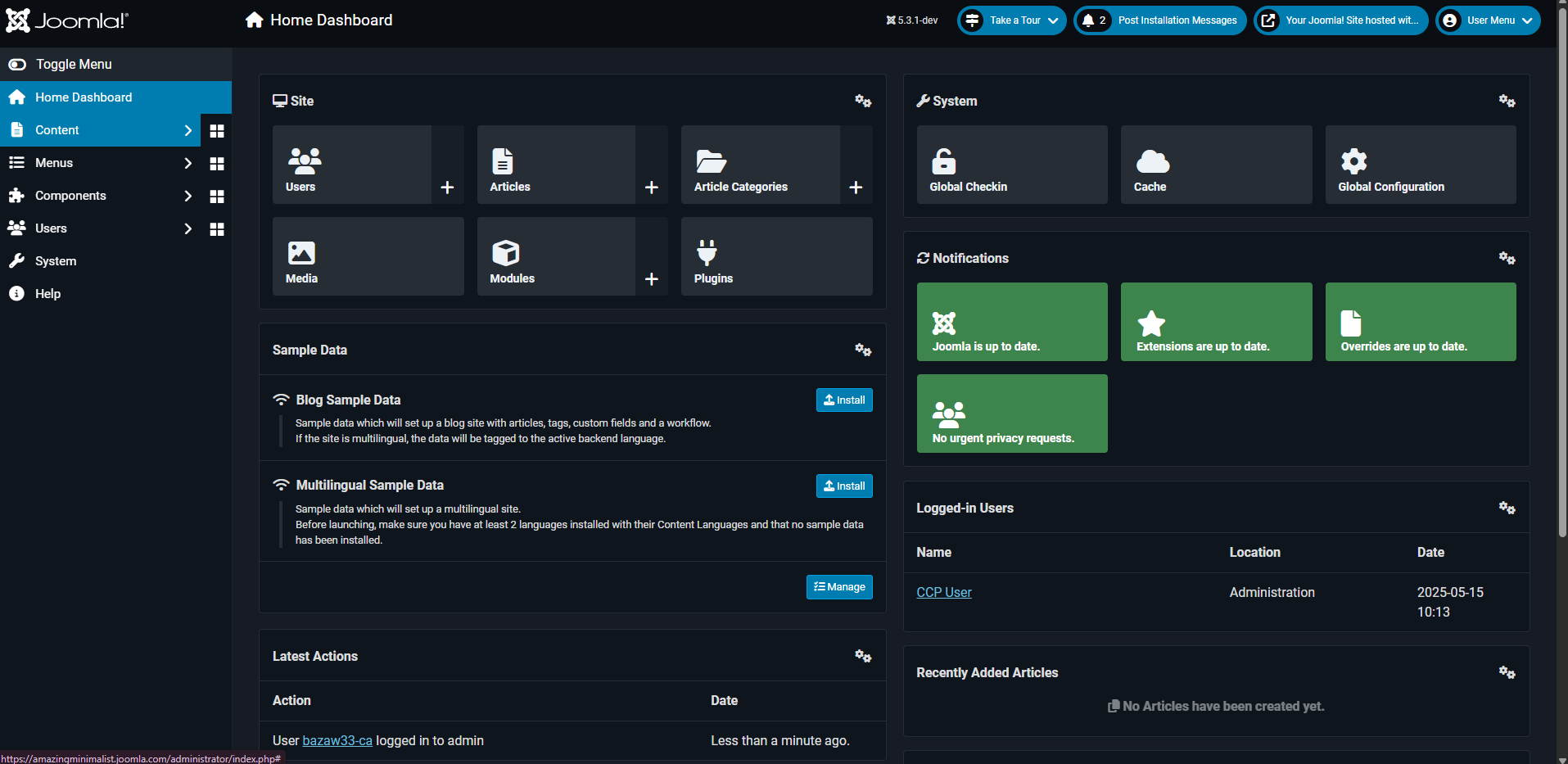
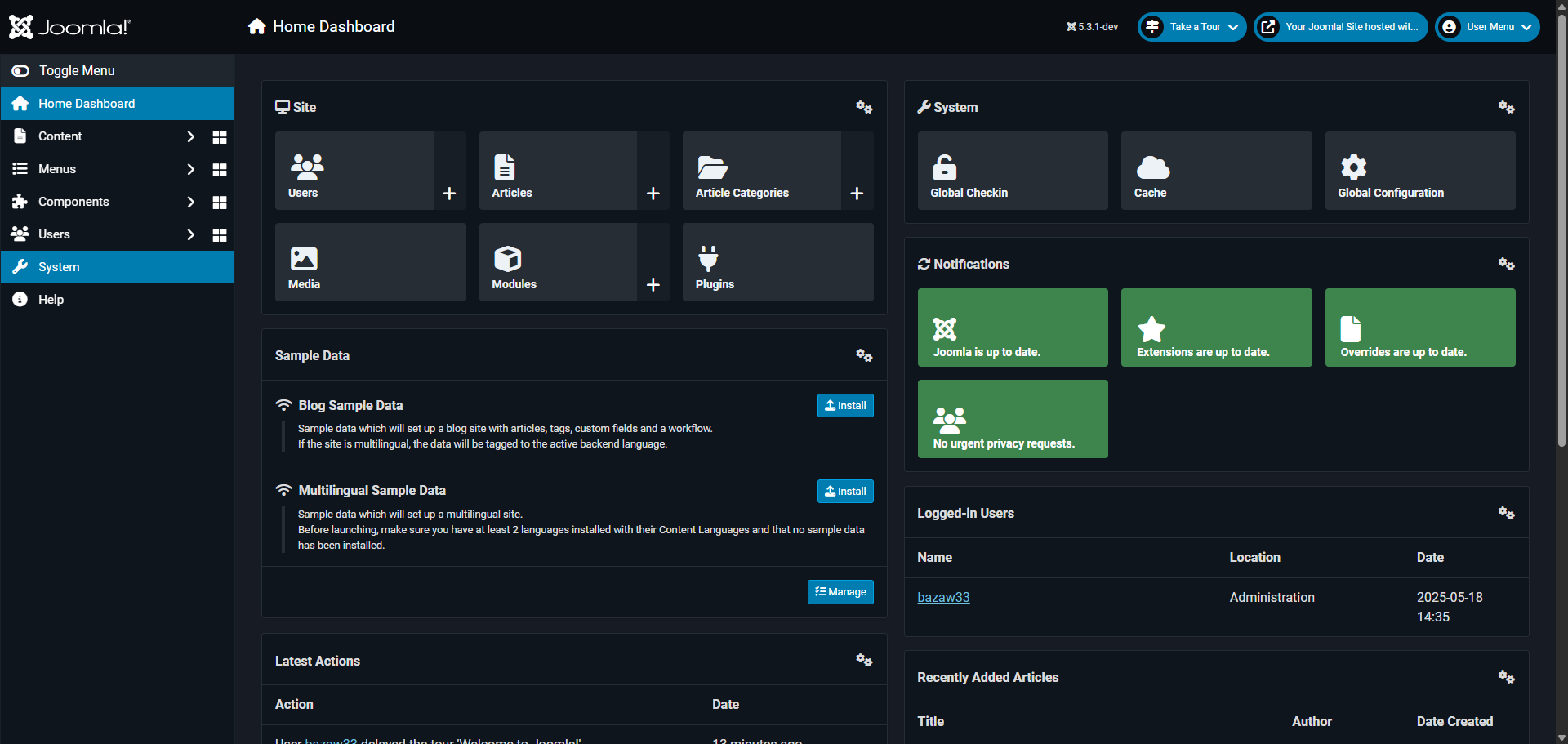
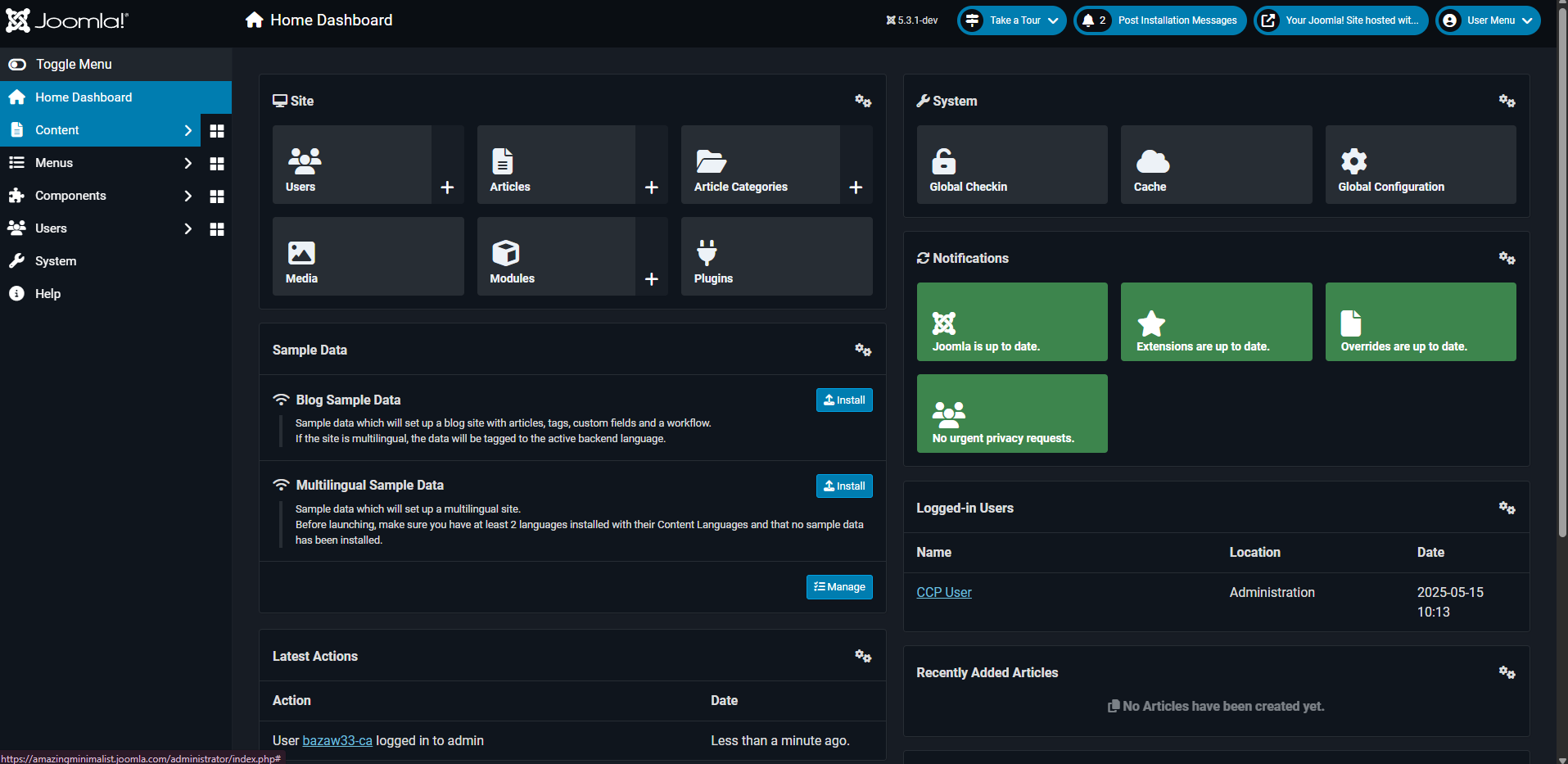
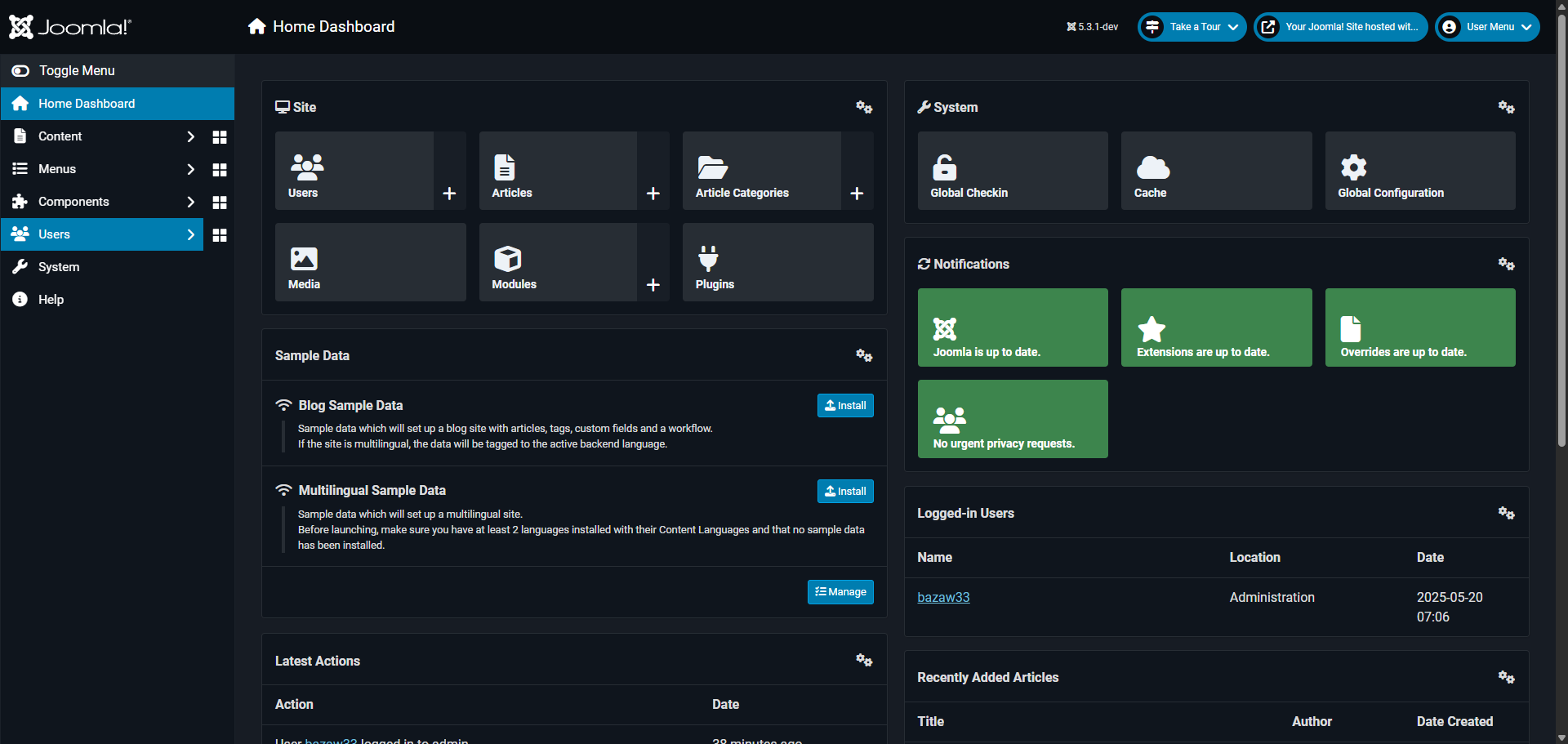
Start by clicking on the 'Components' menu in your Joomla administrator panel.
Select 'Contacts' from the dropdown menu to manage your site's contact information.
Click on 'First Contact' to open the editing interface for this contact form.
The 'Linked User' field lets you connect this contact form to a specific Joomla user account.
Go to the 'Edit Contact' tab to start editing your contact.
Click 'Select' to open the user selection modal and browse available accounts.
Choose the image you want associated with this contact form from the list.
Click 'Select' to confirm.
Edit the job title in the 'Position'.
Edit the email address where form submissions should be sent when visitors reach out.
Update the region field from to your appropriate location for correct localization.
Add a phone number if you want to give visitors an alternative way to contact you.
Edit and enter a display name that will appear as the contact form's title on your website.
Once you're happy with all changes, click 'Save & Close' your updated contact form.
Quick answer: To edit the contact form in Joomla, click the Components menu, select Contacts, and open First Contact. Use the Edit Contact tab to link a user account, select an image, and update the position, email, region, phone number, and display name. Finally, click Save and Close to apply your changes.
About this Joomla tutorial
Update contact details in Joomla by modifying linked users, images, positions, emails, and phone numbers, then save your changes. This guide shows how to edit the Contact Form in Joomla in 14 steps, starting with "Start by clicking on the 'Components' menu in your Joomla administrator panel" and finishing with "Once you're happy with all changes, click 'Save & Close' your updated contact form". The interactive demo above is a click-through copy of the real Joomla interface, so you can rehearse each step before doing it in your own account.
Frequently asked questions
How many steps does it take to edit the Contact Form in Joomla?
14 steps. Each one is listed in order above, and the demo highlights exactly where to click.
Can I try it without changing my own account?
Yes. Clicking through the demo doesn't touch your Joomla data or settings. Once you know the flow, repeat it in your own workspace.
This tutorial is filed under Joomla. Related guides: How to Embed Video in Joomla, How to Find Jlogs Joomla and How to Get Joomla Admin Password. Last reviewed 05 Oct 2026.

Create your first interactive demo in minutes
No credit card required • Start building today