How to Integrate ActiveCampaign with Google Ads
- George Apostolov
How to Integrate ActiveCampaign with Google Ads: step-by-step guide
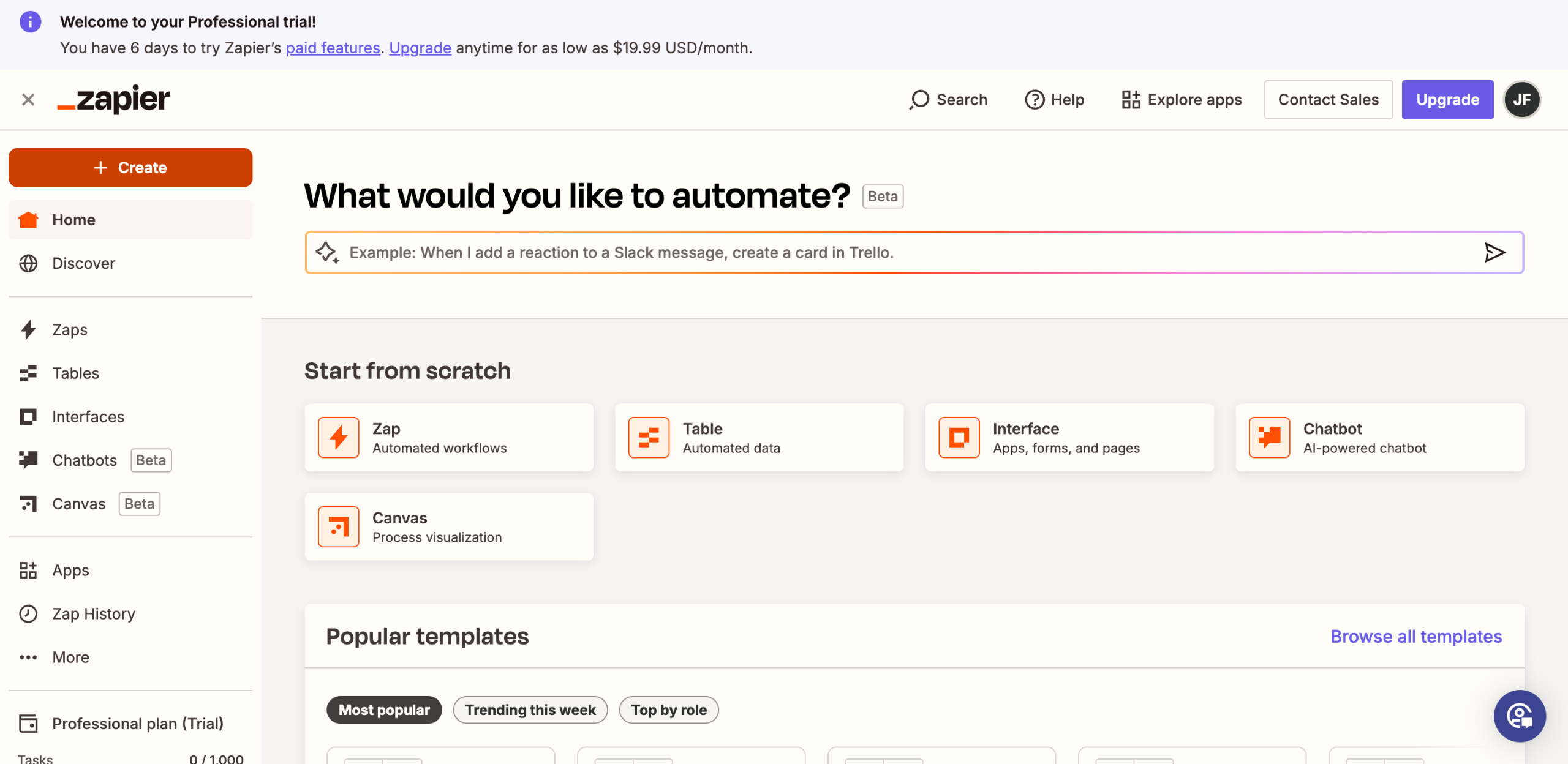
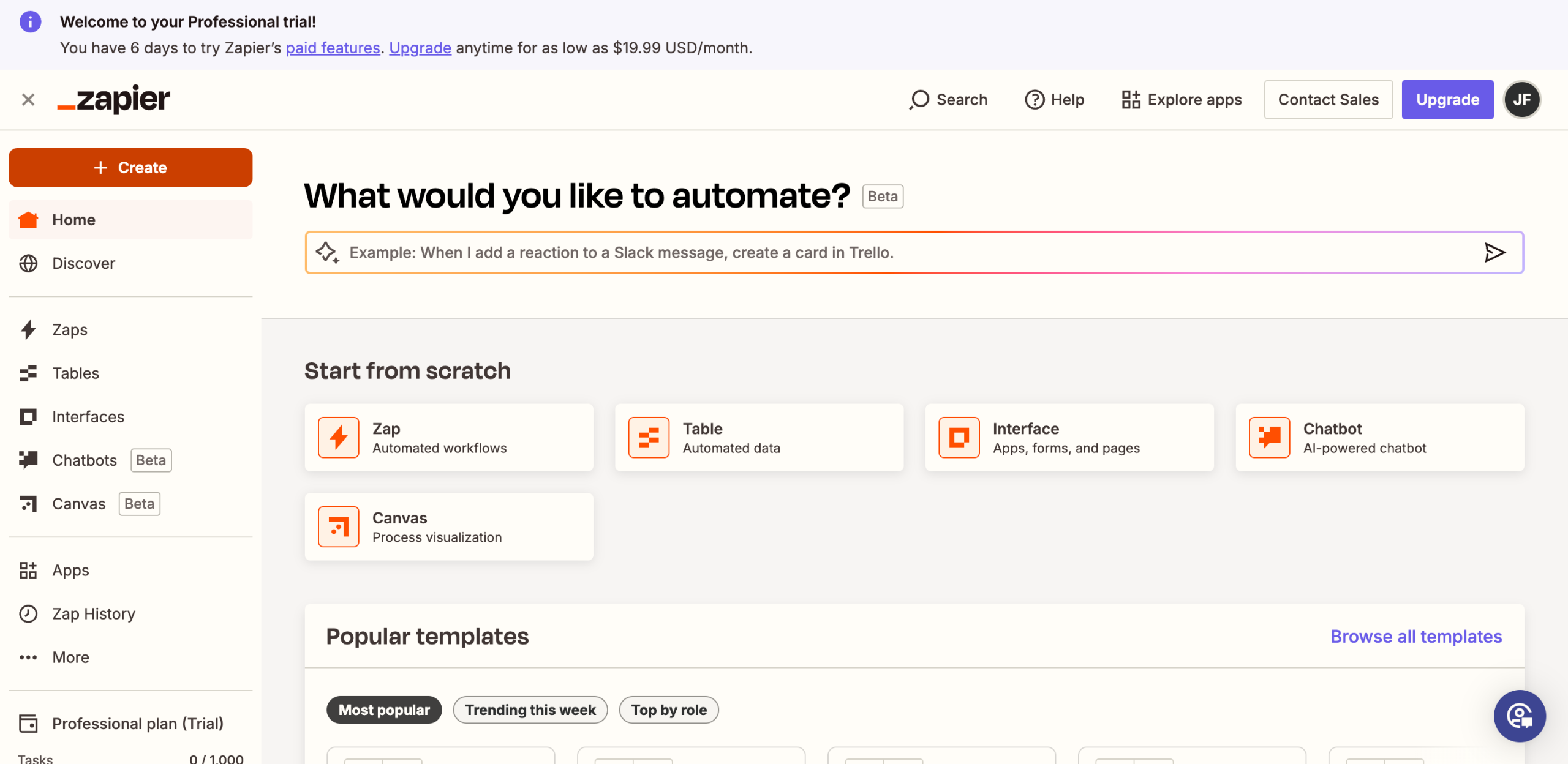
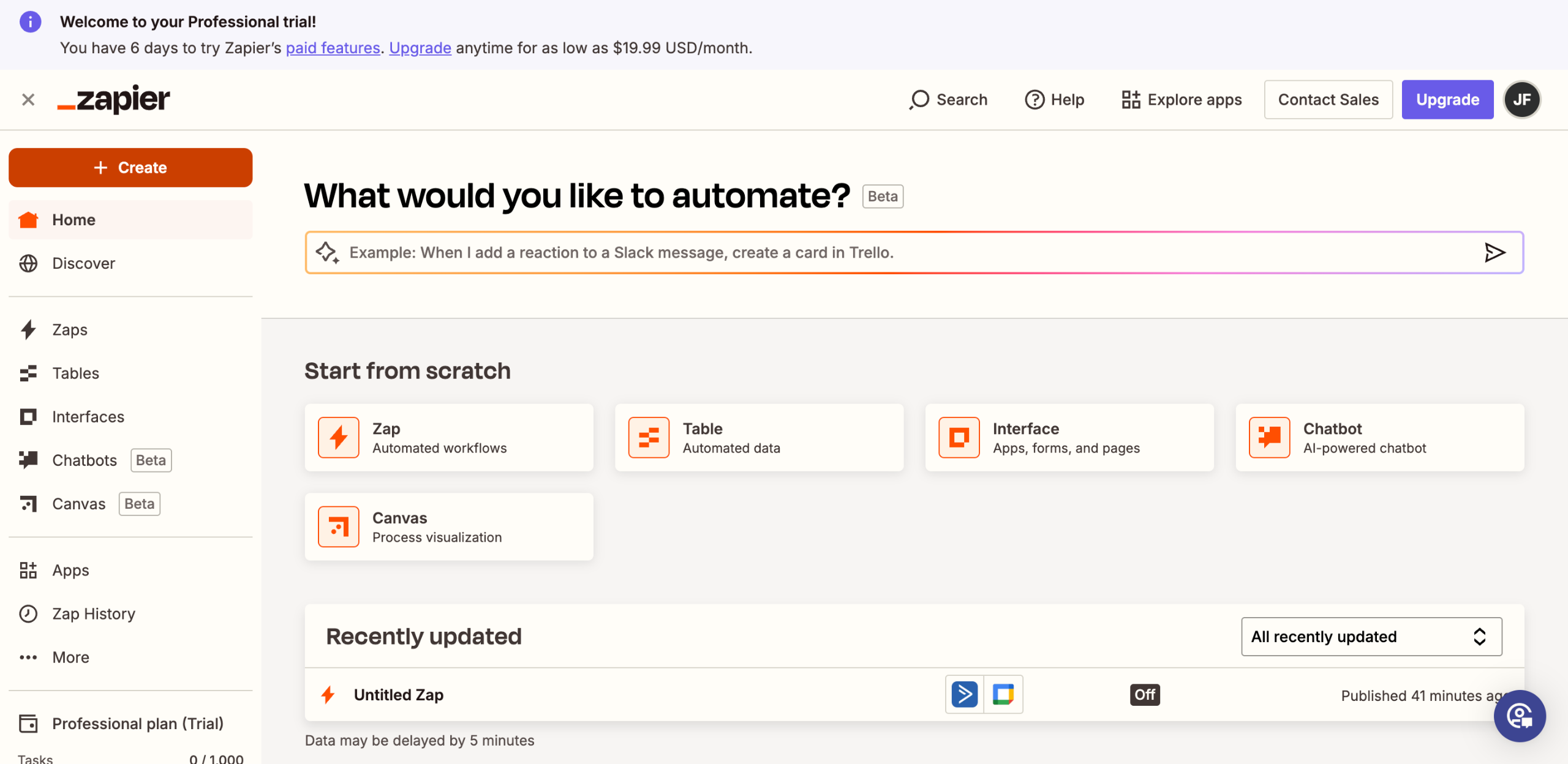
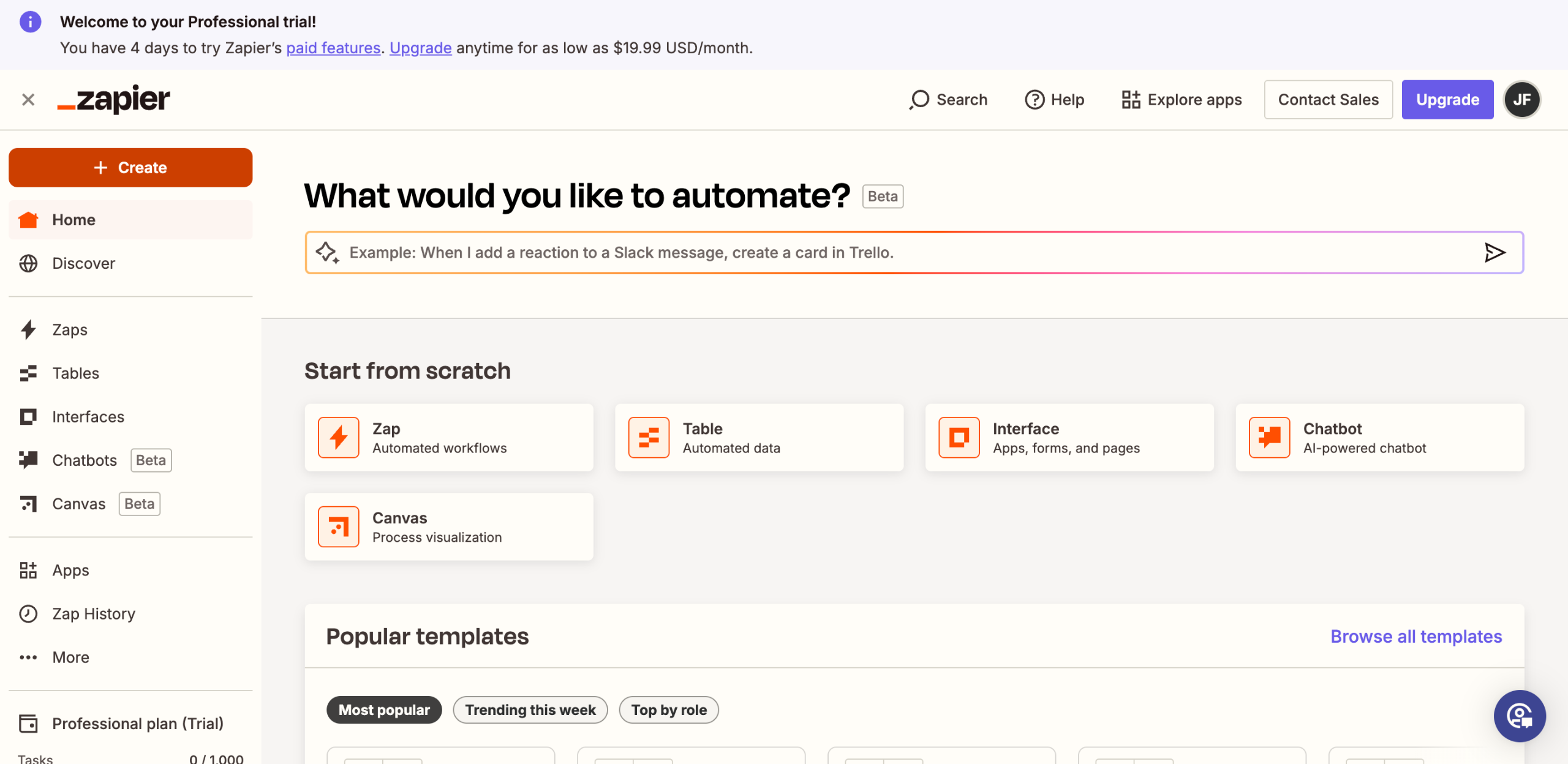
Head over to the left-side panel and then click 'Create'.
Select 'Zaps' from the list of options.
After that, tap 'Trigger' to start the integration process.
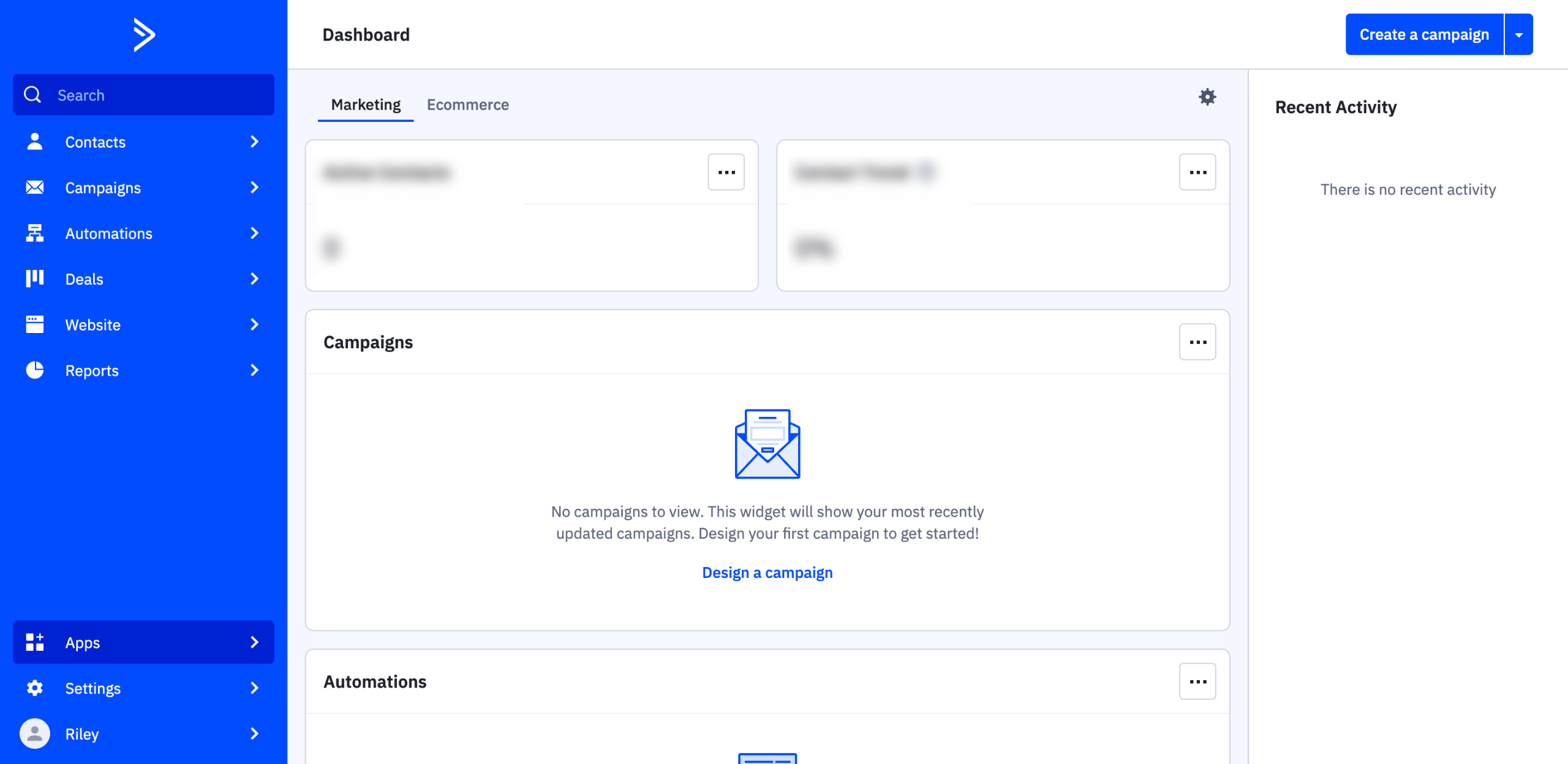
Find and select 'ActiveCampaign' from the available integration options.
Next, choose your preferred 'Trigger Event'.
Tap 'Sign In' afterwards.
Subsequently, enter the API credentials of your ActiveCampaign account into their respective input fields and then click 'Yes, Continue to ActiveCampaign'.
Provide the information needed to set up the Trigger.
Once done, click 'Continue' to run your inputs and test the Trigger.
Click 'Continue' one more time to proceed.
Following that, search for 'Google Ads' and select it as the Action app.
Next, click the drop-down menu and then choose the specific 'Action Event' you prefer to use.
Tap 'Sign In' afterwards, then log into your Google Ads account.
Click 'Continue' to proceed.
One by one, fill out the input fields with the required information.
Once done, click 'Continue' to publish and activate the integration.
After completing these steps, your ActiveCampaign account will be integrated instantly with Google Ads.
Quick answer: To integrate ActiveCampaign with Google Ads, create a new Zap, select ActiveCampaign as the trigger app, and set your trigger event and credentials. Next, choose Google Ads as the action app, select your action event, sign in to your account, fill in the required details, and continue to publish and activate the integration.
About this Google tutorial
Connect ActiveCampaign and Google Ads effortlessly. Follow these simple steps to set up triggers and actions for seamless data synchronization. This guide shows how to integrate ActiveCampaign with Google Ads in 17 steps, starting with "Head over to the left-side panel and then click 'Create'" and finishing with "After completing these steps, your ActiveCampaign account will be integrated instantly...". The interactive demo above is a click-through copy of the real Google interface, so you can rehearse each step before doing it in your own account.
Frequently asked questions
How many steps does it take to integrate ActiveCampaign with Google Ads?
17 steps. Each one is listed in order above, and the demo highlights exactly where to click.
Can I try it without changing my own account?
Yes. Clicking through the demo doesn't touch your Google data or settings. Once you know the flow, repeat it in your own workspace.
This tutorial is filed under Google and ActiveCampaign. Related guides: How to Integrate ActiveCampaign with Google Calendar, How to Integrate ActiveCampaign with Google Contacts and How to Integrate ActiveCampaign with Google Sheets. Last reviewed 05 Oct 2026.

Create your first interactive demo in minutes
No credit card required • Start building today