How to Leave a Review on Fiverr
- George Apostolov
How to Leave a Review on Fiverr: step-by-step guide
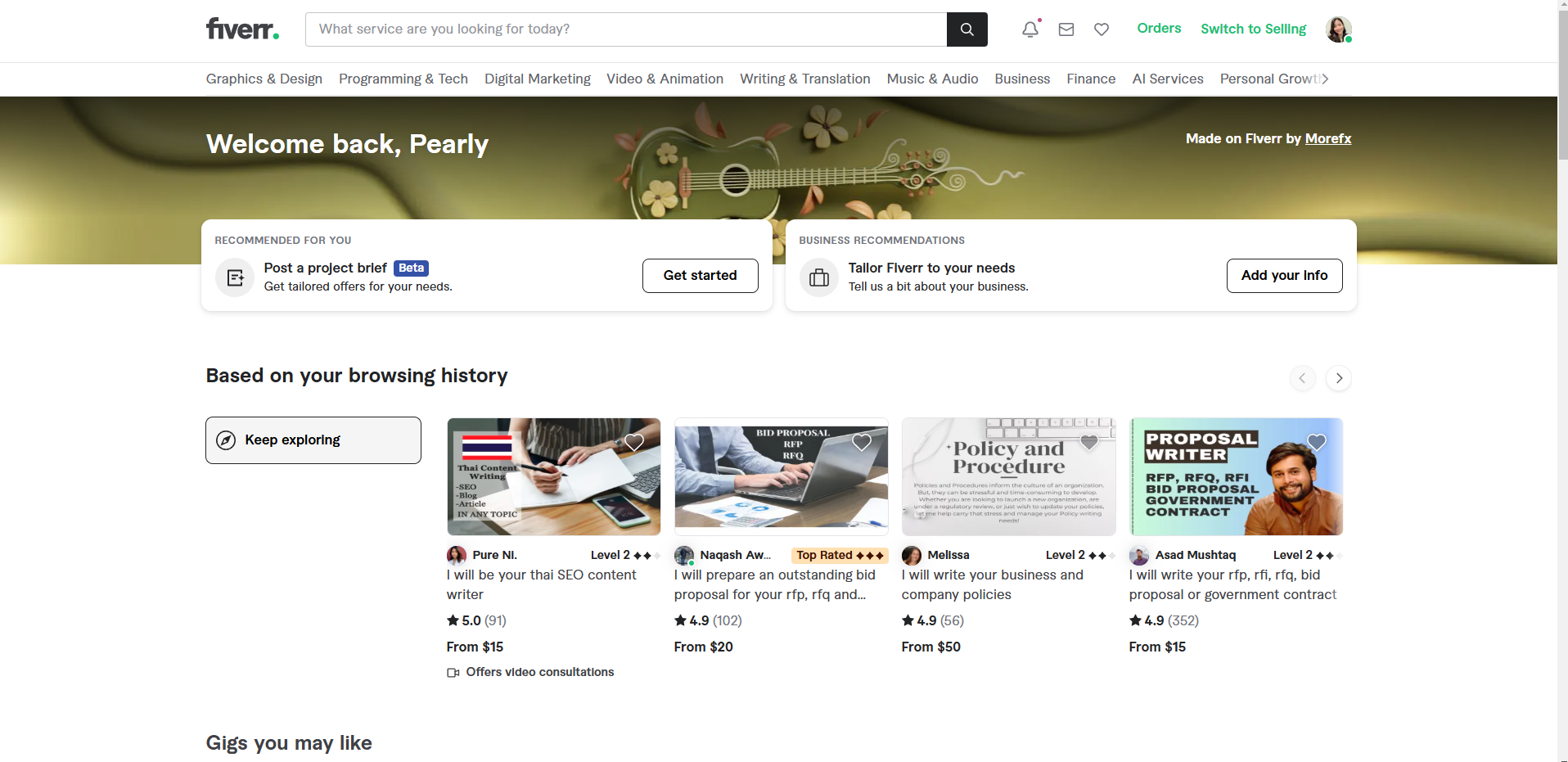
Navigate to the 'Orders' tab.
Select 'Yes, I approve delivery'.
Click on the 'Approve Final Delivery' button. This completes the order process and allows you to leave a review.
After accepting the order, you’ll be prompted to leave a review. Give a rating from 1 to 5 stars in three categories.
Choose how satisfied you are with the service.
Write a brief text review about your experience.
Once you’ve completed the rating and written your review, click 'Send Feedback' to finalize it.
The review will be visible on the seller’s profile.
Quick answer: To leave a review on Fiverr, navigate to the Orders tab, approve the delivery, rate the service across three categories from 1 to 5 stars, write a brief text review, and click Send Feedback to finalize your feedback on the seller's profile.
About this tutorial
Submit a seller rating and feedback in the app by approving the final delivery, completing the star ratings, and publishing your written review. This guide shows how to leave a Review on Fiverr in 8 steps, starting with "Navigate to the 'Orders' tab" and finishing with "The review will be visible on the seller’s profile". The interactive demo above is a click-through copy of the real product interface, so you can rehearse each step before doing it in your own account.
Frequently asked questions
How many steps does it take to leave a Review on Fiverr?
8 steps. Each one is listed in order above, and the demo highlights exactly where to click.
Can I try it without changing my own account?
Yes. Clicking through the demo doesn't touch your data or settings. Once you know the flow, repeat it in your own workspace.

Create your first interactive demo in minutes
No credit card required • Start building today