How to Organize Your Coda Workspace
- George Apostolov
How to Organize Your Coda Workspace: step-by-step guide
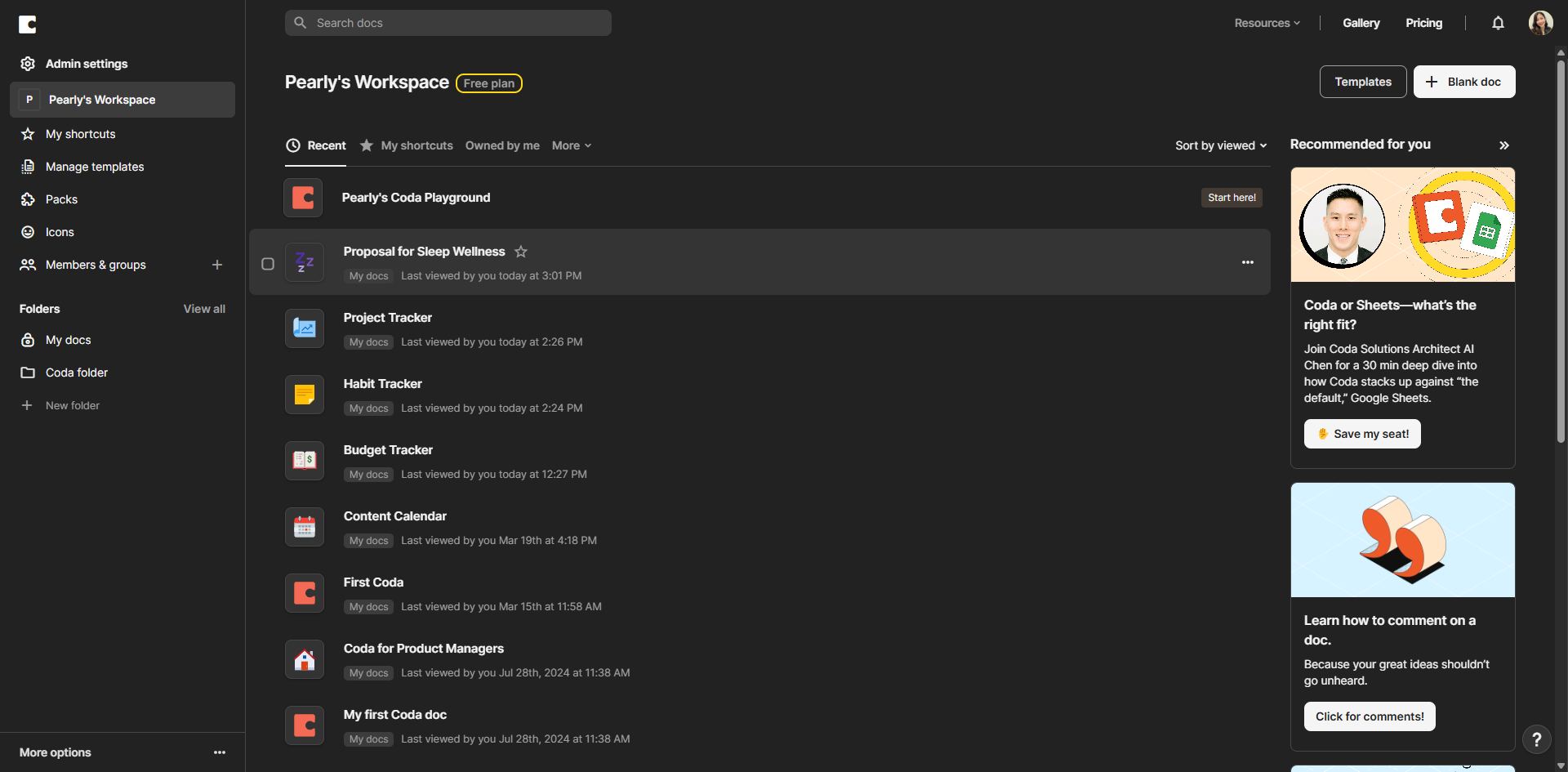
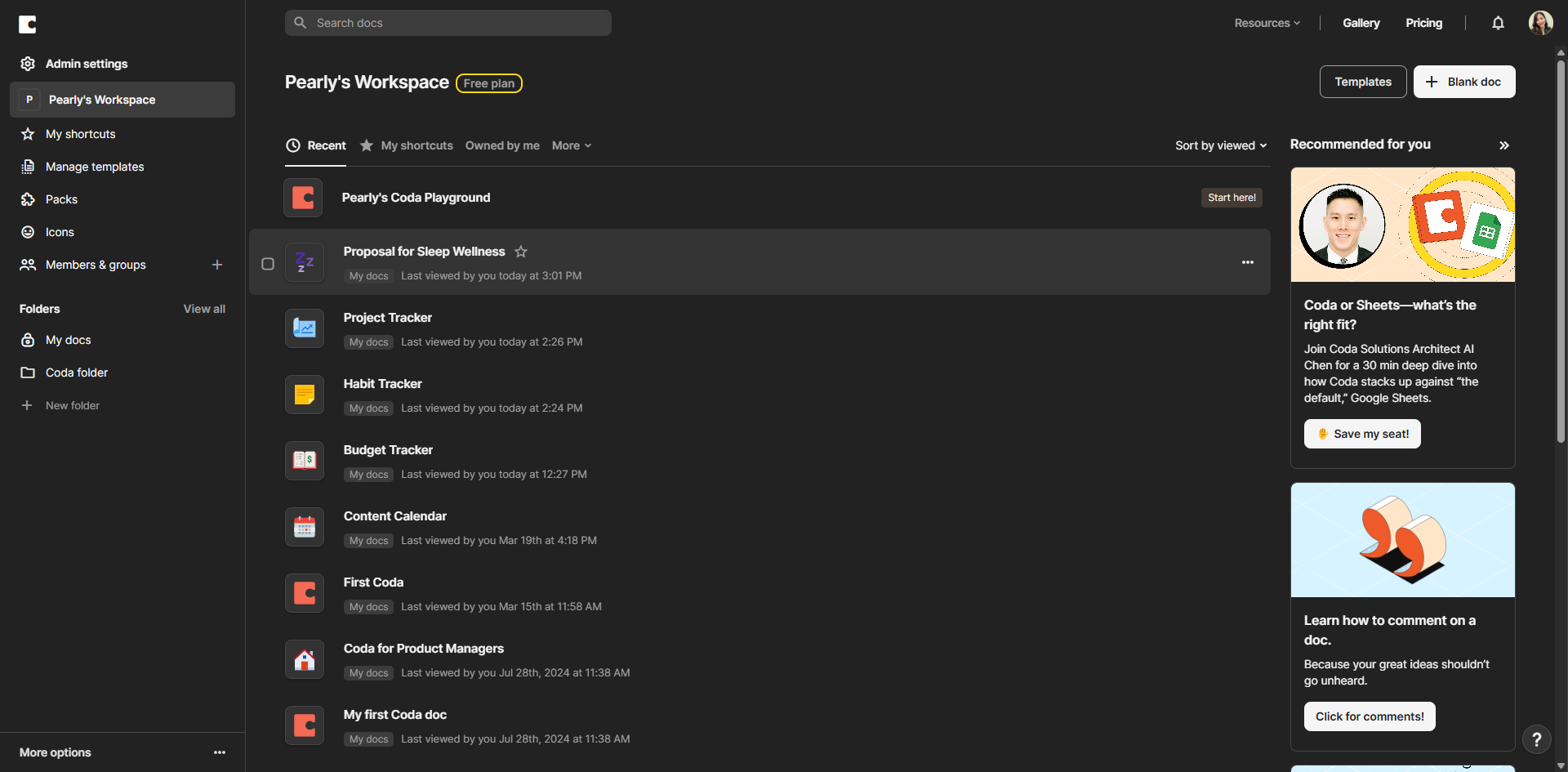
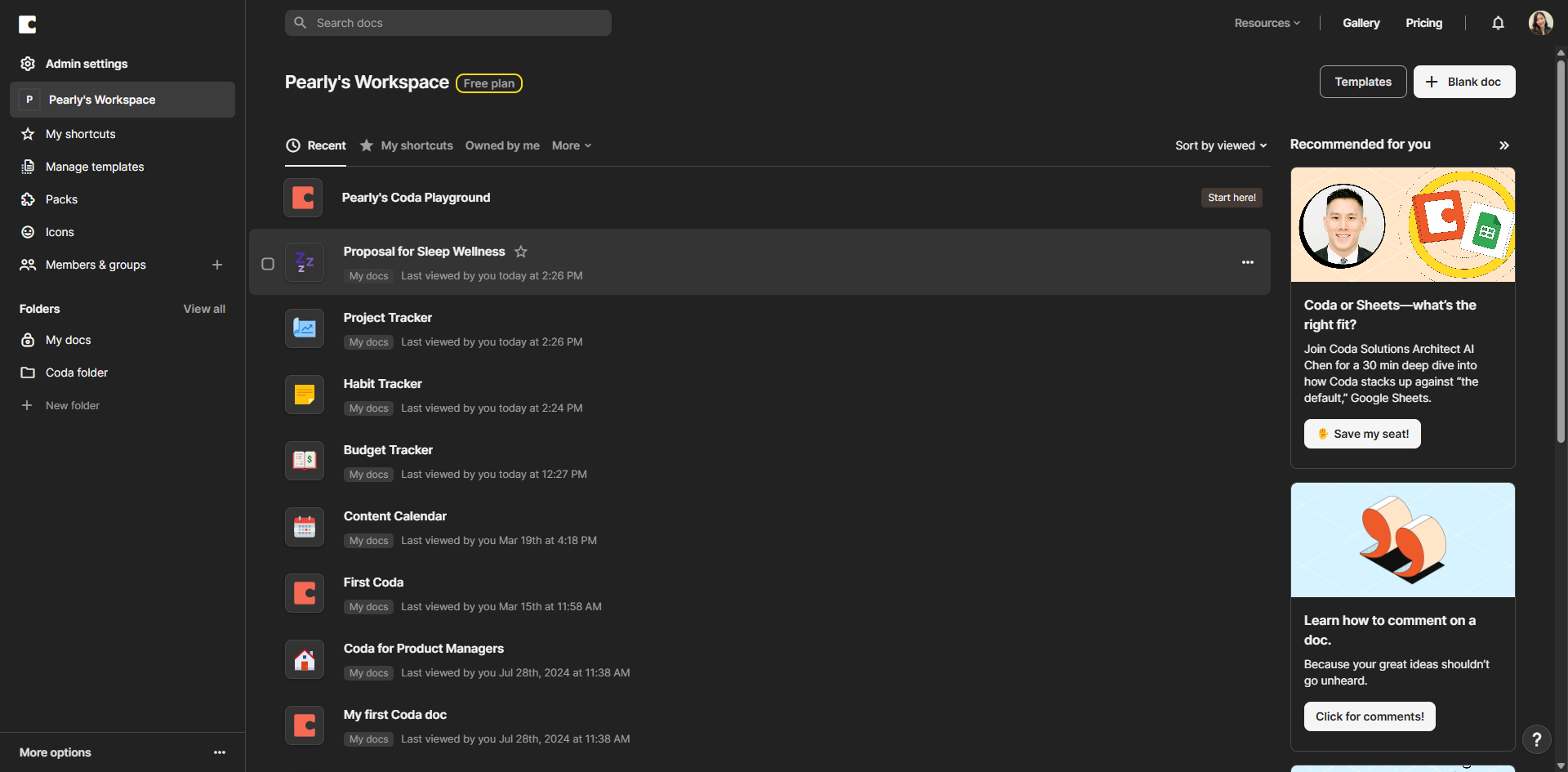
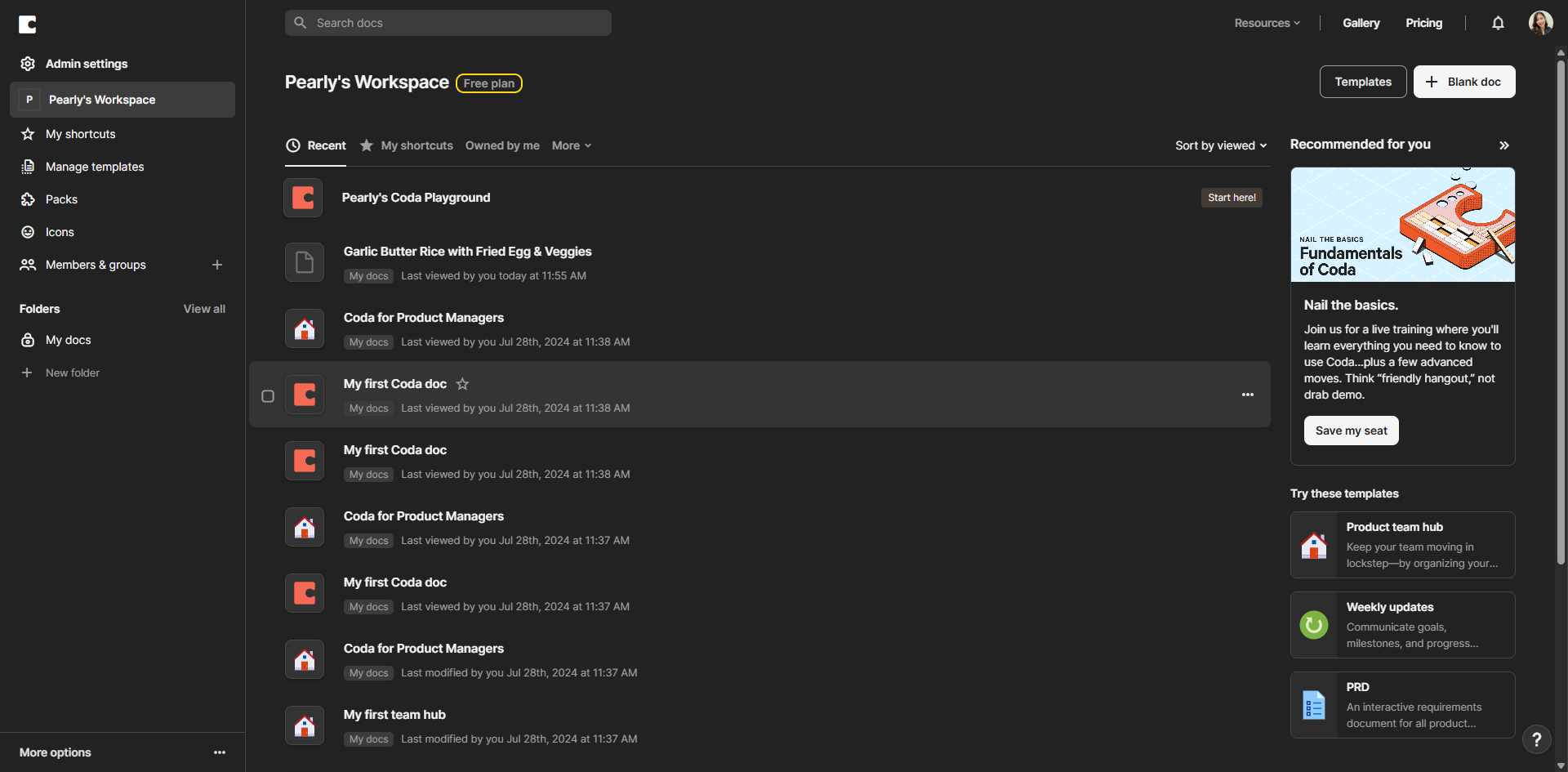
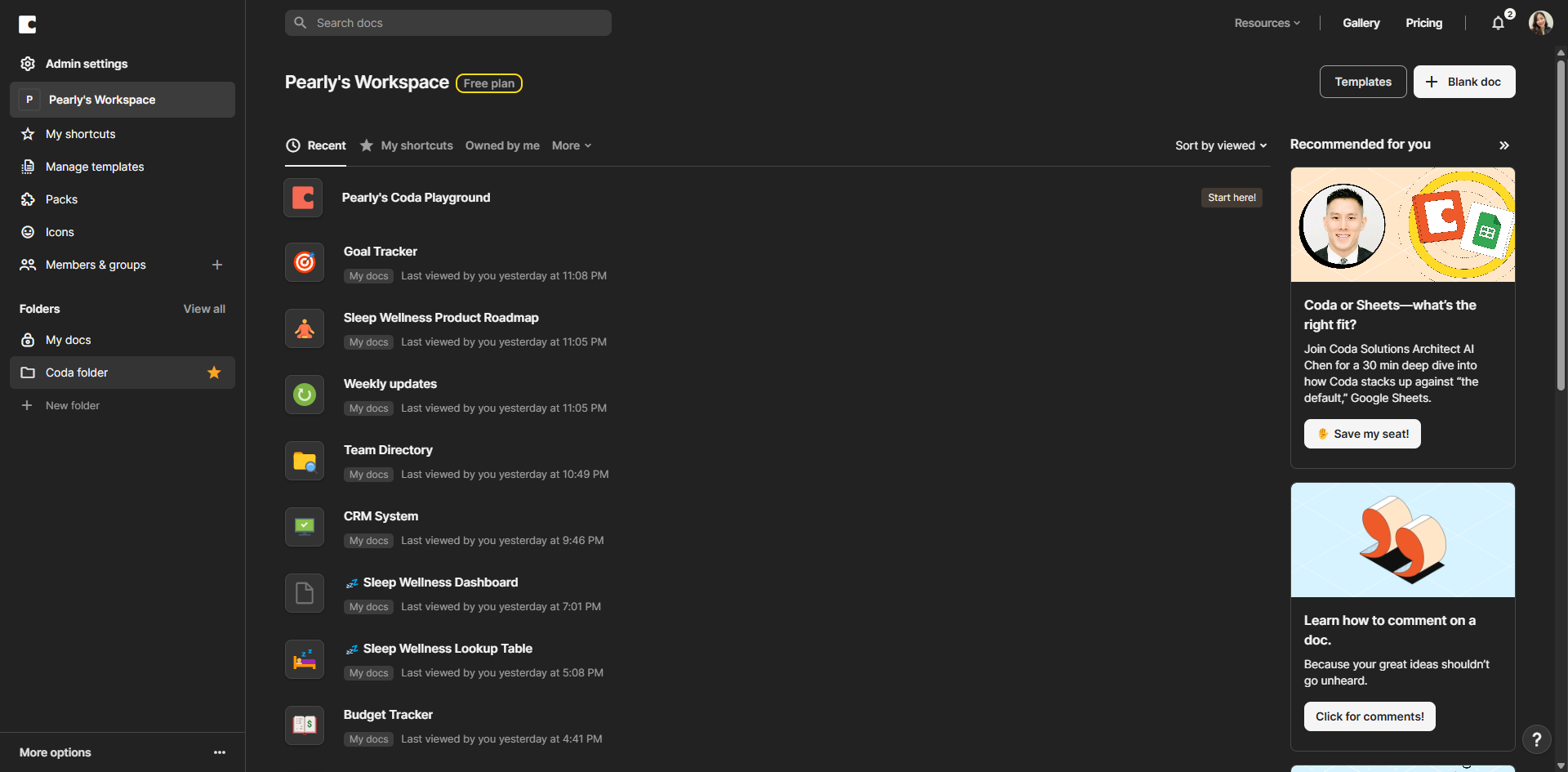
Start by grouping related documents in folders to keep your Coda workspace tidy. Navigate to your workspace and create a logical folder structure.
Star your most-used documents for quick access. Just click the star icon next to any doc you need regularly.
Use clear, descriptive titles for your docs. A well-named document saves everyone time when searching later.
Create informative cover pages to provide context.
Distinguish your docs visually with custom icons and color themes. It makes finding specific documents much faster.
Insert a Table of Contents for easier navigation, especially in longer docs.
Break up your docs into logical sections. This creates a clean structure and helps readers find information quickly.
Click 'Templates' to access pre-built reports, tasks, and trackers you can customize and reuse across projects.
Use filters to view only the documents you own or have recently edited, making it easier to focus on what matters.
Turn successful documents into templates for future use. Click the menu options to convert any doc into a reusable template.
Share your docs with others by clicking the 'Share' button. Set appropriate permissions for collaborators.
Invite team members to collaborate on your documents. They can edit, comment, or view based on your permissions.
Quick answer: To organize your Coda workspace, group related documents in folders, star frequently used docs, and use clear titles, cover pages, custom icons, and color themes. Add Tables of Contents and break docs into sections. Access templates, use filters, convert successful docs into templates, and share documents with team members.
About this Coda tutorial
Streamline your Coda workspace by grouping documents, using custom themes, adding templates, and sharing files with your team. This guide shows how to organize Your Coda Workspace in 12 steps, starting with "Start by grouping related documents in folders to keep your Coda workspace tidy. Naviga..." and finishing with "Invite team members to collaborate on your documents. They can edit, comment, or view b...". The interactive demo above is a click-through copy of the real Coda interface, so you can rehearse each step before doing it in your own account.
Frequently asked questions
How many steps does it take to organize Your Coda Workspace?
12 steps. Each one is listed in order above, and the demo highlights exactly where to click.
Can I try it without changing my own account?
Yes. Clicking through the demo doesn't touch your Coda data or settings. Once you know the flow, repeat it in your own workspace.
This tutorial is filed under Coda. Related guides: How to Pull Google Search Console Data Into Coda, How to Reference Cells in Coda and How to Reference Columns in Coda. Last reviewed 05 Oct 2026.

Create your first interactive demo in minutes
No credit card required • Start building today