How to Set Up an Experiment in Amplitude
- George Apostolov
How to Set Up an Experiment in Amplitude: step-by-step guide
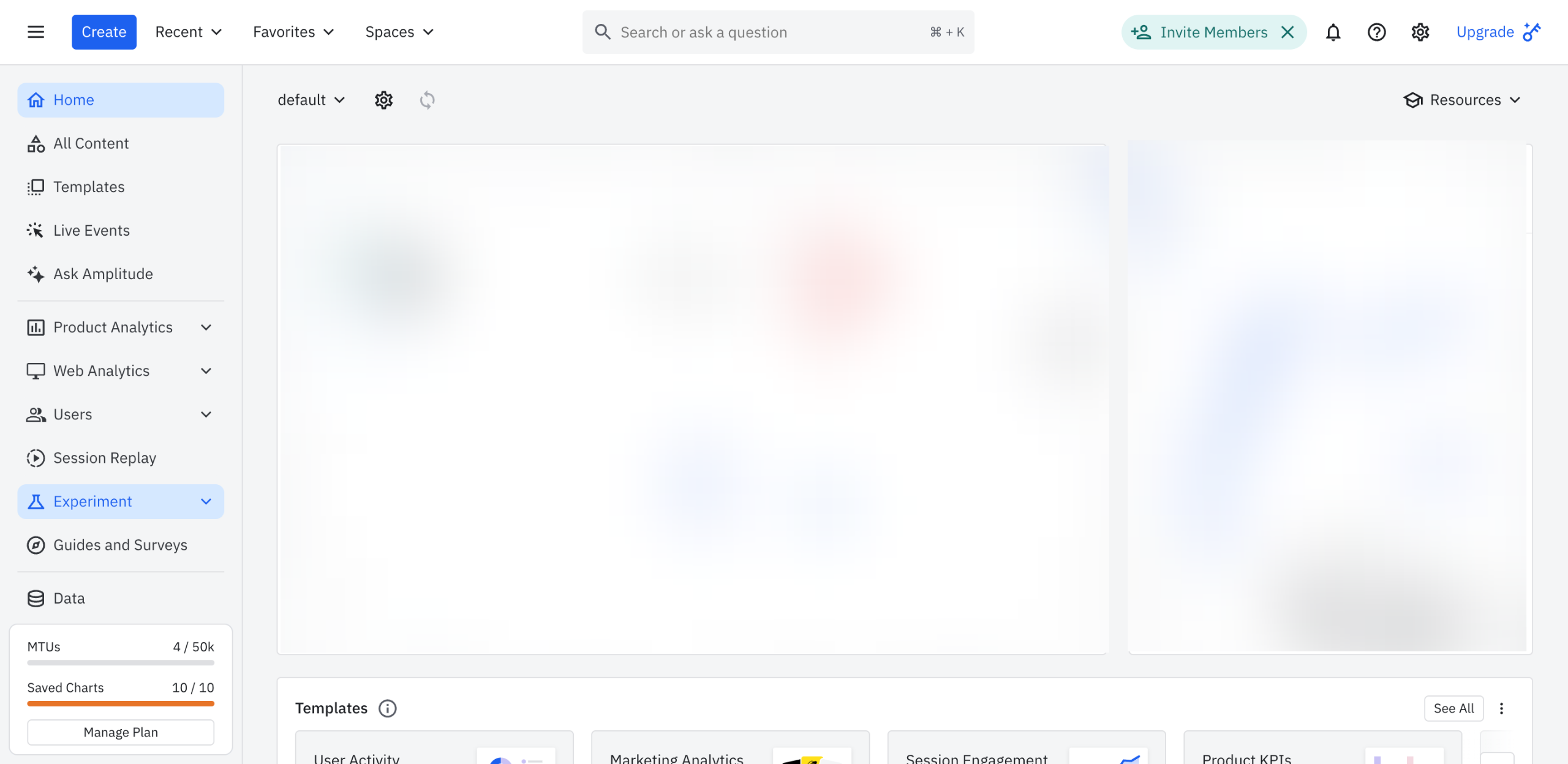
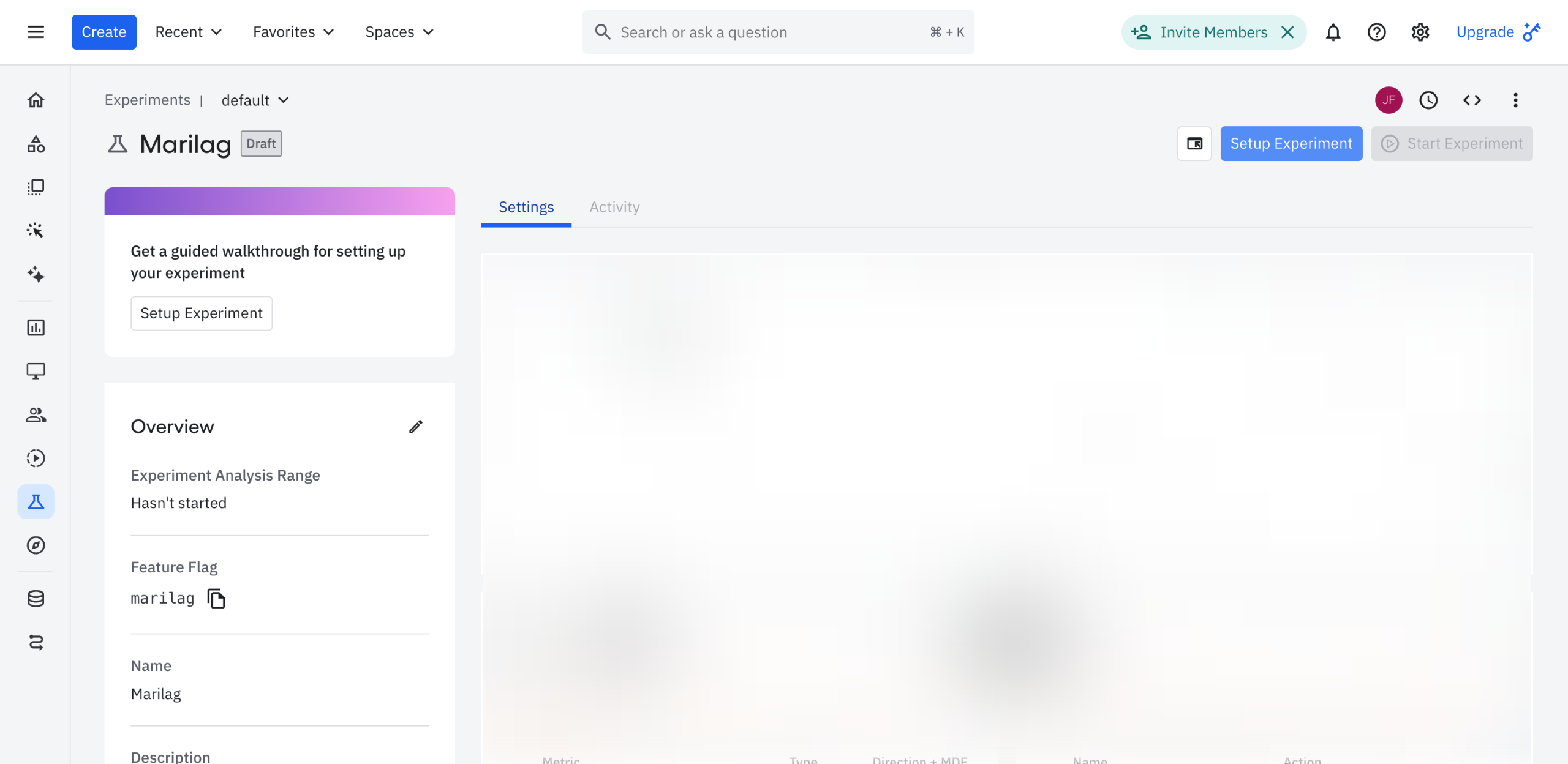
Inside Amplitude's Experiment Editor, tap 'Setup Experiment' at the top-right corner.
Under the Site Setup tab, find the provided script tag and click its corresponding 'Copy' button. Paste the snippet into the head section of your website pages.
Tap 'Next: Variants' afterwards.
Configure the variants under Control and Treatment. Simply click the 'Gear' icon next to it or the 'Setup Your Variant' option and then specify your preferred Variant Name and Action.
Once done, tap 'Next: Goal'.
Define the goal of your experiment by setting up the metrics. To do that, click 'Select Metric' or 'Create a Custom Metric'.
If the metrics are not in place yet, tap 'Define Metrics'.
Specify your preferred Metric Type and Events, then tap 'Save'.
Once done, click 'Next: Pages'.
Identify the website pages you want to test out. Simply provide the inclusions as well as the exclusions by entering the website URLs and your preferred corresponding conditions.
Once done, tap 'Next: Targeting'.
As for targeting, narrow down your target audience, variant distribution, and number of participating users. Just click the tab and configure the corresponding settings.
Once done, click 'Next: Advanced (Optional)'.
Lastly, set the advanced settings based on your preferences. For instance, you may define the Exposure Events and Feature Flag or calibrate the Analysis Settings.
Once done, tap 'Save All & Close'.
After completing these steps, your Amplitude experiment will be set up accordingly.
Quick answer: To set up an experiment in Amplitude, tap Setup Experiment, copy the script tag into your website's head, configure variants, define metrics and goals, select target pages, narrow audience targeting, configure advanced settings, and save your experiment.
About this Amplitude tutorial
Configure variants, metrics, pages, and targeting to successfully launch your Amplitude experiment. This guide shows how to set Up an Experiment in Amplitude in 16 steps, starting with "Inside Amplitude's Experiment Editor, tap 'Setup Experiment' at the top-right corner" and finishing with "After completing these steps, your Amplitude experiment will be set up accordingly". The interactive demo above is a click-through copy of the real Amplitude interface, so you can rehearse each step before doing it in your own account.
Frequently asked questions
How many steps does it take to set Up an Experiment in Amplitude?
16 steps. Each one is listed in order above, and the demo highlights exactly where to click.
Can I try it without changing my own account?
Yes. Clicking through the demo doesn't touch your Amplitude data or settings. Once you know the flow, repeat it in your own workspace.
This tutorial is filed under Amplitude. Related guides: How to Share Charts in Amplitude, How to Share Dashboards in Amplitude and How to Share Notebooks in Amplitude. Last reviewed 05 Oct 2026.

Create your first interactive demo in minutes
No credit card required • Start building today