How To Transfer A Webflow Project
- George Apostolov
How To Transfer A Webflow Project: step-by-step guide
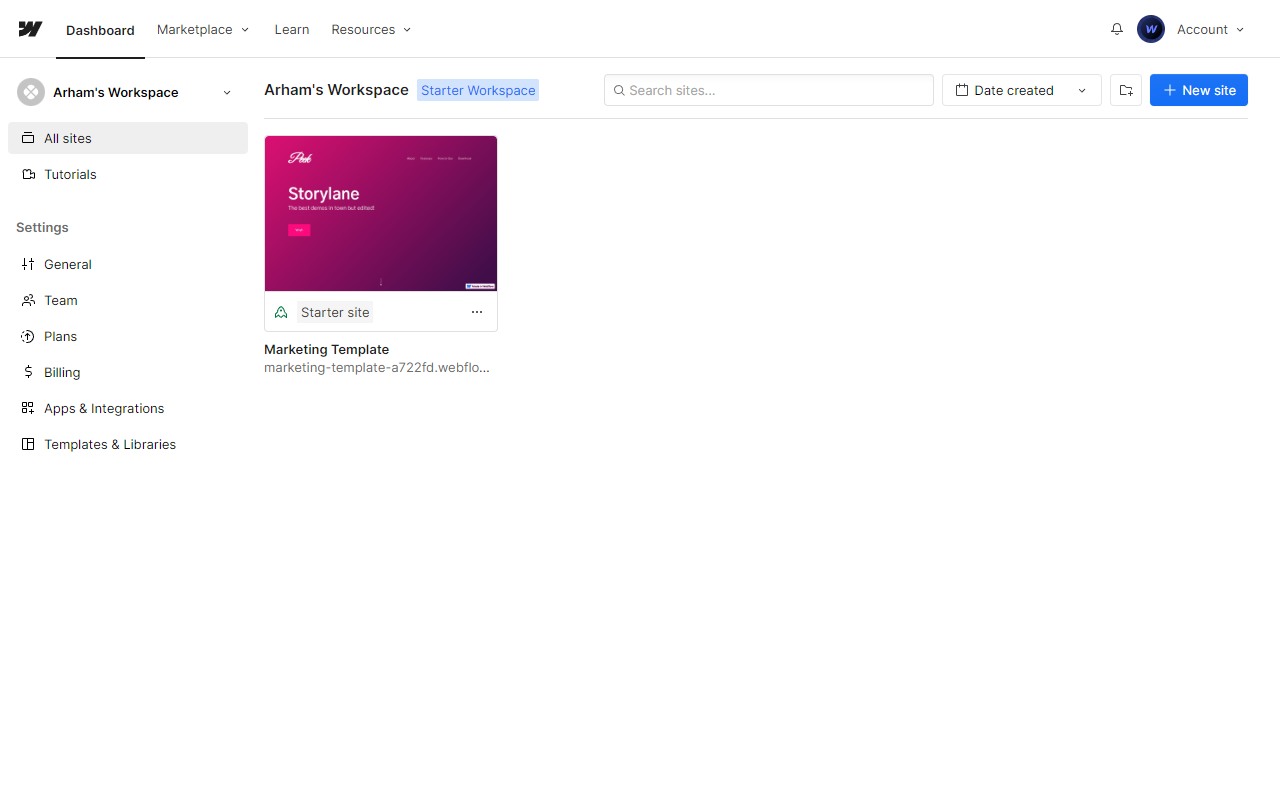
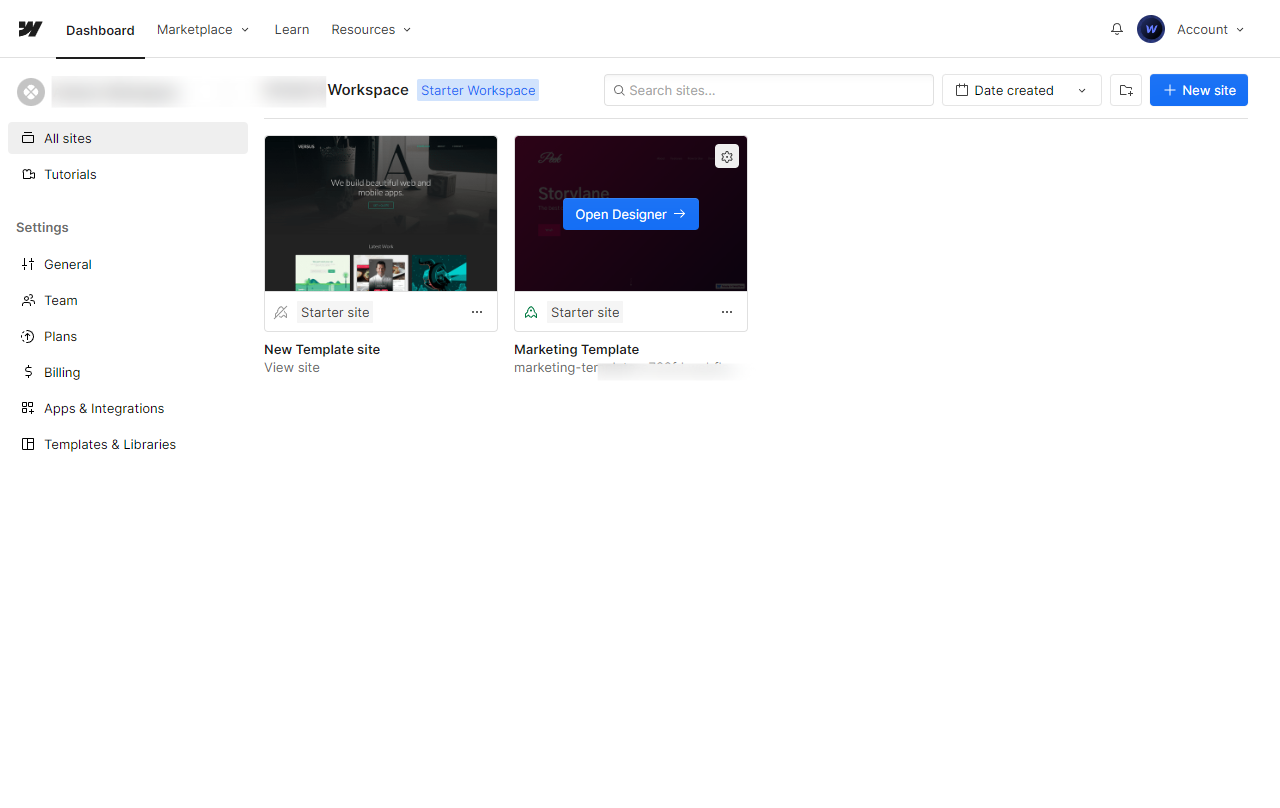
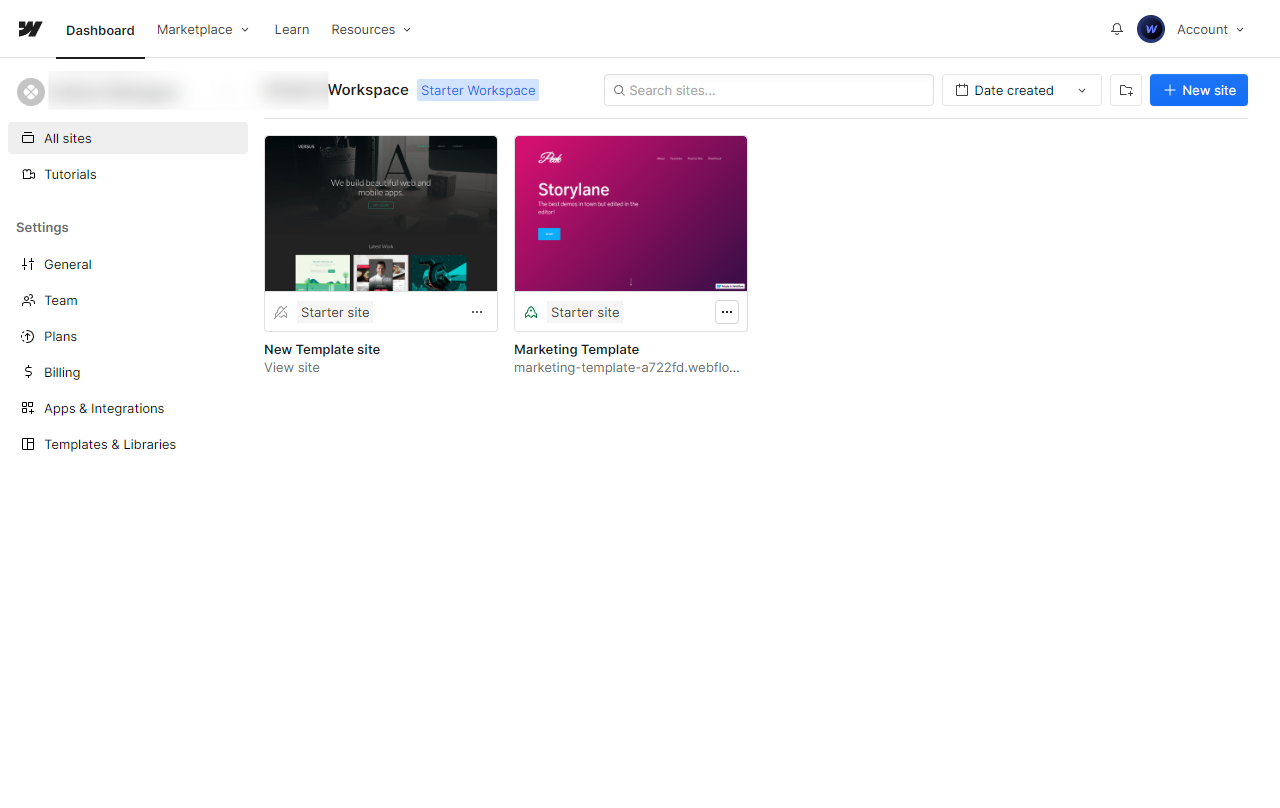
From the Webflow Dashboard, locate your project thumbnail and click on the small three dotted icon for options.
Click on Settings.
On the top, locate the Transfer icon and click.
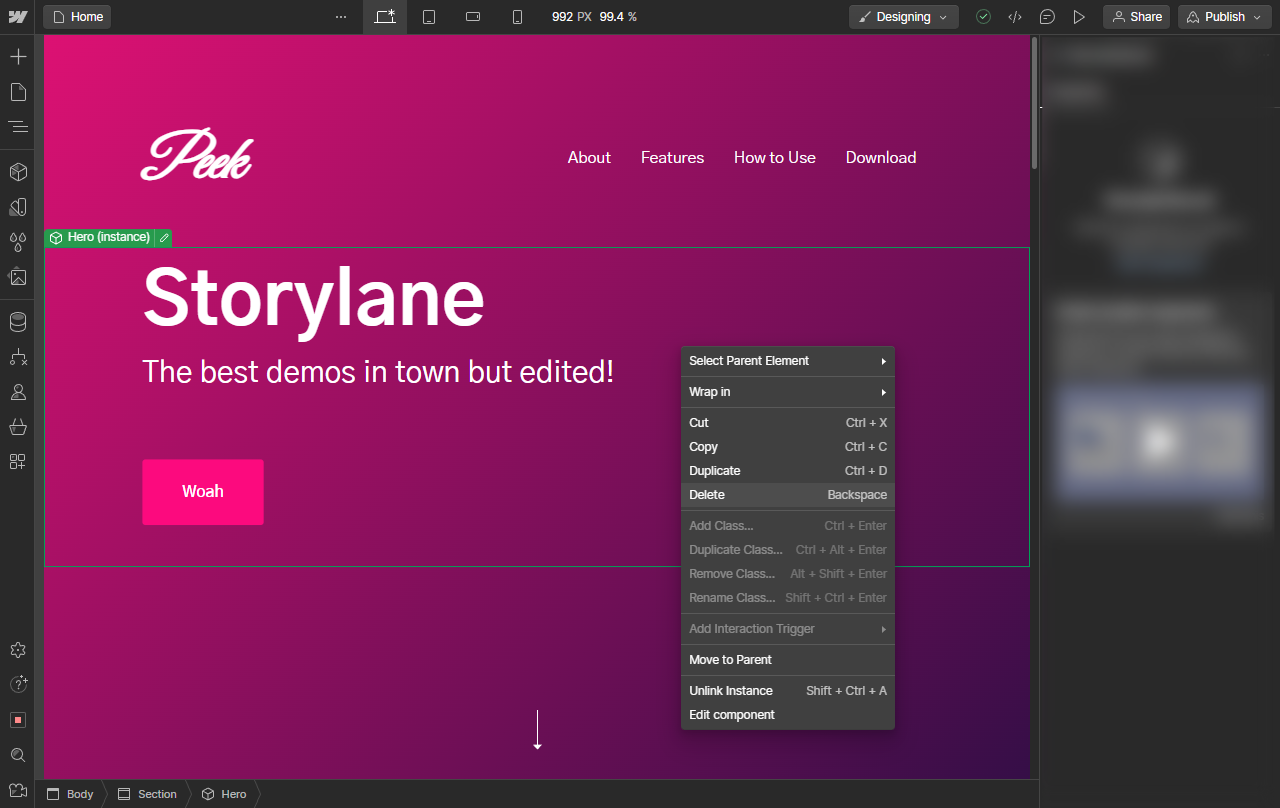
A pop-up window will appear, allowing you to choose between transferring the project to another user or a workspace. Select the options that apply to you.
If you choose a Workspace, you will simply have to select one from a dropdown menu. For users however, you must enter a valid email ID of the user with an existing account on Webflow.
Click on Transfer to [A valid email] and your project will be transferred.
A notification will confirm if an invitation was sent.
The project will be locked in your dashboard and you will not be able to make any changes until they accept or decline the transfer request or you cancel the transfer.
Quick answer: To transfer a project in Webflow, open the project options from your dashboard, click Settings, select the Transfer icon, choose a workspace or enter a user email, confirm the transfer, and wait for acceptance while the project is locked.
About this Webflow tutorial
Transfer your Webflow project to another user or workspace by accessing project settings, selecting the transfer option, and entering recipient details. This guide shows how to transfer A Webflow Project in 8 steps, starting with "From the Webflow Dashboard , locate your project thumbnail and click on the s mall thre..." and finishing with "The project will be locked in your dashboard and you will not be able to make any chang...". The interactive demo above is a click-through copy of the real Webflow interface, so you can rehearse each step before doing it in your own account.
Frequently asked questions
How many steps does it take to transfer A Webflow Project?
8 steps. Each one is listed in order above, and the demo highlights exactly where to click.
Can I try it without changing my own account?
Yes. Clicking through the demo doesn't touch your Webflow data or settings. Once you know the flow, repeat it in your own workspace.
This tutorial is filed under Webflow. Related guides: How to Trigger Webflow Builds from GitHub Pushes via Zapier, How to Trigger Webflow Updates from Contentful via Zapier and How To Undo In Webflow. Last reviewed 05 Oct 2026.

Create your first interactive demo in minutes
No credit card required • Start building today