How to Turn Off the Microsoft Planner Email Notifications
- George Apostolov
How to Turn Off the Microsoft Planner Email Notifications: step-by-step guide
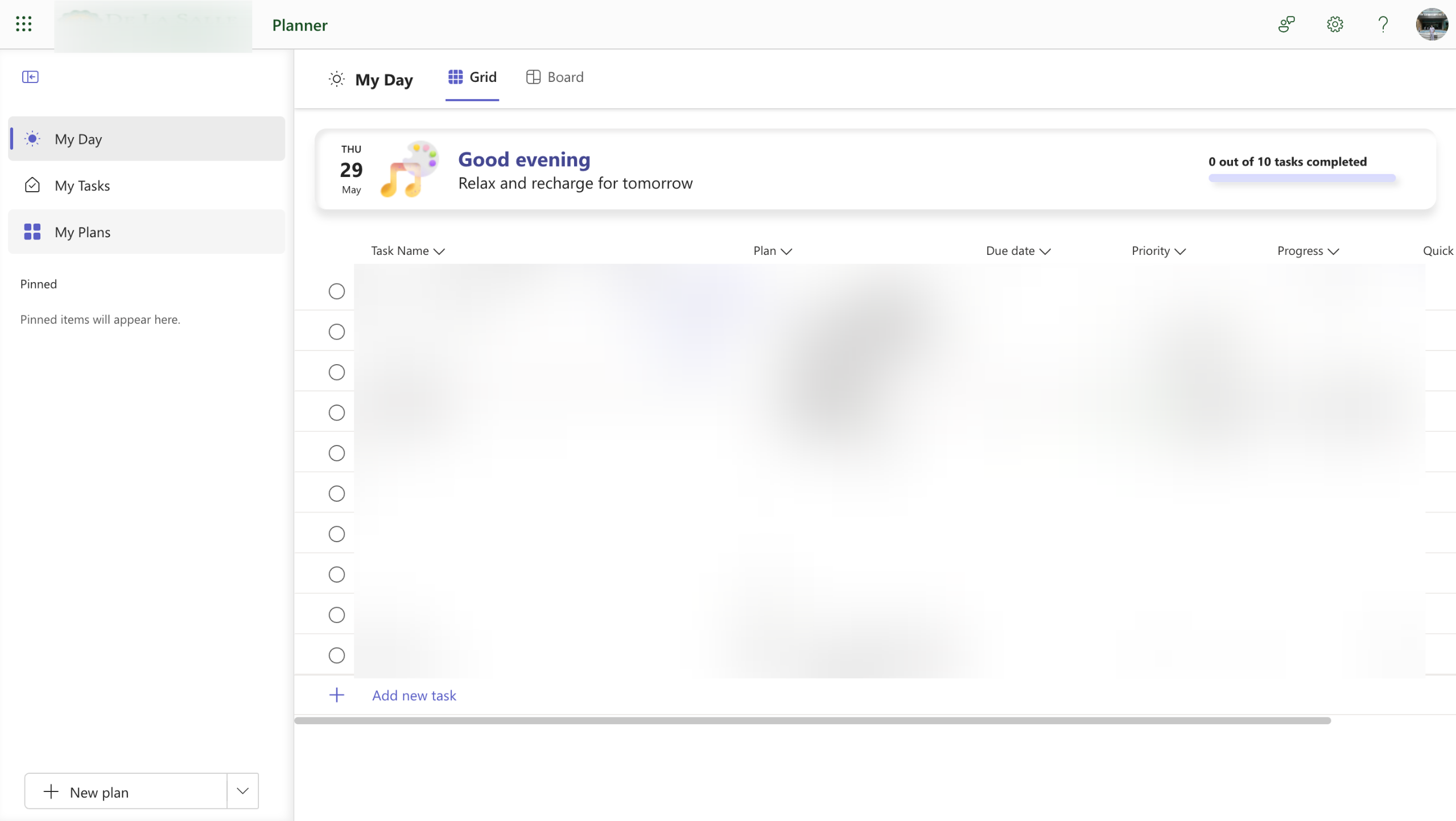
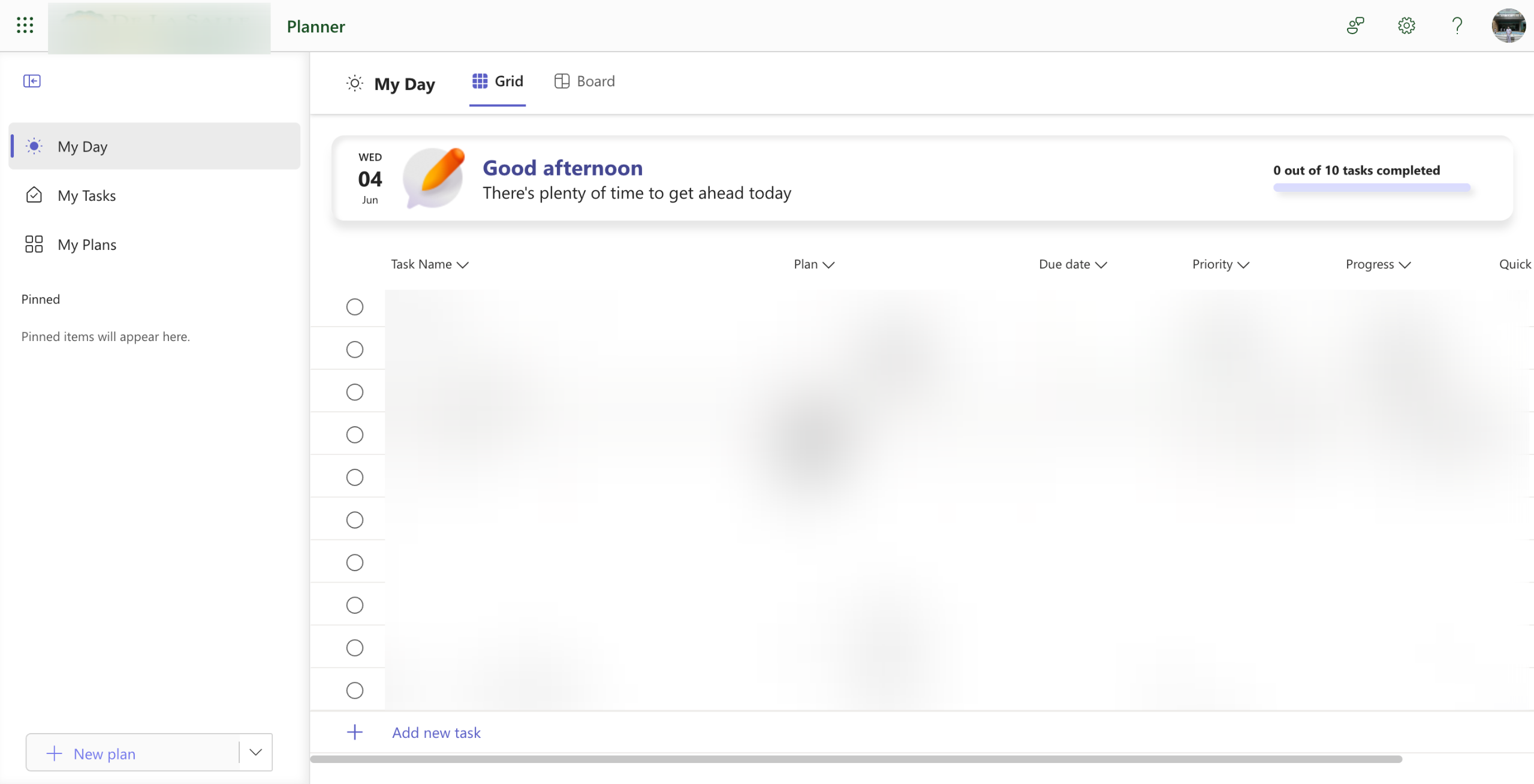
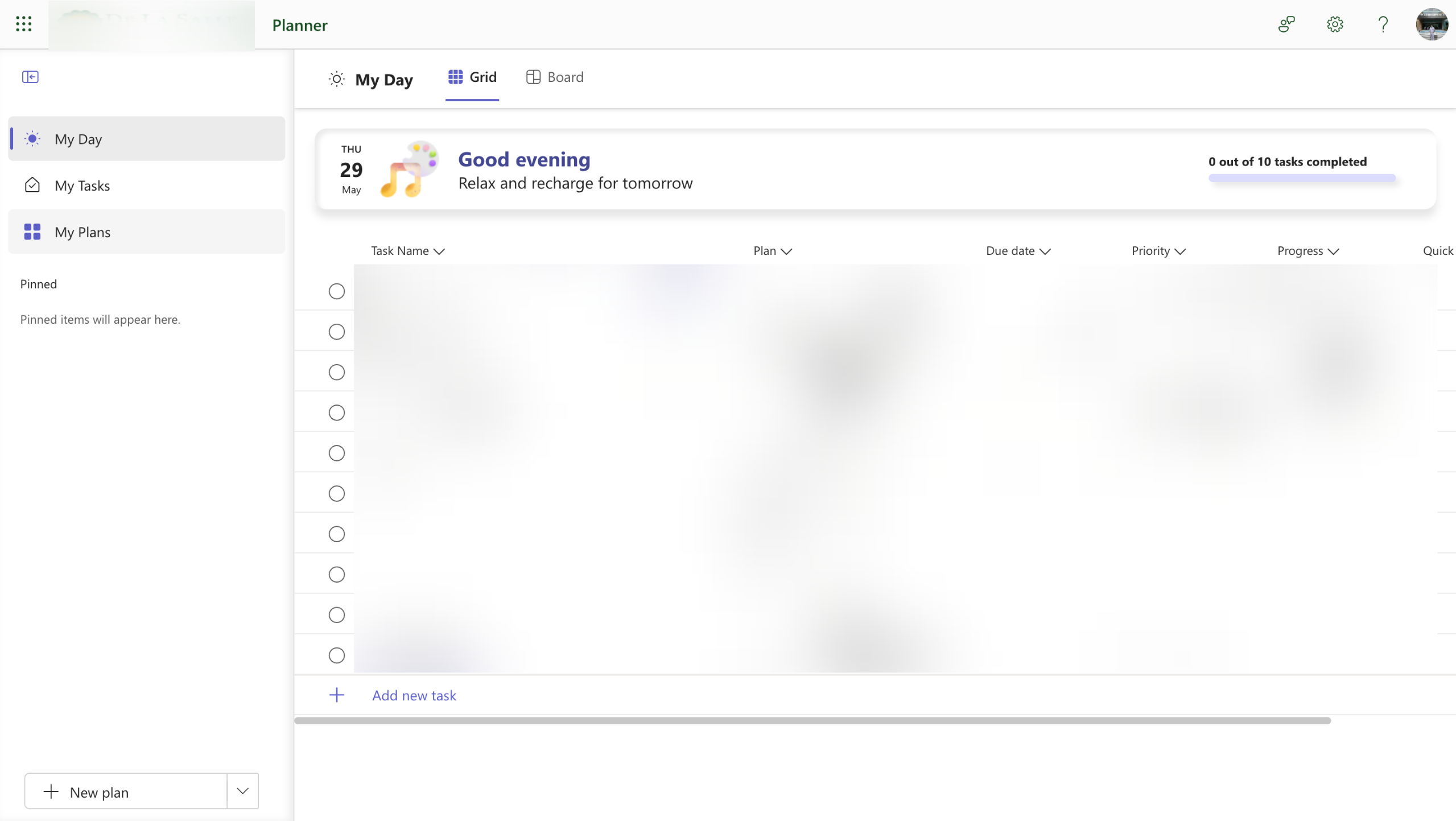
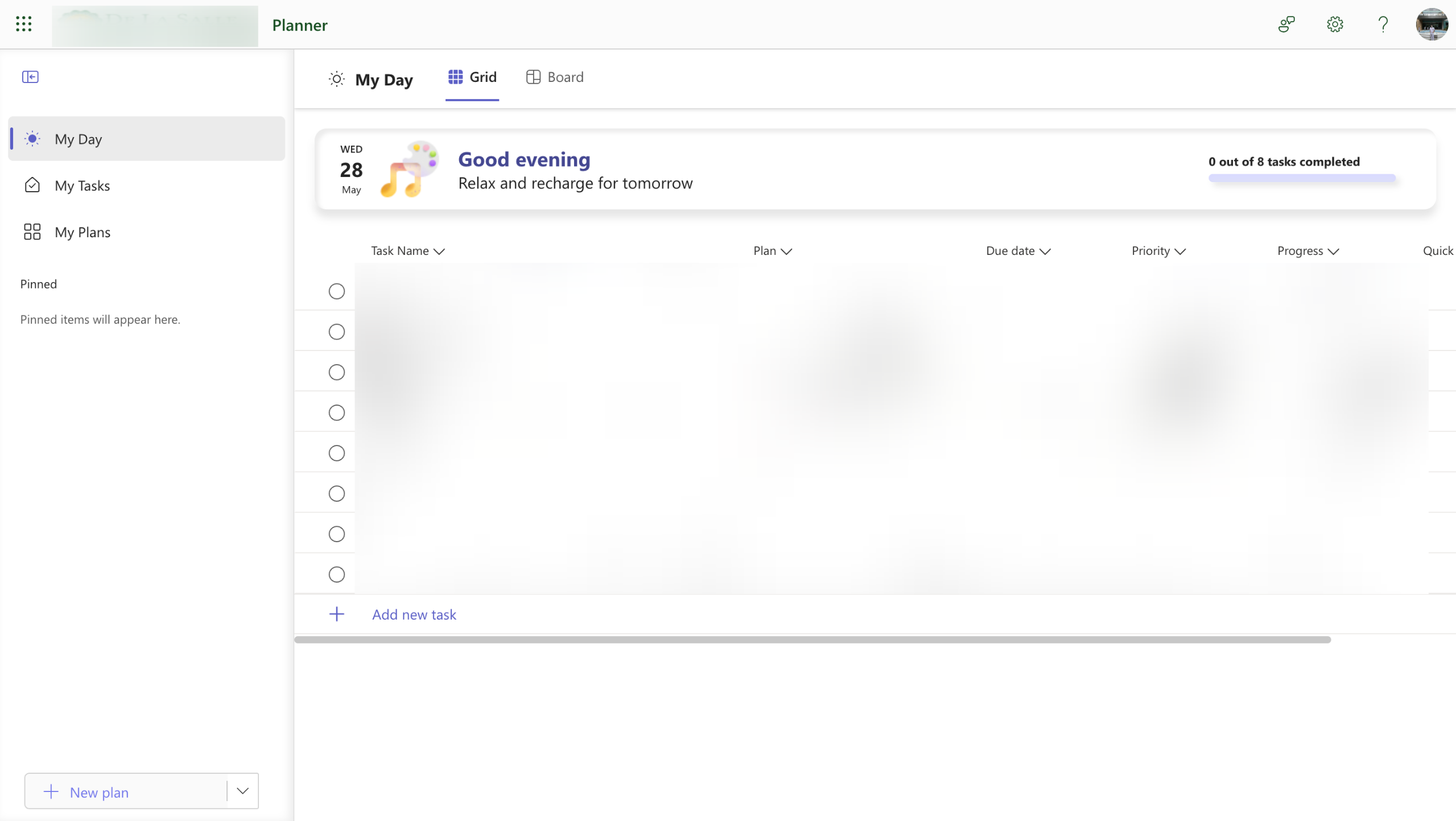
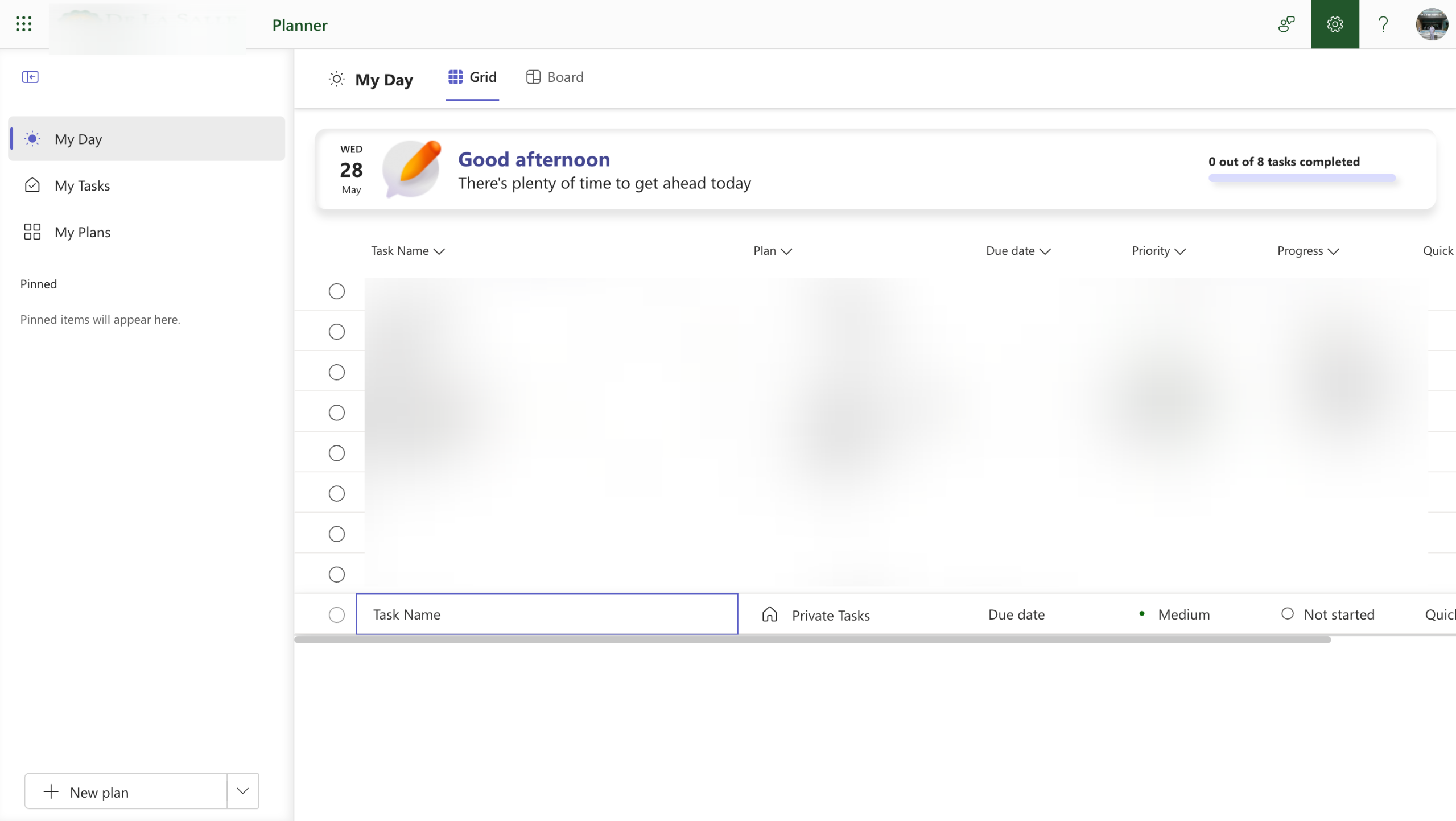
On Microsoft Planner's main dashboard, head over to the top-right corner and click the 'Settings' icon.
After that, tap the 'Notifications' option to proceed.
Find the email notifications you wish to turn off, then switch off their corresponding toggle button one by one.
Once done, tap 'Save'.
After completing these steps, the selected Microsoft Planner email notifications will be turned off.
Quick answer: To turn off the Microsoft Planner email notifications in Microsoft Planner, open the Settings icon from the top-right corner of the main dashboard, tap Notifications, switch off the desired email notification toggle buttons one by one, and click Save.
About this Microsoft tutorial
Disable unwanted Microsoft Planner email notifications by updating your notification settings in the dashboard and saving your changes. This guide shows how to turn Off the Microsoft Planner Email Notifications in 5 steps, starting with "On Microsoft Planner's main dashboard, head over to the top-right corner and click the..." and finishing with "After completing these steps, the selected Microsoft Planner email notifications will b...". The interactive demo above is a click-through copy of the real Microsoft interface, so you can rehearse each step before doing it in your own account.
Frequently asked questions
How many steps does it take to turn Off the Microsoft Planner Email Notifications?
5 steps. Each one is listed in order above, and the demo highlights exactly where to click.
Can I try it without changing my own account?
Yes. Clicking through the demo doesn't touch your Microsoft data or settings. Once you know the flow, repeat it in your own workspace.
This tutorial is filed under Microsoft. Related guides: How to Use Microsoft Planner as a Kanban Board, How to Use Microsoft Planner for Agile and Scrum Projects and How to Use Microsoft Planner for Multiple Projects. Last reviewed 05 Oct 2026.

Create your first interactive demo in minutes
No credit card required • Start building today