How to validate data in Coda
- George Apostolov
How to validate data in Coda: step-by-step guide
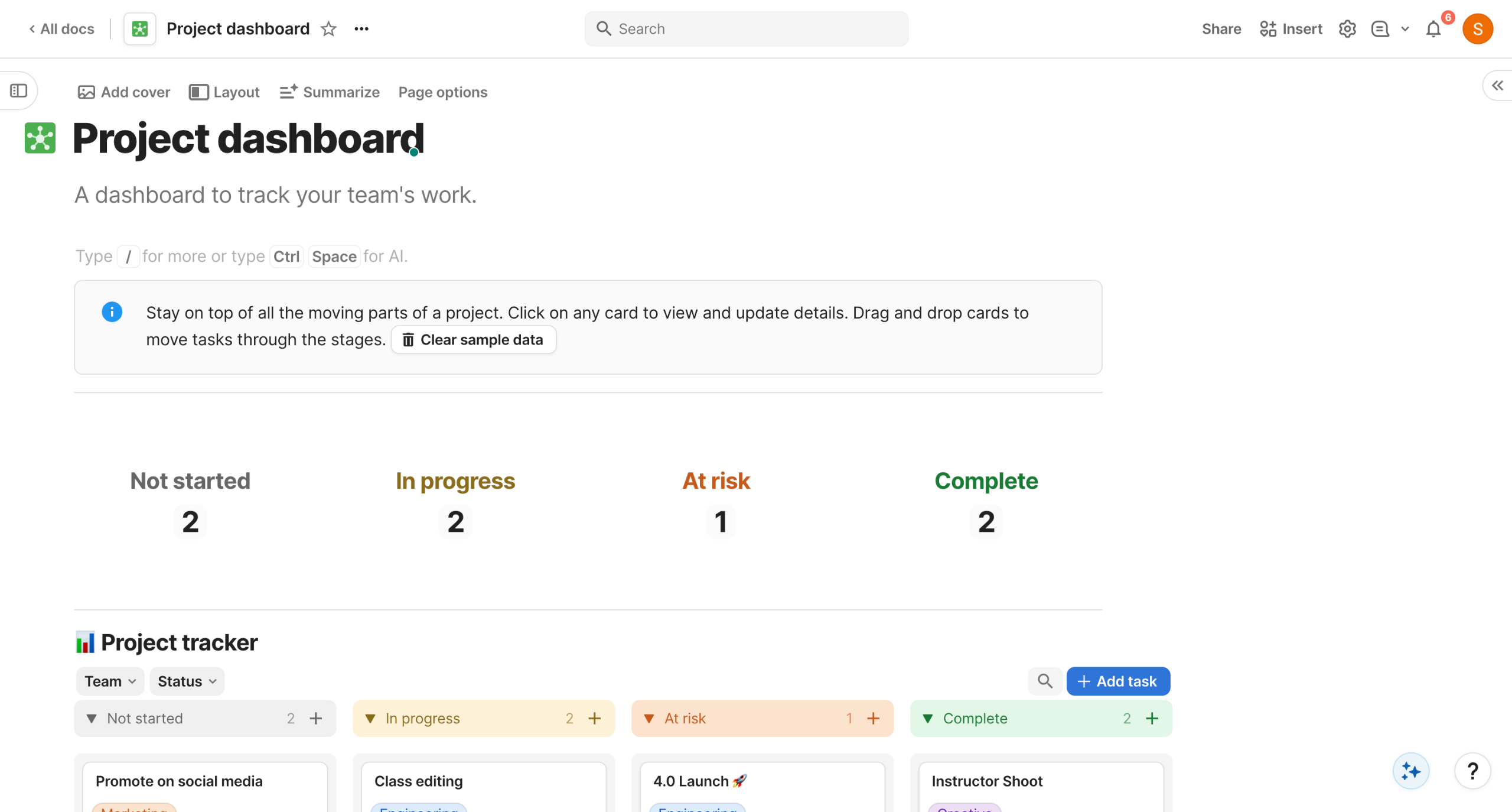
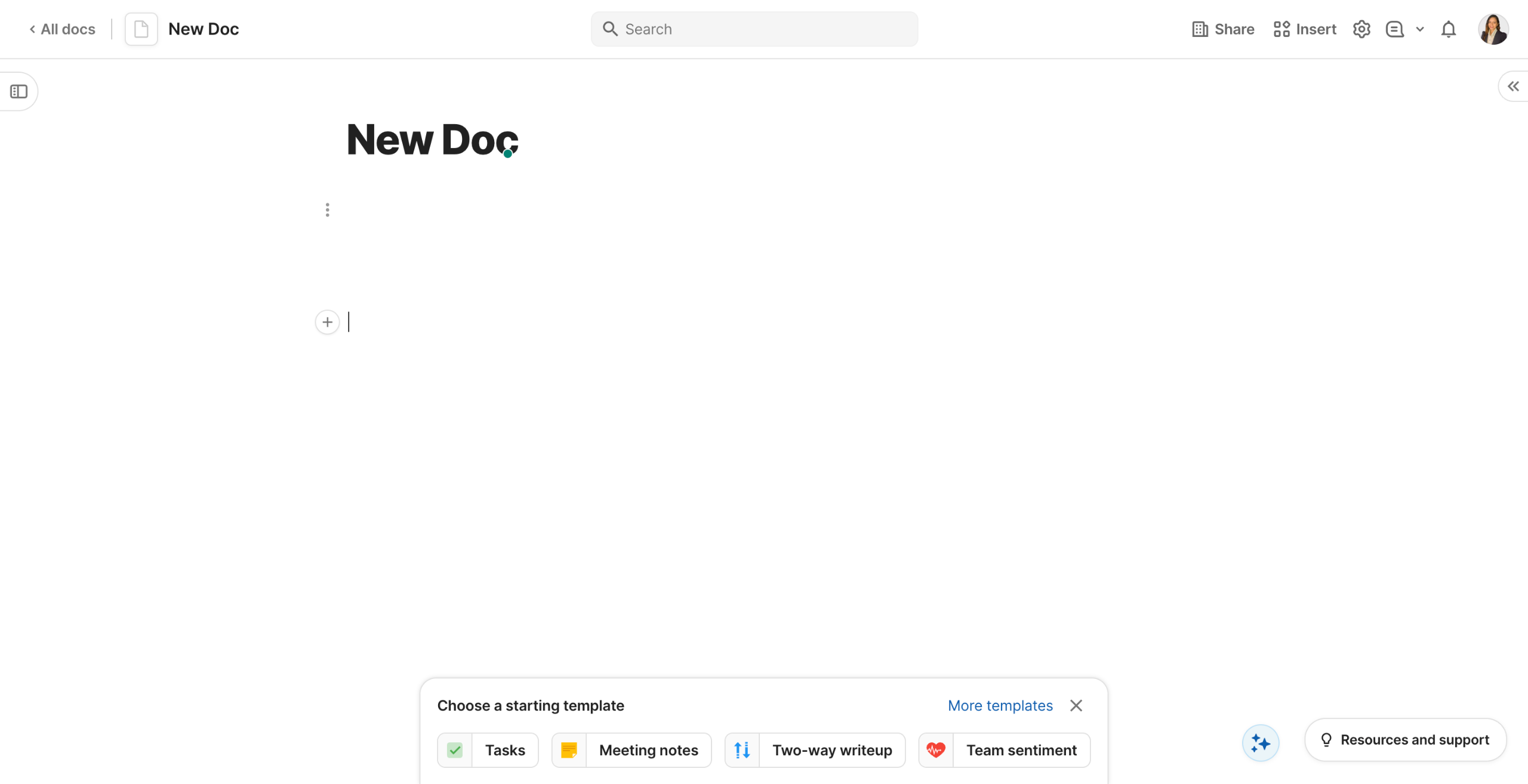
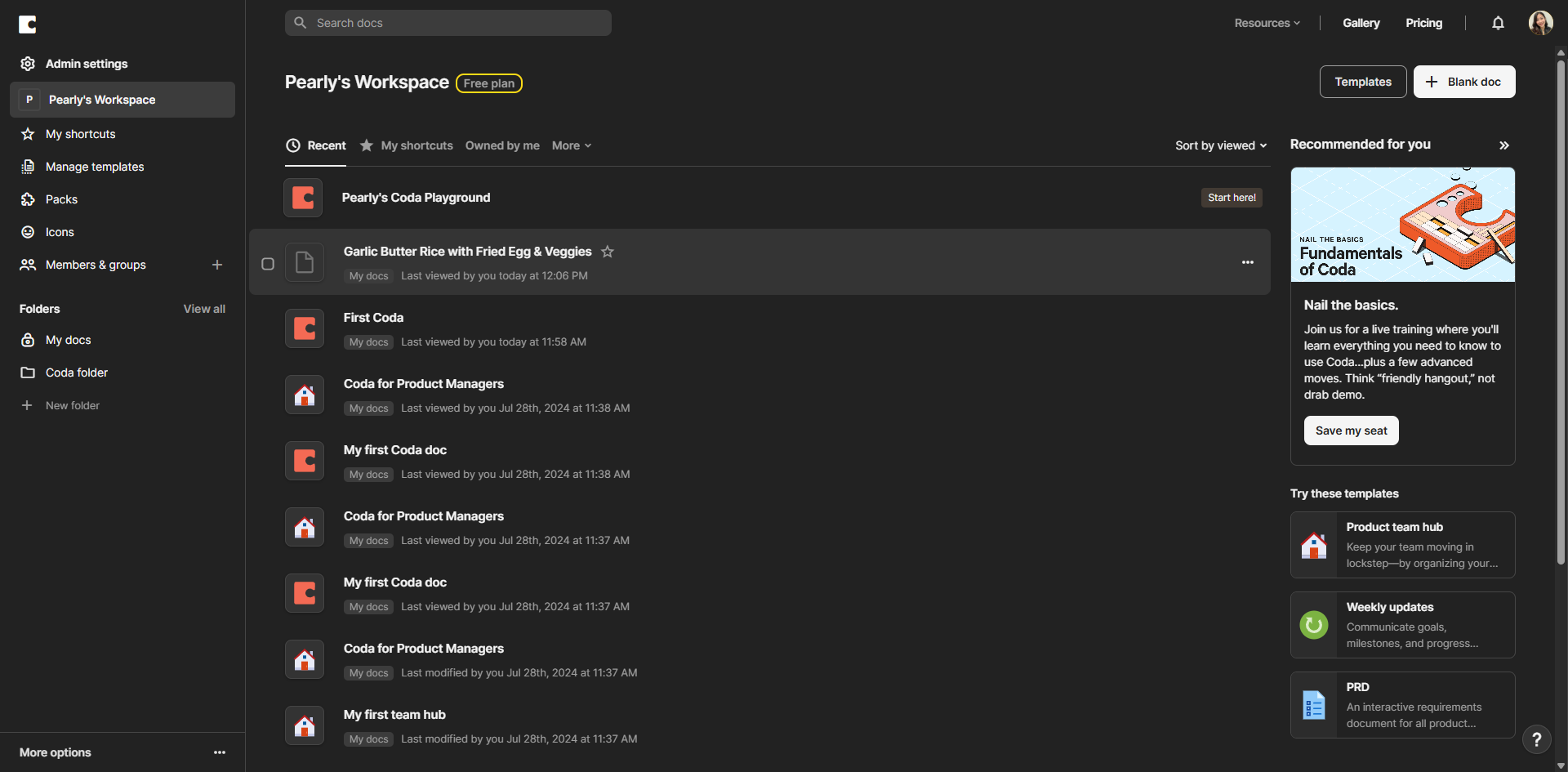
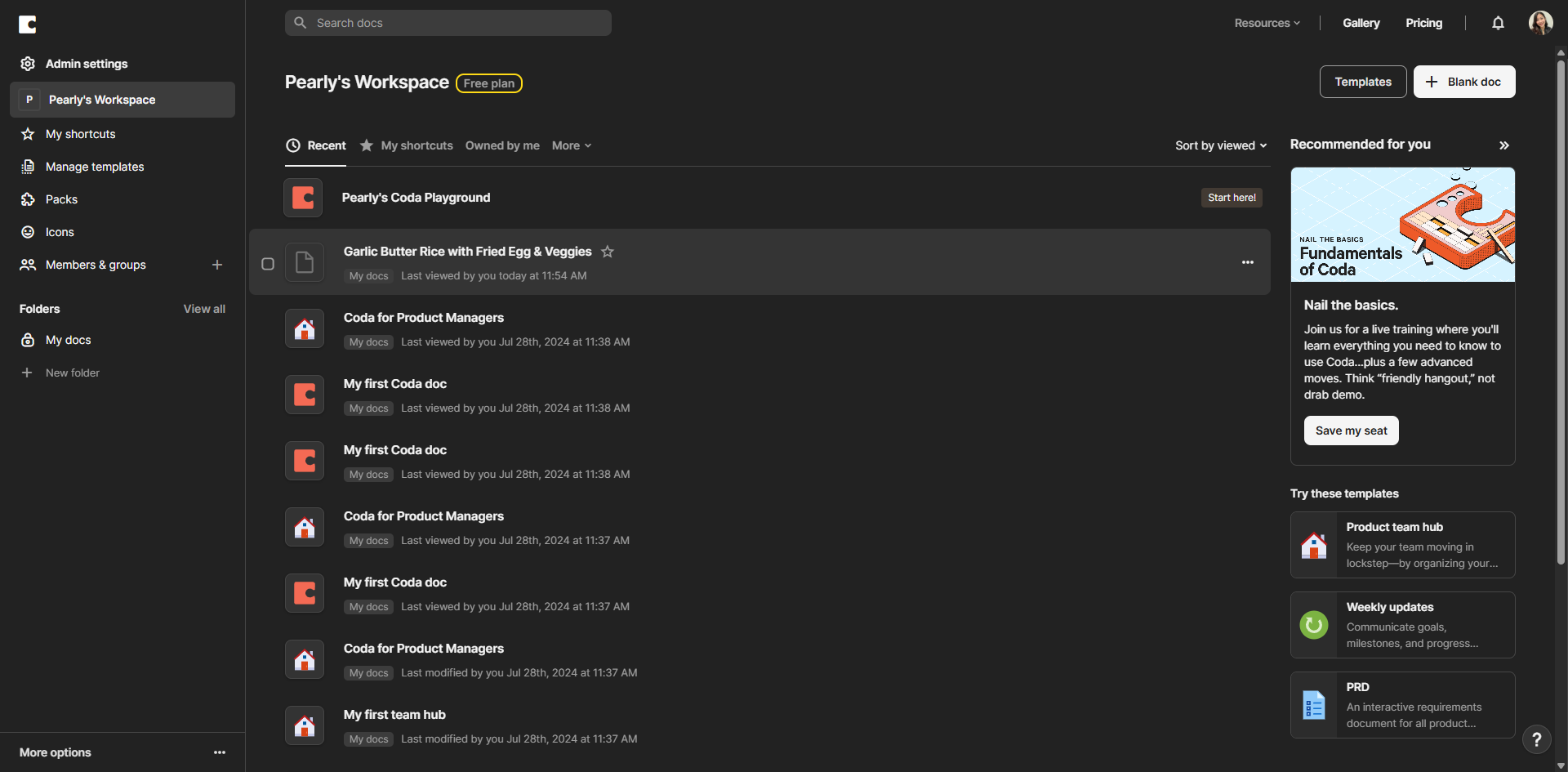
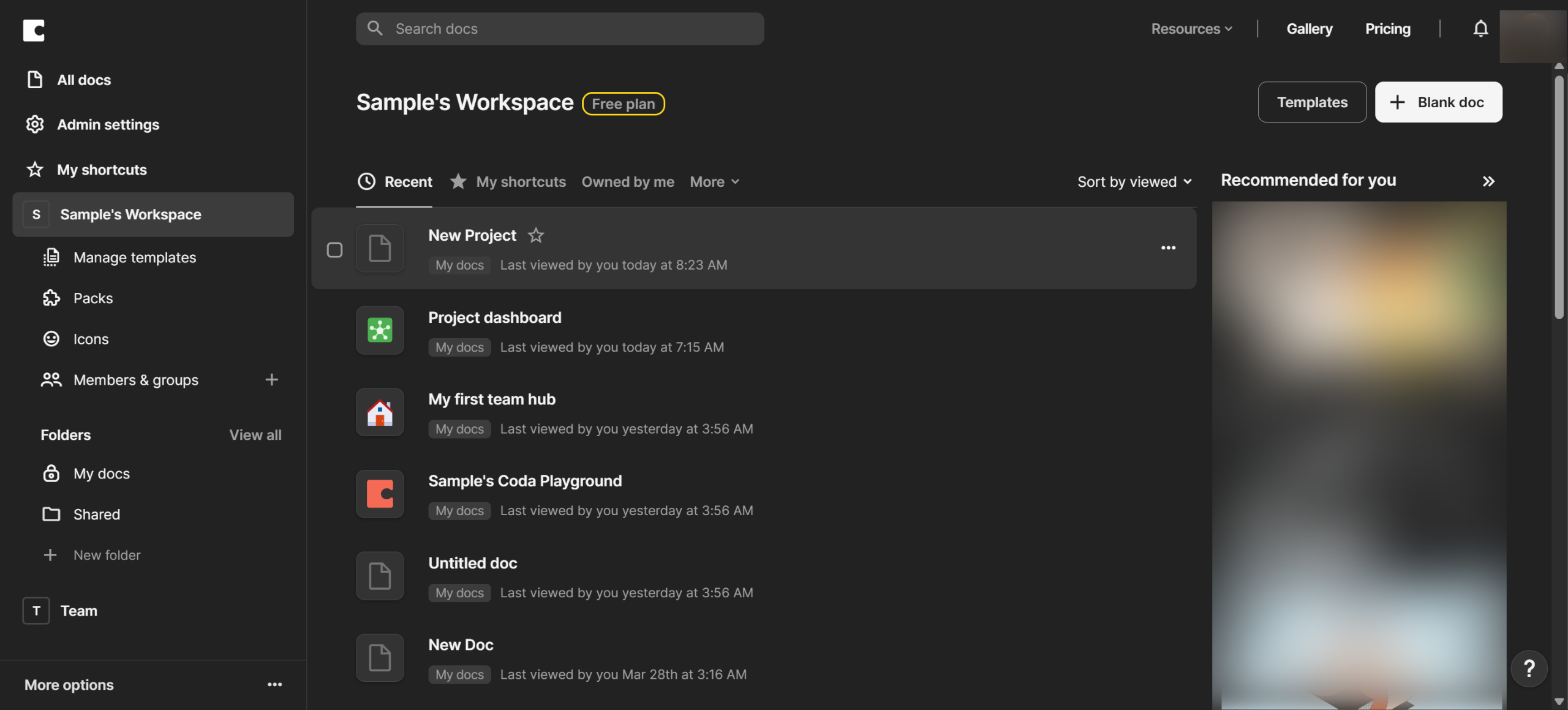
Start by opening the Coda doc where you need to validate your data.
Click on the column where you want to add data validation rules.
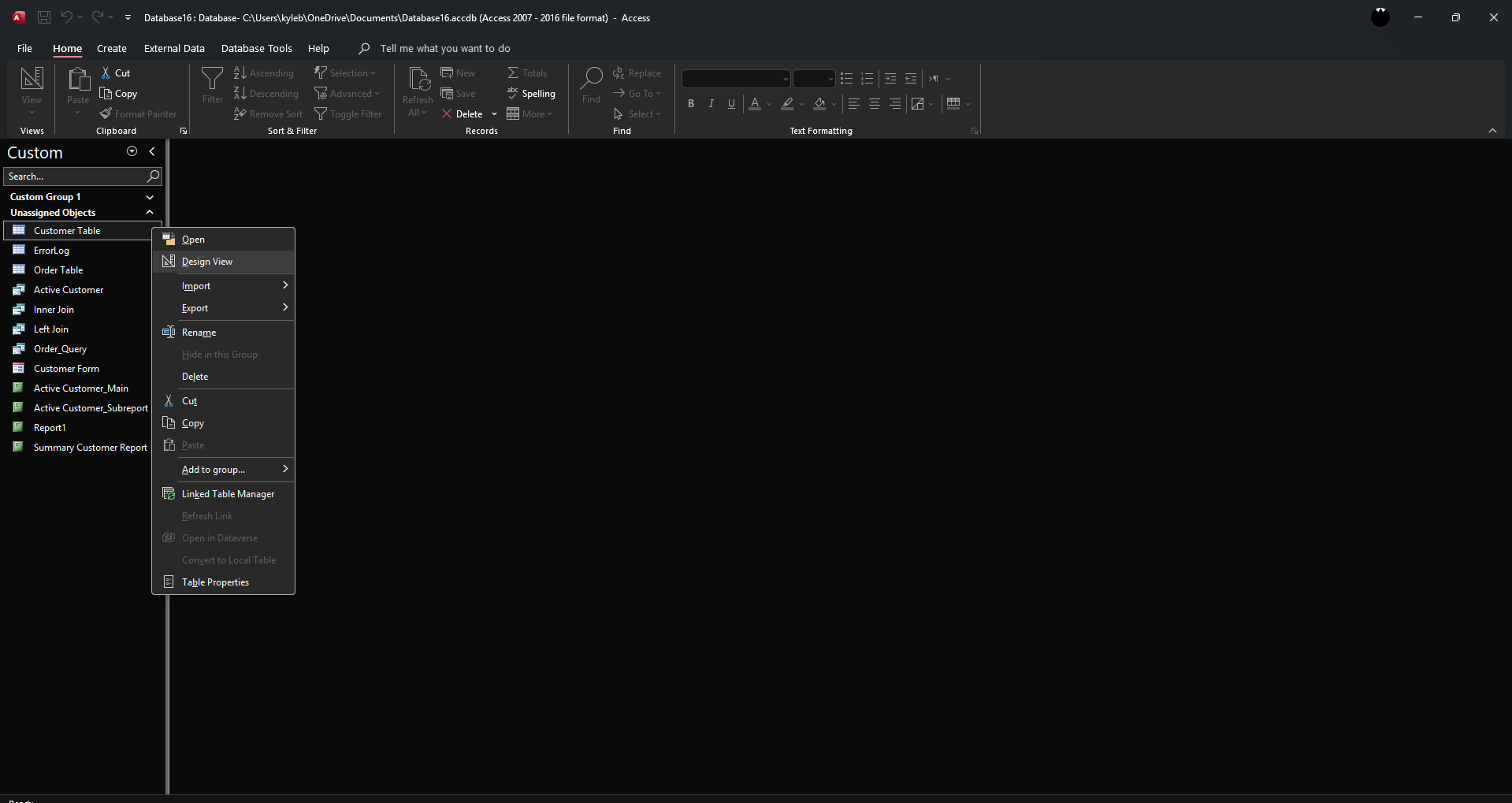
In the column settings panel, locate and select the 'Validation' option.
Choose the validation type that fits your data requirements (text, number, date, etc.).
Set your validation parameters such as min/max values, text patterns, or specific formats.
Add a custom error message that users will see when they enter invalid data.
Test your validation by entering both valid and invalid data to ensure it works properly.
Refine your validation rules as needed until they accurately filter your data.
Apply validation to additional columns if necessary for complete data integrity.
Your Data Validation Is Set! Now your doc will automatically check data as it's entered.
Remember that validation helps maintain data quality by preventing errors before they happen.
Quick answer: To validate data in Coda, open your doc, select a column, and choose Validation in the settings. Next, select the validation type, set parameters, and add a custom error message. Finally, test the rules, refine them as needed, and apply them to other columns to ensure complete data integrity.
About this Coda tutorial
Ensure data quality in Coda by setting up column validation rules, custom error messages, and parameters to automatically check entries. This guide shows how to validate data in Coda in 11 steps, starting with "Start by opening the Coda doc where you need to validate your data" and finishing with "Remember that validation helps maintain data quality by preventing errors before they h...". The interactive demo above is a click-through copy of the real Coda interface, so you can rehearse each step before doing it in your own account.
Frequently asked questions
How many steps does it take to validate data in Coda?
11 steps. Each one is listed in order above, and the demo highlights exactly where to click.
Can I try it without changing my own account?
Yes. Clicking through the demo doesn't touch your Coda data or settings. Once you know the flow, repeat it in your own workspace.
This tutorial is filed under Coda. Related guides: How to Version Control in Coda, How to Visualize Google Analytics Data in Coda and How to Visualize the MongoDB Data in Coda. Last reviewed 05 Oct 2026.

Create your first interactive demo in minutes
No credit card required • Start building today