How to Validate DocuSign Signature
- George Apostolov
How to Validate DocuSign Signature: step-by-step guide
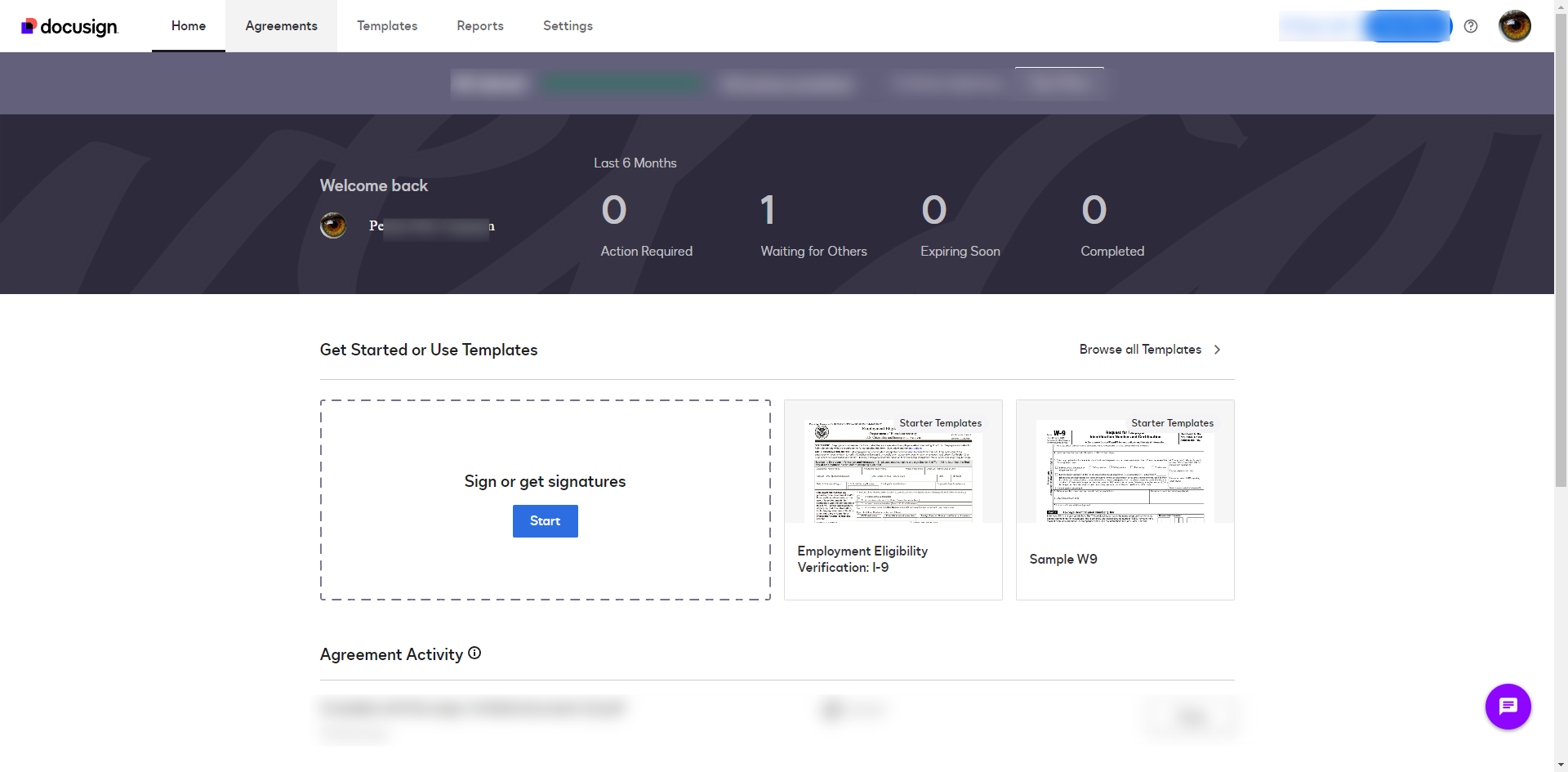
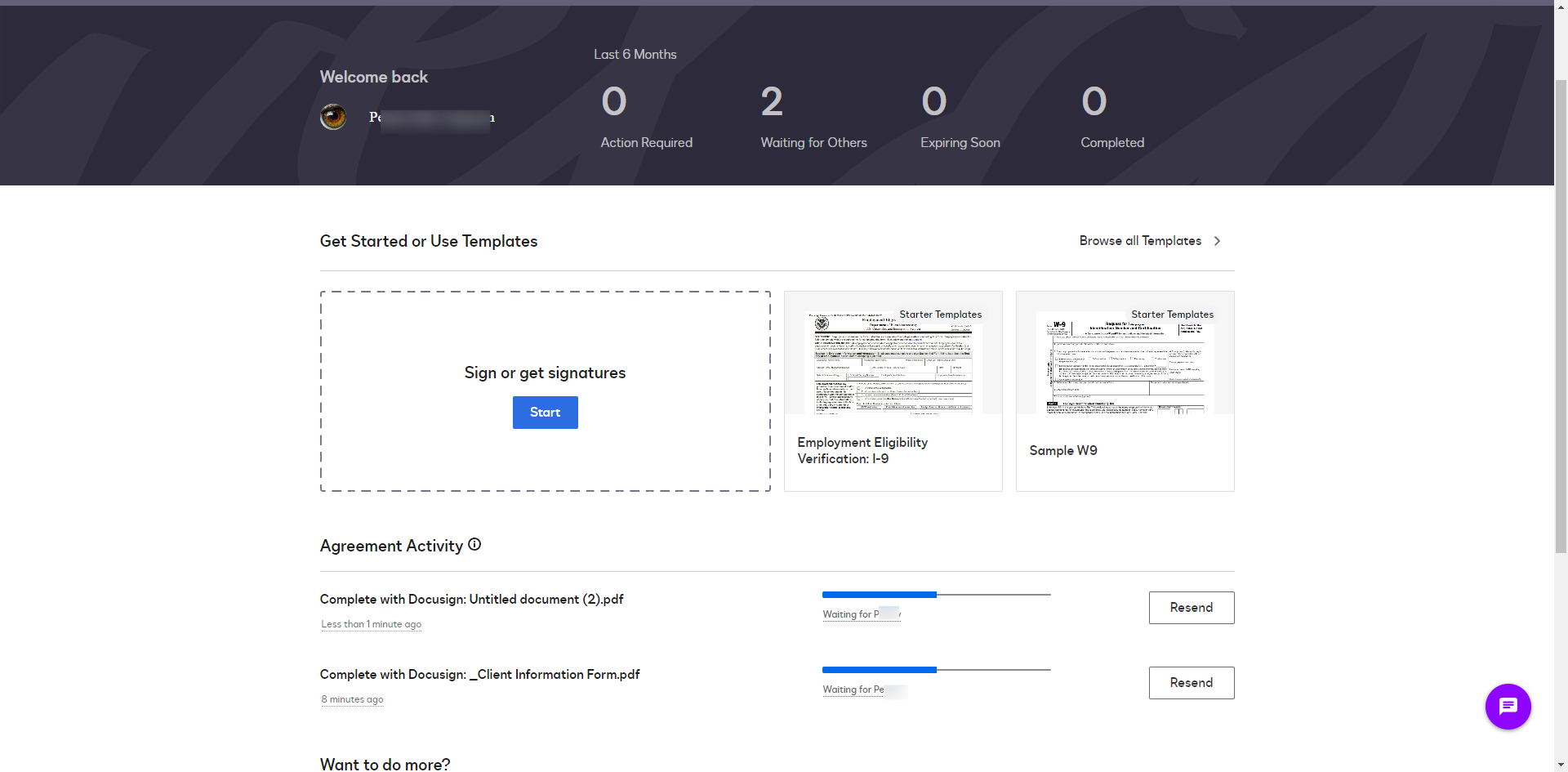
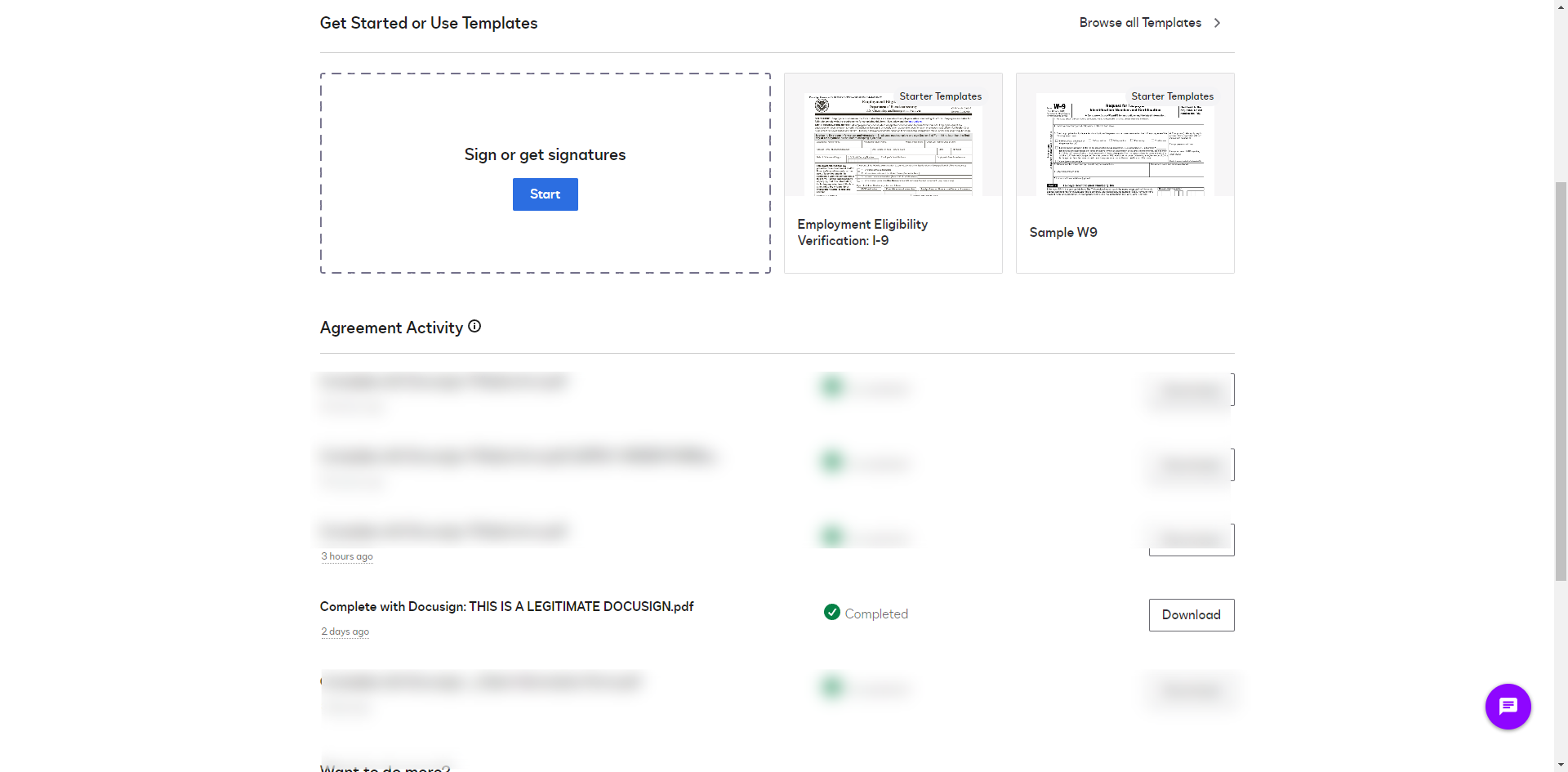
After the document is signed, click the completed document.
Download the completed document from DocuSign by clicking the 'Download' button. This is typically in PDF format.
Select 'Combine all PDFs into a single file'.
Click 'Download'.
Visit a digital signature verifier site. Open the document with a digital signature verifier and click the 'Upload' button to add the document.
Once you have uploaded the document, click 'Initiate Verification'.
The digital signature verifier will display the signature's status. It should show that the signature is valid and the document has not been altered since it was signed.
Click on the 'View Details' to view the signature details.
The signature verifier should confirm that the document has not been modified after the signatures were applied. This ensures the integrity of the document.
Quick answer: To validate your signed DocuSign documents, click the completed document, download it as a PDF, and combine all PDFs into a single file. Next, upload the downloaded document to a digital signature verifier site, initiate verification, and view the signature details to confirm the signature is valid and unaltered.
About this DocuSign tutorial
Check the validity and integrity of your DocuSign signatures by downloading the completed PDF, uploading it to a verifier, and running the check. This guide shows how to validate DocuSign Signature in 9 steps, starting with "After the document is signed, click the completed document" and finishing with "The signature verifier should confirm that the document has not been modified after the...". The interactive demo above is a click-through copy of the real DocuSign interface, so you can rehearse each step before doing it in your own account.
Frequently asked questions
How many steps does it take to validate DocuSign Signature?
9 steps. Each one is listed in order above, and the demo highlights exactly where to click.
Can I try it without changing my own account?
Yes. Clicking through the demo doesn't touch your DocuSign data or settings. Once you know the flow, repeat it in your own workspace.
This tutorial is filed under DocuSign. Related guides: How to View Voided Documents in DocuSign, How to Void a DocuSign After Signing and Docusign AppSheet Integration. Last reviewed 05 Oct 2026.

Create your first interactive demo in minutes
No credit card required • Start building today