Ahrefs - Verify Domain
- George Apostolov
Ahrefs - Verify Domain: step-by-step guide
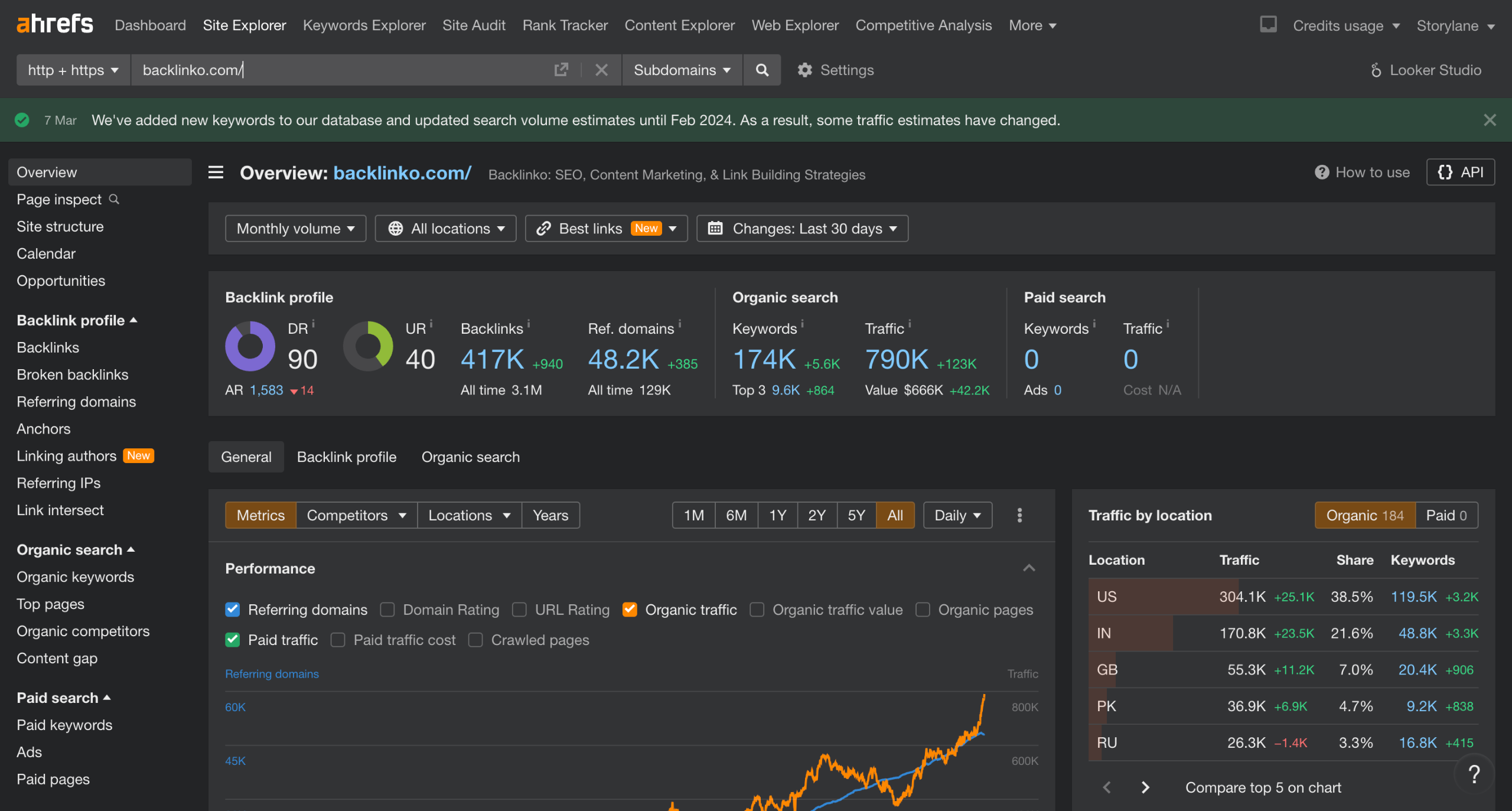
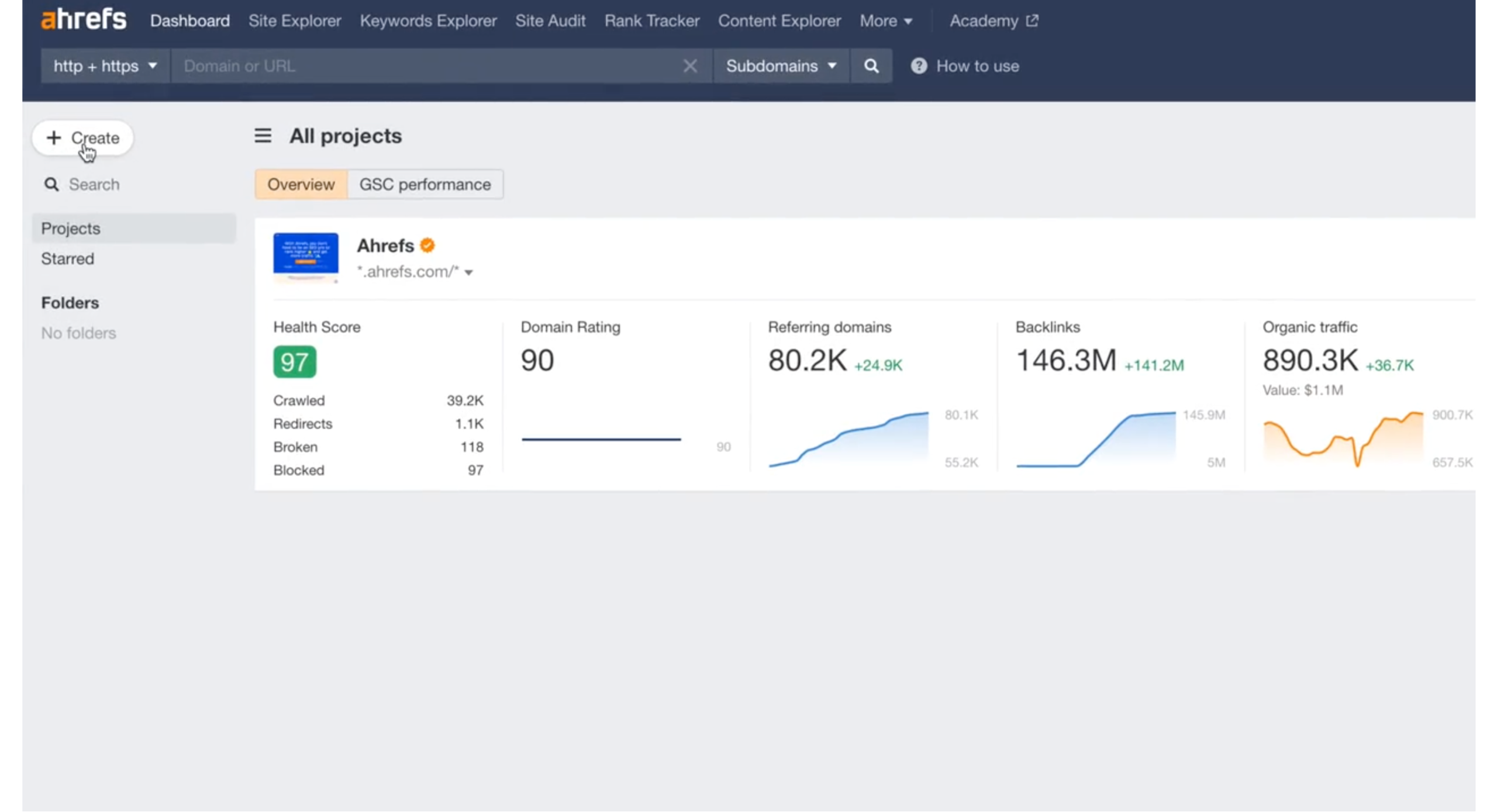
Navigate to Site Audit>Create
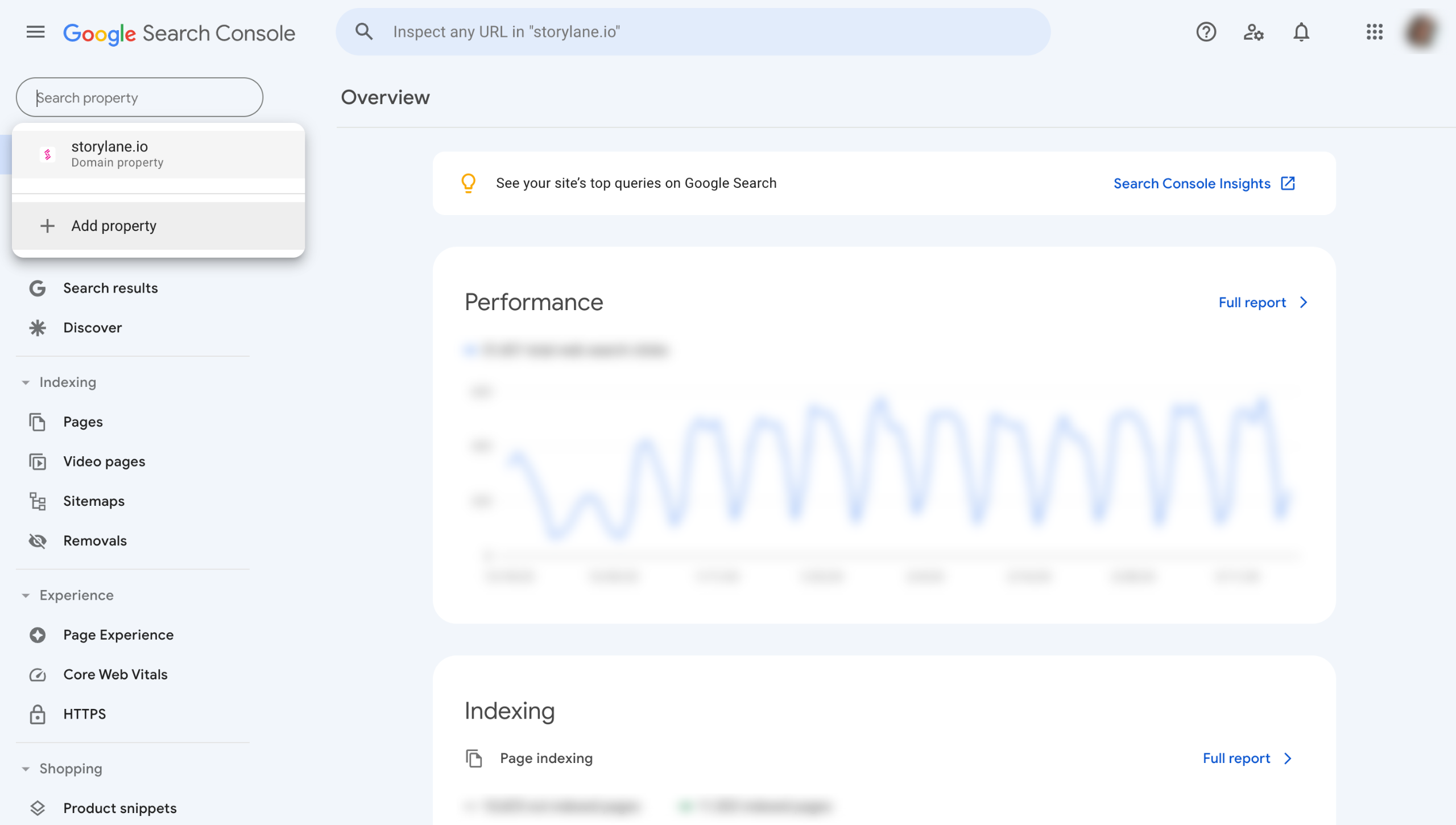
Click on the Import button to Import from GSC
Provide View Search Console and See and download Google Analytics data access and hit Continue.
Click on the Import button.
If you don't have Google Search Console access, click Add Manually.
Provide the your website Domain name and hit Continue. You will get the Alert saying your Domain is accessible.
Copy the HTML Code.
Now log in to your Domain Name Provider (E.g. Bluehost, GoDaddy, Cloudflare, etc.)
Create a new TXT record in the Manage DNS Records page.
Paste Domain name under the Name column. And the code you copied earlier under the Value column.
Head back to Ahrefs and click on Recheck Status. If you don't see the Ownership Verified Alert, wait a few hours and recheck again.
Quick answer: To verify a domain in Ahrefs, navigate to Site Audit and create a project. Import data from Google Search Console or add your domain manually. Copy the generated HTML code, add it as a new TXT record in your Domain Name Provider's DNS settings, and recheck the status in Ahrefs.
About this Ahrefs tutorial
Complete domain verification in Ahrefs by importing from Google Search Console or adding a TXT DNS record manually. Follow these quick steps today. This guide covers ahrefs - Verify Domain in 11 steps, starting with "Navigate to Site Audit>Create" and finishing with "Head back to Ahrefs and click on Recheck Status . If you don't see the Ownership Verifi...". The interactive demo above is a click-through copy of the real Ahrefs interface, so you can rehearse each step before doing it in your own account.
Frequently asked questions
How many steps does ahrefs - Verify Domain take?
11 steps. Each one is listed in order above, and the demo highlights exactly where to click.
Can I try it without changing my own account?
Yes. Clicking through the demo doesn't touch your Ahrefs data or settings. Once you know the flow, repeat it in your own workspace.
This tutorial is filed under Ahrefs. Related guides: Ahrefs - Change Language, Ahrefs Competition Research and Ahrefs - Find Affiliate Websites. Last reviewed 05 Oct 2026.

Create your first interactive demo in minutes
No credit card required • Start building today