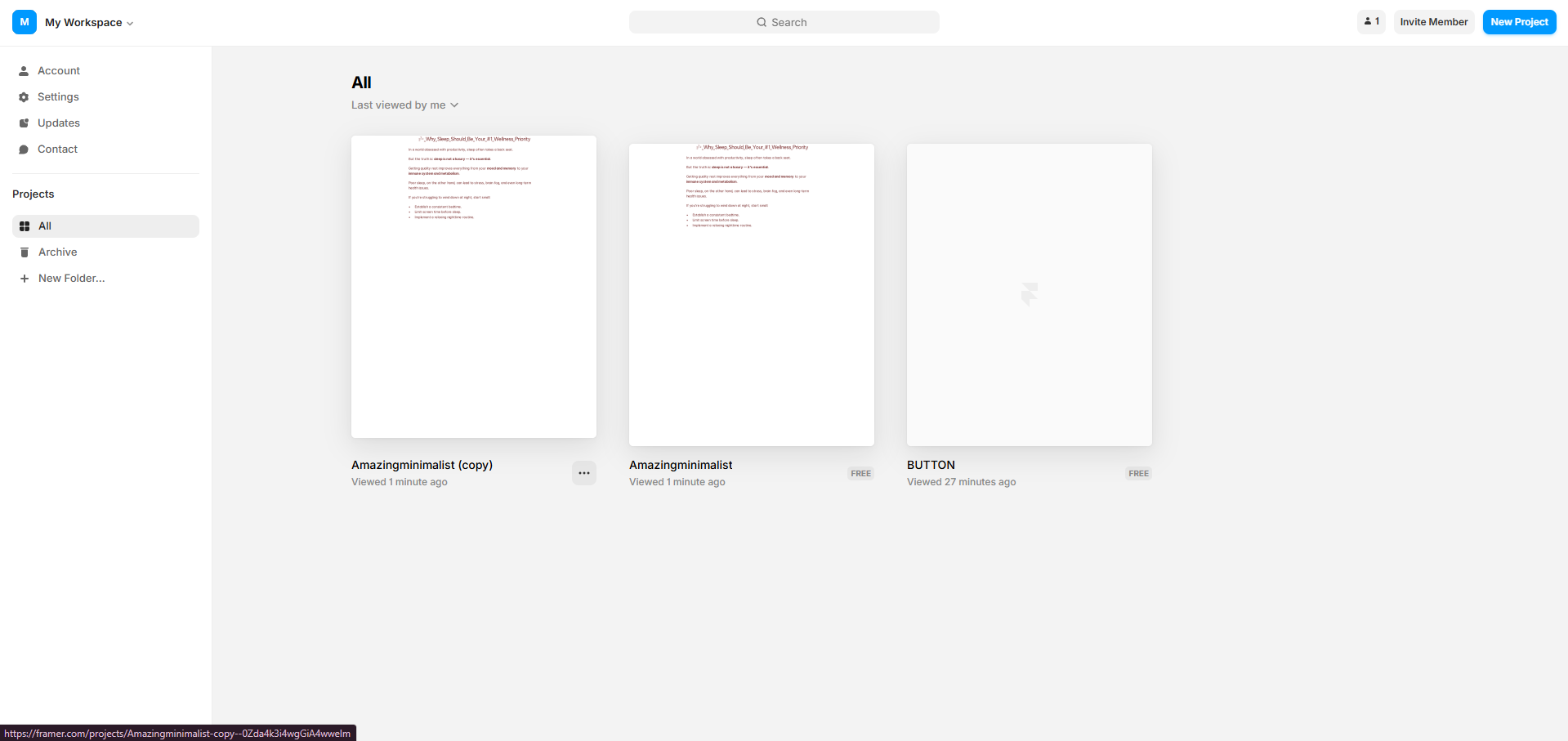
Framer Stripe Integration
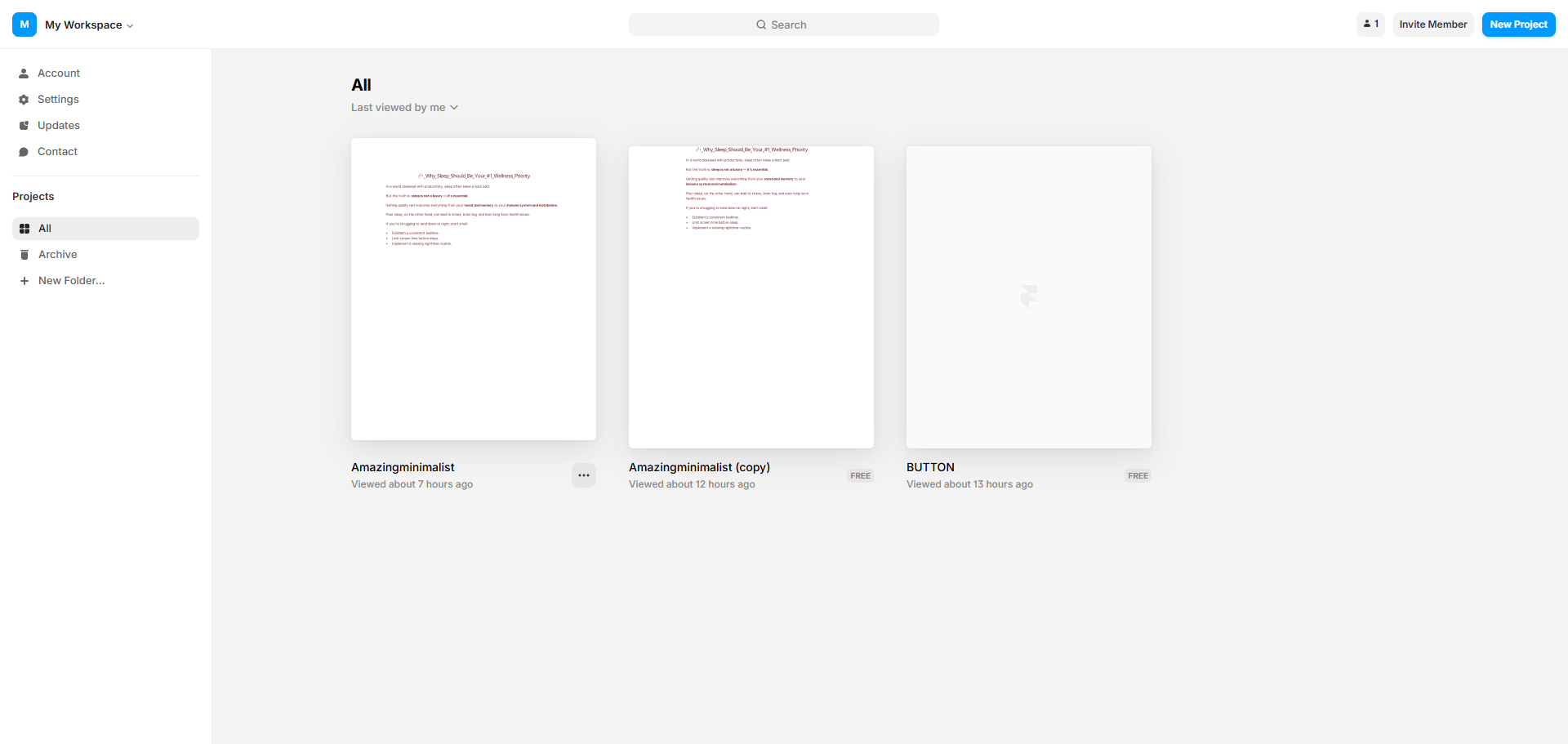
Framer Stripe Integration: step-by-step guide
Open your Framer project.
Create a button and add compelling text content to communicate your message.
Add interactive elements to engage your visitors.
Customize your design elements to match your brand identity.
Enable instant payments with Framer's secure payment button.
Apply your design changes to see them in real-time.
Establish connections between pages with intuitive links by clicking the add icon.
Enter custom properties to tailor your design elements.
Create powerful navigation by connecting pages with links.
Set its link to the Stripe payment URL.
That's it! You've successfully integrated Framer with Stripe.
Quick answer: To integrate Stripe with Framer, open your project, create a button with text and interactive elements, and customize the design to match your brand. Enable Framer's secure payment button for instant payments, apply real-time design changes, connect pages using the add icon and links, enter custom properties, and set the button link to your Stripe payment URL.
About this Stripe tutorial
Connect Stripe to your Framer project easily. Set up custom buttons, link your payment URL, and enable secure checkout for visitors. This guide covers framer Stripe Integration in 11 steps, starting with "Open your Framer project" and finishing with "That's it! You've successfully integrated Framer with Stripe". The interactive demo above is a click-through copy of the real Stripe interface, so you can rehearse each step before doing it in your own account.
Frequently asked questions
How many steps does framer Stripe Integration take?
11 steps. Each one is listed in order above, and the demo highlights exactly where to click.
Can I try it without changing my own account?
Yes. Clicking through the demo doesn't touch your Stripe data or settings. Once you know the flow, repeat it in your own workspace.
This tutorial is filed under Stripe and Framer. Related guides: How to Connect Coda with Stripe for Payment Tracking, How to Connect Stripe to ClickFunnels Classic and How to Connect Stripe to Xero. Last reviewed 05 Oct 2026.

Create your first interactive demo in minutes
No credit card required • Start building today