How to Connect Stripe to Xero
This guide is an interactive LiveDemo. Create interactive demos of your own product: Interactive demo software · Interactive customer onboarding guides · Start free
How to Connect Stripe to Xero: step-by-step guide
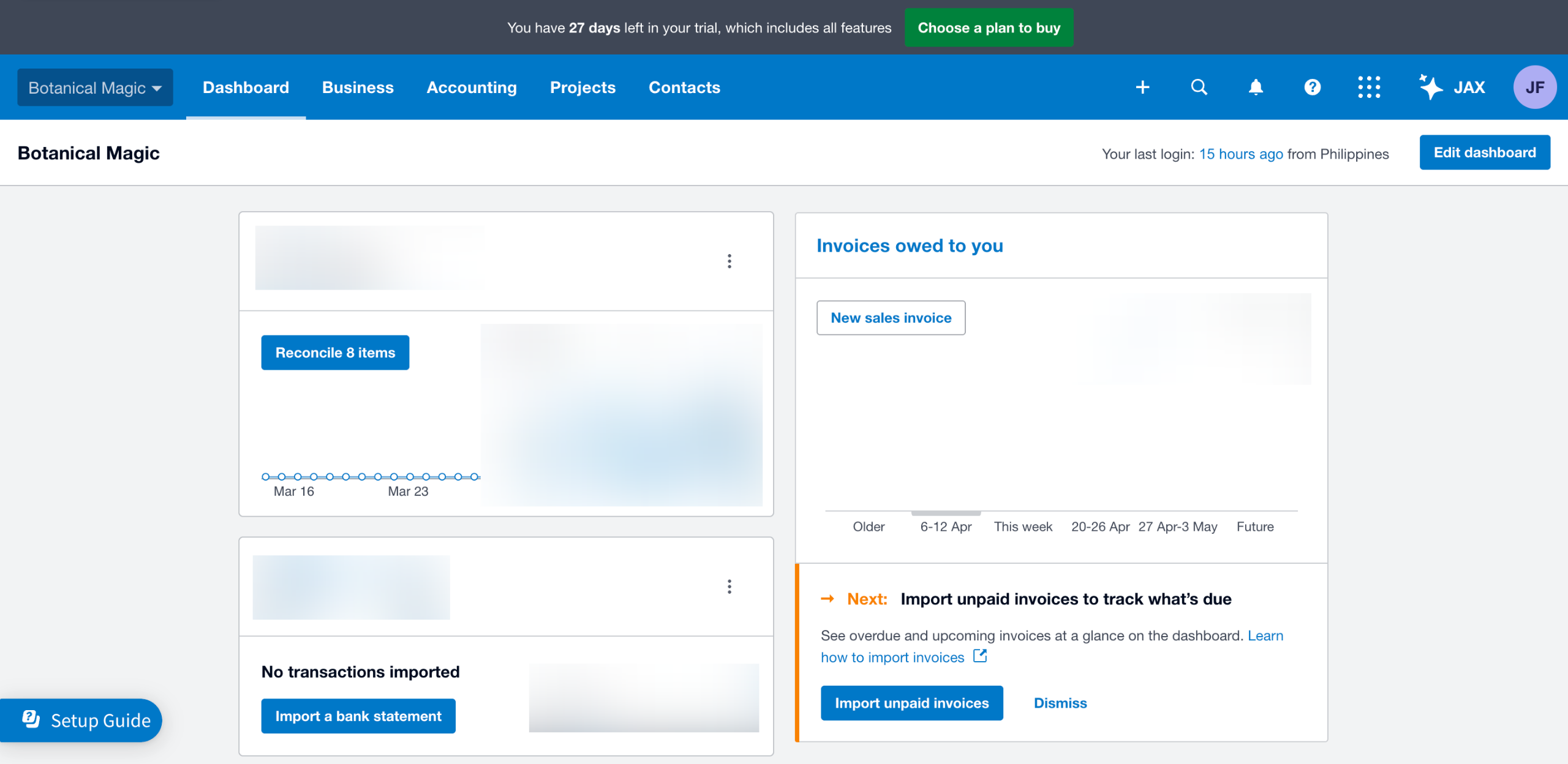
On Xero's main dashboard, head over to the top-left corner and click the 'Company' tab.
Select 'Settings' from the list of options.
After that, click 'Payment Services' to proceed.
Scroll down to the Available Payment Services tab, then click the 'Add Other' button next to it.
Subsequently, choose 'Stripe' from the available options.
Provide the required information, particularly the Stripe Account Name and the Xero bank account where you wish to deposit the money. Enter the details into their respective input fields.
At the same time, specify whether you want to shoulder the fees or charge the customers. Simply switch on the toggle button beside your choice.
Select your preferred credit card logos afterwards. Tick the checkbox beside them.
Once done, review your input and click 'Connect to Stripe'. Log into your account, then grant the necessary permissions to enable the connection between your Stripe and Xero accounts.
Quick answer: To connect Stripe to Xero, open the Company settings in Xero, add Stripe under Payment Services, enter your account details and deposit preferences, choose fee options and credit card logos, and finally click Connect to Stripe to log in and grant permissions.
About this Stripe tutorial
Integrate Stripe with Xero by configuring your payment services, account details, and permissions in just a few simple steps. This guide shows how to connect Stripe to Xero in 9 steps, starting with "On Xero's main dashboard, head over to the top-left corner and click the 'Company' tab" and finishing with "Once done, review your input and click 'Connect to Stripe'. Log into your account, then...". The interactive demo above is a click-through copy of the real Stripe interface, so you can rehearse each step before doing it in your own account.
Frequently asked questions
How many steps does it take to connect Stripe to Xero?
9 steps. Each one is listed in order above, and the demo highlights exactly where to click.
Can I try it without changing my own account?
Yes. Clicking through the demo doesn't touch your Stripe data or settings. Once you know the flow, repeat it in your own workspace.
This tutorial is filed under Stripe and Xero. Related guides: Stripe salesforce integration, How to Connect Webflow to Stripe for Payments with Zapier and Hubspot stripe integration. Last reviewed 05 Oct 2026.

Create your first interactive demo in minutes
No credit card required • Start building today