How Does Miro Work
- George Apostolov

How Does Miro Work: step-by-step guide
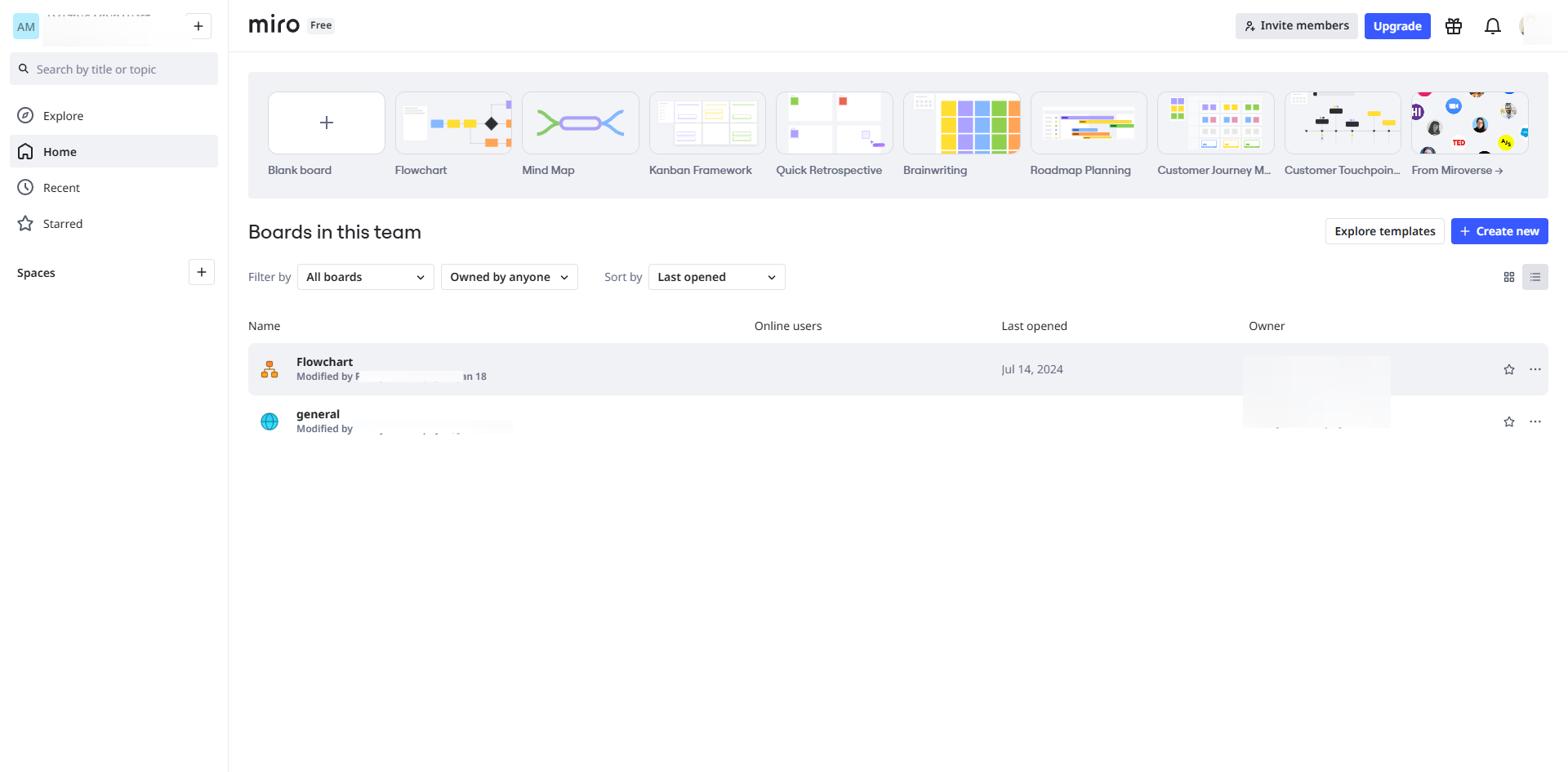
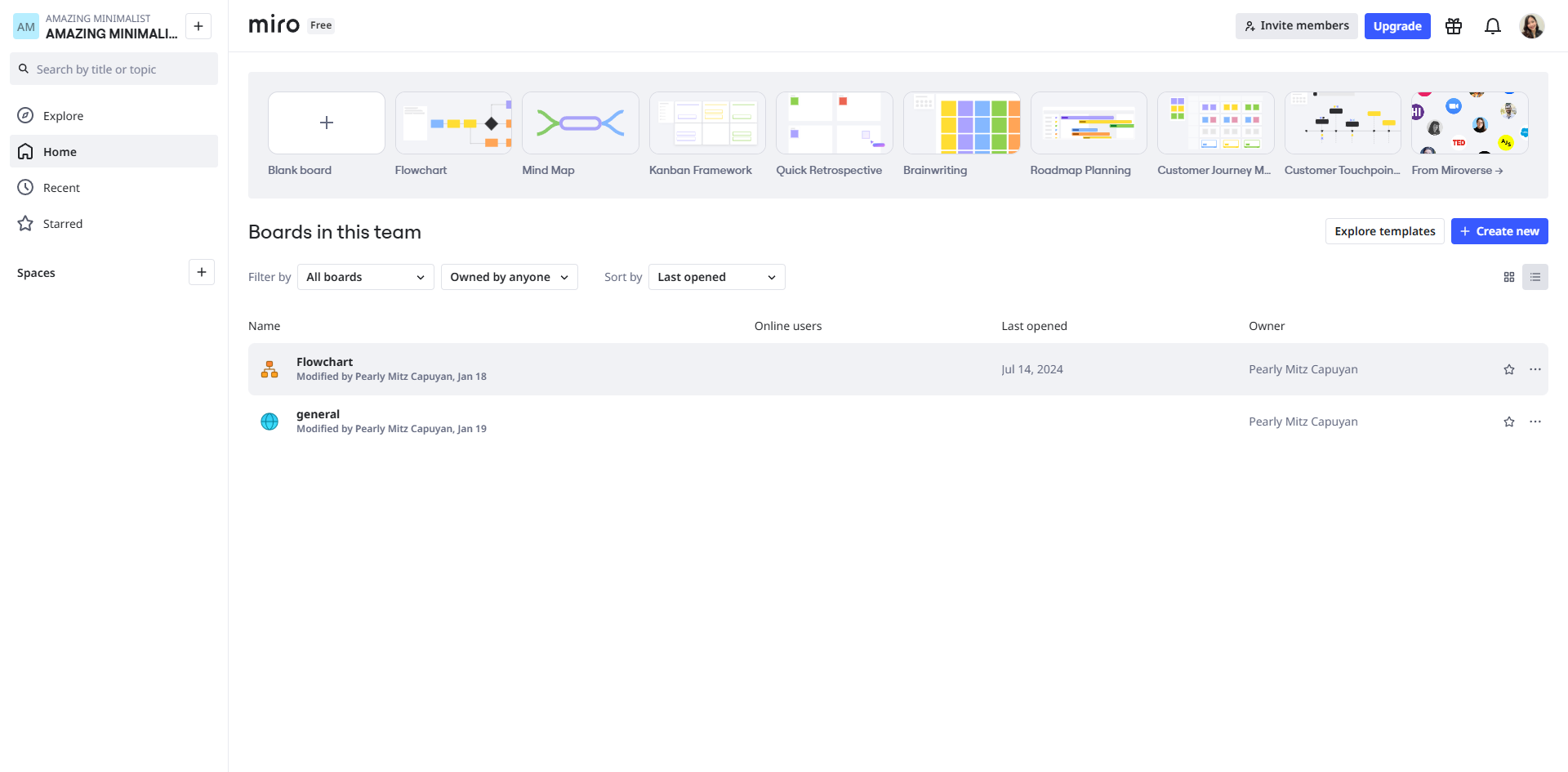
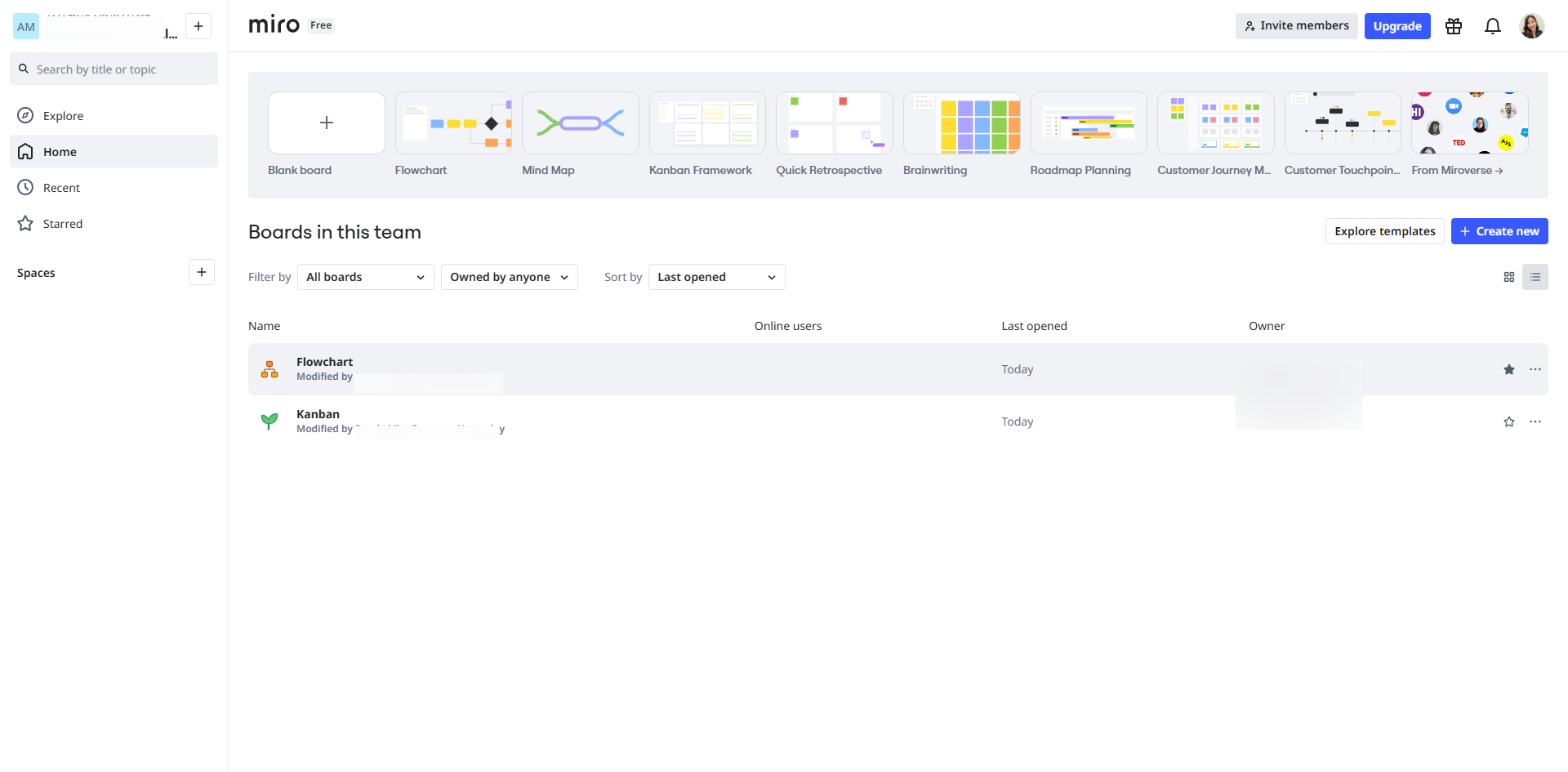
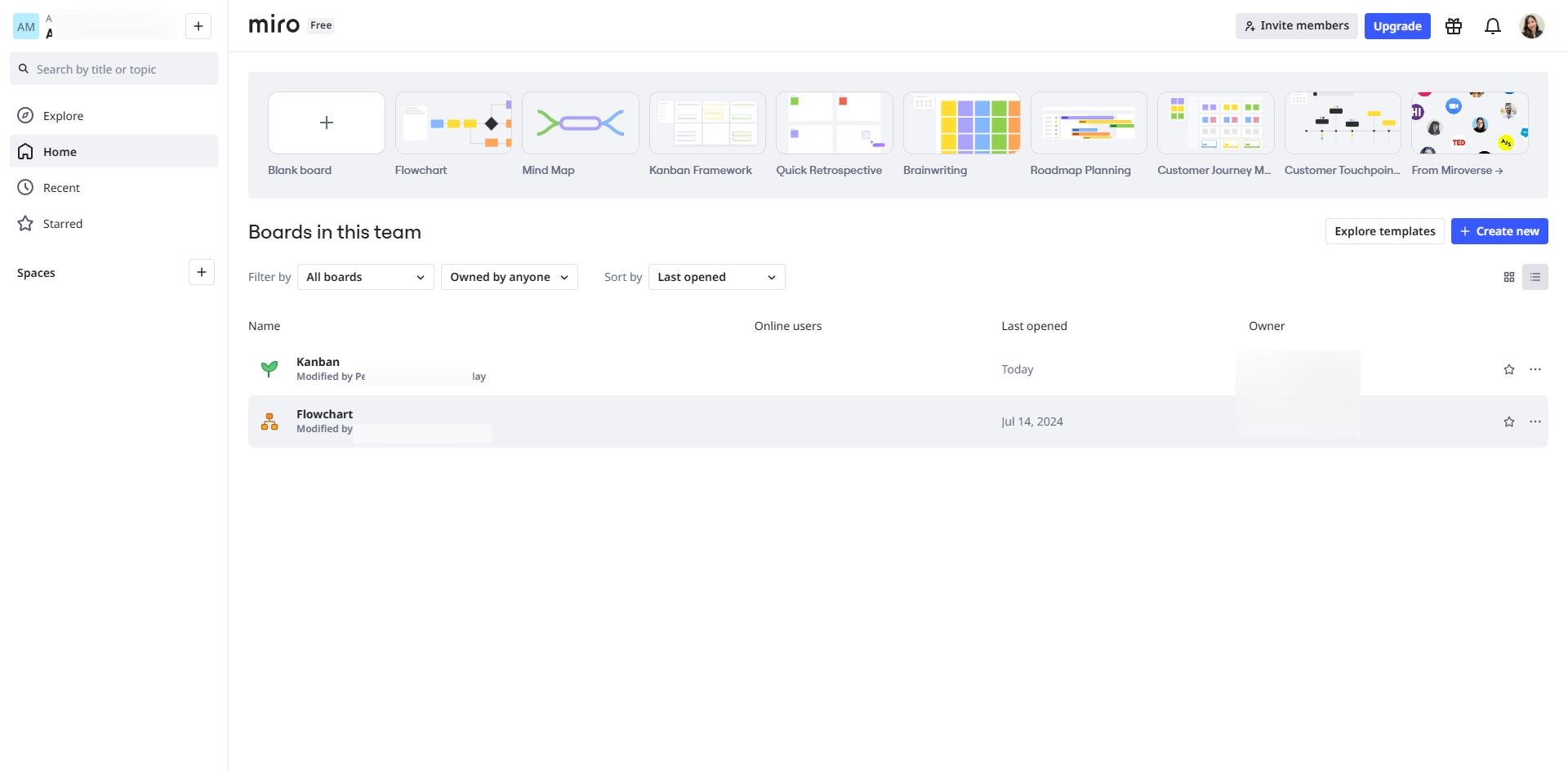
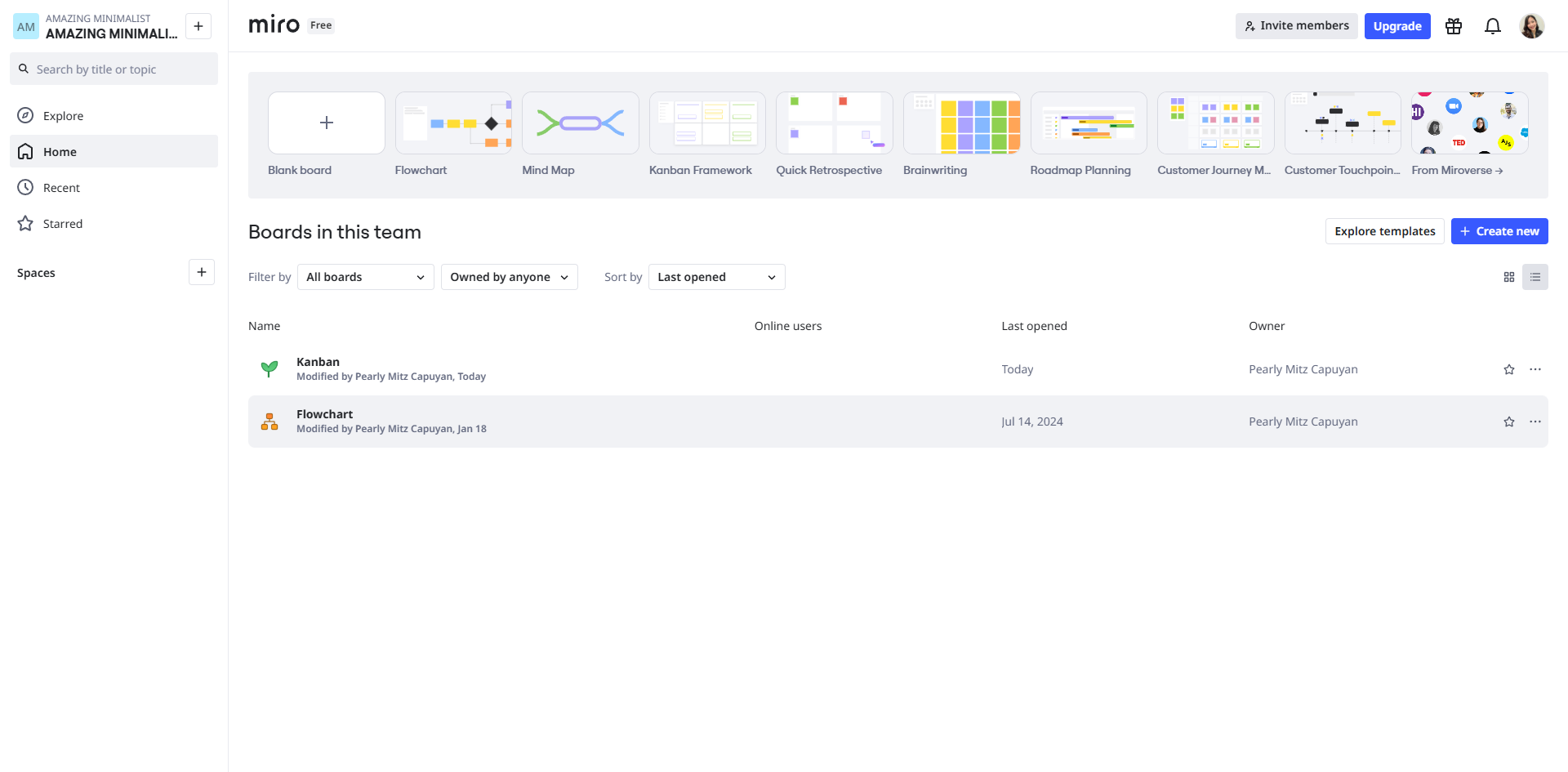
Users can create new boards or choose from templates to get started quickly.
Team members can join the board simultaneously, allowing for real-time collaboration. You can see changes as they happen.
Miro integrates with other tools like Slack, Google Drive, and Microsoft Teams to streamline workflows.
Miro offers various tools like sticky notes, drawing tools, shapes, and text boxes. You can also upload images and files.
Users can leave comments and feedback on specific elements of the board for better communication.
Boards can be presented in full-screen mode for meetings or brainstorming sessions.
You can export boards as images or PDFs for sharing outside the platform.
Overall, Miro enhances teamwork and creativity by providing a visual and interactive space for collaboration.
Quick answer: To use Miro, create boards or choose templates, collaborate in real-time, streamline workflows with integrations, use visual tools and upload files, leave comments, present boards in full-screen mode, and export them as images or PDFs.
About this Miro tutorial
Boost teamwork and visual collaboration in Miro by creating boards, using real-time editing tools, integrating apps, and exporting your work. This guide covers how Does Miro Work in 8 steps, starting with "Users can create new boards or choose from templates to get started quickly" and finishing with "Overall, Miro enhances teamwork and creativity by providing a visual and interactive sp...". The interactive demo above is a click-through copy of the real Miro interface, so you can rehearse each step before doing it in your own account.
Frequently asked questions
How many steps does how Does Miro Work take?
8 steps. Each one is listed in order above, and the demo highlights exactly where to click.
Can I try it without changing my own account?
Yes. Clicking through the demo doesn't touch your Miro data or settings. Once you know the flow, repeat it in your own workspace.
This tutorial is filed under Miro. Related guides: How to Add a Comment in Miro, How to Add a Frame in Miro and How to Add a Picture from Computer in Miro. Last reviewed 05 Oct 2026.

Create your first interactive demo in minutes
No credit card required • Start building today