How to Add Captions in Descript
- George Apostolov
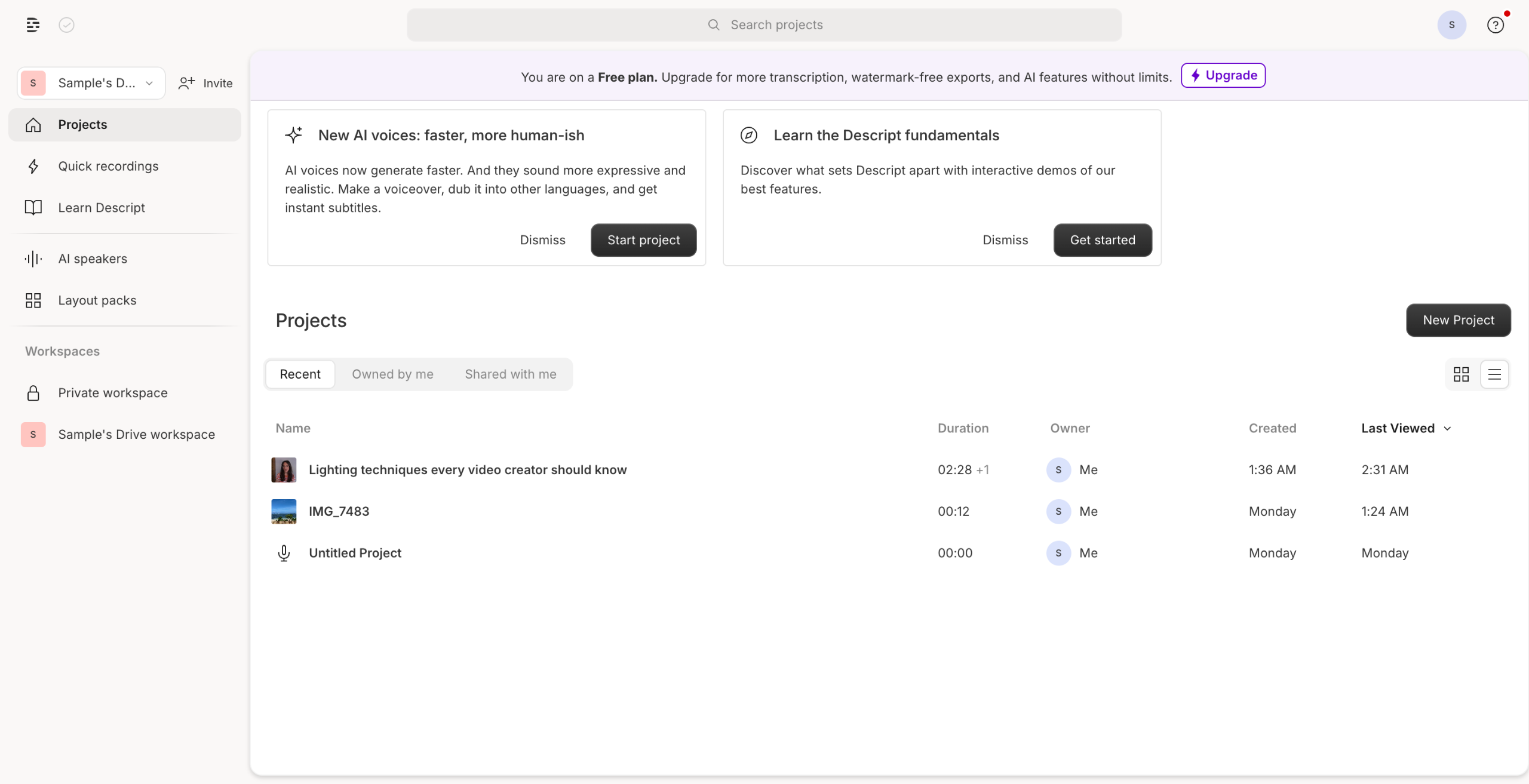
How to Add Captions in Descript: step-by-step guide
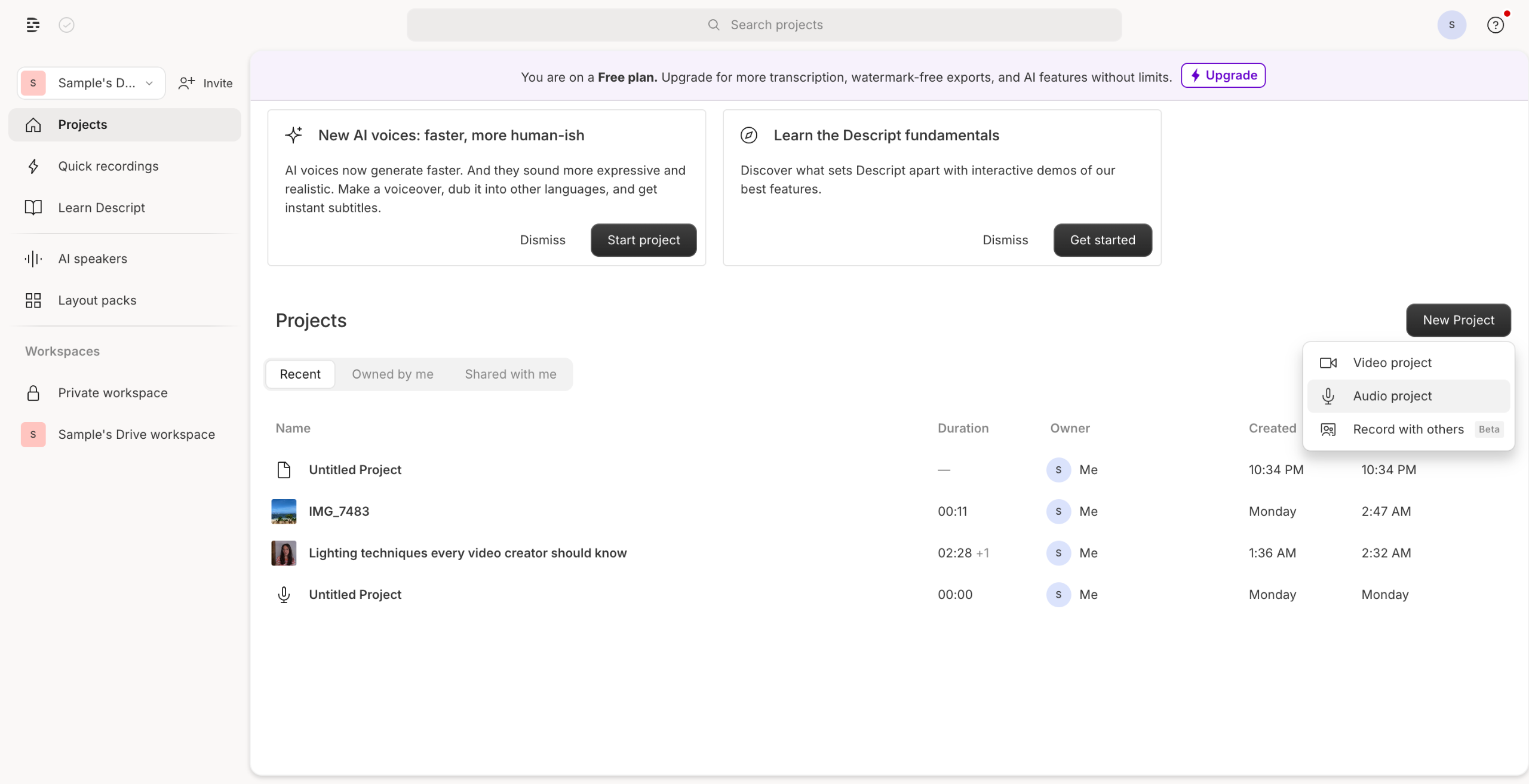
Open your Descript project and import the video or audio you want to add captions to by clicking the "+" button and selecting "Import".
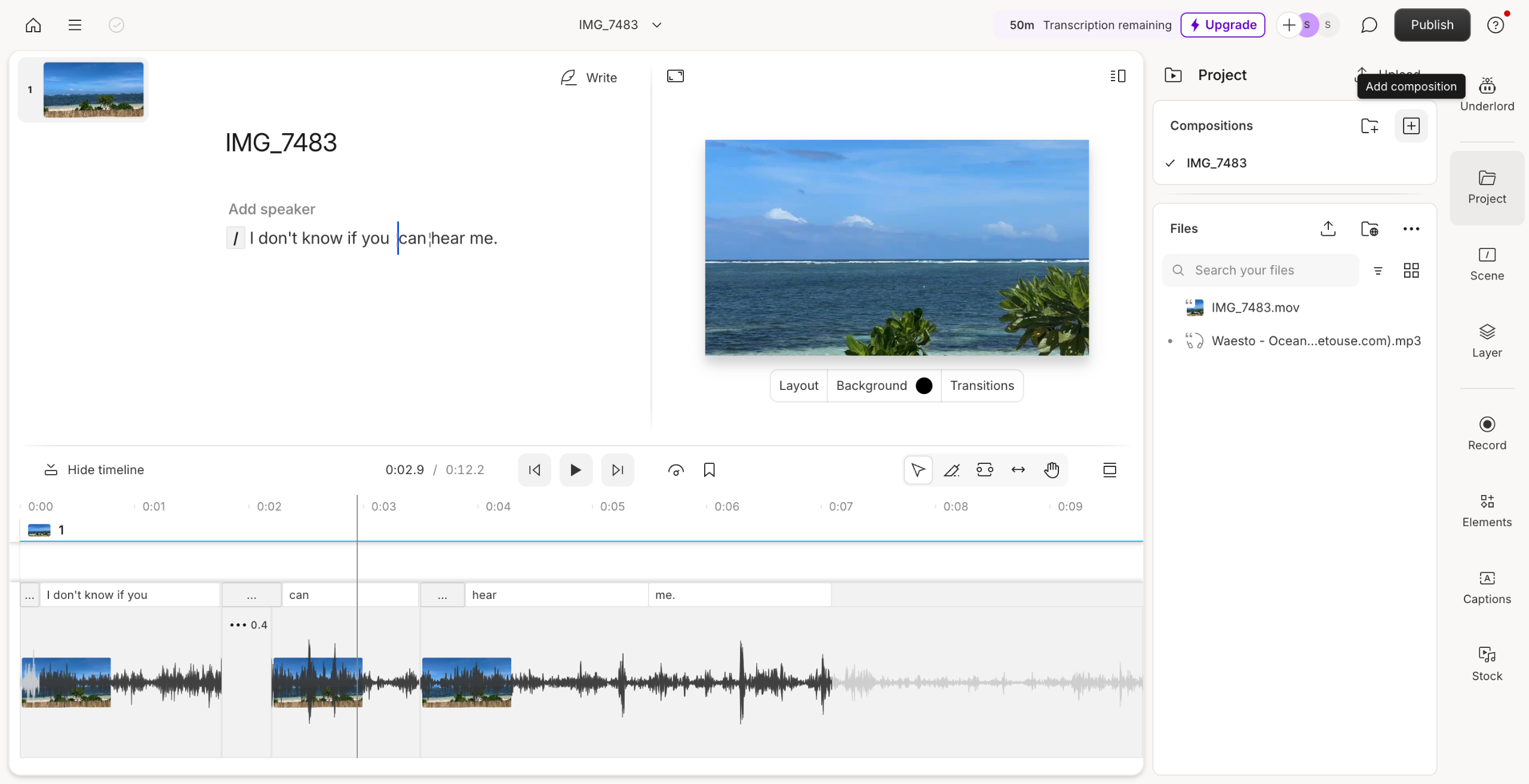
Edit captions for accuracy and timing.
Click Captions on the right side of the window.
Adjust caption appearance to suit your style.
You can also edit the font, size, effects and animation according to your liking by clicking on the caption.
Once done, click Publish to save.
Quick answer: To add captions in Descript, import your media using the plus button, select Captions on the right, and edit their timing, accuracy, appearance, font, size, effects, and animation. Finally, click Publish to save your work.
About this Descript tutorial
Generate and style video captions easily in Descript by importing media, customizing text appearance, and publishing your final project. This guide shows how to add Captions in Descript in 6 steps, starting with "Open your Descript project and import the video or audio you want to add captions to by..." and finishing with "Once done, click Publish to save". The interactive demo above is a click-through copy of the real Descript interface, so you can rehearse each step before doing it in your own account.
Frequently asked questions
How many steps does it take to add Captions in Descript?
6 steps. Each one is listed in order above, and the demo highlights exactly where to click.
Can I try it without changing my own account?
Yes. Clicking through the demo doesn't touch your Descript data or settings. Once you know the flow, repeat it in your own workspace.
This tutorial is filed under Descript. Related guides: How to add checkbox in jira description, How to Add Descriptions to Issues in Linear and How to Add Music in Descript. Last reviewed 05 Oct 2026.

Create your first interactive demo in minutes
No credit card required • Start building today