HubSpot - how to automate emails in
- George Apostolov
HubSpot - how to automate emails in: step-by-step guide
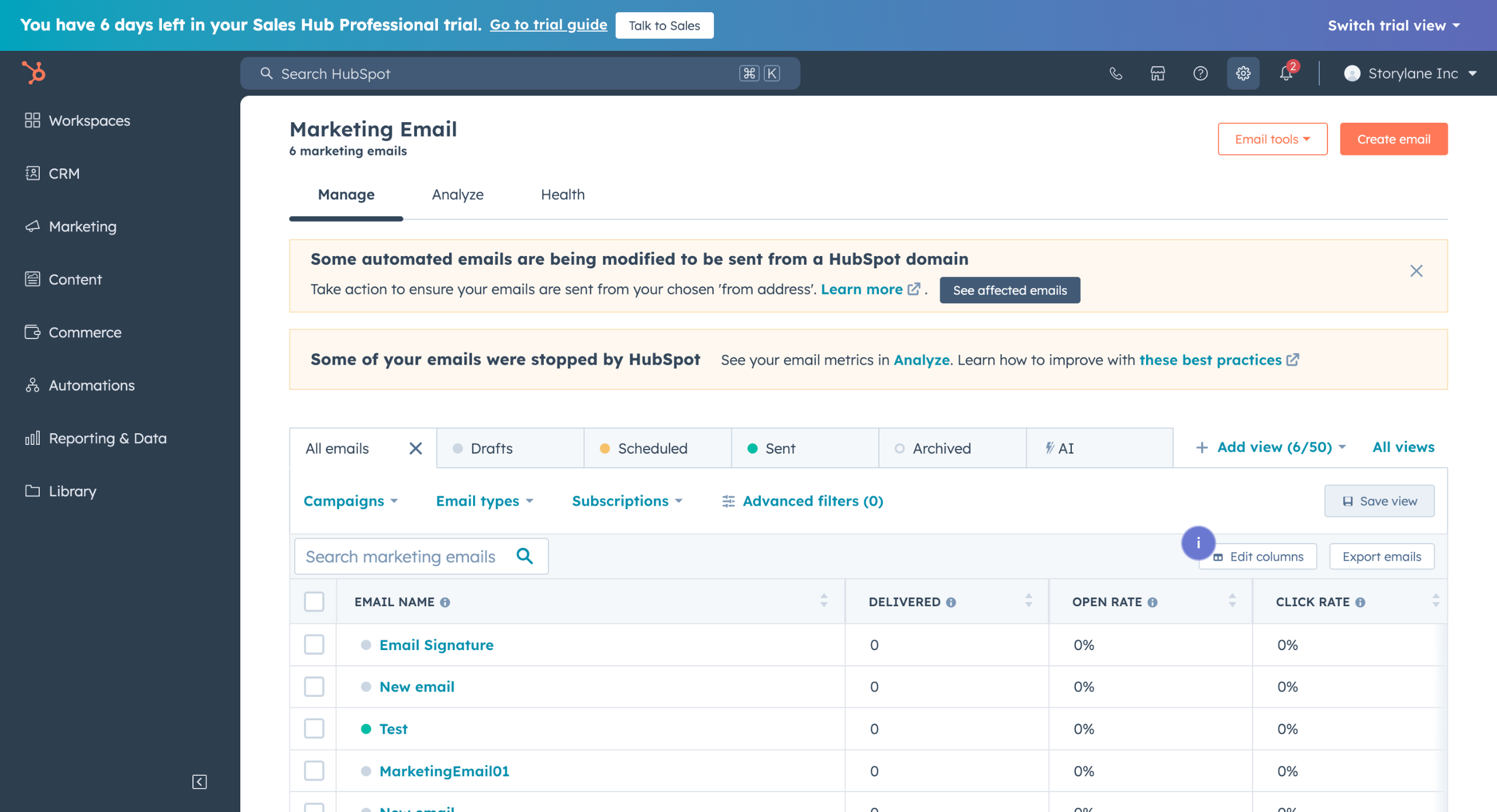
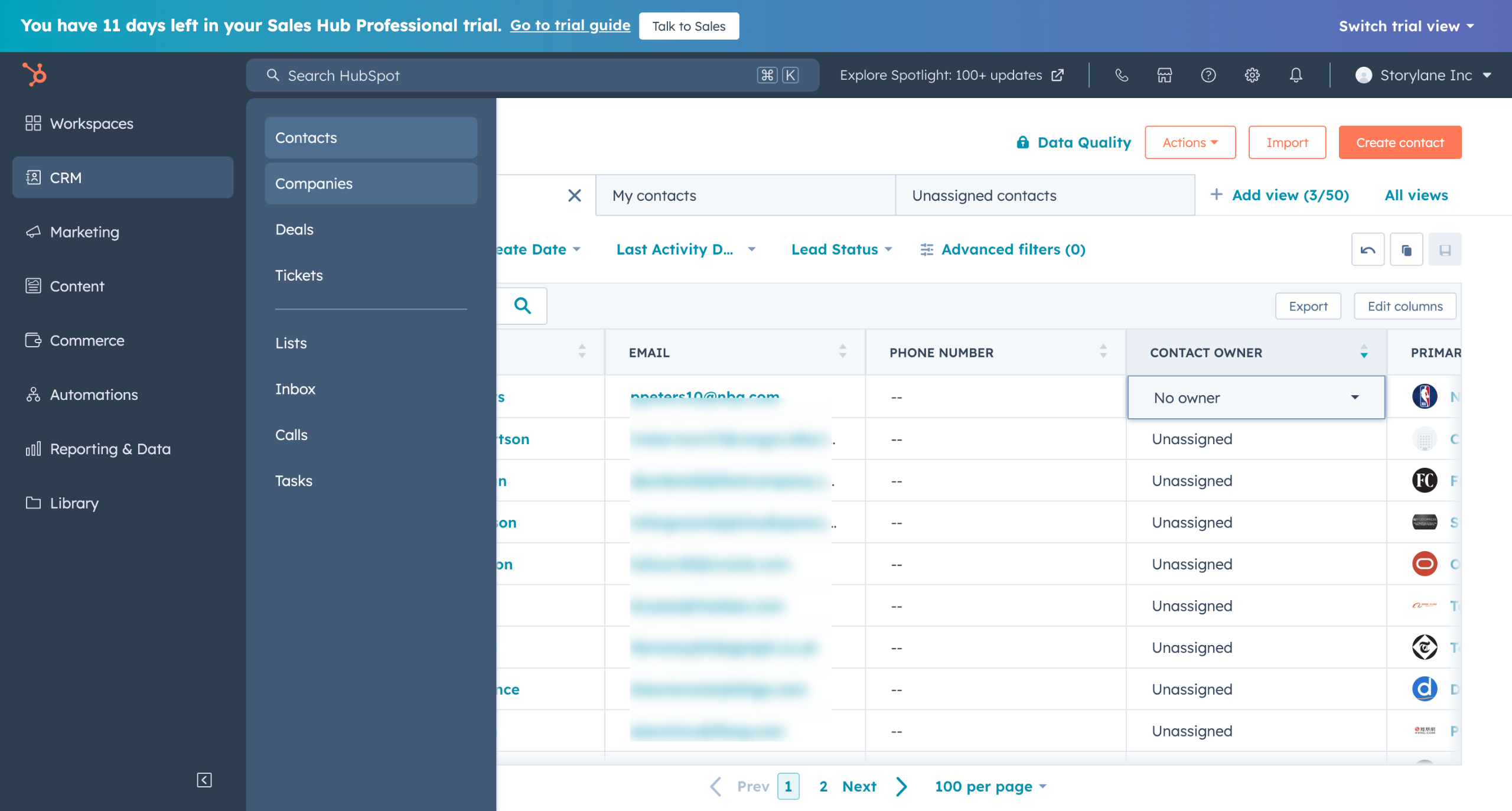
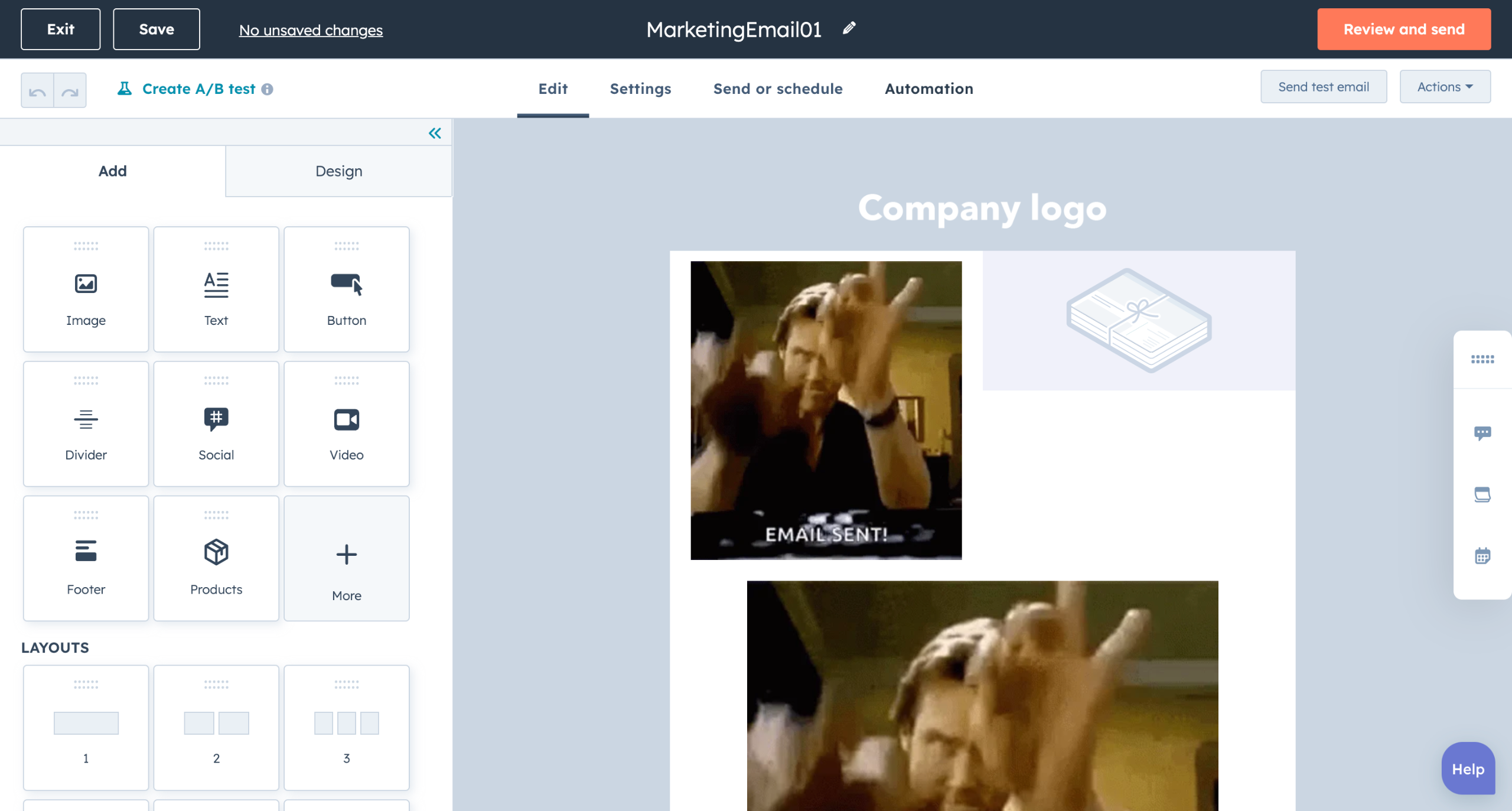
Go to HubSpot emails and move to the Automation tab.
Click on the Create a new workflow button.
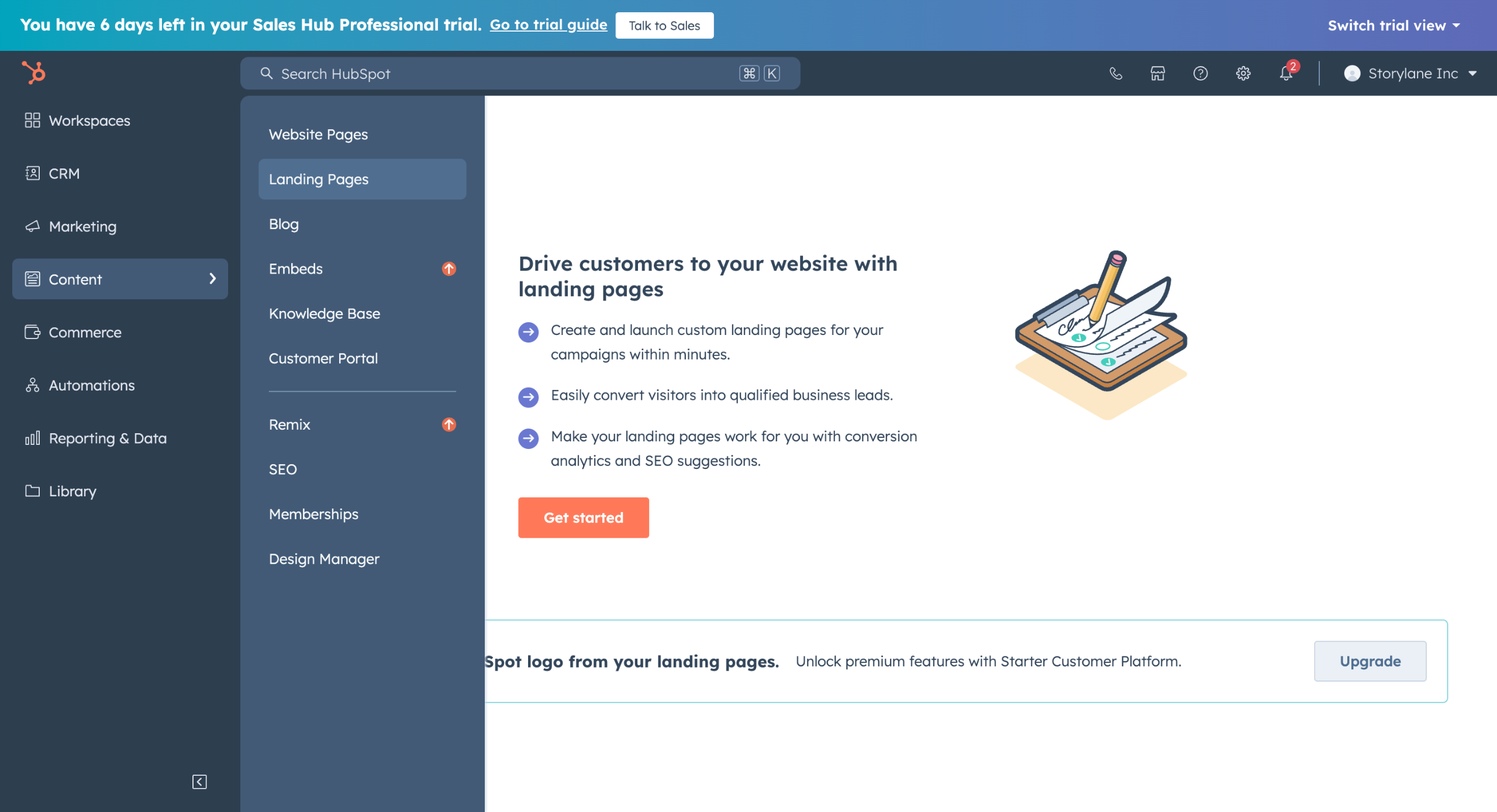
Choose a trigger that starts the automation sequence.
Design your automation by adding actions on the + sign.
The action could be as simple as sending an email on a link click.
Which you can do under the Communications column.
And you can send an automated email using this. (Eg. Thank you mail, Confirmation mail etc.)
Click on Review and send
Quick answer: To automate emails in HubSpot, navigate to emails and the Automation tab, click Create a new workflow, and choose a trigger. Design your automation by adding actions on the plus sign under the Communications column to send emails. Finally, click Review and send.
About this HubSpot tutorial
Automate emails in HubSpot by creating workflows, setting triggers, adding communication actions, and reviewing your sequence. This guide covers hubSpot - how to automate emails in in 8 steps, starting with "Go to HubSpot emails and move to the Automation tab" and finishing with "Click on Review and send". The interactive demo above is a click-through copy of the real HubSpot interface, so you can rehearse each step before doing it in your own account.
Frequently asked questions
How many steps does hubSpot - how to automate emails in take?
8 steps. Each one is listed in order above, and the demo highlights exactly where to click.
Can I try it without changing my own account?
Yes. Clicking through the demo doesn't touch your HubSpot data or settings. Once you know the flow, repeat it in your own workspace.
This tutorial is filed under HubSpot and Automation. Related guides: HubSpot - How to Block HubSpot Email Tracking, HubSpot - How to Build a Landing Page in HubSpot and How to Build Reports From HubSpot Data in Coda. Last reviewed 05 Oct 2026.

Create your first interactive demo in minutes
No credit card required • Start building today