How to Build a Sales Funnel in ClickFunnels
- George Apostolov
How to Build a Sales Funnel in ClickFunnels: step-by-step guide
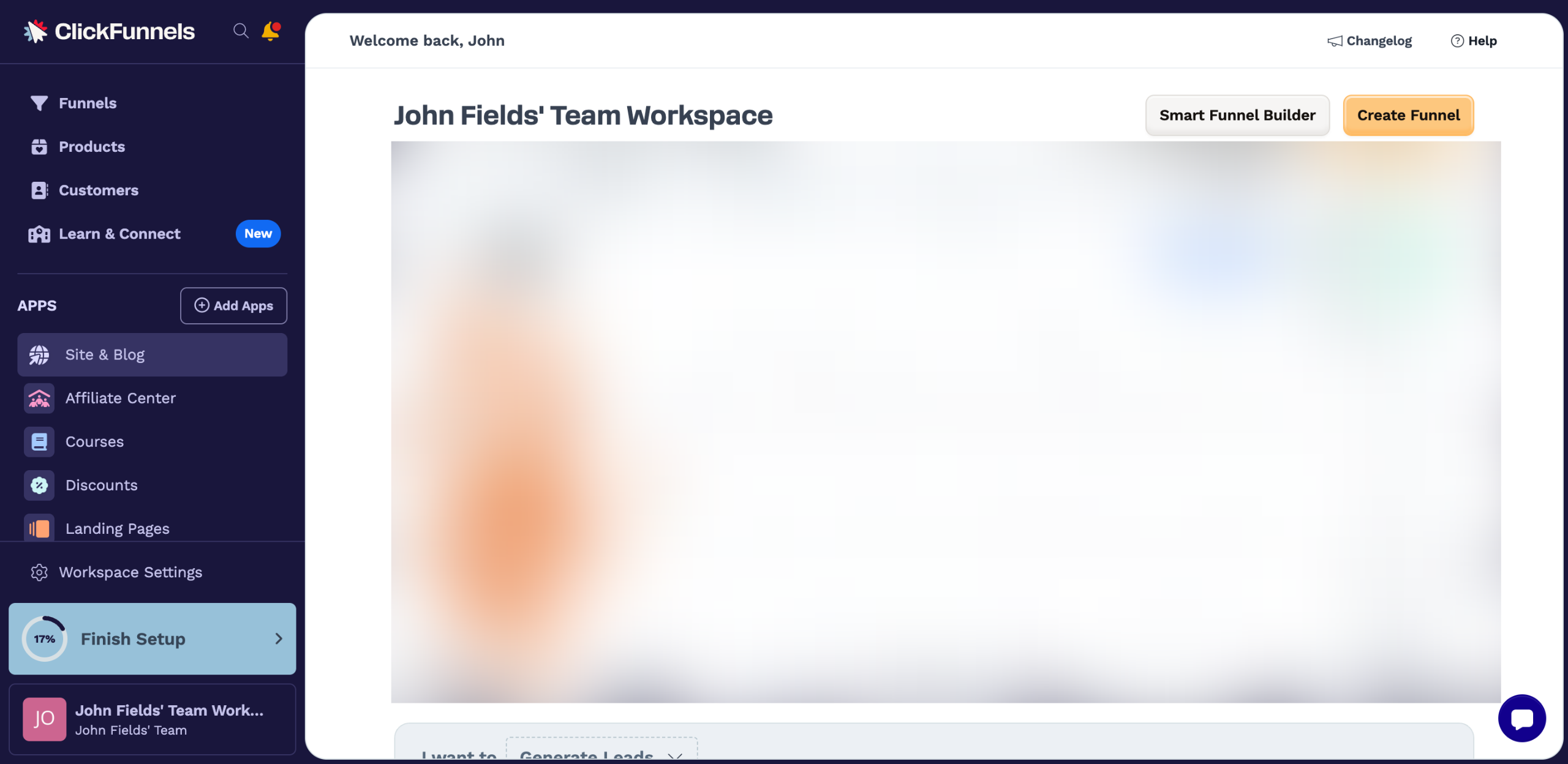
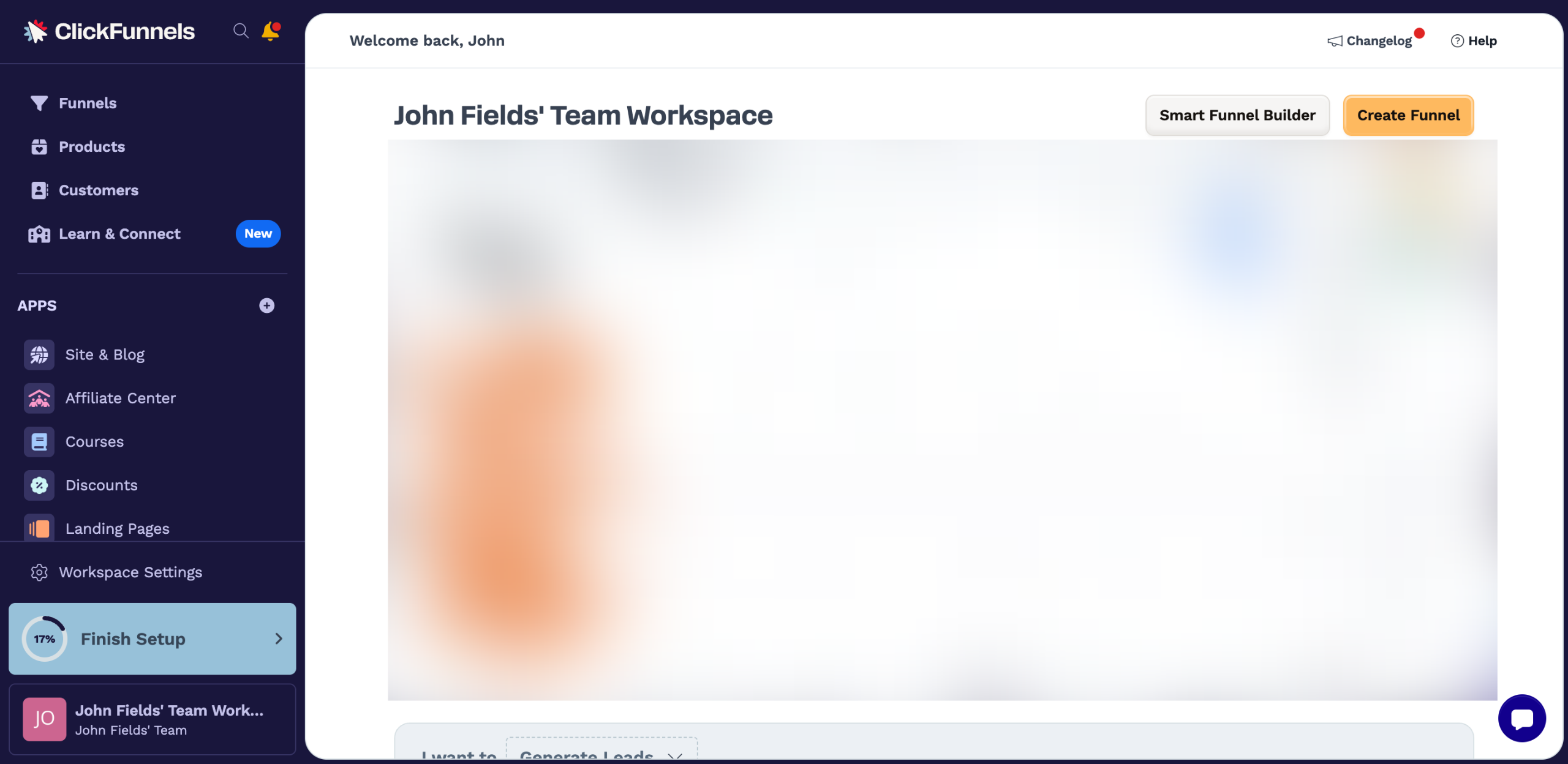
Head over to the top-right corner and click 'Create Funnel'.
Click 'Start From Scratch' to proceed. Alternatively, select a pre-designed funnel from the given choices.
Provide the necessary funnel information, particularly the Name and Funnel Path URL. Enter the details into their respective input fields.
Once done, click 'Create Funnel'.
You can now start building your sales funnel. To do that, go to the main workspace and click the 'Add' button.
Under Funnel, select the 'Page' option.
Choose 'Sales' from the list of options.
Subsequently, hover your mouse cursor over the template you wish to use and then click its corresponding 'Choose' button.
Provide the necessary page details and enter them one by one into their respective input fields.
Once done, tap 'Create Page'.
You are allowed to edit the content and style of your funnel pages. To do that, tap its corresponding 'More Options' button.
Select 'Edit Page' to proceed. Use the options available within the page editor to implement all your desired modifications.
You can also change the path of your funnel workflow. To get started, click the 'Add' button.
Subsequently, choose 'Conditional Split Path' or 'Split Test' under the Workflow section.
Repeat the same series of steps until all the components of your sales funnel have been successfully configured.
After completing these steps, your sales funnel in ClickFunnels will be created. You can now test it out or publish right away.
Quick answer: To build a sales funnel in ClickFunnels, click Create Funnel, choose Start From Scratch or a template, enter the funnel details, and click Create Funnel. Then, click Add in the workspace, select Page, choose Sales, pick a template, enter page details, tap Create Page, edit your pages, and configure workflow paths.
About this tutorial
Create and customize your sales funnel effortlessly using the app by following this step-by-step setup guide. This guide shows how to build a Sales Funnel in ClickFunnels in 16 steps, starting with "Head over to the top-right corner and click 'Create Funnel'" and finishing with "After completing these steps, your sales funnel in ClickFunnels will be created. You ca...". The interactive demo above is a click-through copy of the real product interface, so you can rehearse each step before doing it in your own account.
Frequently asked questions
How many steps does it take to build a Sales Funnel in ClickFunnels?
16 steps. Each one is listed in order above, and the demo highlights exactly where to click.
Can I try it without changing my own account?
Yes. Clicking through the demo doesn't touch your data or settings. Once you know the flow, repeat it in your own workspace.

Create your first interactive demo in minutes
No credit card required • Start building today