How to Build a Website in ClickFunnels 2.0
- George Apostolov
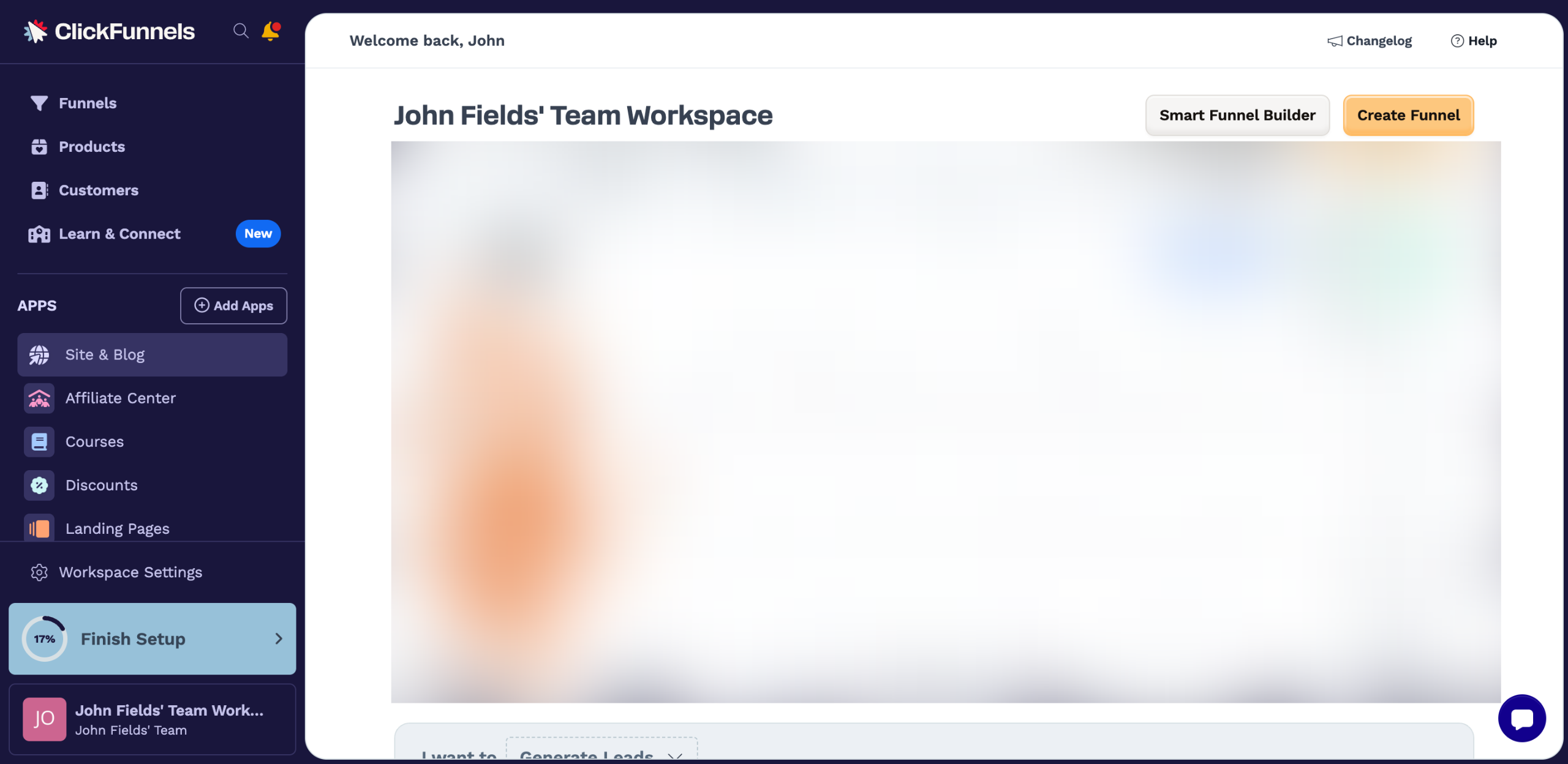
How to Build a Website in ClickFunnels 2.0: step-by-step guide
Go to the left-side panel and click 'Site & Blog'.
Choose 'Overview' from the list of options.
After that, tap 'Edit Site' in the top-right corner.
Select a site theme page from the list in the left panel.
Subsequently, select the element you wish to edit and then make your desired changes.
Use the available options in the floating menu bar to customize the element based on your preference.
If you want to edit the selected element further, tap the 'Settings' icon instead.
Following that, navigate to the right-hand corner. Configure the options under Settings and Advanced to implement your preferred modifications.
Repeat the same series of steps until all the site pages have been properly calibrated. Once done, tap 'Save'.
Finally, your ClickFunnels site will be created based on your input.
Quick answer: To build a website in ClickFunnels 2.0, go to Site & Blog and click Overview, then tap Edit Site. Choose a theme page from the left panel, select elements to edit, customize them using the floating menu or Settings, configure options in the right-hand corner, and finally save your changes.
About this tutorial
Build and customize your web pages easily in the app by selecting a theme, editing elements, and saving your configured site design. This guide shows how to build a Website in ClickFunnels 2.0 in 10 steps, starting with "Go to the left-side panel and click 'Site & Blog'" and finishing with "Finally, your ClickFunnels site will be created based on your input". The interactive demo above is a click-through copy of the real product interface, so you can rehearse each step before doing it in your own account.
Frequently asked questions
How many steps does it take to build a Website in ClickFunnels 2.0?
10 steps. Each one is listed in order above, and the demo highlights exactly where to click.
Can I try it without changing my own account?
Yes. Clicking through the demo doesn't touch your data or settings. Once you know the flow, repeat it in your own workspace.

Create your first interactive demo in minutes
No credit card required • Start building today