How to Create a Customer Referral Email GPT
- George Apostolov
This guide is an interactive LiveDemo. Create interactive demos of your own product: Interactive demo software · Interactive customer onboarding guides · Start free
How to Create a Customer Referral Email GPT: step-by-step guide
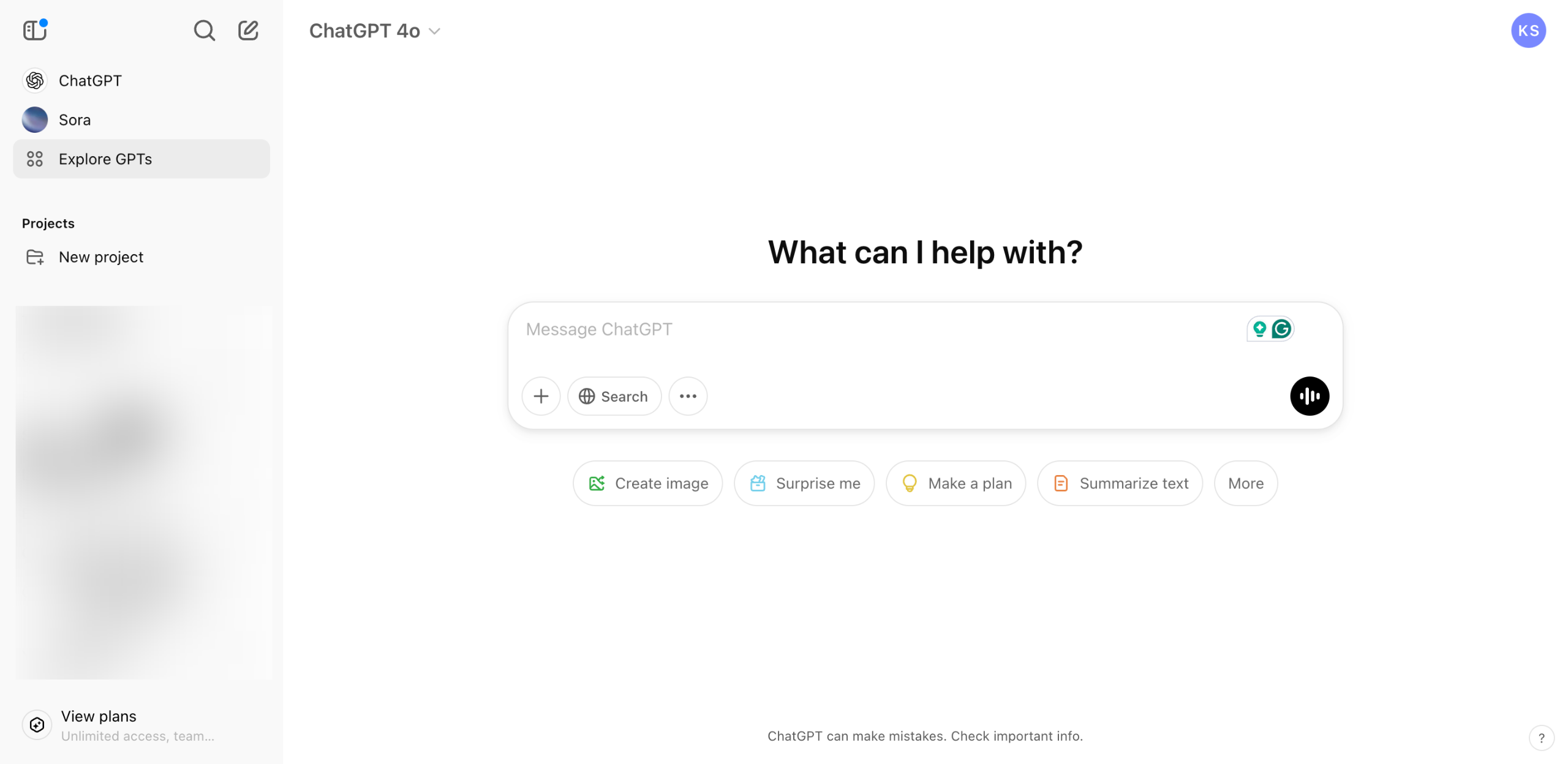
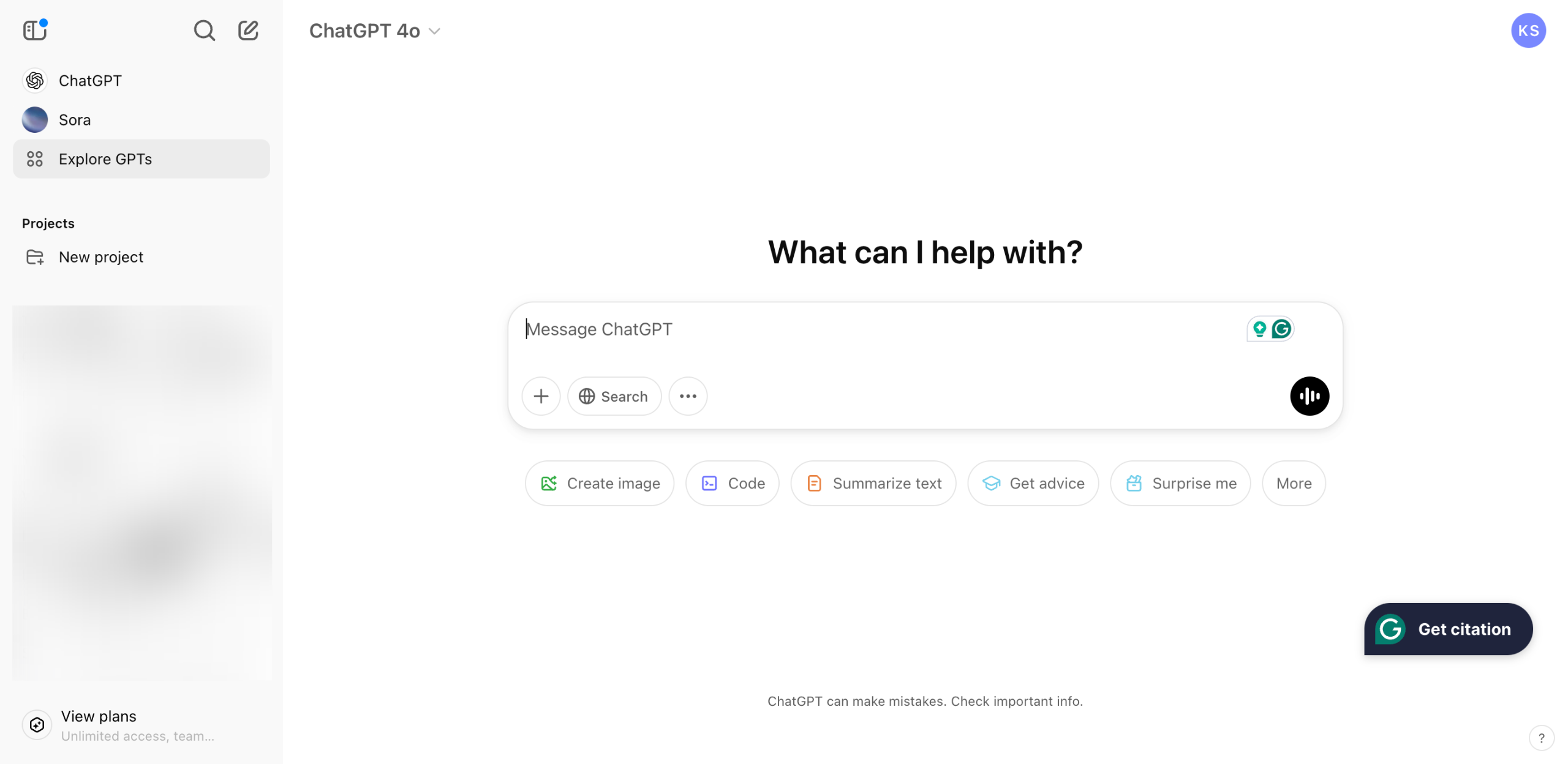
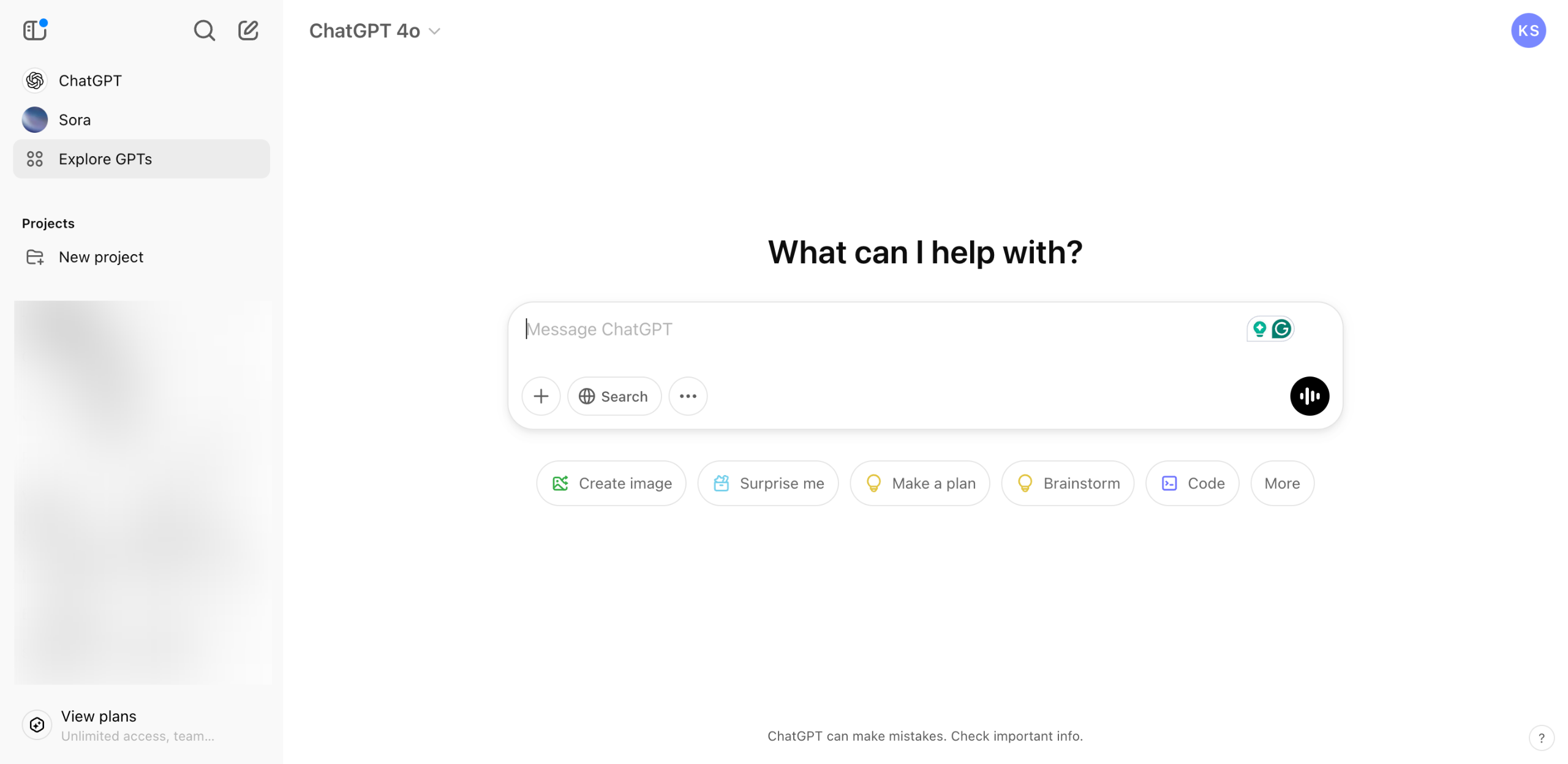
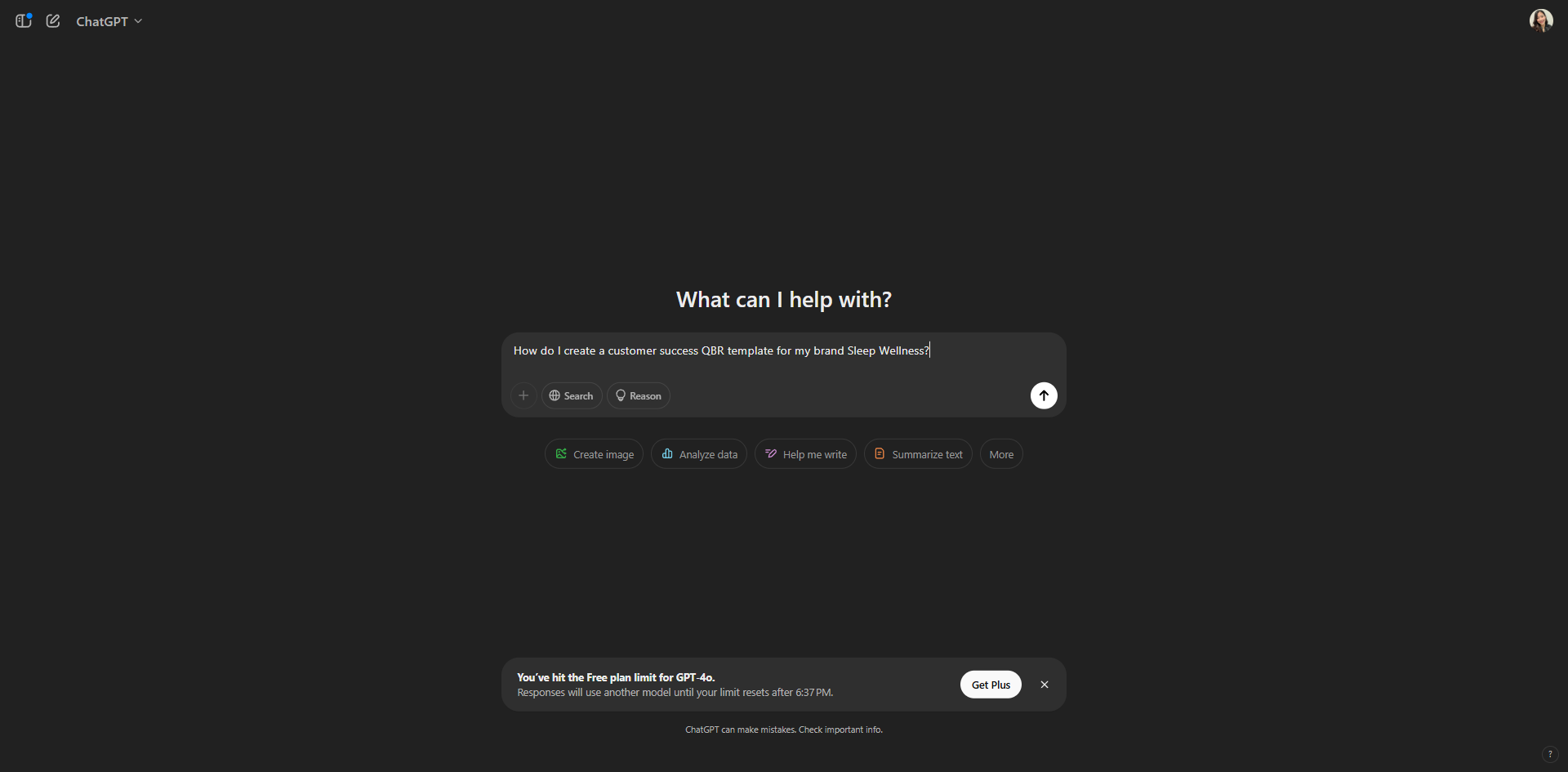
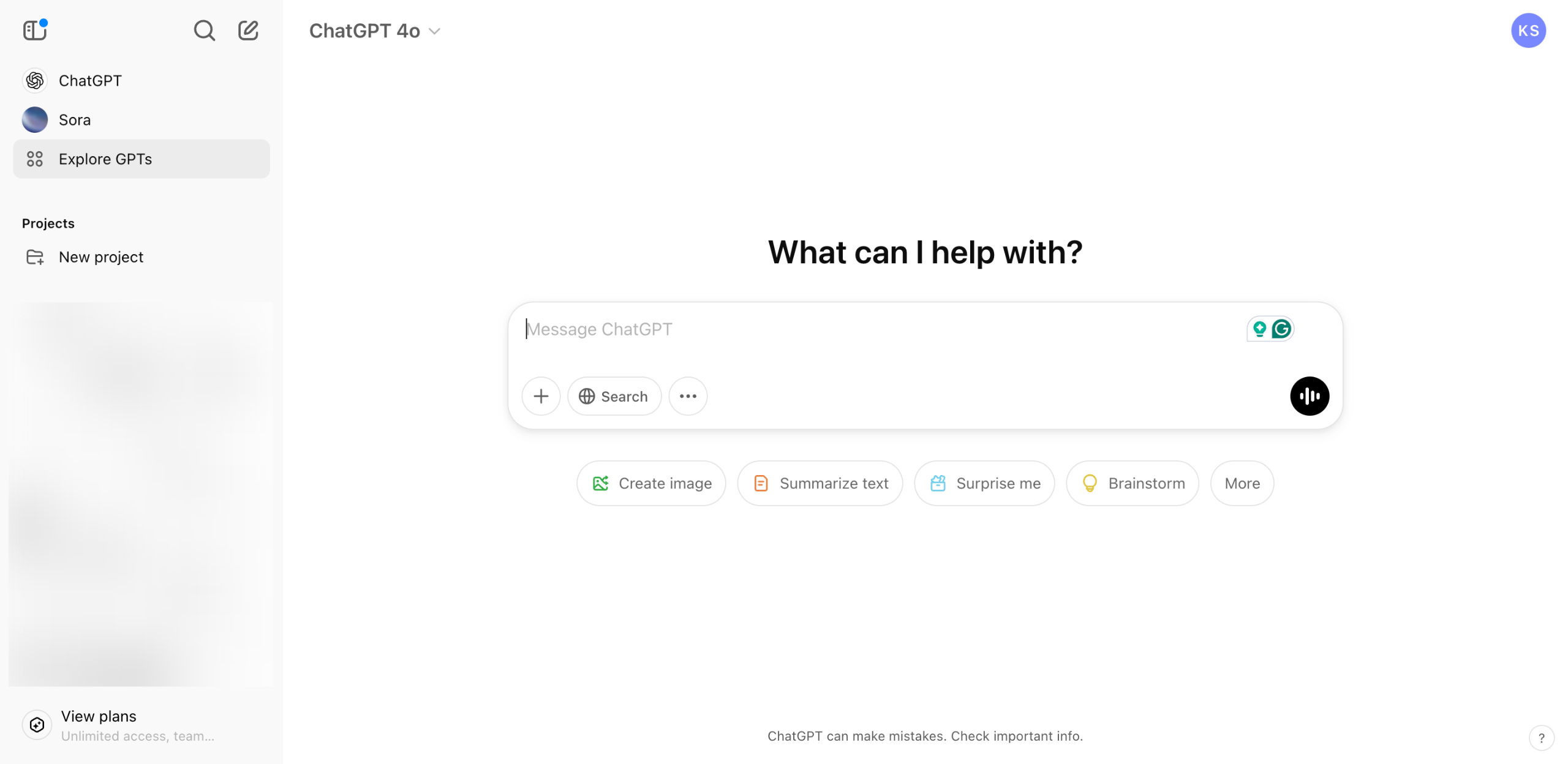
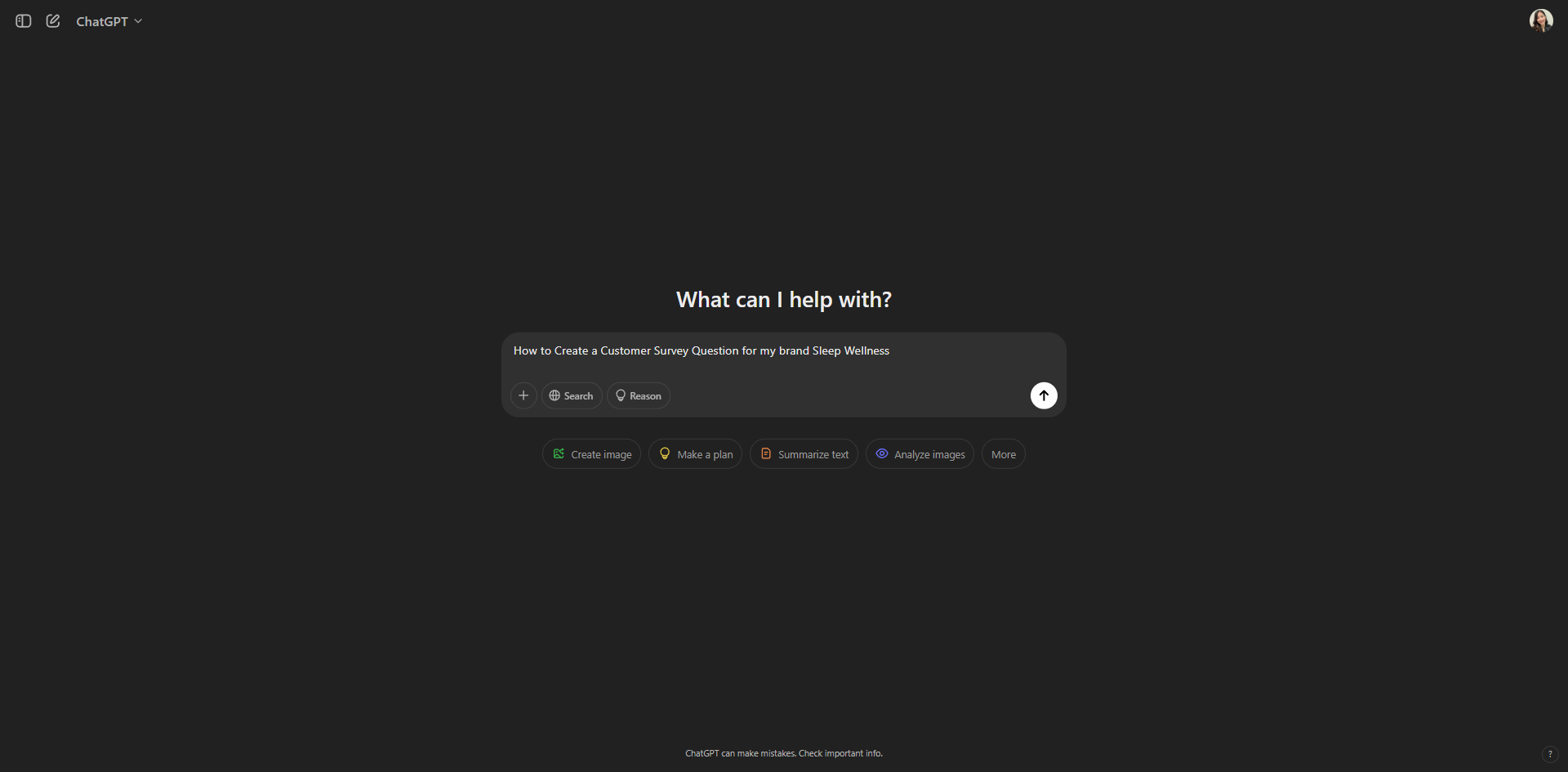
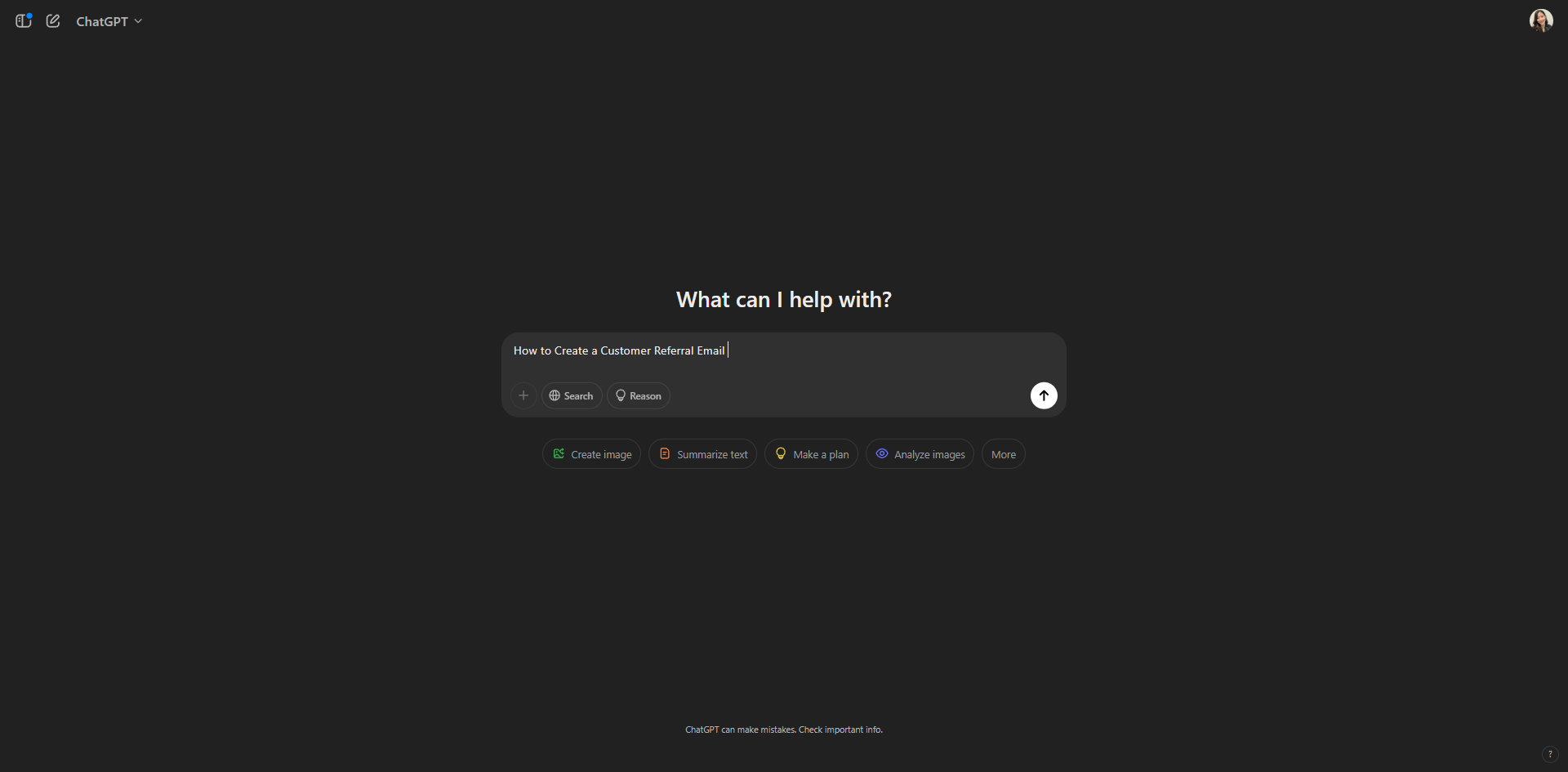
On ChatGPT's main interface, type your request in the chat box.
Click on the arrow to continue and generate results.
ChatGPT instantly generates a customer referral email based on the details of your text prompt.
Review the output and make certain adjustments if necessary. Click on the copy button to add the draft to your documents.
Quick answer: To create a customer referral email GPT, type your request into the chat box on ChatGPT's main interface and click the arrow to generate results. Review the generated email, make any necessary adjustments, and click the copy button to add the draft to your documents.
About this tutorial
Generate custom referral emails quickly by typing your request into the app and copying the draft to your documents. This guide shows how to create a Customer Referral Email GPT in 4 steps, starting with "On ChatGPT's main interface, type your request in the chat box" and finishing with "Review the output and make certain adjustments if necessary. Click on the copy button t...". The interactive demo above is a click-through copy of the real product interface, so you can rehearse each step before doing it in your own account.
Frequently asked questions
How many steps does it take to create a Customer Referral Email GPT?
4 steps. Each one is listed in order above, and the demo highlights exactly where to click.
Can I try it without changing my own account?
Yes. Clicking through the demo doesn't touch your data or settings. Once you know the flow, repeat it in your own workspace.

Create your first interactive demo in minutes
No credit card required • Start building today