How to Create a Habit Tracker in Coda
- George Apostolov
How to Create a Habit Tracker in Coda: step-by-step guide
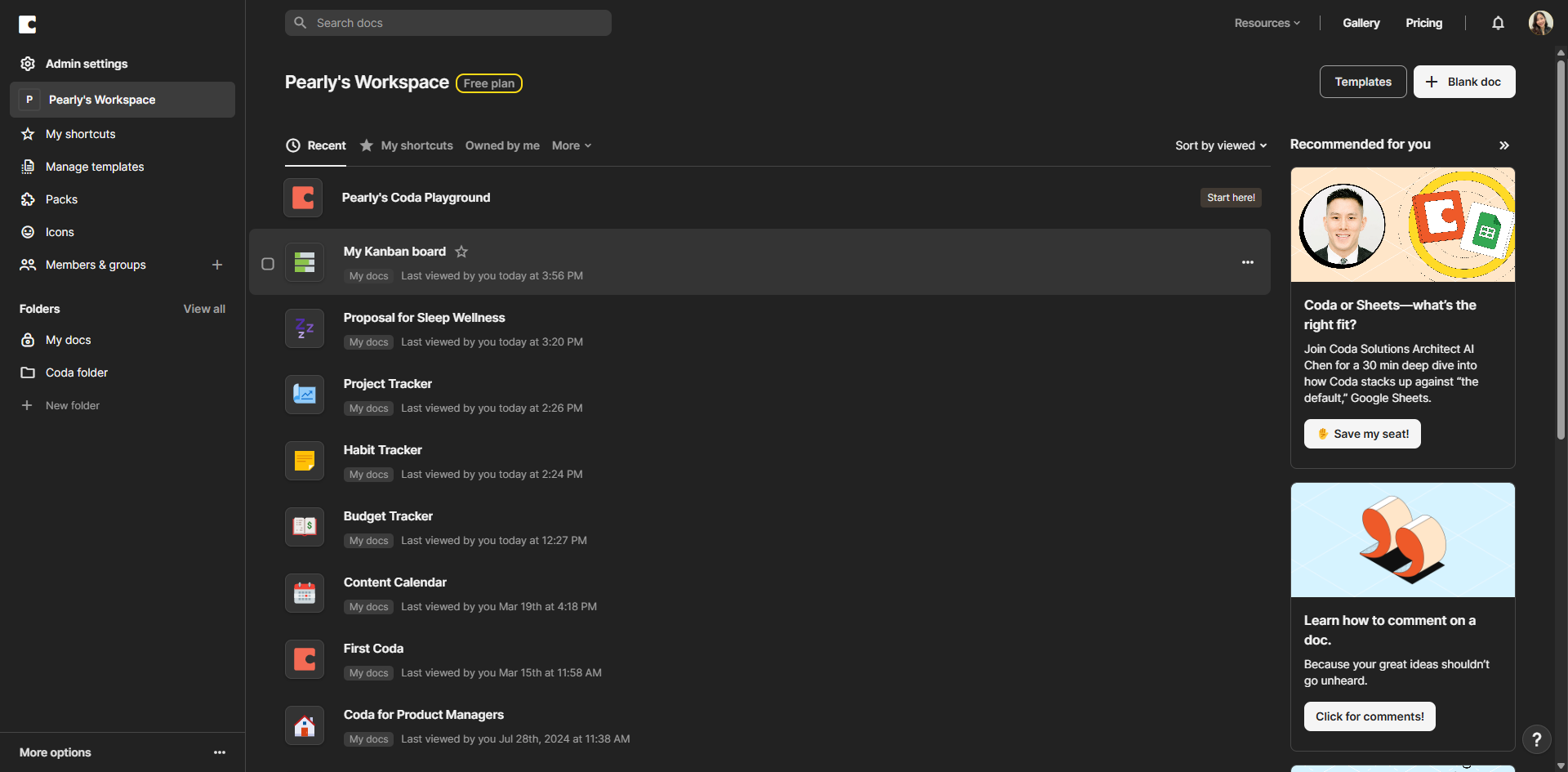
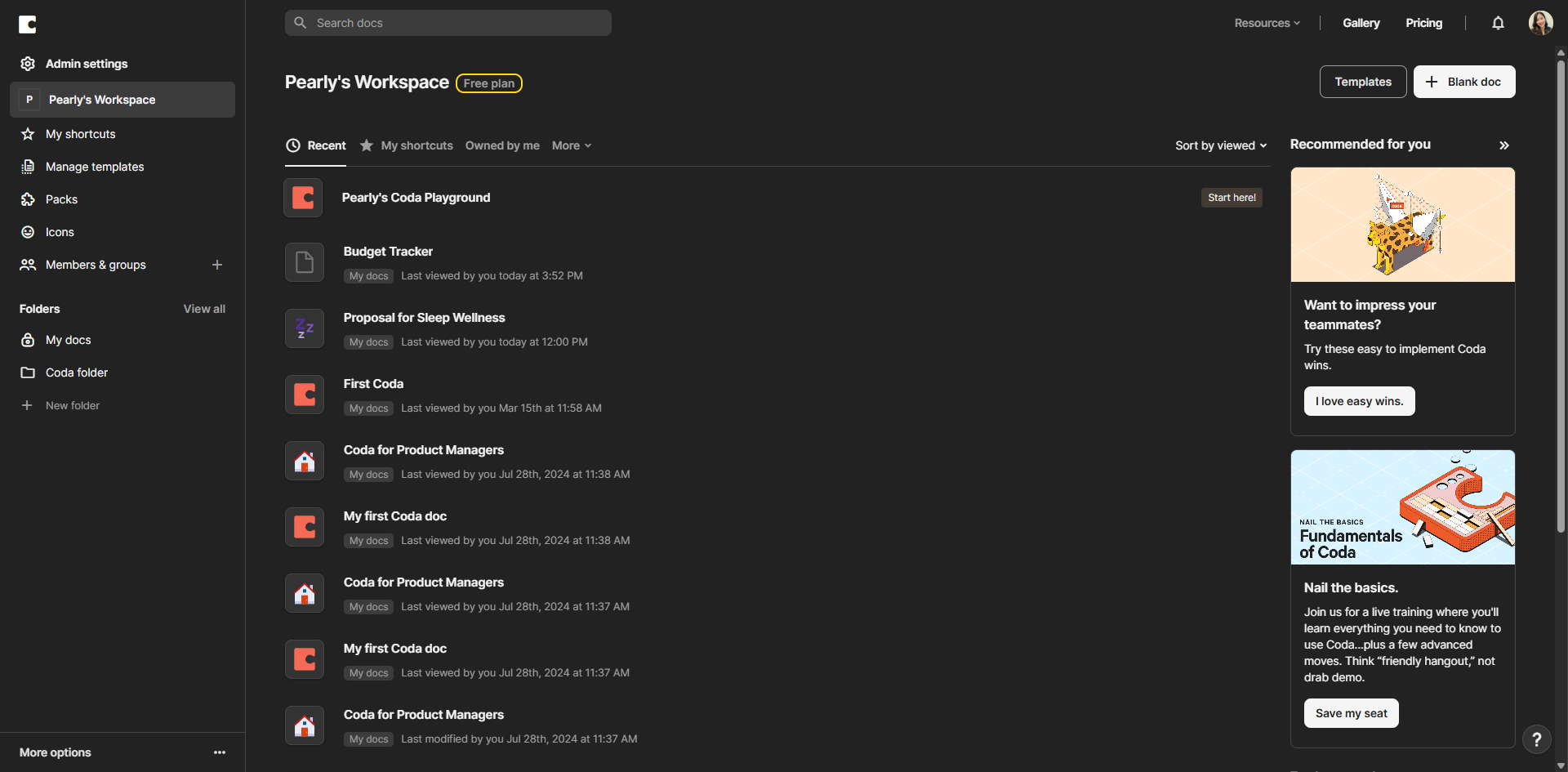
Go to Coda.io and click on '+ Blank Doc'.
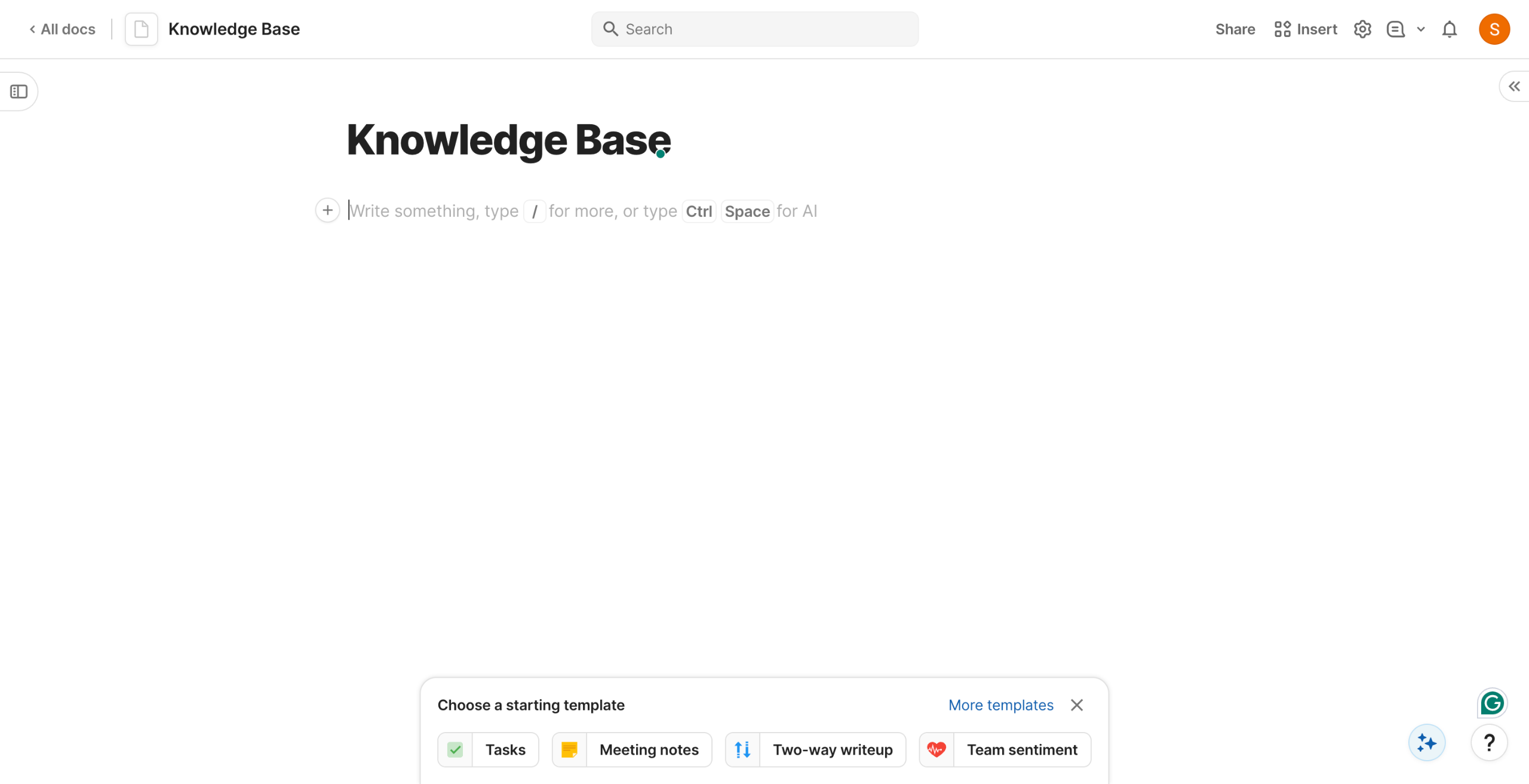
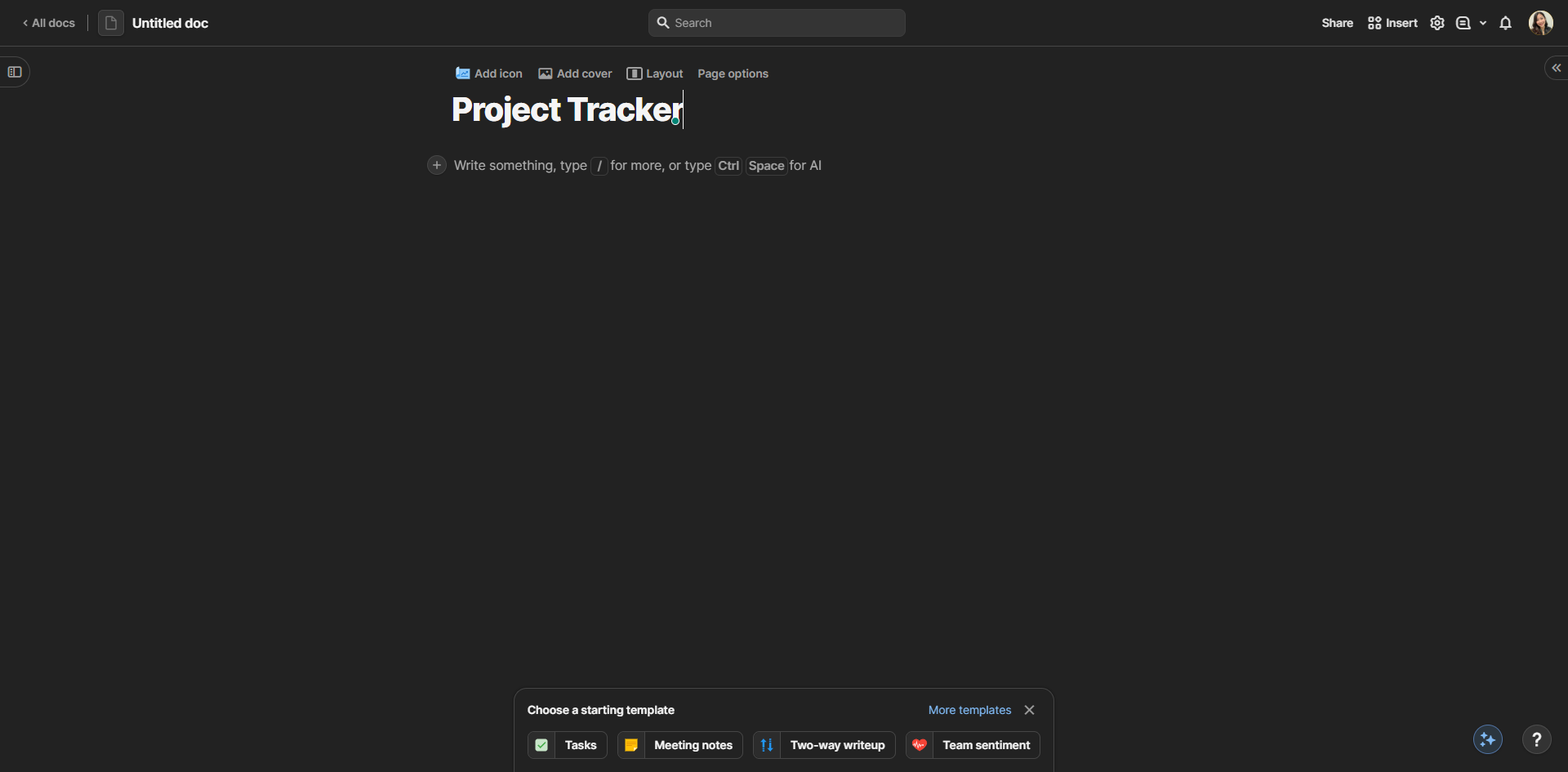
Provide a title for your Coda doc.
Click the add icon.
Tables in Coda are powerful databases that evolve with your needs. Click 'Table' to add one.
Create a habit tracker table and add dates, a checklist, and exercises are done.
Create a summary table of the habits you've completed.
Click the add icon to create connections between different parts of your habit tracker.
Click 'Calendar' to view and visualize your habits by day, week, or month for better planning.
Configure your calendar view to track habit completion visually across days and weeks.
By following these steps, you can create a simple habit tracker in Coda.
Quick answer: To create a habit tracker in Coda, start by opening a blank doc and giving it a title. Add a table to record dates, checklists, and completed exercises, then create a summary table of finished habits. Finally, add and configure a calendar view to visually track your habit completion by day, week, or month.
About this Coda tutorial
Build a custom habit tracker in Coda using tables and calendar views to easily manage, visualize, and monitor your daily habits and goals. This guide shows how to create a Habit Tracker in Coda in 10 steps, starting with "Go to Coda.io and click on '+ Blank Doc'" and finishing with "By following these steps, you can create a simple habit tracker in Coda". The interactive demo above is a click-through copy of the real Coda interface, so you can rehearse each step before doing it in your own account.
Frequently asked questions
How many steps does it take to create a Habit Tracker in Coda?
10 steps. Each one is listed in order above, and the demo highlights exactly where to click.
Can I try it without changing my own account?
Yes. Clicking through the demo doesn't touch your Coda data or settings. Once you know the flow, repeat it in your own workspace.
This tutorial is filed under Coda. Related guides: How to Create a Kanban Board in Coda, How to Create a Knowledge Base in Coda and How to Create a Meeting Notes Template in Coda. Last reviewed 05 Oct 2026.

Create your first interactive demo in minutes
No credit card required • Start building today