How to Create a Kanban Board in Coda
- George Apostolov
How to Create a Kanban Board in Coda: step-by-step guide
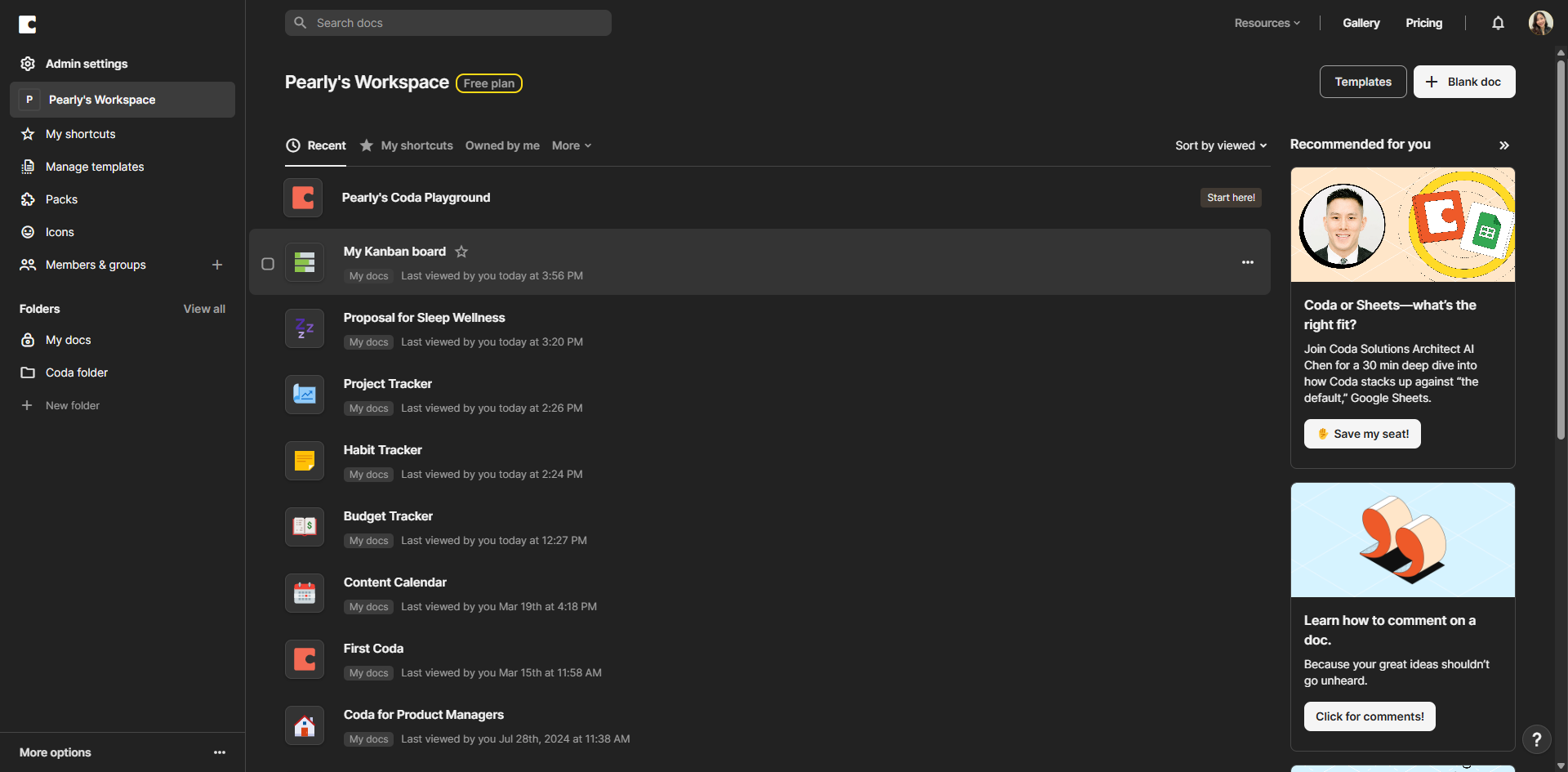
Start by opening the Coda document where you want to create your Kanban board.
Look for the table or list you want to transform into a Kanban board. If you don't have one yet, create a new table.
Click on the table's view menu (the icon with three dots) to access display options.
From the dropdown menu, select 'Board' to transform your table into a Kanban-style view.
Enhance your workflow by adding new status columns for different project phases. Click 'Add status column' to expand your board.
Now, fine-tune your column properties by renaming them, choosing colors, or adjusting card display settings for a more organized workflow.
Your Kanban board will now display cards grouped by status, where each column represents a different stage in your workflow.
Easily move tasks between columns to update their status.
Keep your board tidy by using filters to focus on specific priorities, team members, or upcoming deadlines.
You've successfully created a Kanban board in Coda.
Quick answer: To create a Kanban board in Coda, open your document, select your table, and choose Board from the view menu. Add status columns to expand your board, fine-tune column properties, and move tasks between columns. Use filters to focus on specific priorities, team members, or deadlines.
About this Coda tutorial
Transform tables into Kanban boards in Coda by selecting the board view, adding status columns, and organizing tasks to streamline your workflow. This guide shows how to create a Kanban Board in Coda in 10 steps, starting with "Start by opening the Coda document where you want to create your Kanban board" and finishing with "You've successfully created a Kanban board in Coda". The interactive demo above is a click-through copy of the real Coda interface, so you can rehearse each step before doing it in your own account.
Frequently asked questions
How many steps does it take to create a Kanban Board in Coda?
10 steps. Each one is listed in order above, and the demo highlights exactly where to click.
Can I try it without changing my own account?
Yes. Clicking through the demo doesn't touch your Coda data or settings. Once you know the flow, repeat it in your own workspace.
This tutorial is filed under Coda. Related guides: How to Create a Knowledge Base in Coda, How to Create a Meeting Notes Template in Coda and How to Create a Product Roadmap in Coda. Last reviewed 05 Oct 2026.

Create your first interactive demo in minutes
No credit card required • Start building today