How to Create a Landing Page in Joomla
- George Apostolov
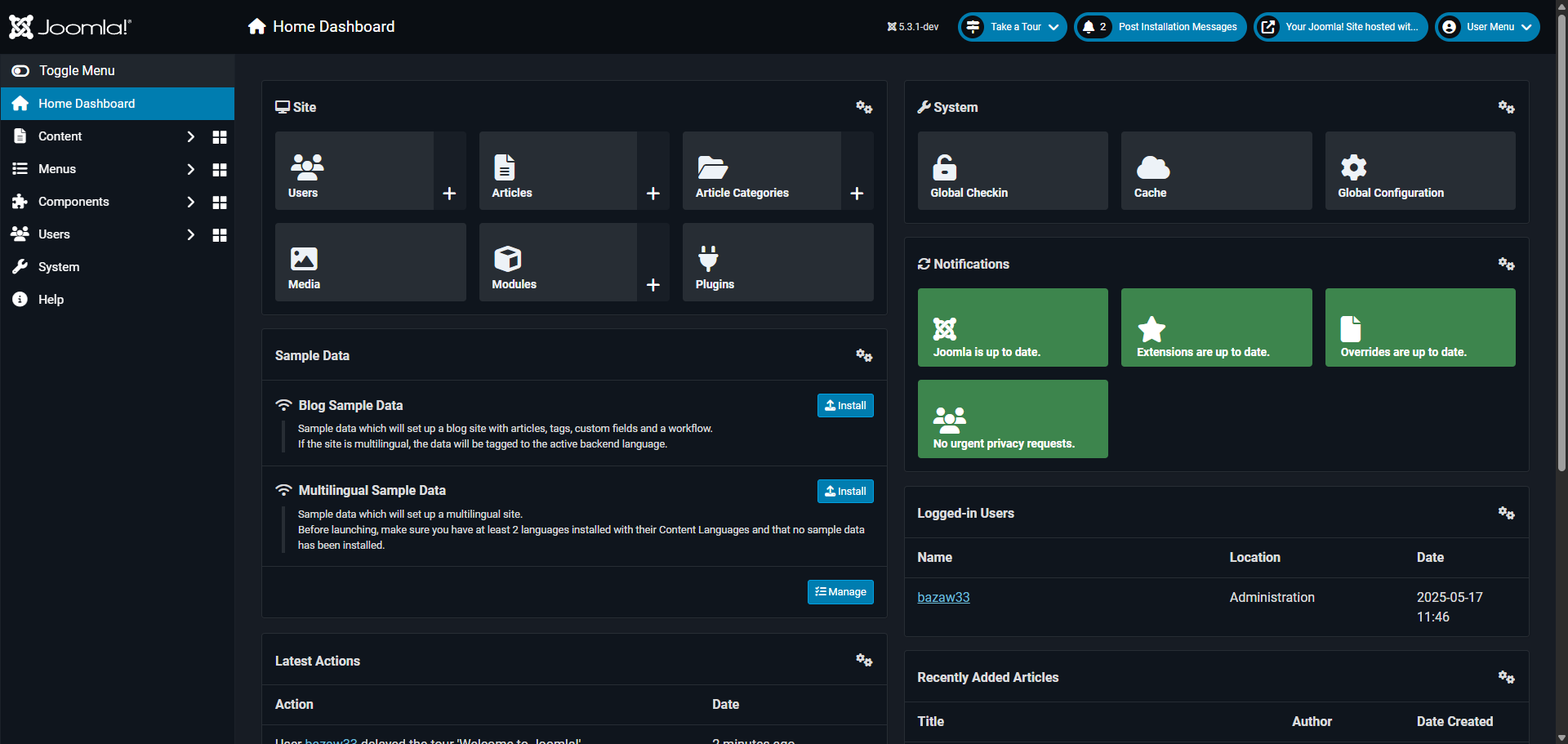
How to Create a Landing Page in Joomla: step-by-step guide
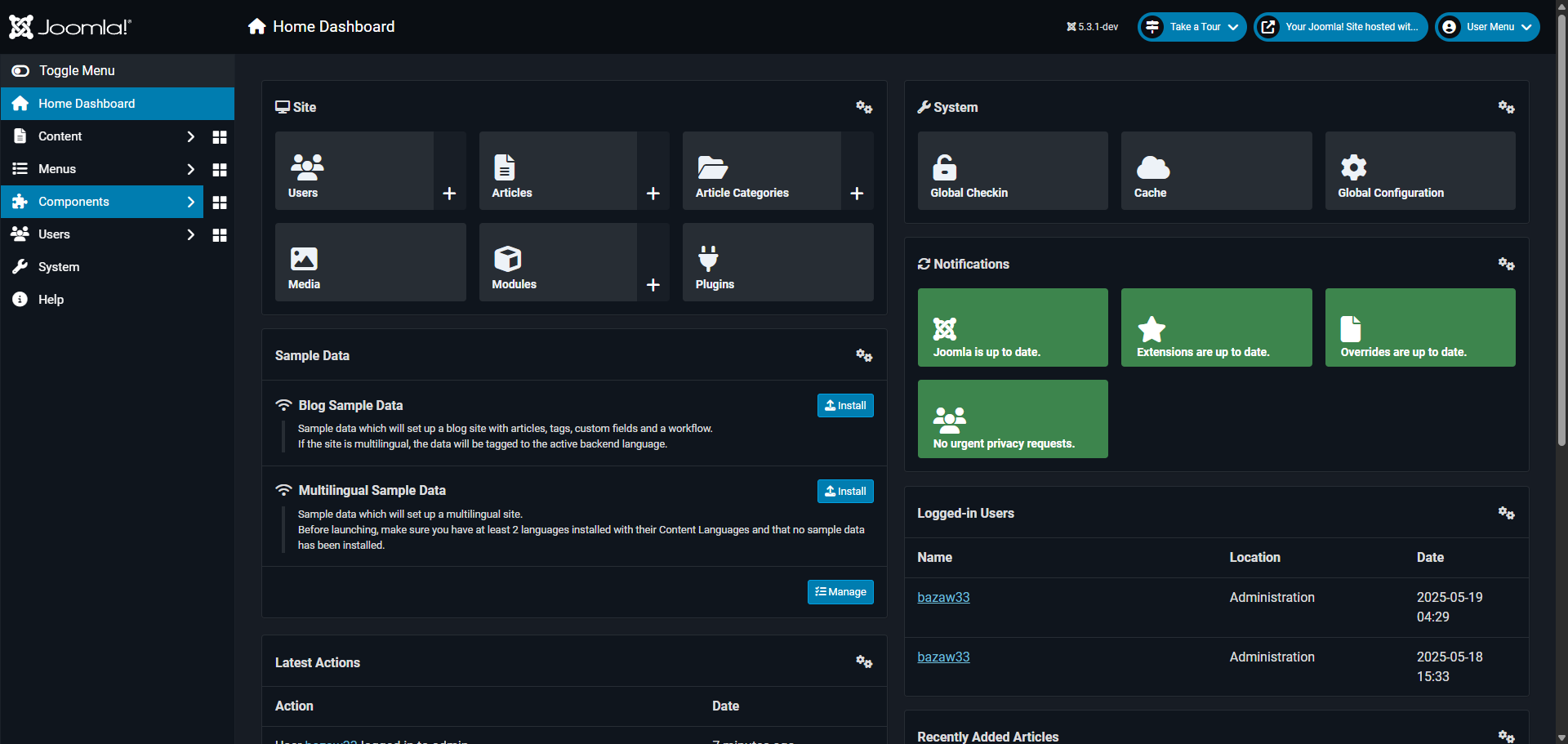
Navigate to the 'Content' section to begin managing your website articles.
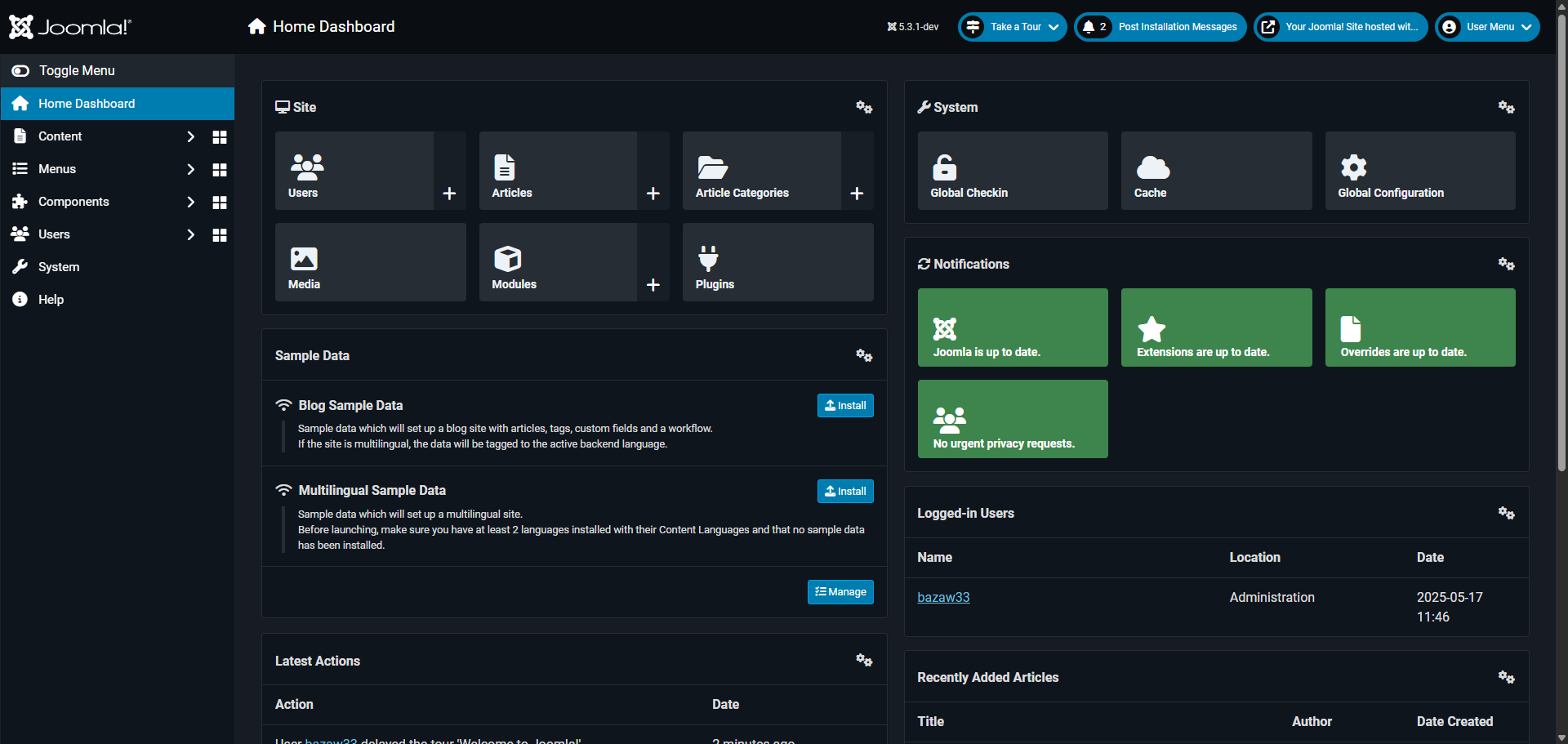
Access the 'Articles' manager to create or edit your website content.
Enter your title. The 'Title' field allows you to create attention-grabbing headlines for your content.
Add your landing page content.
Set the 'category' by clicking the drop-down arrow.
Use the 'Insert' menu to add media and enhance your article's visual appeal.
Click 'Save & Close' your changes and return to the articles management screen.
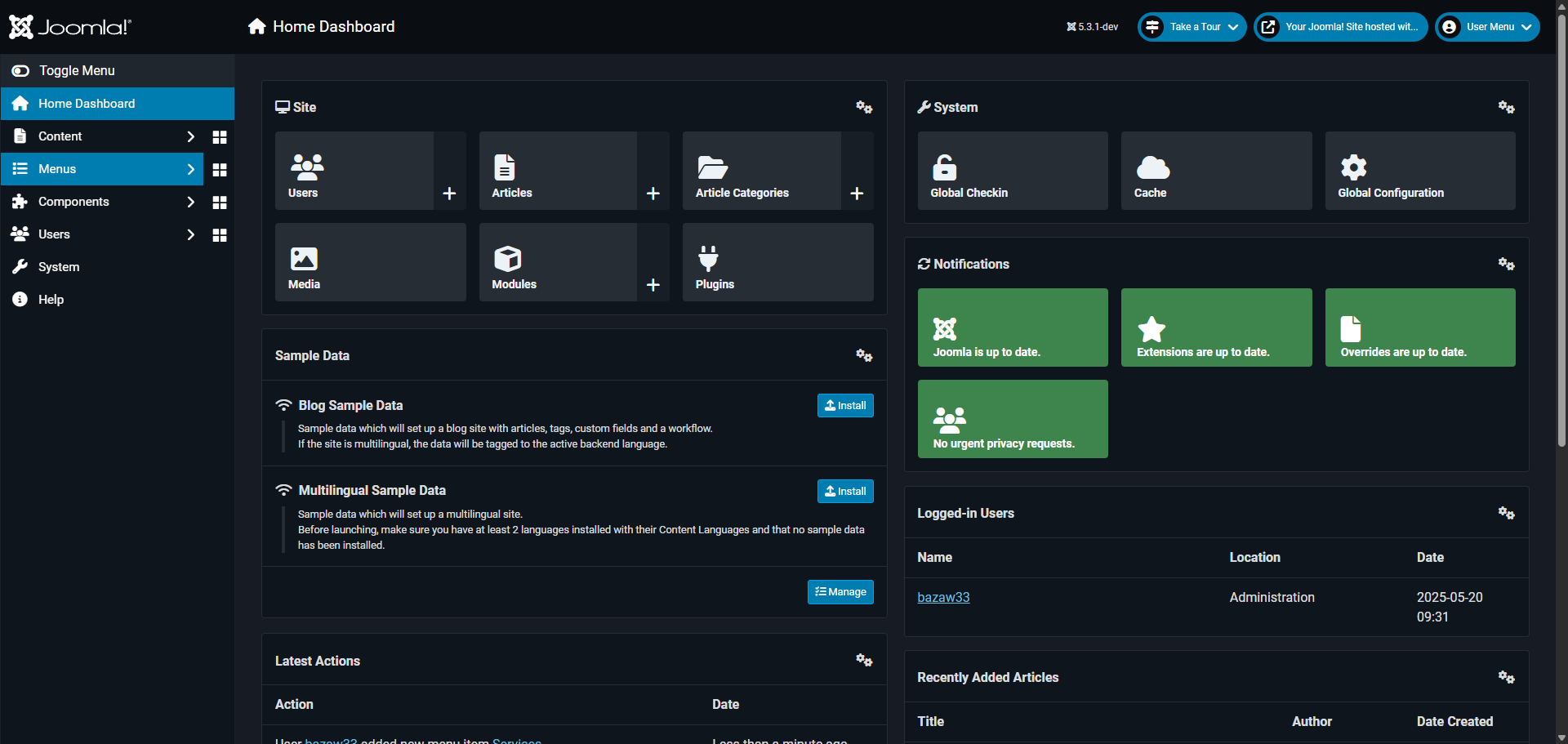
Access the 'Menus' section to organize your site navigation structure.
Select 'Main Menu' to control what visitors see in your primary navigation.
Click '+ New' to create a new menu item to showcase your article in the navigation.
Besides 'Menu Item Type', click 'Select'.
Navigate to the 'Articles' section to connect your menu with specific content.
Select 'Single Article' to feature just one piece of content in this menu item.
In the 'Select Article' field, choose the article you just created.
Link your article to make it easily accessible from your menu.
Create a clear, descriptive title for your menu item to attract visitors.
The menu title can differ from the article title to better fit your navigation.
Click 'Save & Close' to save your new menu item to make it visible in your site's navigation.
You've successfully created a landing page accessible via the site menu.
Quick answer: To create a landing page in Joomla, navigate to Content and Articles to write and save your content. Next, access Menus, select Main Menu, and click New. Choose Single Article, link your created article, add a menu title, and save the menu item to make your page accessible.
About this Joomla tutorial
Build and publish a new landing page in Joomla by creating an article and linking it to your site navigation menu. This guide shows how to create a Landing Page in Joomla in 19 steps, starting with "Navigate to the 'Content' section to begin managing your website articles" and finishing with "You've successfully created a landing page accessible via the site menu". The interactive demo above is a click-through copy of the real Joomla interface, so you can rehearse each step before doing it in your own account.
Frequently asked questions
How many steps does it take to create a Landing Page in Joomla?
19 steps. Each one is listed in order above, and the demo highlights exactly where to click.
Can I try it without changing my own account?
Yes. Clicking through the demo doesn't touch your Joomla data or settings. Once you know the flow, repeat it in your own workspace.
This tutorial is filed under Joomla. Related guides: How to Create a Link to a Document in Joomla, How to Create a Page in Joomla and How to Create Drop Down Menu in Joomla. Last reviewed 05 Oct 2026.

Create your first interactive demo in minutes
No credit card required • Start building today