How to Create a Link to a Document in Joomla
- George Apostolov
How to Create a Link to a Document in Joomla: step-by-step guide
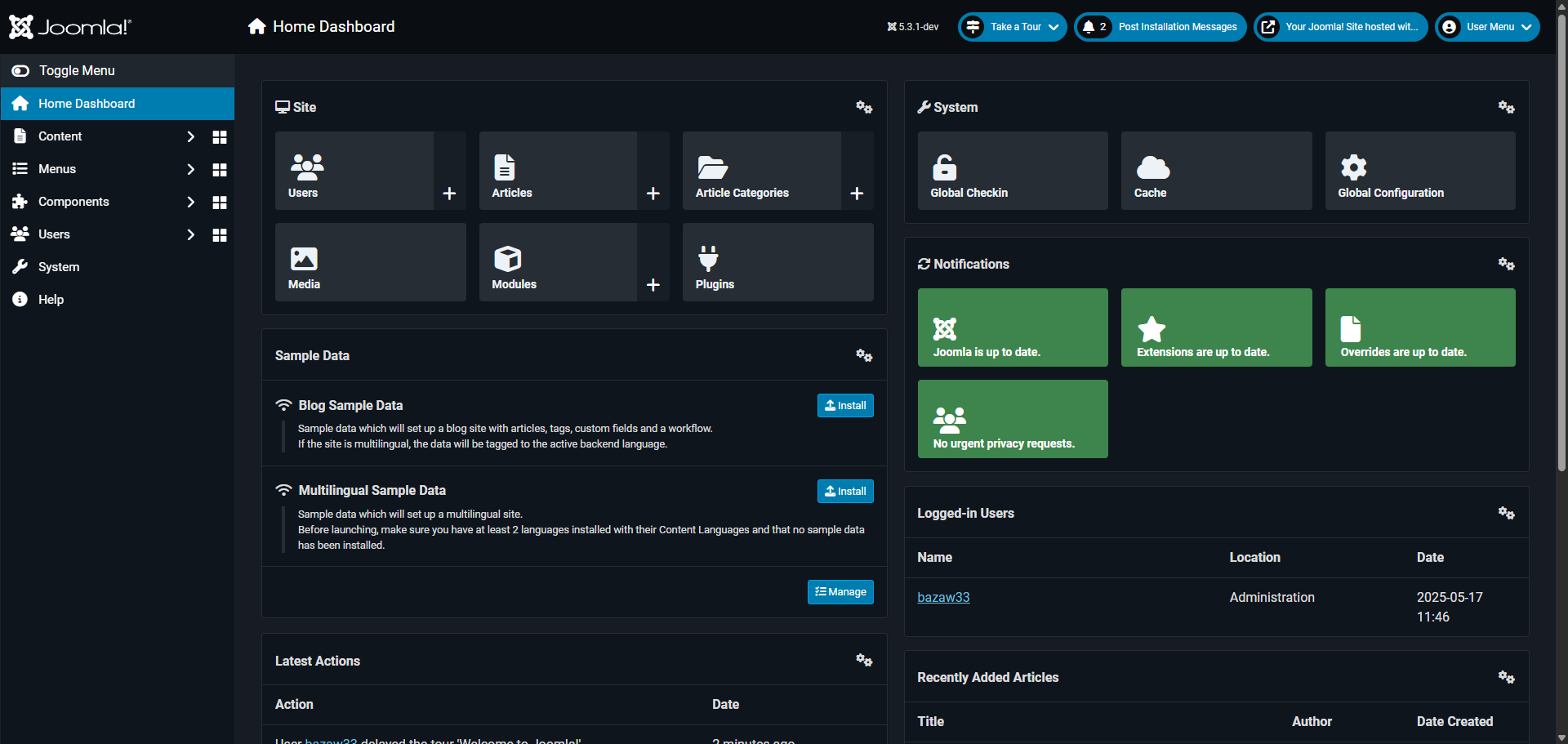
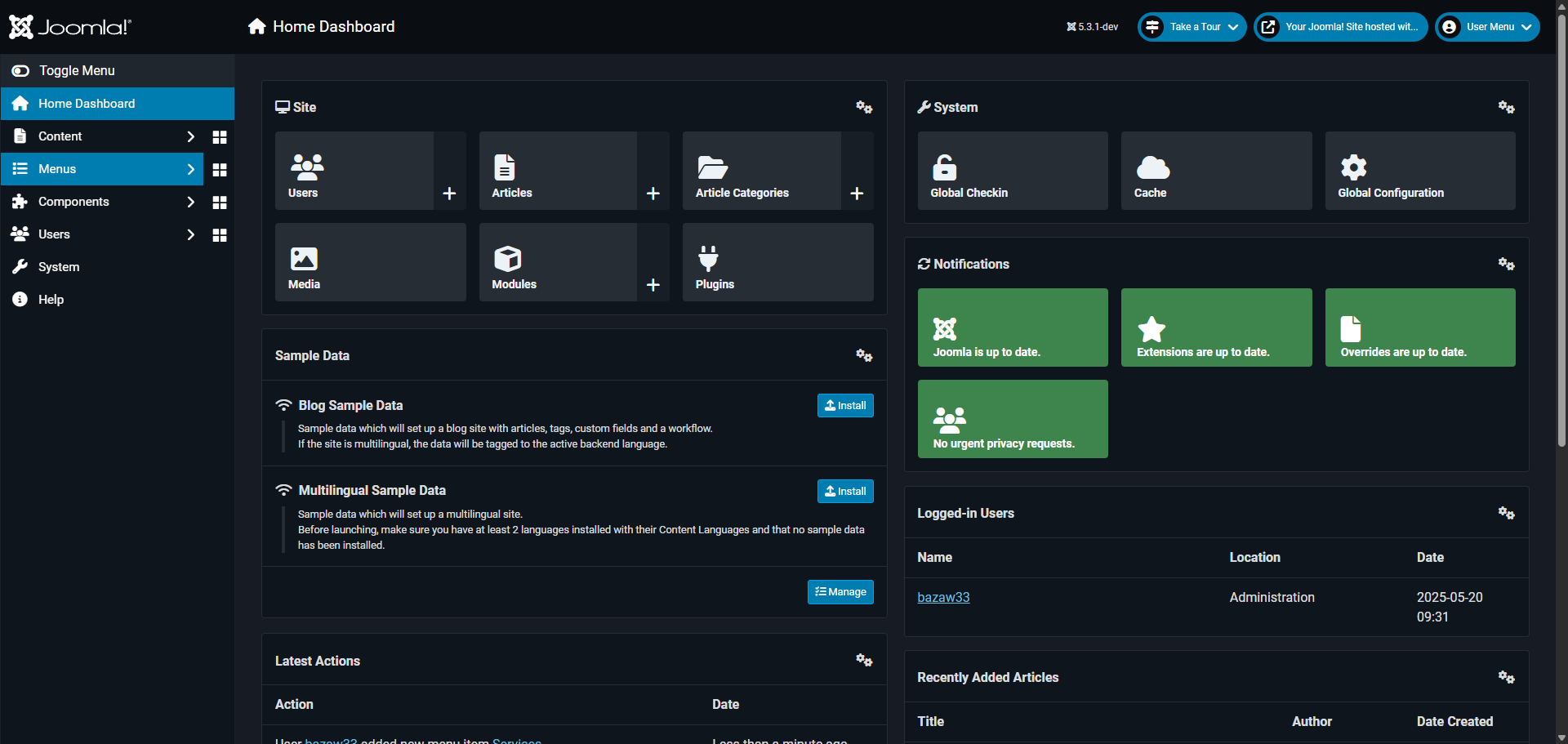
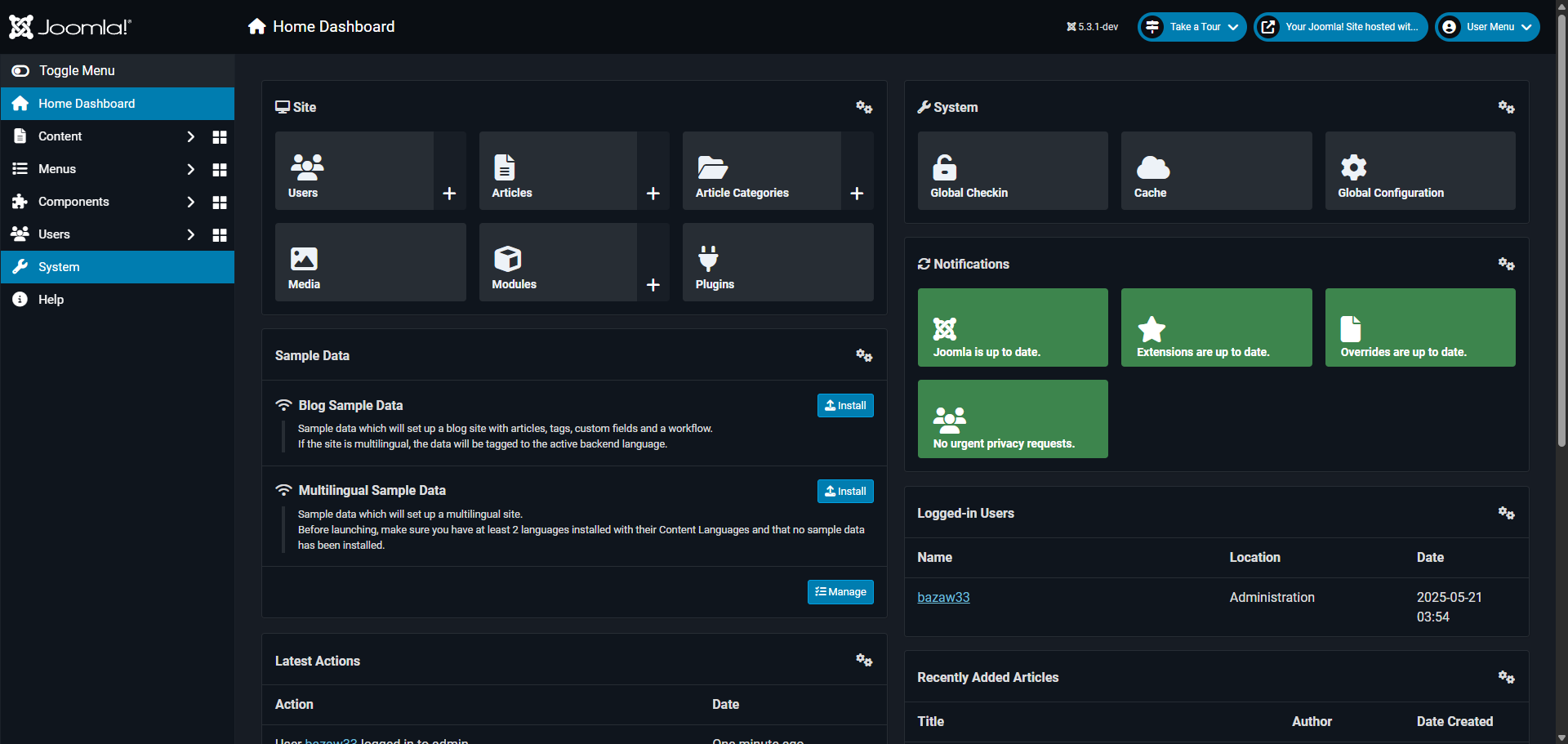
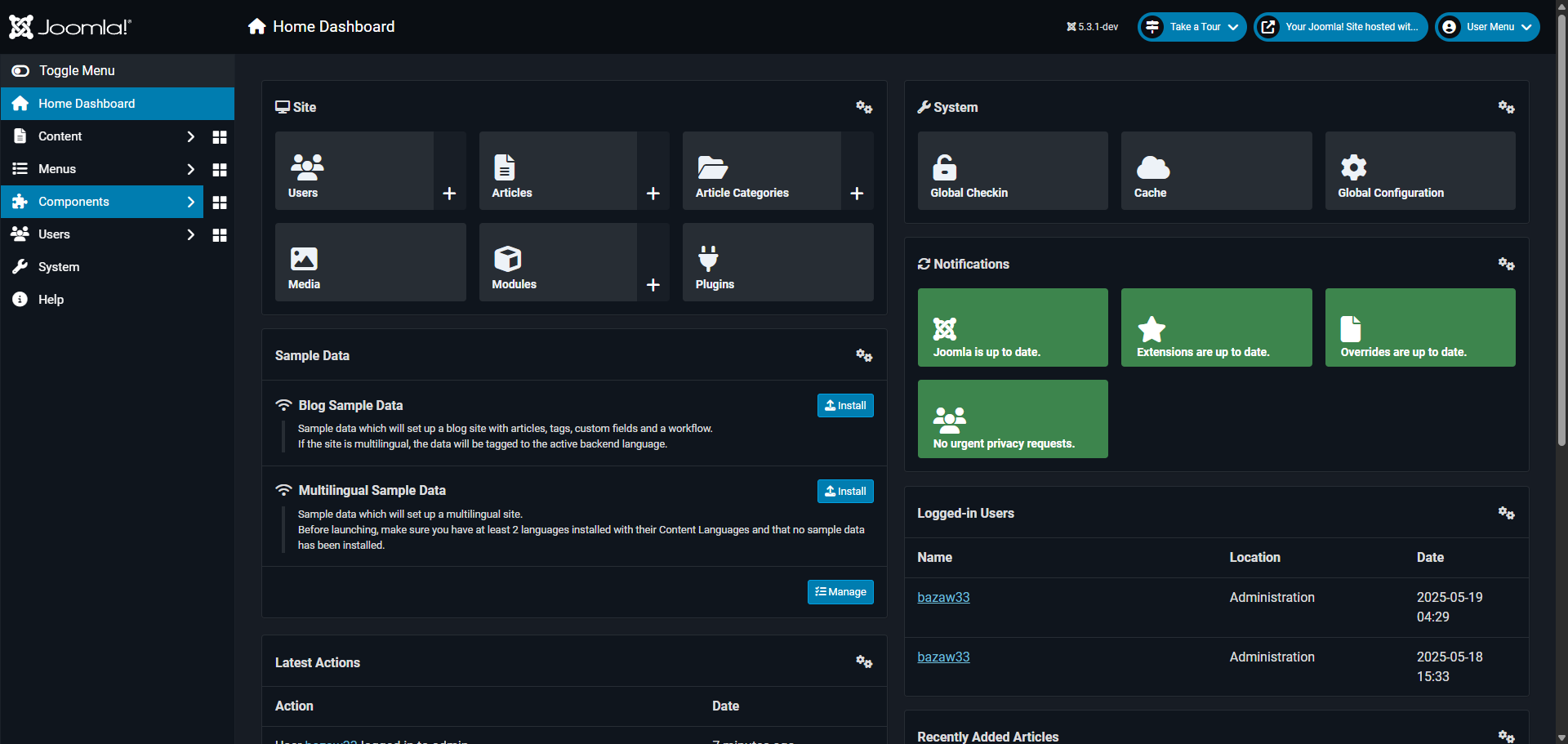
Navigate to the 'Content' management section to begin crafting your website content.
Access the 'Articles' area where all your website's main content is stored and managed.
Open the article you want to edit its content and enhance its features.
Select the text you want to enhance with additional formatting or linking options.
Open the 'Insert' menu to access powerful content enhancement options.
Click 'Link' to add a hyperlink to direct readers to related content or resources.
Specify the destination URL where your readers will be directed.
Customize how the link opens to enhance visitor experience.
Select the relationship attribute to improve SEO and accessibility.
Set the link to open in a new window, keeping visitors on your site longer.
Click 'Save' to confirm your link insertion to implement it within your article content.
Click 'Save & Close' to complete the editing process and make your content live on your Joomla site.
Quick answer: To create a link to a document in Joomla, navigate to Content, access Articles, and open the desired article. Select the text, open the Insert menu, and click Link. Specify the destination URL, customize how it opens, and select the relationship attribute. Finally, click Save and Save & Close.
About this Joomla tutorial
Add hyperlinks to documents in your Joomla articles by navigating to content management, selecting text, configuring link settings, and saving changes. This guide shows how to create a Link to a Document in Joomla in 12 steps, starting with "Navigate to the 'Content' management section to begin crafting your website content" and finishing with "Click 'Save & Close' to complete the editing process and make your content live on your...". The interactive demo above is a click-through copy of the real Joomla interface, so you can rehearse each step before doing it in your own account.
Frequently asked questions
How many steps does it take to create a Link to a Document in Joomla?
12 steps. Each one is listed in order above, and the demo highlights exactly where to click.
Can I try it without changing my own account?
Yes. Clicking through the demo doesn't touch your Joomla data or settings. Once you know the flow, repeat it in your own workspace.
This tutorial is filed under Joomla. Related guides: How to Create a Page in Joomla, How to Create Drop Down Menu in Joomla and How to Create Registration Form in Joomla. Last reviewed 05 Oct 2026.

Create your first interactive demo in minutes
No credit card required • Start building today