How to Create a Market Research Assistant GPT
- George Apostolov
This guide is an interactive LiveDemo. Create interactive demos of your own product: Interactive demo software · Interactive customer onboarding guides · Start free
How to Create a Market Research Assistant GPT: step-by-step guide
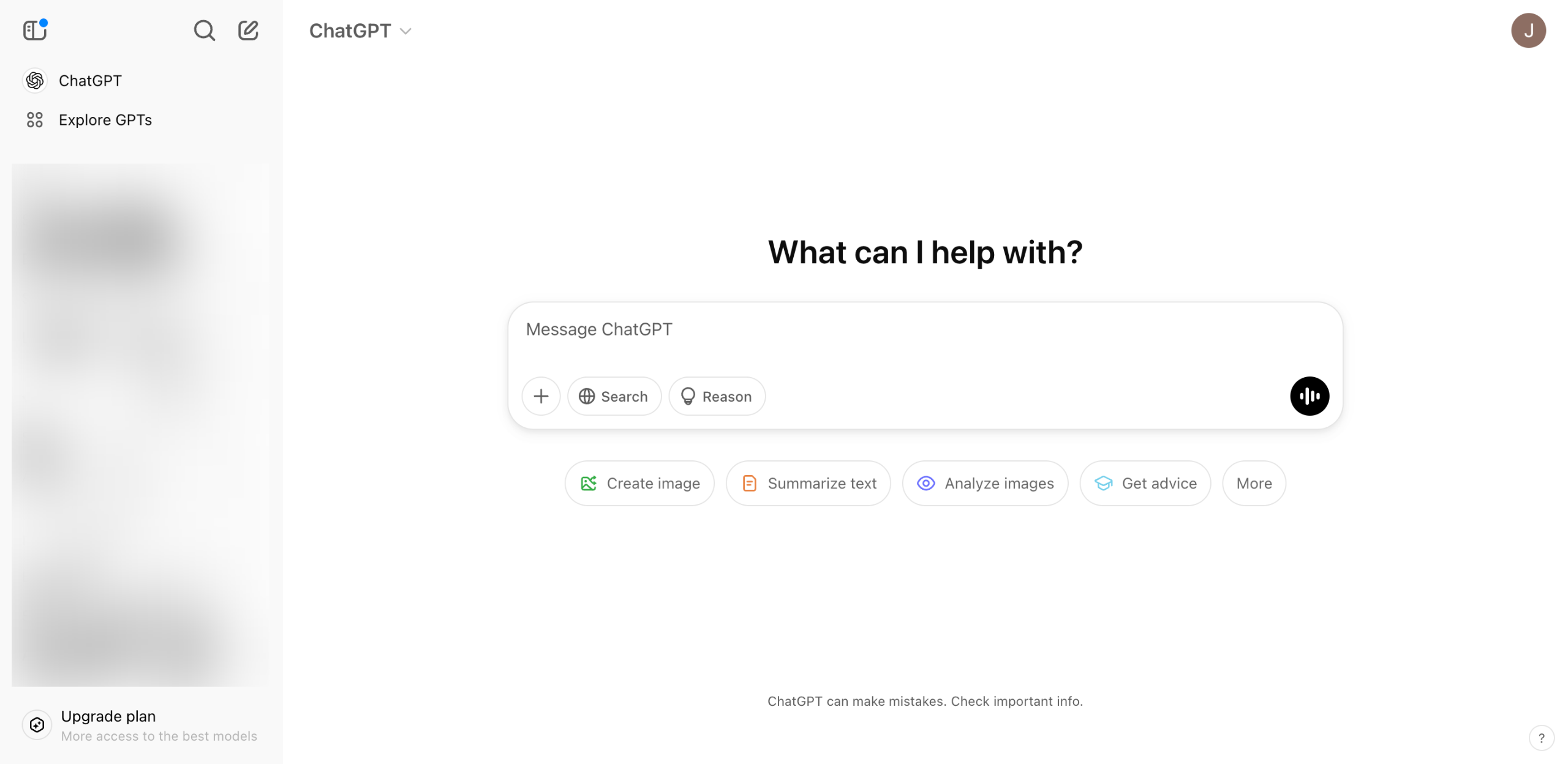
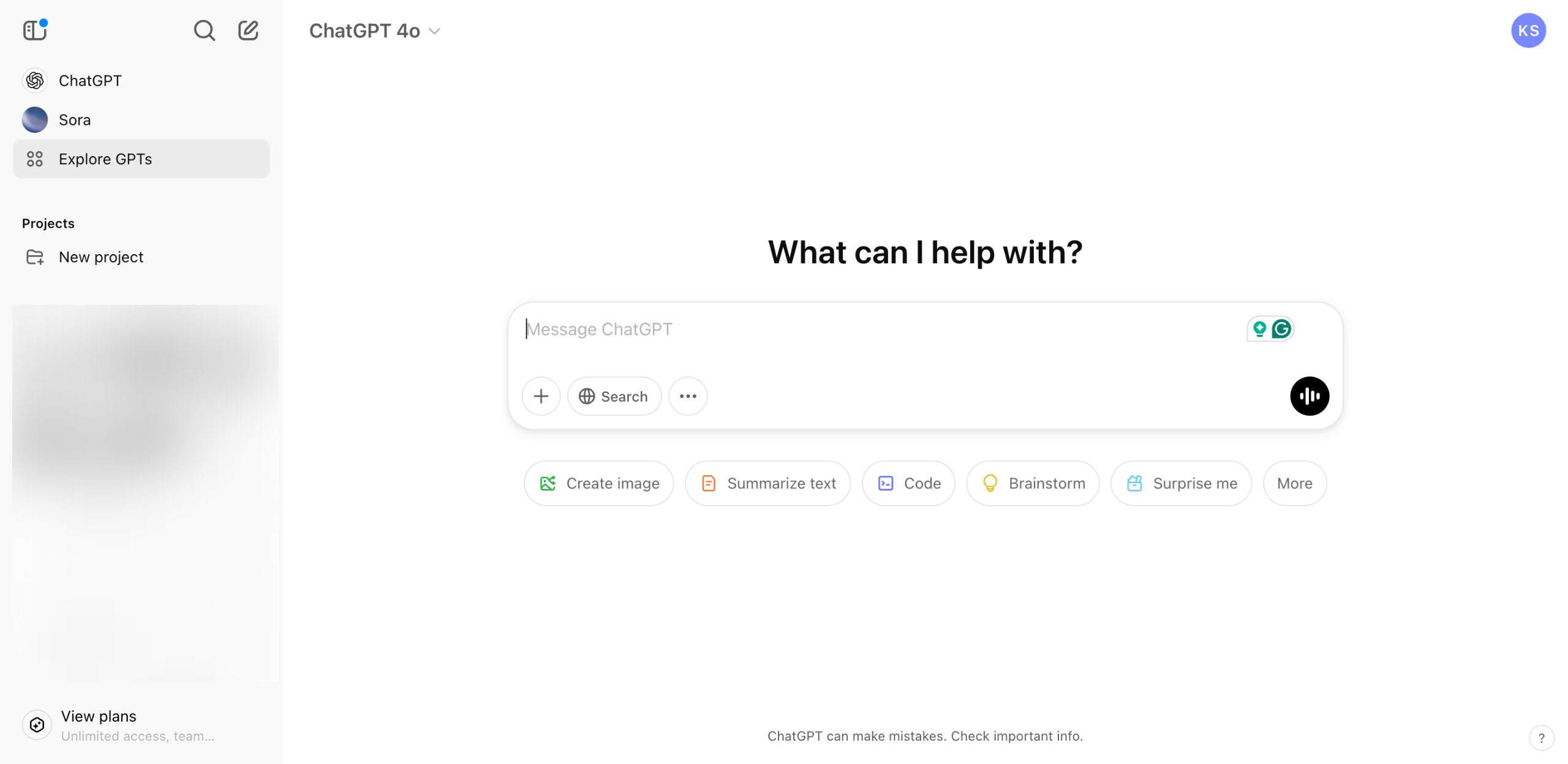
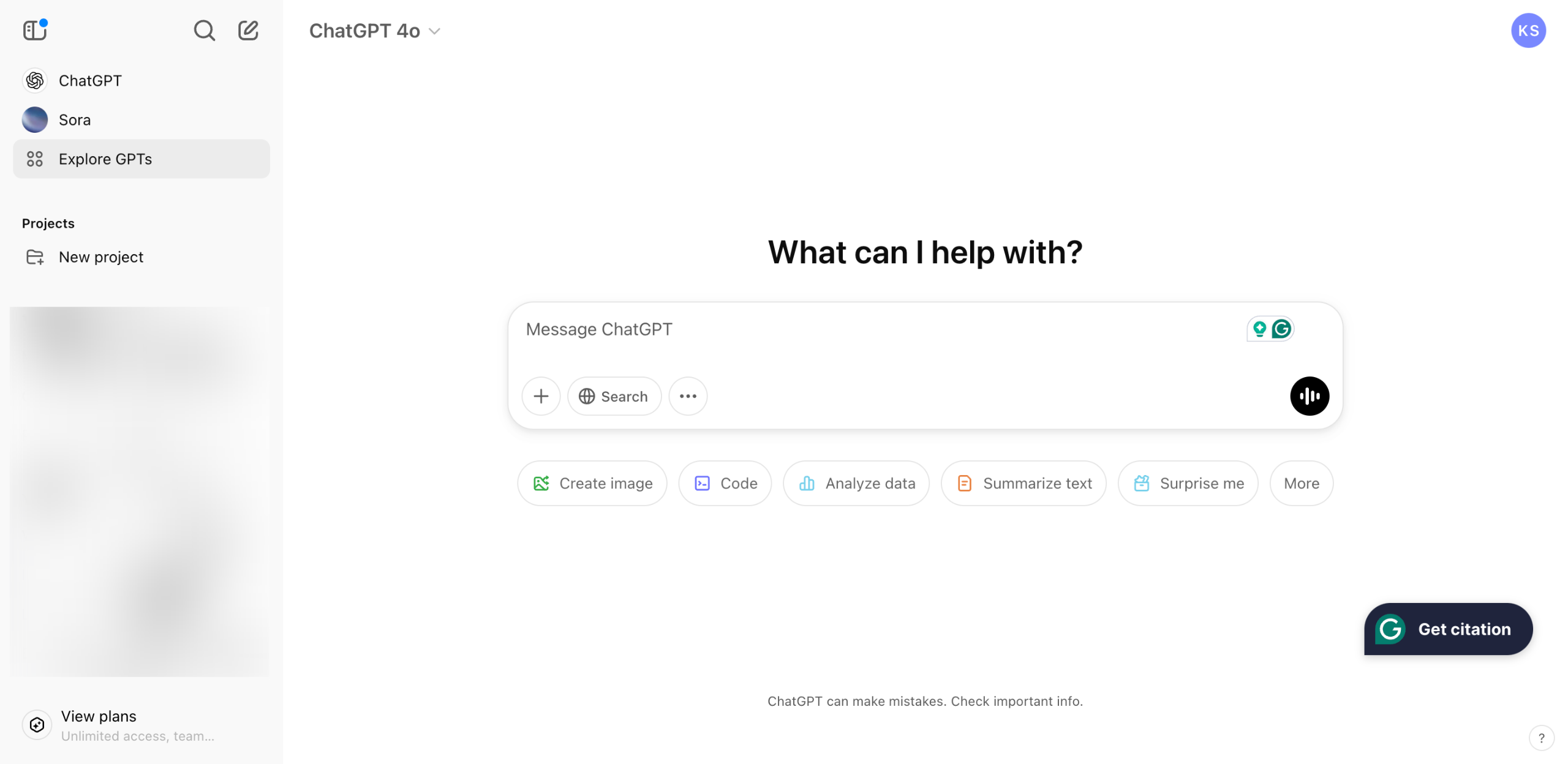
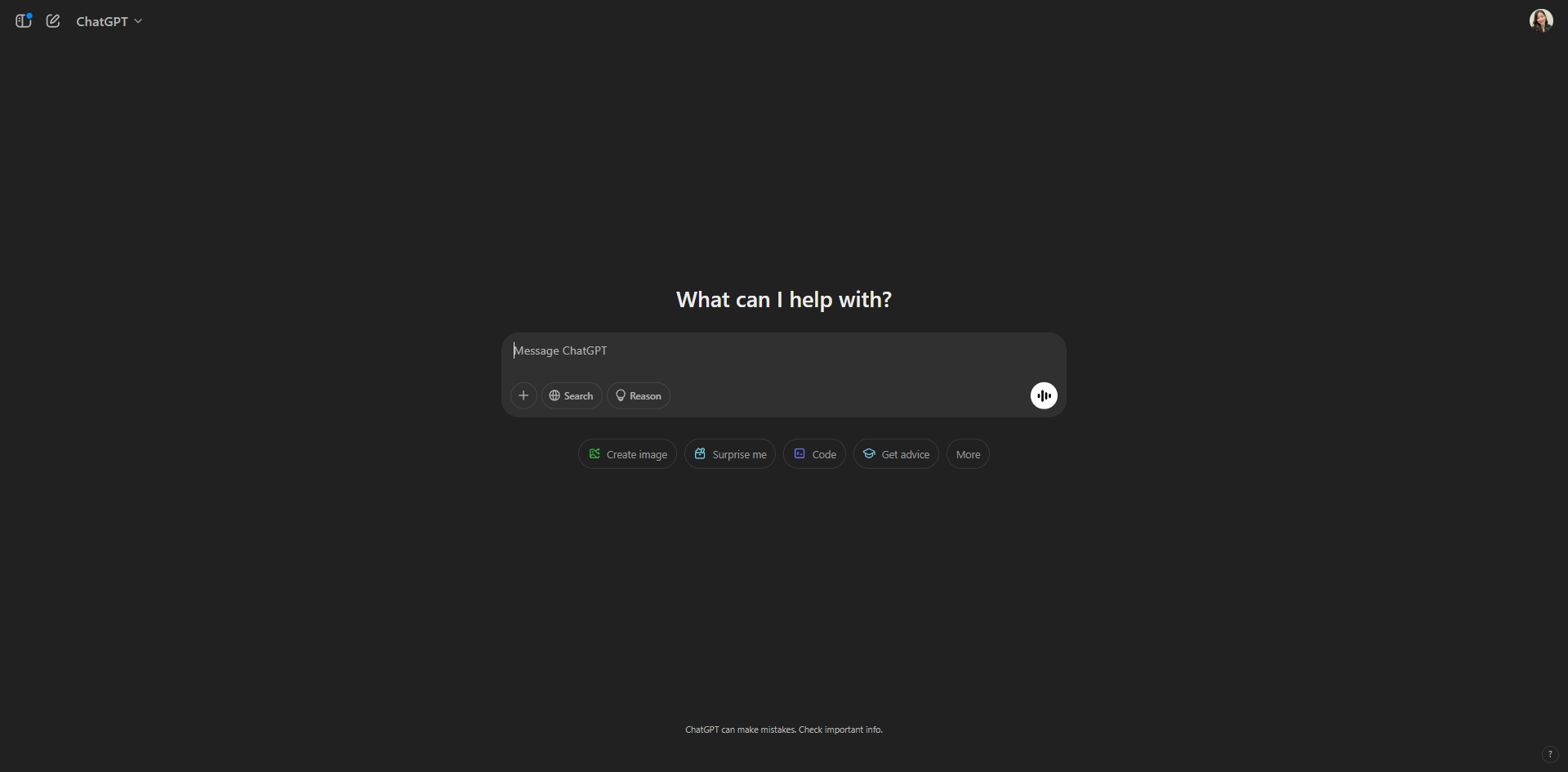
On ChatGPT's main interface, navigate to the left-side panel and click 'Explore GPTs'.
Tap the 'Create' tab at the top-right corner to get started.
After that, switch the tab from Create to 'Configure'.
Set a distinctive display photo that represents your market research assistant GPT. To do that, click the 'Add' icon and choose the specific image file you wish to use.
Subsequently, assign a unique GPT 'Name' and 'Description'. Enter the details into their respective input fields.
Come up with comprehensive and detailed guidelines that cover the purpose, behavior, function, and capability of the market research assistant you wish to create. Enter them into the 'Instructions' input field.
Add a few text prompt examples to guide the users through the first step. Type them one by one into the 'Conversation Starters' input field.
If you want to provide an additional source of information from external references, scroll down to the Knowledge section and click 'Upload Files'. Import the documents that contain the data you wish to use.
Browse the Capabilities section and tick the checkbox beside the GPT functions you want to enable. At the same time, set up several Actions if you intend to integrate your market research assistant GPT with third-party tools.
Once done, go to the Preview Area and test out your market research assistant GPT for the first time. Type a text prompt into the provided input box and click 'Submit'.
Review the initial performance of your custom GPT for market research. If you're satisfied with the result, click 'Create' at the top-right corner.
Specify your preferred access configuration, then click 'Save' to proceed.
After completing these steps, your market research assistant GPT will be created and published.
Quick answer: To create a market research assistant GPT on ChatGPT, explore GPTs, switch to Configure, add a display photo, name, description, instructions, conversation starters, knowledge files, capabilities, and actions. Finally, test the preview, click create, set access, and save to publish.
About this tutorial
Build a custom research bot on the app by configuring instructions, knowledge files, capabilities, and saving your preferences. This guide shows how to create a Market Research Assistant GPT in 13 steps, starting with "On ChatGPT's main interface, navigate to the left-side panel and click 'Explore GPTs'" and finishing with "After completing these steps, your market research assistant GPT will be created and pu...". The interactive demo above is a click-through copy of the real product interface, so you can rehearse each step before doing it in your own account.
Frequently asked questions
How many steps does it take to create a Market Research Assistant GPT?
13 steps. Each one is listed in order above, and the demo highlights exactly where to click.
Can I try it without changing my own account?
Yes. Clicking through the demo doesn't touch your data or settings. Once you know the flow, repeat it in your own workspace.

Create your first interactive demo in minutes
No credit card required • Start building today